

What is Riverside?
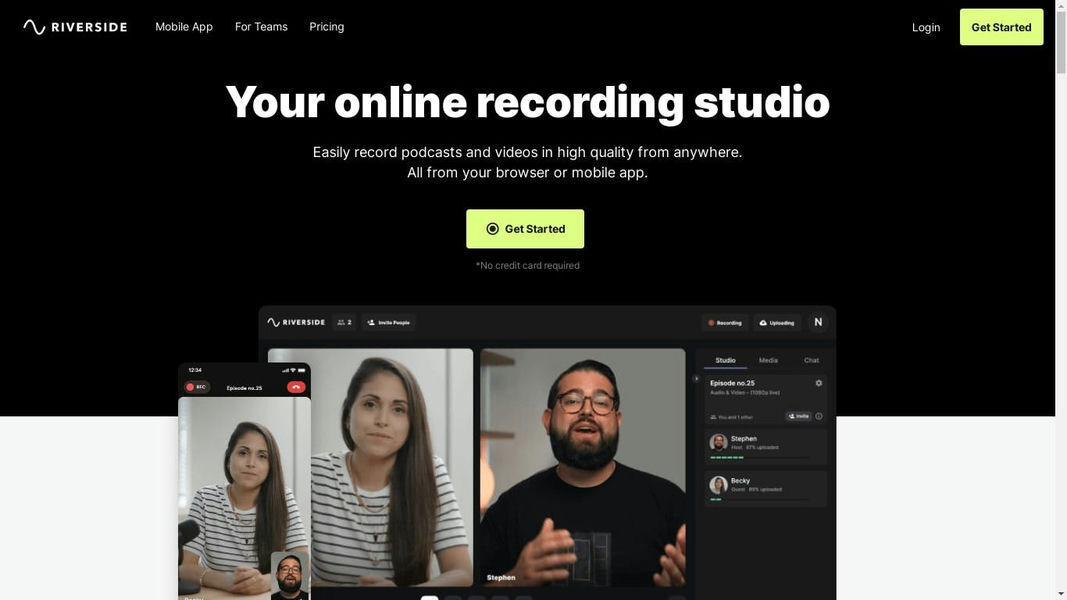
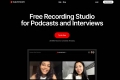
Riverside is your complete online studio designed to help you create professional-grade podcasts and videos with remarkable ease. It solves the persistent problem of low-quality remote recordings by capturing pristine audio and video locally on each participant's device, ensuring your final content is always crystal-clear. Whether you're a podcaster, marketer, or content creator, Riverside streamlines your entire workflow from recording to publishing.
Key Features
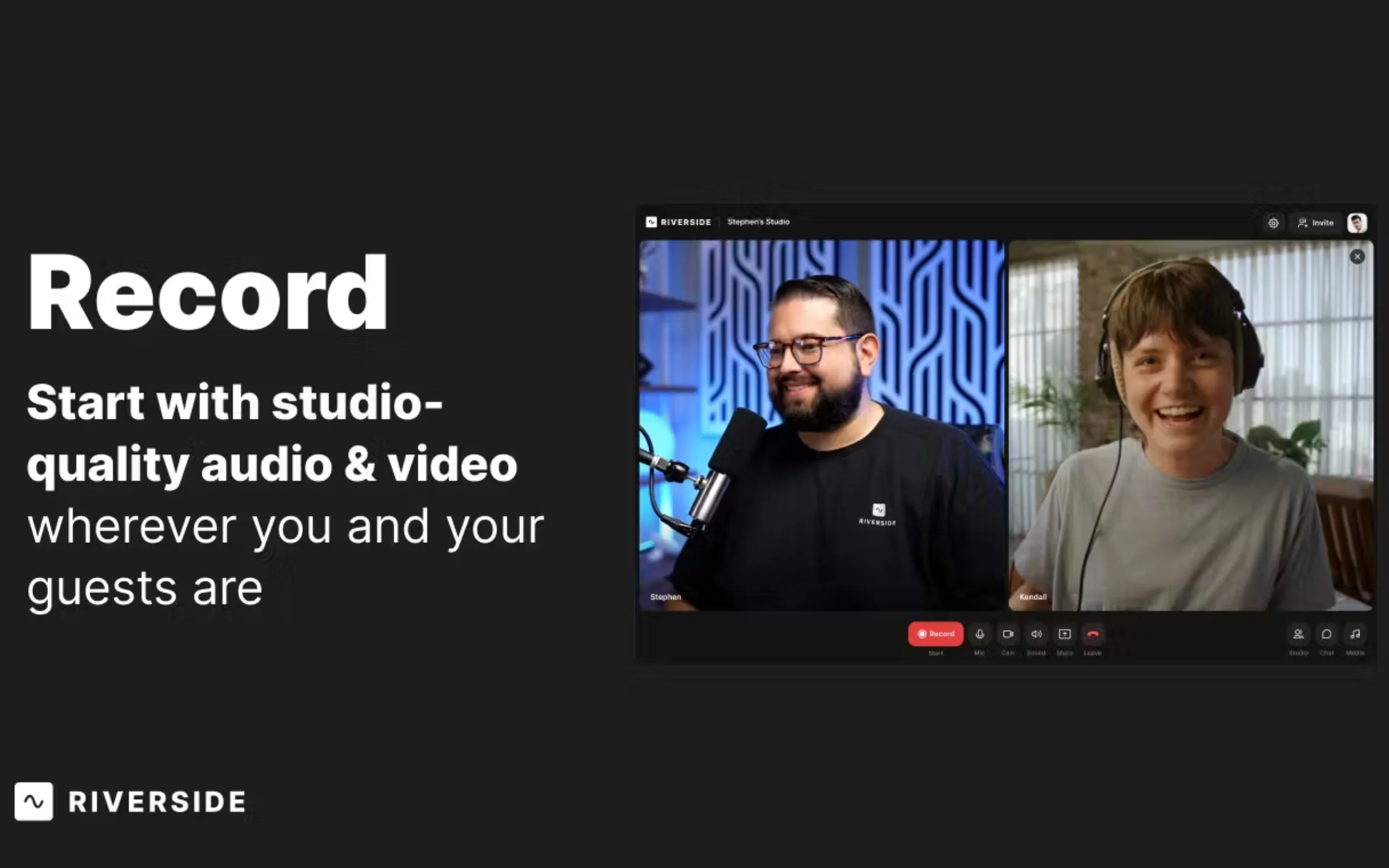
🎙️ Capture Flawless Audio & Video Locally Unlike tools that record a compressed stream over the internet, Riverside records directly on each participant's device. This means your recording quality is independent of internet stability, providing you with separate, uncompressed 48kHz WAV audio and up to 4K video tracks for ultimate post-production control and a polished, professional result.
✂️ AI-Powered Text-Based Editing Dramatically speed up your post-production. Riverside automatically transcribes your recording, allowing you to edit your video or podcast simply by editing the text transcript—just like a document. Deleting a sentence in the transcript instantly removes the corresponding video and audio, making complex edits intuitive and incredibly fast.
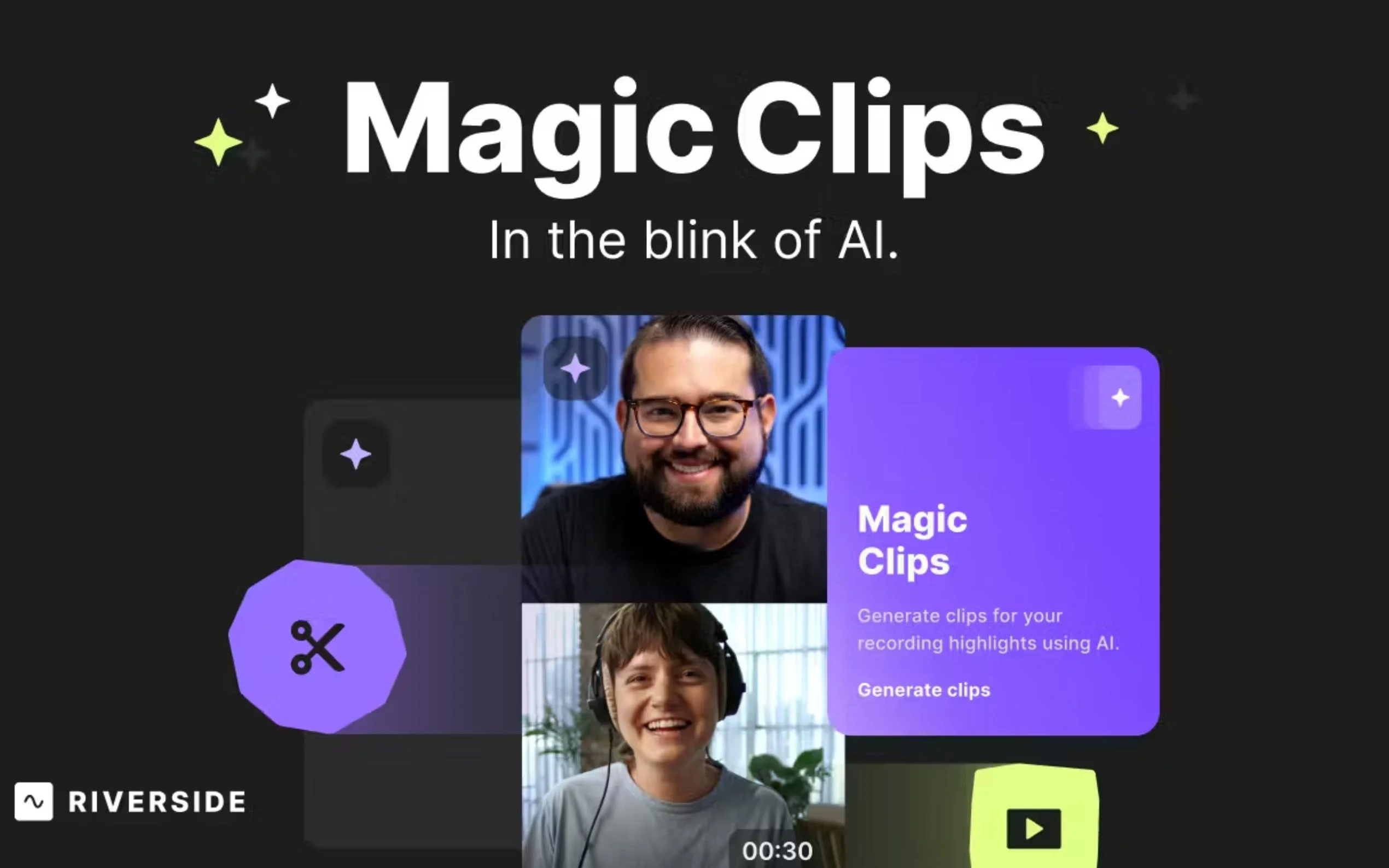
🚀 Automate Content Repurposing & Promotion Turn one long-form recording into a suite of promotional assets with a few clicks. Use 'Magic Clips' to let AI automatically identify and create shareable, short-form videos for social media. Instantly generate comprehensive 'AI Show Notes,' including titles, summaries, chapters, and keywords, to accelerate your publishing workflow.
🌐 Integrated Recording, Editing & Livestreaming Riverside consolidates your entire content creation process into a single, seamless platform. Record your session, edit with powerful AI tools, and even livestream in full HD to multiple platforms like YouTube, Facebook, and LinkedIn simultaneously. Eliminate the need to transfer large files between different applications and manage your whole project in one place.
How Riverside Solves Your Problems:
For the Podcaster: You need to interview a high-profile guest remotely but can't risk a poor connection compromising the audio. With Riverside, you send your guest a single link. They join instantly in their browser with no downloads required. You both record in pristine quality as if you were in the same room. After the call, you receive separate, perfectly synced tracks and can use the text-based editor to quickly clean up the conversation for publishing.
For the Marketer & Content Creator: You've just finished hosting a product webinar and need to maximize its impact. Instead of a single, low-resolution video file, you have a high-quality recording of each speaker. 'Magic Clips' instantly identifies the most engaging moments and creates five short, captioned videos for social media. 'AI Show Notes' writes a summary for your blog post. In minutes, you've repurposed one event into a week's worth of content.
Why Choose Riverside?
The foundational difference is our commitment to quality at the source. Most platforms capture the compressed video stream sent over the internet, meaning quality is permanently lost if the connection falters. Riverside's local recording engine is fundamentally different. By capturing raw, uncompressed files directly on each device before uploading, we ensure your source material is always of the highest possible fidelity. This gives you a professional foundation that other platforms simply can't match.
Conclusion:
Riverside is more than just a recording tool; it's an end-to-end production studio that empowers creators to produce high-quality content efficiently and confidently. By integrating studio-grade recording, intelligent editing, and multi-platform distribution, it removes technical barriers and lets you focus on creating your best work.
Explore how Riverside can elevate your content and streamline your workflow today!
FAQ
1. How does local recording actually work? Riverside records each participant's audio and video directly onto their computer or mobile device, bypassing the internet for the recording itself. During the session, these high-quality files are progressively uploaded to the cloud in the background. This ensures that even with an unstable internet connection, the final recording remains crisp, clear, and free of digital artifacts.
2. Is it easy for my guests to use? Absolutely. Your guests don't need to create an account or install any software. They simply click a single link you send them and join your recording studio directly from their web browser (like Chrome or Edge) or from the Riverside mobile app. The experience is designed to be as simple and frictionless as possible.
3. Can I really edit my video by just editing a text transcript? Yes. Once your recording is complete, Riverside provides an AI-generated transcript that is synced to your video timeline. When you highlight and delete text in the transcript, the corresponding segment of your video and audio is automatically cut from the timeline. This makes editing as easy as proofreading a document.


More information on Riverside
Top 5 Countries
39.5%
6.97%
4.86%
3.44%
3.21%
United States
India
United Kingdom
Philippines
Canada
Traffic Sources
4.29%
0.66%
0.34%
4.5%
26.34%
63.87%
social
paidReferrals
mail
referrals
search
direct
Source: Similarweb (Sep 24, 2025)
Riverside was manually vetted by our editorial team and was first featured on 2023-03-07.
Related Searches
Riverside Alternatives
Load more Alternatives-
Transcribe audio and video files accurately and effortlessly with Riverside's AI-powered tool. Available in 100+ languages for content creators, language learners, and remote professionals.
-

Create engaging and professional clips for social media with Magic Clips by Riverside. AI-powered software that saves you time and enhances your online presence.
-

Adobe Podcast: Create professional podcasts & voiceovers easily with AI. Record, edit via text, enhance sound for studio quality anywhere.
-
-
