

What is Rollstack?
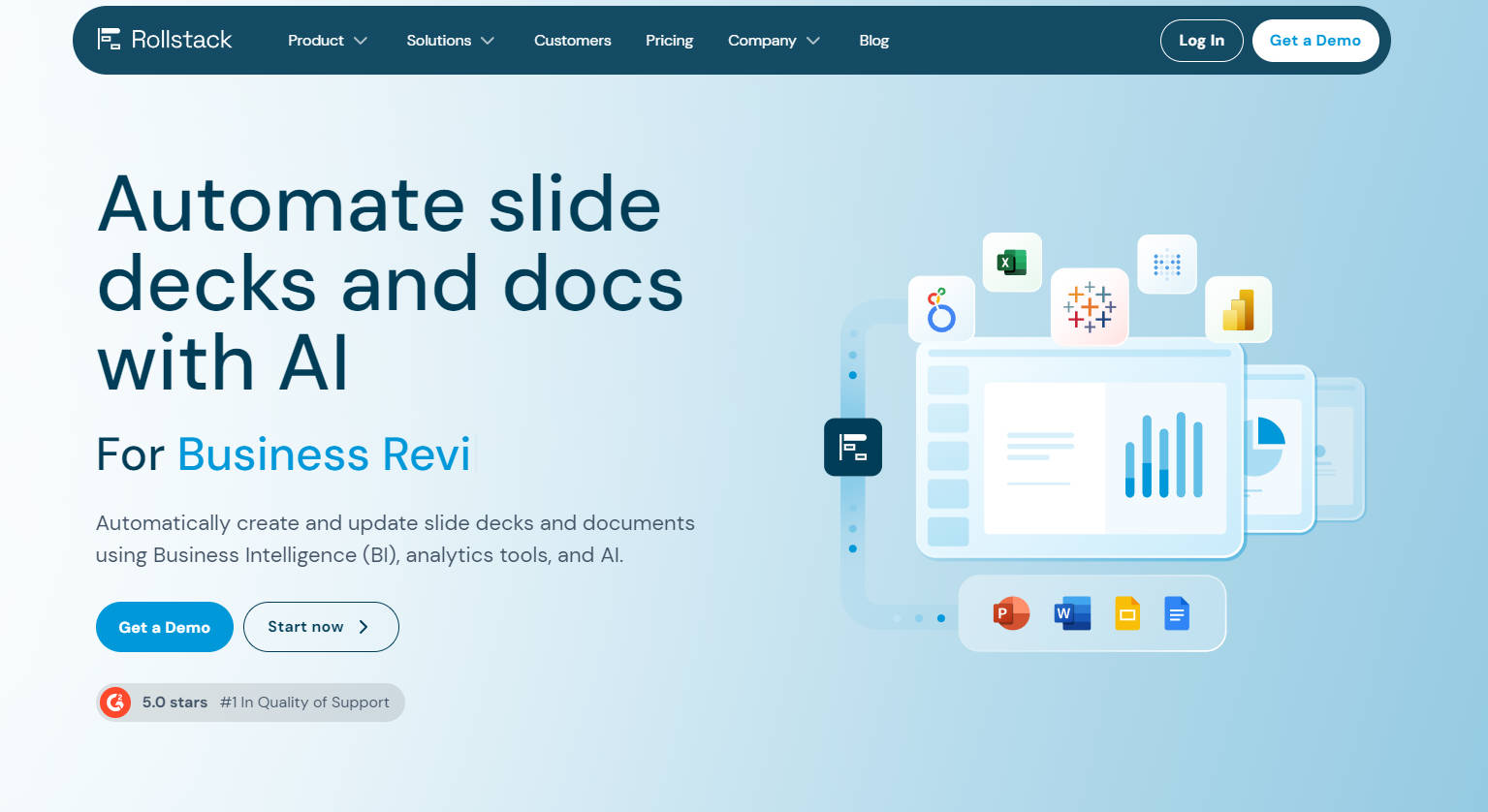
Rollstack is a powerful platform that automates data integration into slide decks and documents. It connects directly to Business Intelligence (BI) tools, CRMs, and other data sources. Rollstack keeps presentations and documents up-to-date. Rollstack saves significant time, improves operational efficiency, and reduces manual reporting time. By utilizing AI, Rollstack transforms raw data into actionable insights, generates content at scale, and distributes reports seamlessly. It ensures data accuracy, enhances productivity, and offers enterprise-grade security, making it an essential tool for data-driven organizations.
Key Features:
🎯 Live Data Connections:Rollstack directly links data sources to presentations and documents. Data remains current and precise.
⏱️ Scheduled Updates:Users can schedule automatic updates. Rollstack refreshes content in slide decks and documents, ensuring data stays current.
🤖 AI-Powered Insights:Rollstack uses AI to transform raw data into meaningful insights. It aids informed decision-making.
🖨️ Scalable Content Creation:Rollstack allows users to convert any document or presentation into a template. It enables efficient generation of multiple content variants.
📤 Automated Distribution:Rollstack shares content at scale via email and other channels. It automates the entire process from creation to delivery.
Use Cases:
Weekly Business Performance Reviews:A sales manager uses Rollstack to generate weekly reports. Data from a BI tool like Tableau is automatically pulled into a PowerPoint presentation, showing key performance indicators (KPIs). The manager schedules these updates for Monday mornings, ensuring the team always starts the week with current data.
Monthly Financial Reporting:A finance team leverages Rollstack to prepare monthly financial reports. Rollstack integrates with the company's CRM and BI tools to collect data on revenue, expenses, and profits. The finance team creates a template in Google Docs, and Rollstack populates it with updated figures. The team distributes this report to stakeholders through automated email distribution each month.
Client Success Check-Ins:A customer success team uses Rollstack to create quarterly client review presentations. Data on client engagement, support tickets, and satisfaction scores are drawn from various sources. Rollstack compiles this information into a slide deck. The team uses Rollstack to generate personalized client reports, providing insights into performance and areas for improvement.
Conclusion:
Rollstack provides significant value by automating data integration and streamlining reporting processes. Rollstack saves time, reduces manual effort, and minimizes errors. Its ability to connect with various data sources and generate scalable, up-to-date content makes it indispensable for modern businesses. Users can focus on strategic tasks and make better data-driven decisions, leading to improved outcomes and increased efficiency. For organizations looking to enhance productivity and data accuracy, Rollstack proves an ideal solution.
FAQs
How secure is Rollstack?Rollstack offers enterprise-grade security. Data is not stored on Rollstack's servers. All documents remain within the users' drives. It complies with SOC 2 Type II, HIPAA, and GDPR standards and uses advanced encryption.
What data sources does Rollstack connect to?Rollstack connects to major BI tools, including Tableau, Looker, and Metabase. It integrates with Microsoft 365 and Google Workspace. This ensures seamless automation with existing tools.
Can Rollstack handle large datasets?Yes. Rollstack efficiently creates executive-ready presentations from massive datasets. It eliminates manual data copying and maintains data freshness.
Does Rollstack offer customer support?Yes. Rollstack is rated #1 in Quality of Support. It offers dedicated support for Premium and Enterprise plans. The support team responds quickly to user inquiries and suggestions.
How does Rollstack reduce reporting time?Rollstack reduces reporting time by automating data integration and updates. Users report an 82% reduction in manual reporting time. It saves up to 12 hours per week by streamlining processes.
More information on Rollstack
Launched
2017-01
Pricing Model
Paid
Starting Price
$1,249 per month
Global Rank
1080473
Follow
Month Visit
25.9K
Tech used
Google Analytics,Google Tag Manager,Webflow,Amazon AWS CloudFront,cdnjs,Cloudflare CDN,JSDelivr,unpkg,Google Fonts,jQuery,Gzip,HTTP/3,OpenGraph,HSTS
Top 5 Countries
30.97%
11.95%
9.11%
7.77%
6.18%
United States
Nigeria
India
United Kingdom
Germany
Traffic Sources
5.59%
1%
0.16%
9.41%
41.58%
41.99%
social
paidReferrals
mail
referrals
search
direct
Source: Similarweb (Sep 25, 2025)
Rollstack was manually vetted by our editorial team and was first featured on 2024-12-08.
Related Searches
Rollstack Alternatives
Load more Alternatives-

-

-

-

DocuStack.ai, an award-winning AI platform, automates customer interactions, offers custom models & no-code deployment. Ideal for automotive, manufacturing, and BFSI. Boost productivity & customer satisfaction.
-
