Comprehensive Guide on Tackling ChatGPT Downtime Issues
ChatGPT, an indispensable AI service, has encountered significant surges in error rates leading to a widespread service disruption across the globe. Commencing from November 8, 2023, users worldwide have been greatly affected by this incident, facing the distressing consequence of being unable to access the ChatGPT server. To ensure utmost assistance, we have meticulously assembled comprehensive details along with a meticulously crafted, step-by-step guide specifically designed to tackle and resolve this pressing matter effectively.
Context to the ChatGPT Downtime
It's essential to understand the causes underlying this outage to adequately tackle its impacts. While the specific cause is yet to be pinpointed, our extensive analysis suggests that:
- Server Overload: High traffic could have exceeded server limits.
- Software Glitches & Configuration Errors: Misconfigurations may have caused errors leading to the outage.
- Network Downtimes: Backend services or networking challenges may have disrupted the service.
- Maintenance and Updates: The deployment of updates could have temporarily disrupted the service.
- ddos:Distributed Denial of Service (DDoS) attacks
Based on the evidence, it has been determined that the issues extend their impact to both the User Interface (UI) and Application Programming Interface (API). This confirmation suggests that the problem primarily originates within OpenAI's sophisticated backend infrastructure, rather than being attributed to any specific shortcomings of the frontend components.
Decoding ChatGPT Outage: 11 Tried-and-Tested Solutions
We present you with 11 easy-to-apply solutions to work around the ChatGPT downtimes. These methods are quick, efficient, and reliable.
1. Review ChatGPT Server Status
Monitor the server status by visiting status.openai.com, which will provide real-time updates on any ongoing issues.
2. Refresh Your Interface
Often, the issue can be resolved by simply reloading the page with F5 or the reload button.
3. Switch Your Browser
Try using ChatGPT via an alternate web browser to see if the issue is browser-specific.
4. Clear Browser Cache and Cookies
Clear your browser cache and cookies from the browser settings, as these could sometimes conflict with the interface.
5. Examine Your Internet Connectivity
Ensure you have a stable internet connection, as intermittent connectivity can influence ChatGPT's functionality.
6. Deactivate Browser Extensions
Disable any extensions like ad-blockers or VPNs that may interfere with the ChatGPT server.
7. Test with Incognito/Private Browsing
Occasionally, browser extensions or account settings may cause conflicts. By using an incognito window or private browsing, you bypass these potential issues.
8. Update Your Browser
Ensure you're operating on the most recent browser version since older versions may cause conflicts with the service.
9. Attempt Access on a Different Device
Try to access ChatGPT on an alternate device to assess if the problem is device-specific.
10. Reboot Your Device and/or Router
Restart your device and internet router. This action can often resolve software conflicts.
11. Reach Out to ChatGPT Support
When all else fails, reach out to the ChatGPT support team, providing them with all the necessary details and screenshots.
Perspectives of a Seasoned User
These suggested strategies have proven to be quite effective time and again, based on our own experience. When you encounter an issue, try restarting your device and checking the server status to see if it's just temporary. If you're facing browser-specific problems, clearing the cache or switching to a different browser can work wonders. Oh, and don't forget to disable any pesky browser extensions and make sure you're using the latest browser version to steer clear of any troubles caused by outdated software or conflicting extensions.
Wrapping it Up: Troubleshooting in the Face of Outages
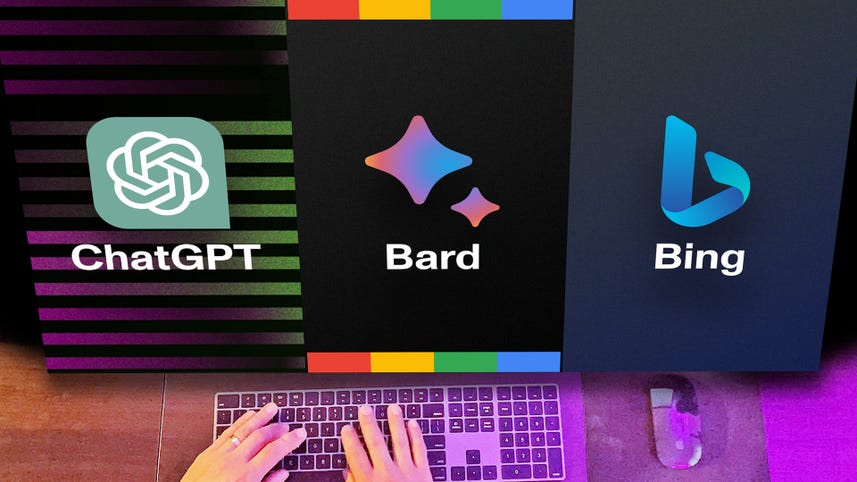
When you encounter difficulties accessing ChatGPT, it is advisable to perform a thorough check to determine if the issue lies within your network or computer setup. In the event that ChatGPT experiences its own problem, we kindly request your patience as their dedicated team diligently works to resolve it at the earliest opportunity. Additionally, exploring alternative options like Bing Chat can be an excellent way to continue enjoying conversational experiences while the issue gets addressed.