

What is Side Space?
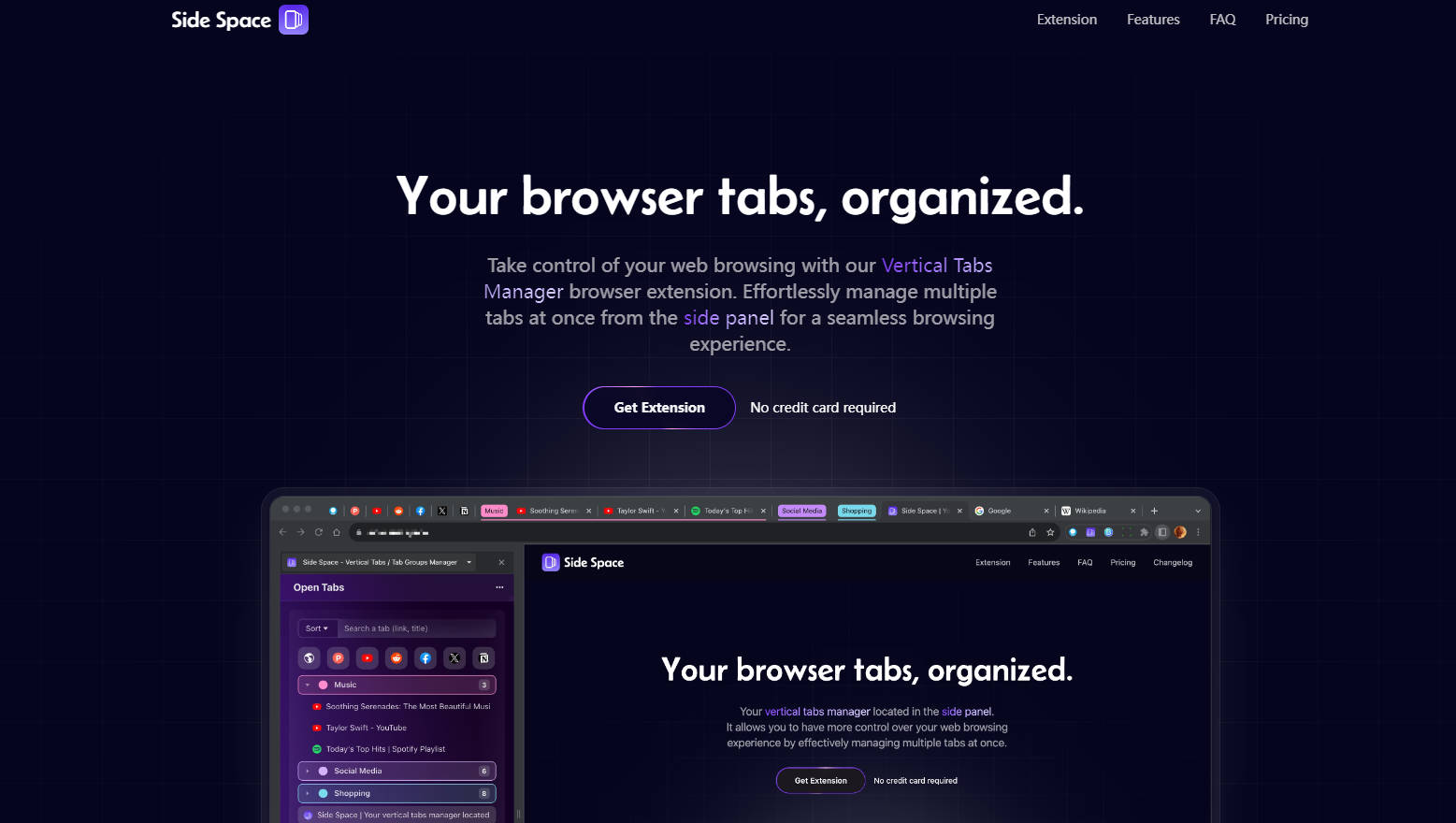
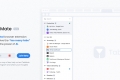
Tired of a disorganized browser and an endless row of indistinguishable tabs? Side Space is a powerful Chrome extension designed to bring order and focus to your browsing. It uses a dedicated side panel to neatly organize your tabs into vertical "Spaces," giving you the control to finally manage tab chaos and concentrate on what matters.
Key Features
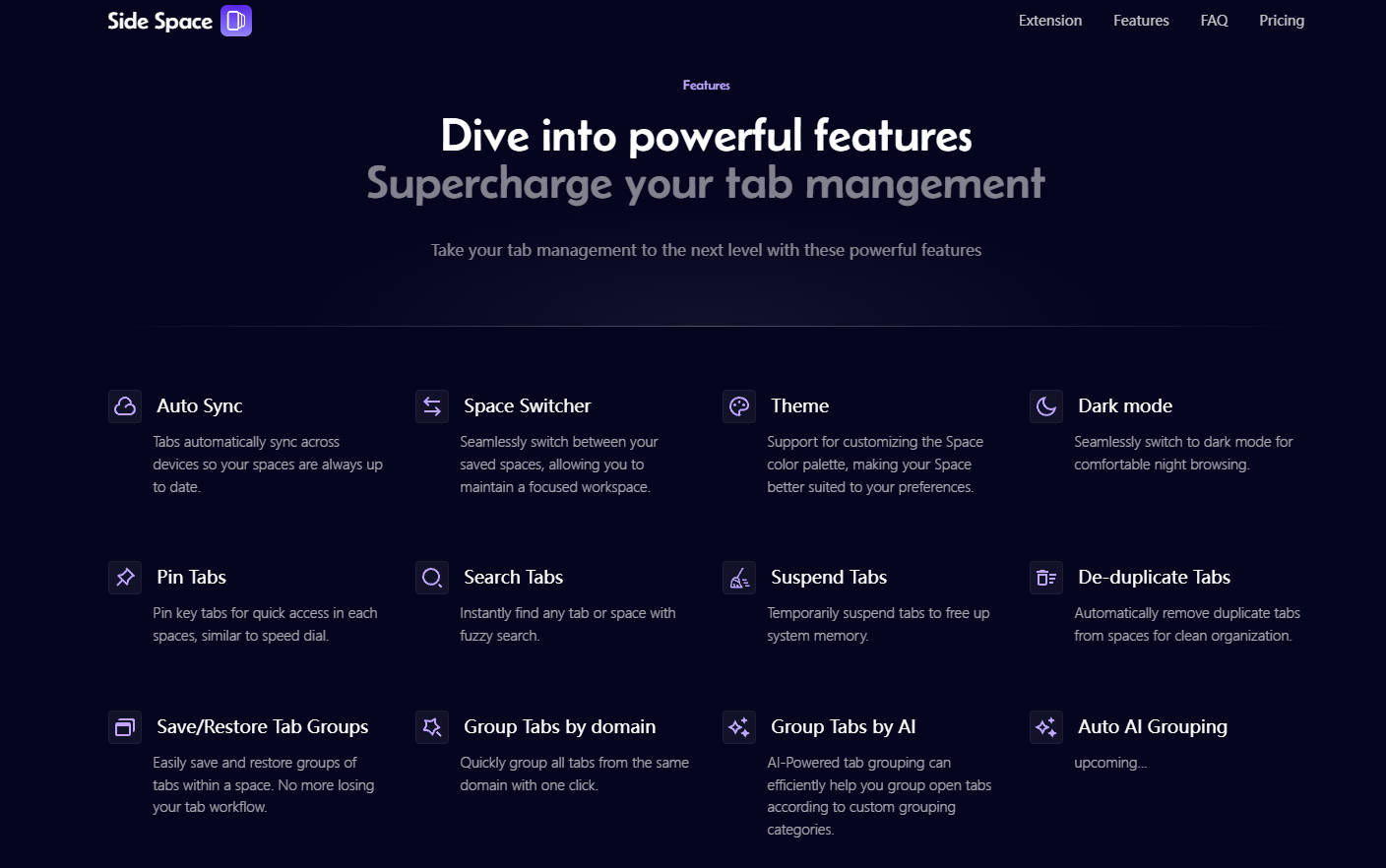
🧠 AI-Powered Tab Grouping: Stop manually sorting dozens of open tabs. With a single click, Side Space's AI intelligently analyzes and groups your tabs into relevant categories for you. It instantly declutters your workspace so you can stay focused on browsing, not organizing.
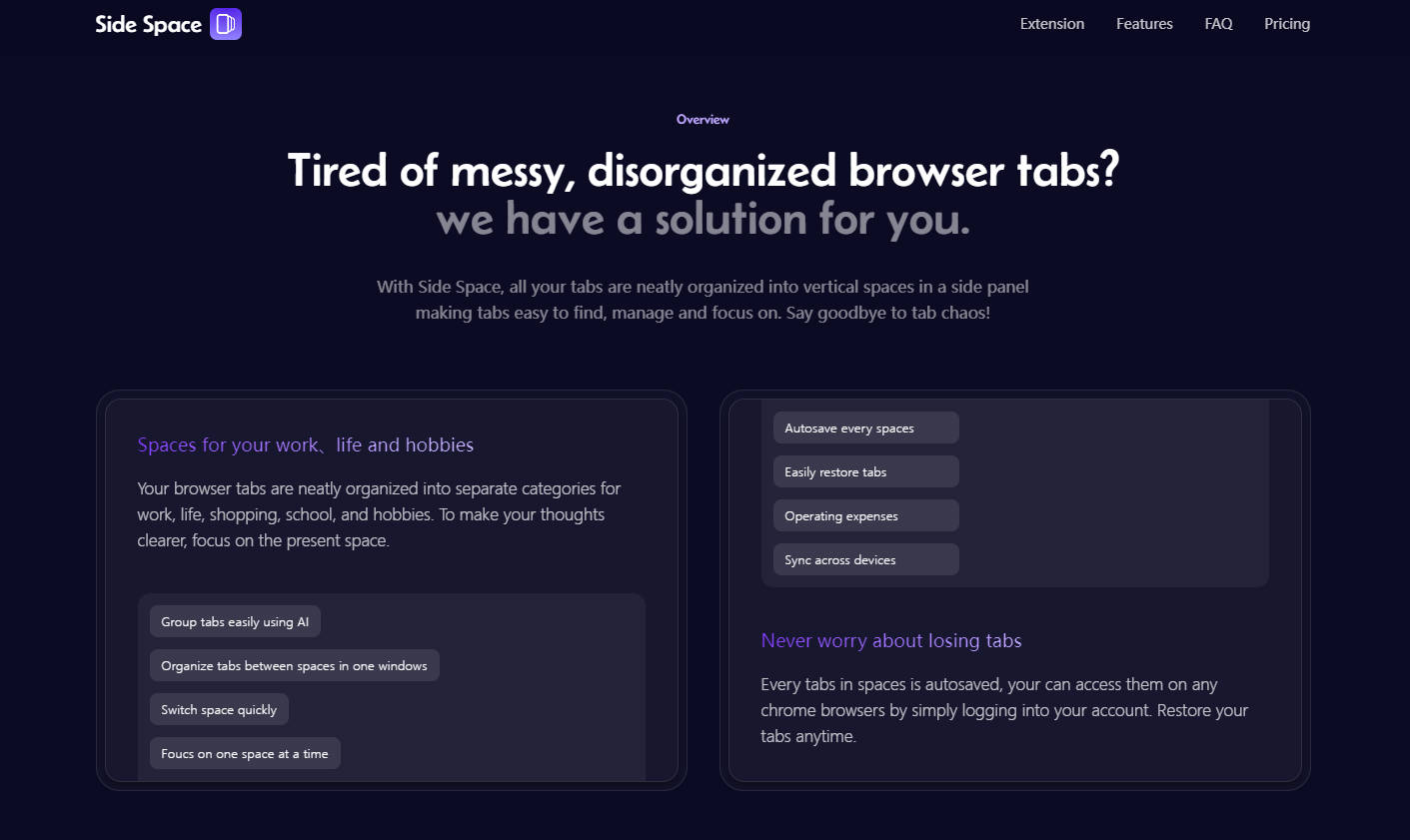
🗂️ Organize with Dedicated "Spaces": Go beyond simple groups by creating distinct, persistent workspaces. Set up separate Spaces for every part of your life—work projects, academic research, online shopping, or personal hobbies. This allows you to switch contexts instantly and keeps your digital life neatly compartmentalized.
☁️ Autosave & Sync Across Devices: Never worry about losing your session or a critical tab again. Every tab in your Spaces is automatically saved and synced to your account. You can seamlessly access and restore your entire workflow on any Chrome browser, anytime.
⚡ Suspend Tabs & Boost Performance: Free up valuable system memory without losing your place. Side Space lets you temporarily suspend inactive tabs, ensuring your computer runs smoothly and efficiently, even with a large number of tabs open.
How Side Space Solves Your Problems
For the Professional: You're juggling three different client projects, each with a dozen tabs for reports, communications, and research. Instead of a single, chaotic row of tabs, you create a "Space" for each client. When you need to switch projects, you just switch Spaces—your entire context is restored instantly, without distraction.
For the Student: You're writing a research paper while also planning a weekend trip. Create a "School" Space with all your academic sources and a "Personal" Space for travel bookings. This clean separation prevents context-switching fatigue and helps you focus deeply on one task at a time.
Unique Advantages
The Vertical Tab Experience, Now in Chrome: While browsers like Microsoft Edge have proven the efficiency of vertical tabs, Chrome users have been left with the traditional, often cluttered, horizontal tab bar. Side Space brings that superior, scannable vertical layout directly into your Chrome side panel.
More Than Just Groups, It's "Spaces": Unlike basic tab groupers that simply color-code tabs in a single window, Side Space creates fully separate, saveable workspaces. This means you aren't just tidying up—you're building persistent, focused environments you can return to at any time.
Intelligent Automation, Not Manual Labor: Instead of manually dragging and dropping every tab into a group, you can let the AI do the heavy lifting. Side Space is one of the few managers that uses AI to suggest and create logical tab groups for you, saving you significant time and mental energy.
Conclusion
Side Space gives you the control and focus that standard browsers lack. By combining an intuitive vertical layout with intelligent AI organization and dedicated Spaces, it transforms tab chaos into a clear, productive, and streamlined workflow. Take control of your browsing and discover a more organized way to work and explore the web!
More information on Side Space
Launched
2023-10
Pricing Model
Freemium
Starting Price
$39
Global Rank
1209801
Follow
Month Visit
23.2K
Tech used
Plausible Analytics,Nuxt.js,Vercel,Gzip,OpenGraph,HSTS
Top 5 Countries
15.81%
9.15%
7.82%
7.71%
7.13%
United States
India
Vietnam
Indonesia
France
Traffic Sources
9.6%
1.03%
0.15%
12.38%
32.72%
43.88%
social
paidReferrals
mail
referrals
search
direct
Source: Similarweb (Sep 24, 2025)
Side Space was manually vetted by our editorial team and was first featured on 2024-04-14.
Related Searches
Side Space Alternatives
Load more Alternatives-
Unlock seamless productivity with AITabGroup, an innovative browser extension that categorizes and manages your tabs using AI. Organize and focus effortlessly!
-

-
-

Now with ChatGPT. Organize bookmarks, favorite websites, apps, ChatGPT and access them everywhere.
-