

What is Site.Studio?
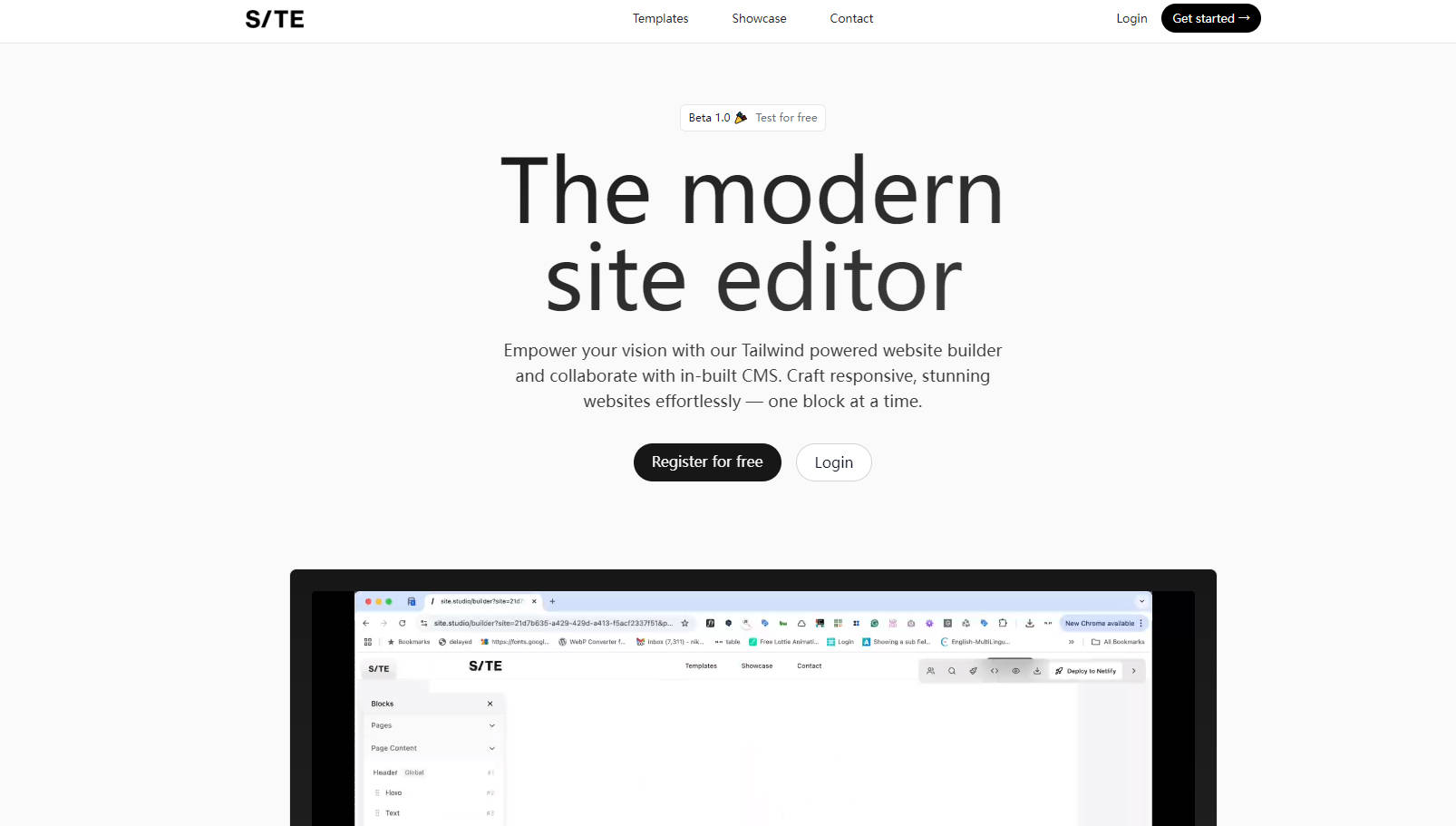
Finding the right balance between clean code, visual design, and collaborative content management can often feel like a juggling act. You want the power and structure of Tailwind CSS, but also need a smooth way for your team, or even clients, to manage content without diving into code or complex Git workflows. Site.Studio is designed precisely for this intersection, offering a modern website editor built for design-savvy developers and code-driven designers like you. It helps you build and prototype responsive websites and landing pages rapidly, directly in the browser, while keeping collaboration simple and effective.
Key Features
🧱 Build with Clean Tailwind Blocks: Construct your sites using intuitive blocks based on Tailwind CSS. This ensures your designs are responsive, maintainable, and the exported code is lean and understandable – no messy editor output. You get the structure you appreciate, visually.
✍️ Collaborate with In-Built CMS: Bridge the gap between design and content effortlessly. Mark any element editable using a simple
data-editable="true"attribute. This allows collaborators to update text and content directly within the editor, streamlining updates without needing developer intervention for every text change.🤖 Accelerate with AI Assistance: Use AI to generate new block ideas or refine existing layouts and content. It's a helpful partner for speeding up the initial build or iterating on designs, letting you focus more on the creative and structural aspects.
🤝 Work Together Seamlessly: Invite your team members (unlimited on paid plans) to collaborate directly within Site.Studio. It provides a shared space for building and iterating, offering a simpler alternative to localhost development and complex Git merges for certain project phases like prototyping or content integration.
How You Can Use Site.Studio
Imagine these scenarios:
Rapid Landing Page Prototyping: You need to spin up a landing page for a new feature launch fast. Using Site.Studio, you quickly assemble sections using pre-built or AI-suggested Tailwind blocks, tweak the design visually, and get a functional prototype ready for feedback in a fraction of the usual time.
Streamlined Client Handoffs: You've built a beautiful marketing site for a client using Tailwind. Instead of complex CMS setups for simple text changes, you use Site.Studio's CMS capabilities. You mark the key text areas as editable, allowing your client to update headlines, descriptions, and calls-to-action directly as needed.
Team-Based Component Library: Your design and development team wants to create a consistent set of Tailwind components for internal projects. You use Site.Studio to build, refine, and manage these blocks collaboratively, creating a shared library that everyone can access and use for future builds, ensuring consistency and saving time.
Build Better, Together
Site.Studio focuses on simplifying the process of creating well-structured, visually appealing websites without sacrificing code quality or collaborative potential. It embraces the power of Tailwind CSS and integrates essential tools like a CMS and AI assistance to help you build faster and more efficiently as a team. If you value clean code, rapid development, and smoother collaboration, Site.Studio offers a practical approach.
More information on Site.Studio
Launched
2024-12
Pricing Model
Freemium
Starting Price
Global Rank
Follow
Month Visit
<5k
Tech used
Cloudflare CDN,Render,Gzip,HTTP/3,JSON Schema,OpenGraph,Amazon AWS S3
Site.Studio was manually vetted by our editorial team and was first featured on 2025-04-06.
Site.Studio Alternatives
Load more Alternatives-

Webstudio: Visual web design for designers, code control for developers. Build fast, responsive sites.
-

Optimize Tailwind CSS and React development with Tailwind Studio - MightyMeld. Fast styling, clean code updates, and AI assistance for efficient collaboration.
-

-

-
