

What is Speech Central?
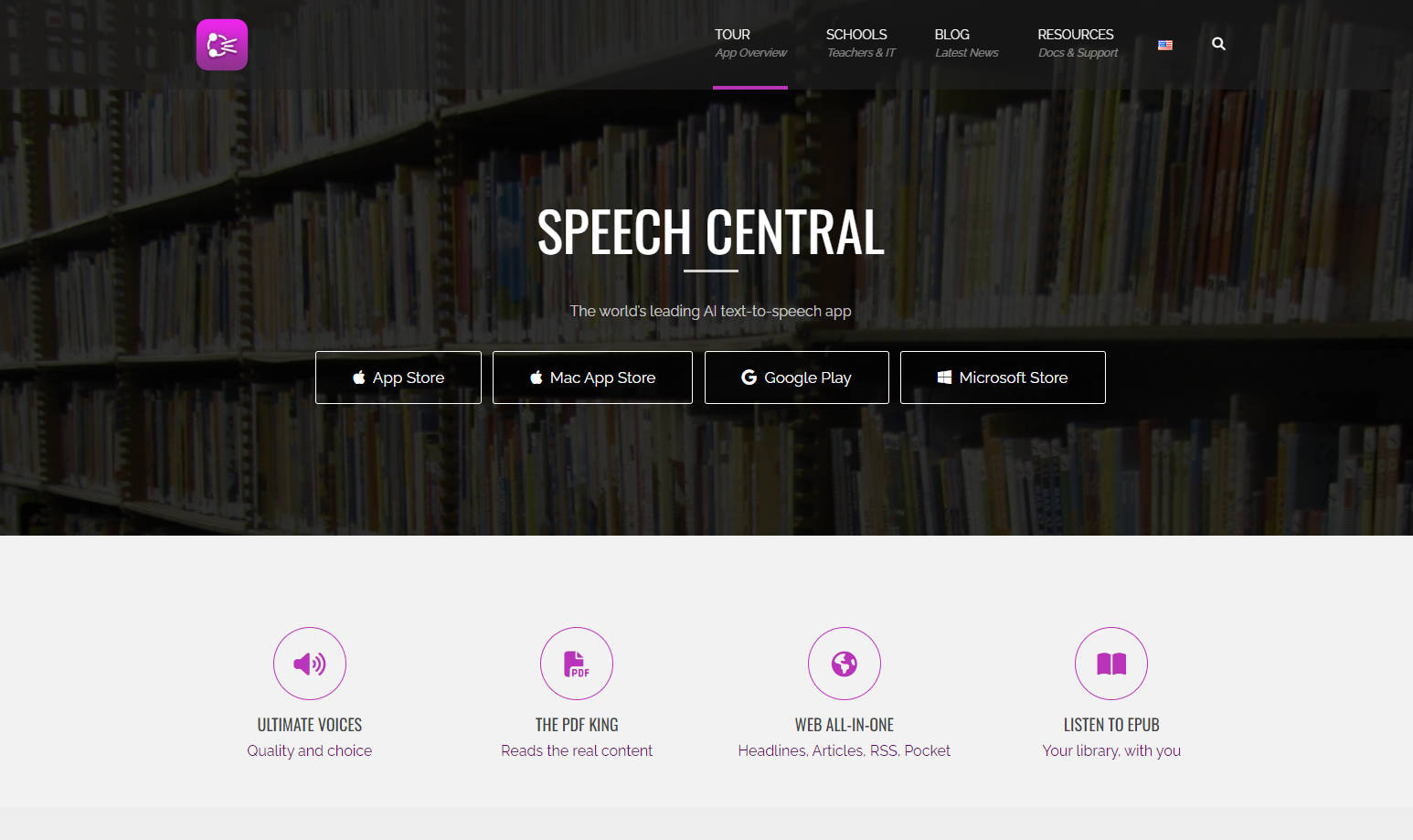
Finding the time to read everything you want or need to can be a challenge. Whether it's lengthy reports for work, dense textbooks for study, or just keeping up with online articles, wouldn't it be great if you could listen instead? Speech Central transforms written text from almost any source into clear, natural-sounding audio, letting you absorb information effortlessly while multitasking, commuting, or simply resting your eyes. It's designed to boost your productivity, support your learning, and make digital content more accessible for everyone.
Key Features You'll Use
🗣️ Hear Text Naturally: Experience superior text-to-speech with a proprietary engine that enhances standard Apple voices and leading AI voices (like OpenAI, Azure, Google), adding realistic emotion and variation.
📄 Read PDFs Intelligently: Let AI automatically identify and skip distracting elements like headers, footers, page numbers, and citations in PDFs. This keeps you focused on the core content, even in scanned documents which import smoothly with recognized titles.
🌐 Consume Web Content Easily: Listen to full web articles or just the headlines from your favorite sites, including RSS feeds. Simply share pages from Safari or other browsers, or use the Pocket integration to add content to your queue.
📚 Access Diverse Documents: Open and listen to a wide range of formats, including PDF (both regular and scanned), Microsoft Word (.docx), PowerPoint (.pptx), OpenOffice (.odt, .odp), web archives (.html, .mhtml, .webarchive), plain text (.txt), rich text (.rtf), Markdown (.md), and DRM-free ePub eBooks.
🏃 Listen Hands-Free: Turn commutes, workouts, or household chores into productive time. Catch up on reading material without being tied to a screen.
💰 Unlock Everything Once: Gain access to all premium capabilities with a straightforward, one-time upgrade. There are no recurring subscription fees to worry about.
⚙️ Tailor Your Listening: Fine-tune your experience with extensive options. Adjust the reading speed, select preferred voices, customize playback controls, and even modify the app's appearance.
👓 Prioritize Accessibility: Designed with accessibility at its core, Speech Central offers full support for VoiceOver. It's a valuable tool for users with visual impairments, dyslexia, or ADHD, and for anyone aiming to reduce screen time.
🔄 Sync Across Apple Devices: Keep your listening progress and playlists synchronized automatically between your iPhone, iPad, and Mac computer. (Note: Sync functionality is within the Apple ecosystem).
🚗 Integrate with CarPlay: Control your listening queue, play, pause, and navigate through text directly and safely from your car's media dashboard.
✍️ Annotate & Learn: Engage more deeply with your texts using built-in tools to highlight sections and add notes – ideal for study or research. You can even export your annotated text to a .docx file.
⌚ Use Your Apple Watch: Enjoy the freedom of listening directly from your wrist with the independent Apple Watch app, no iPhone needed nearby.
🔒 Protect Your Privacy: Your listening habits are your own. Speech Central collects absolutely no user data, ensuring your privacy is respected, even when using the sync feature.
How People Use Speech Central
The Busy Professional: Sarah needs to review several industry reports before a morning meeting but faces a long commute. She shares the PDFs and web links to Speech Central on her iPhone. During her train ride, the app reads the core content aloud, skipping footnotes and headers, allowing her to absorb the key information efficiently and arrive prepared.
The University Student: Mark has chapters of a digital textbook (ePub) and multiple research papers (.docx, PDF) to get through. Instead of spending hours staring at his screen, he adds them to his Speech Central playlist. He listens while walking across campus or working out, using the annotation feature to flag important concepts for his essay.
The Accessibility User: David has a visual impairment and uses VoiceOver. He finds reading news websites cumbersome. With Speech Central, he shares articles directly from Safari. The app reads the main story content in a clear, natural voice, automatically bypassing ads and navigation links, providing a smooth and enjoyable way to stay informed.
Listen Smarter, Not Harder
Speech Central provides a robust and adaptable solution for converting text into convenient audio. Its intelligent handling of various document types, commitment to accessibility, natural-sounding voices, and user-friendly features like cross-device sync and CarPlay integration make it exceptionally useful. With a clear focus on privacy and a simple one-time purchase for full access, it’s a practical tool designed to fit seamlessly into your daily routine.
More information on Speech Central
Launched
2021-04
Pricing Model
Free Trial
Starting Price
Global Rank
563314
Follow
Month Visit
57.8K
Tech used
Top 5 Countries
36.81%
4.8%
4.59%
4.23%
4.1%
United States
Germany
Mexico
France
United Kingdom
Traffic Sources
10.11%
0.87%
0.09%
7.92%
44.69%
36.29%
social
paidReferrals
mail
referrals
search
direct
Source: Similarweb (Sep 25, 2025)
Speech Central was manually vetted by our editorial team and was first featured on 2025-04-13.
Related Searches
Speech Central Alternatives
Load more Alternatives-

-
-

Outtloud uses advanced AI technology to convert documents (like PDFs and EPUBs) and web content into lifelike audio. It features natural-sounding AI voices in multiple languages, accents, and tones. You can upload files directly or use its web search feature to listen to audio summaries of articles, blogs, and news, even creating AI-powered podcasts from the content.
-
Transform text into natural, high-quality audio using SpeechEasy's AI voices. Listen to articles, documents, or enhance e-learning easily.
-

Transform cluttered web pages into focused reading with Clearly Reader. AI summaries, text-to-speech, and easy saving enhance your online experience.