

What is Supercut?
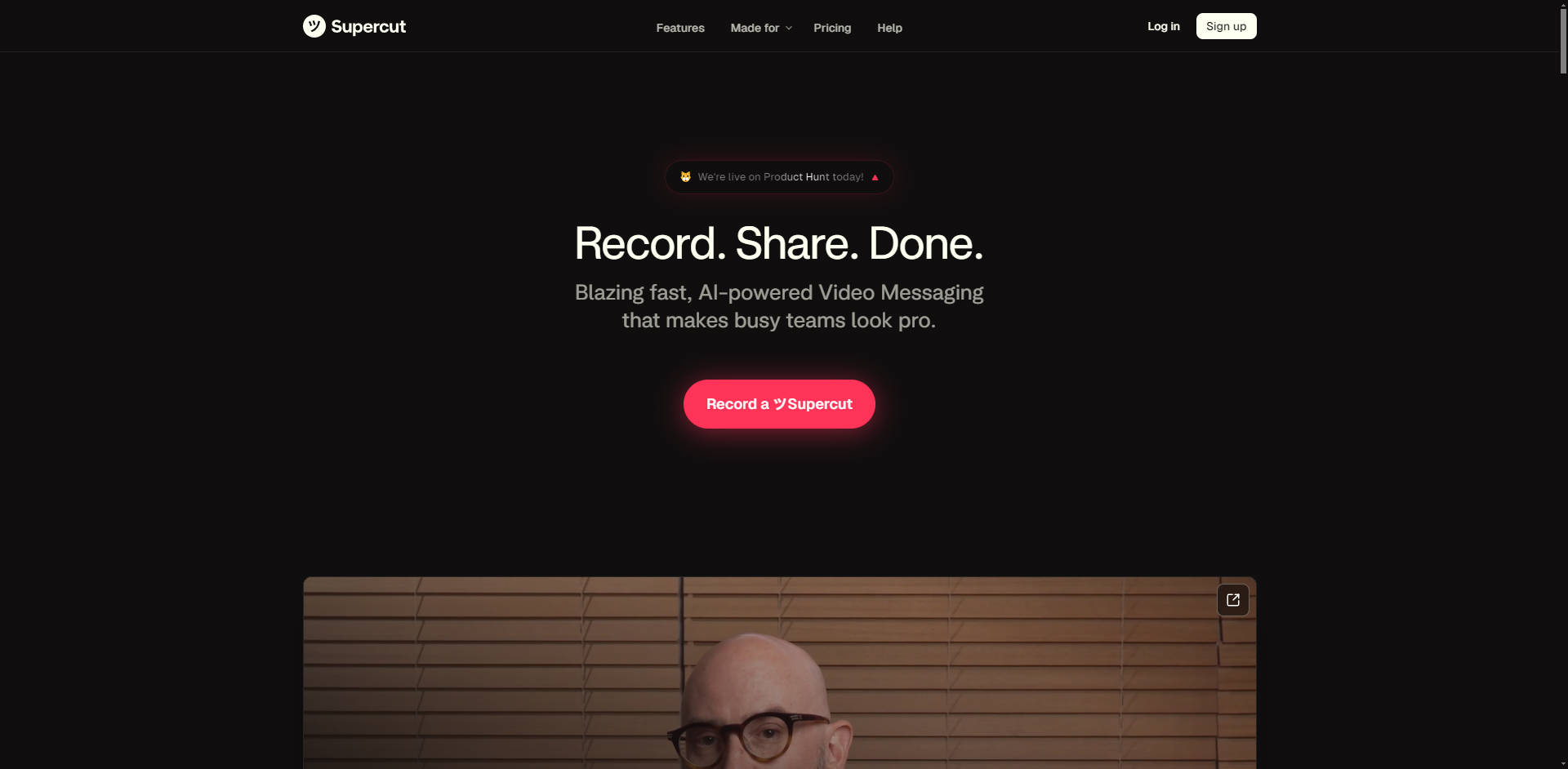
Supercut is the AI-powered video messaging platform built for busy, design-driven teams. It transforms the way you communicate internally and externally by enabling the creation of professional, branded video content instantly. By combining blazing-fast native screen recording with one-click AI editing and advanced organizational tools, Supercut helps you replace lengthy meetings and text-heavy emails with polished video messages that drive engagement and clarity.
Key Features
Supercut is meticulously crafted for speed, simplicity, and professional results, ensuring every video you share is accurate, on-brand, and easy for the recipient to navigate.
⚡️ Native Performance and 4K Resolution
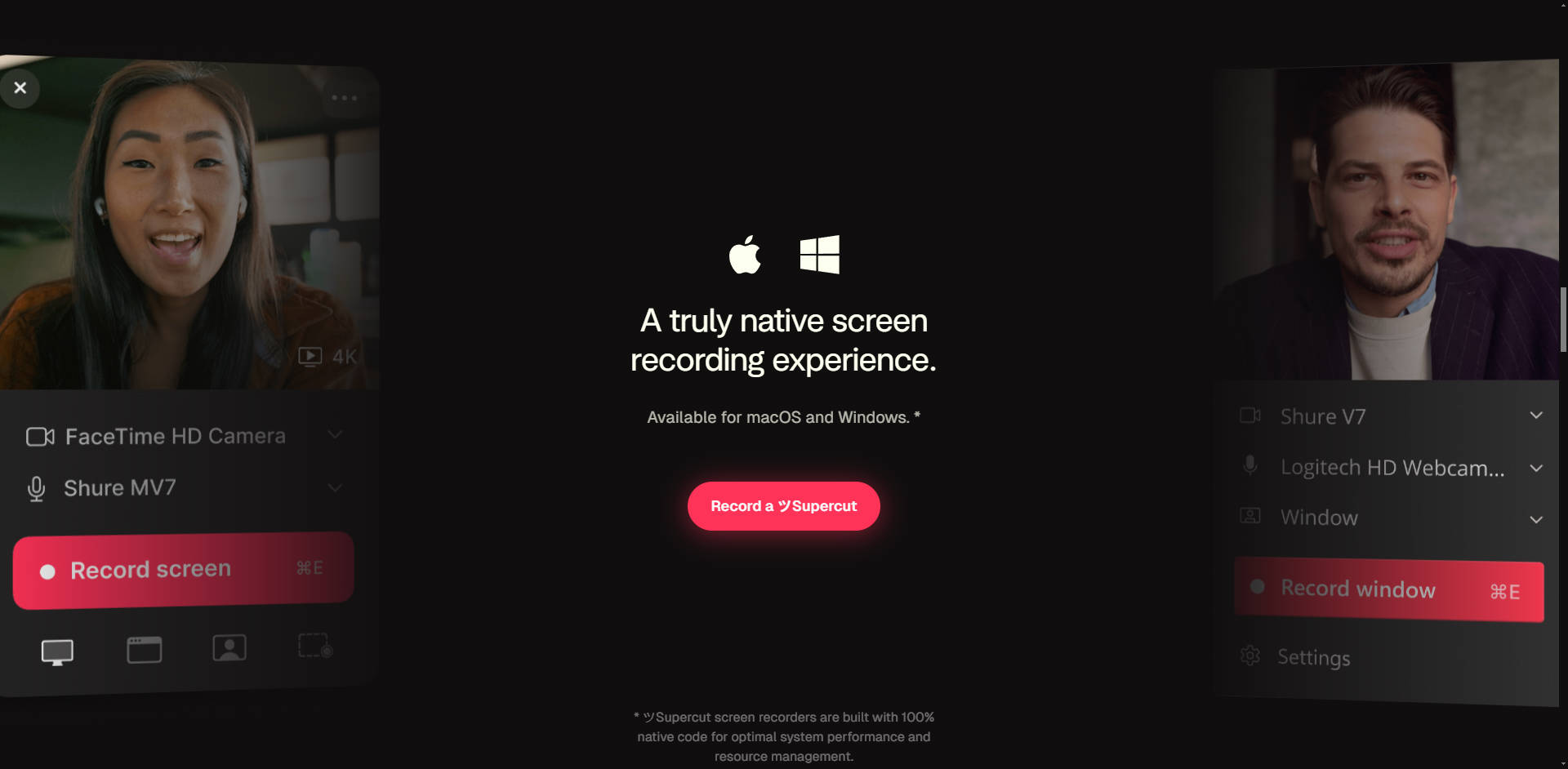
Leveraging 100% native code for macOS and Windows, Supercut delivers a blazing-fast recording experience with minimal system overhead. You can capture screen, window, or camera streams in crisp detail, supporting resolutions up to 4K, which ensures your tutorials, mockups, and client presentations maintain the highest quality standard.
🧠 AI Auto-Editing and Polish
Eliminate the need for tedious manual edits. The unique Auto-Edit feature instantly polishes your recording with a single click, automatically removing filler words, long pauses, and repeated takes. This capability ensures your video looks professional and concise, allowing you to focus purely on the message delivery.
🧭 Smart Navigation with Auto-Chapters
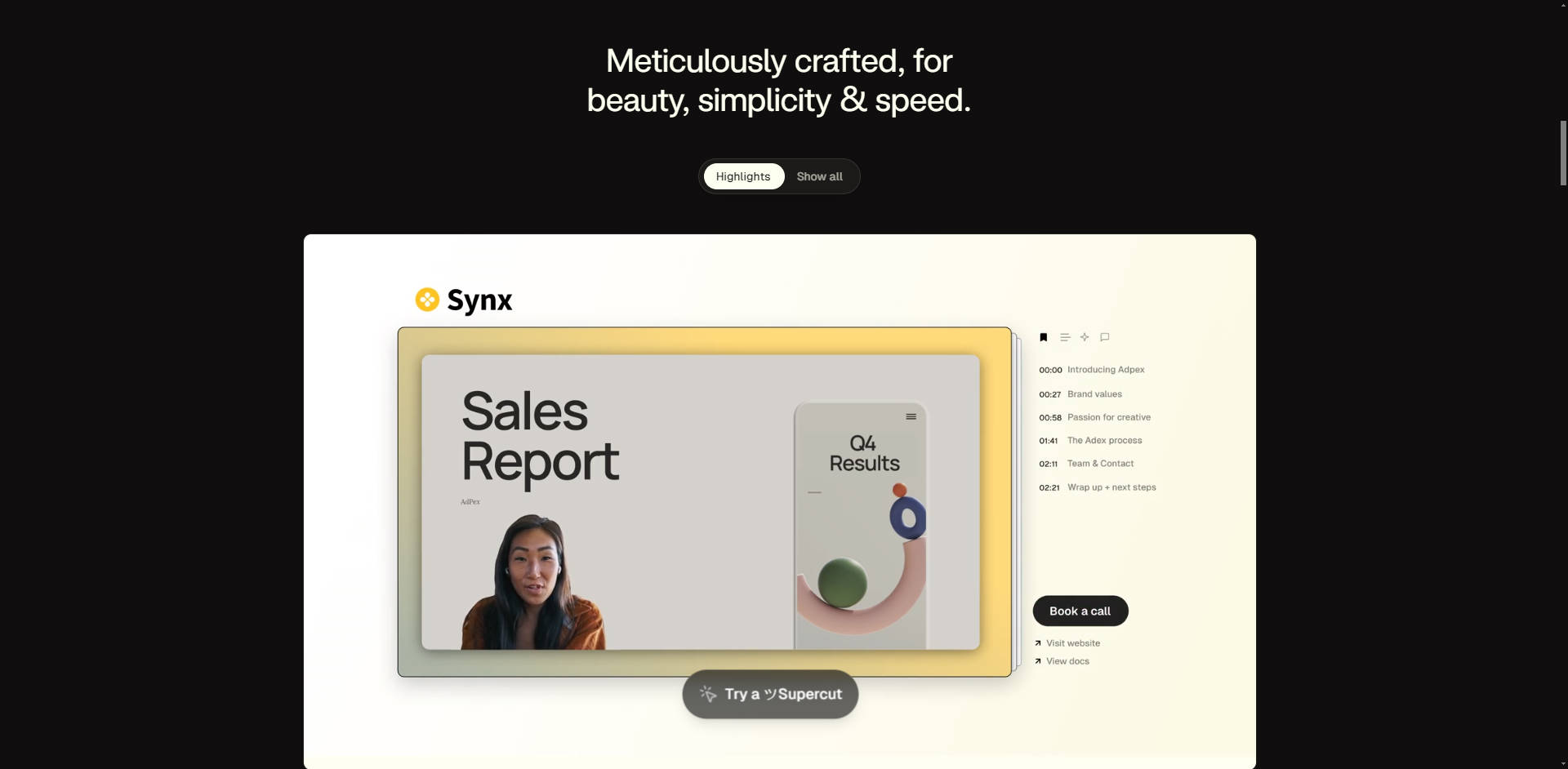
Enhance the viewer experience by automatically segmenting long videos. Supercut generates smart chapter markers on the timeline, complete with titles and summaries, making the content easily scannable. Viewers can jump directly to the relevant section (e.g., "01:32 Unified Dashboard"), maximizing comprehension and saving time.
🎨 Team Branding and Multiple Layouts
Maintain strict brand consistency across all video communications. Supercut allows teams to apply custom logos, themes, and virtual backgrounds, ensuring every message aligns with the company identity. Choose from multiple professional layouts to perfectly frame your screen share and camera feed, giving your message a polished, high-production feel.
🔗 Integrated Call to Actions (CTAs)
Convert viewers directly from your video content. You can embed customizable Call to Actions—such as "Book a call," "Visit our website," or "More information"—directly into the video player. This capability shortens the sales cycle and drives clear next steps for clients or prospects.
Use Cases
Supercut is designed to streamline communication workflows across various professional functions, delivering tangible efficiency gains and improved outcomes.
1. High-Impact Sales and Agency Pitches: Instead of drafting long emails or scheduling unnecessary syncs, sales representatives and agencies can record personalized, high-resolution pitches. By utilizing custom layouts, branding, and embedded CTAs, you can deliver a compelling proposal that guides the prospect directly to the next conversion step, speeding up the decision-making process.
2. Efficient Internal Team Updates: Replace daily stand-ups or lengthy email threads with concise, chaptered video updates. Team leads can record project reviews or technical walkthroughs that are automatically segmented by topic. Colleagues can then use the timeline commenting feature to provide specific, contextual feedback, keeping collaboration fast, asynchronous, and highly organized.
3. Scalable Customer Onboarding and Support: Support and success teams can quickly generate detailed, branded tutorials to address common user questions or troubleshoot complex issues. The combination of 4K clarity and auto-chapters ensures that users can easily follow instructions and reference specific steps later, reducing follow-up tickets and improving self-service success.
Conclusion
Supercut empowers professional teams to communicate with speed, clarity, and authority. By leveraging native performance and sophisticated AI automation, you can create polished, branded video messages in the time it takes to draft a complex email.
More information on Supercut
Top 5 Countries
29.49%
12.92%
10.59%
9.61%
9.49%
United States
Thailand
Mexico
Poland
United Kingdom
Traffic Sources
2.91%
0.94%
0.09%
5.69%
8.46%
81.9%
social
paidReferrals
mail
referrals
search
direct
Source: Similarweb (Oct 16, 2025)
Supercut was manually vetted by our editorial team and was first featured on 2025-10-16.
Supercut Alternatives
Load more Alternatives-

-

CyberCut: AI video editor. Transform long content into viral shorts fast. Automate editing, boost engagement, and save 90% of your time.
-
-

-

SuperMaker is an all-in-one AI-powered creative platform. Its core is an advanced AI Video Generator that integrates capabilities for AI image generation, AI music creation, and AI voice synthesis, enabling the creation of complex projects.