

What is TextSharp?
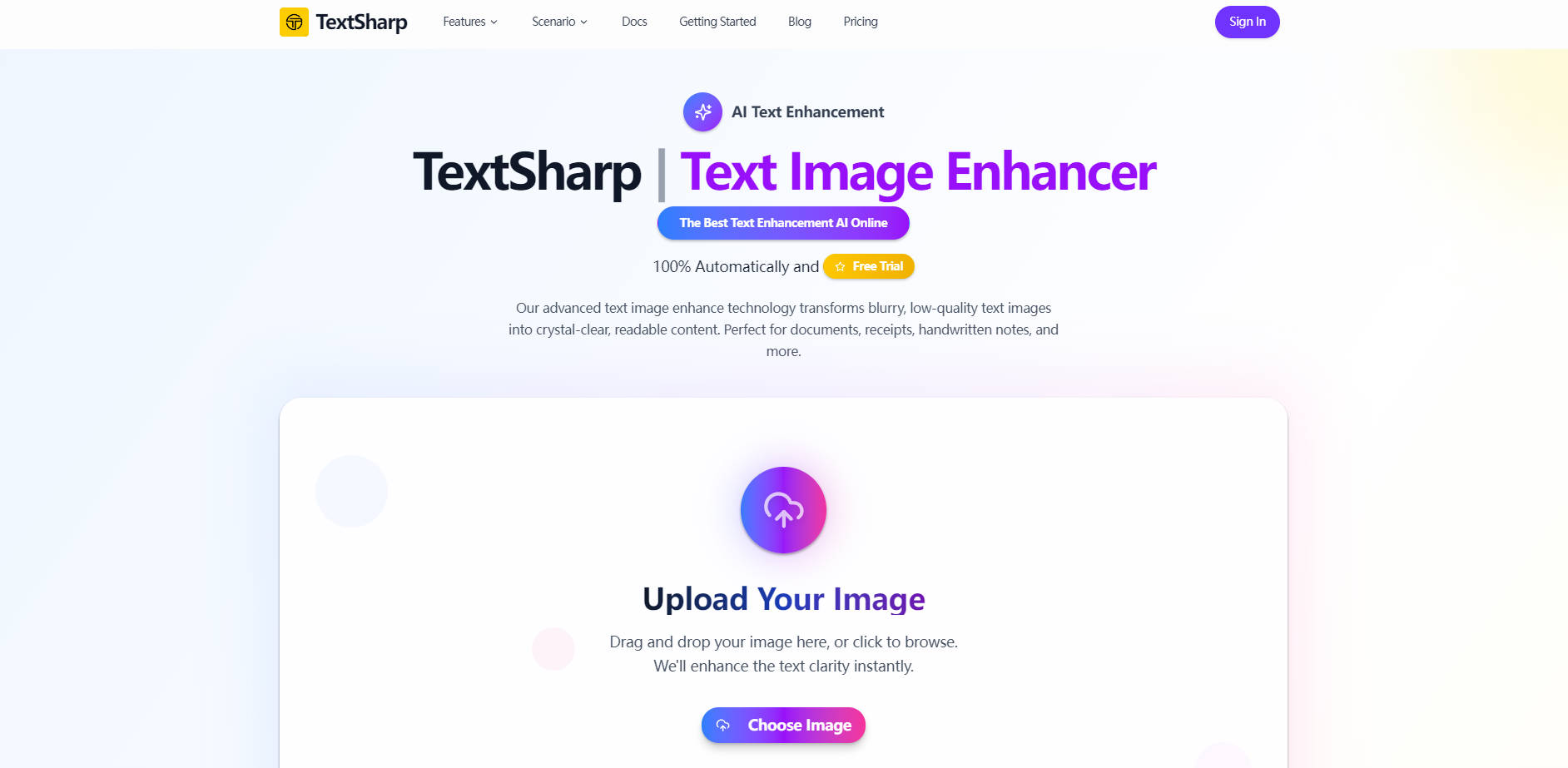
TextSharp is an advanced AI text enhancement tool designed to solve the common frustration of unreadable text in images. It automatically transforms blurry, low-resolution photos, scans, and screenshots into crystal-clear, high-quality content. Whether you’re digitizing old documents, clarifying faded receipts, or optimizing handwritten notes, TextSharp provides the speed and precision needed for reliable text extraction and professional-grade archiving.
Key Features
TextSharp leverages specialized AI algorithms to ensure optimal clarity and readability across diverse image sources.
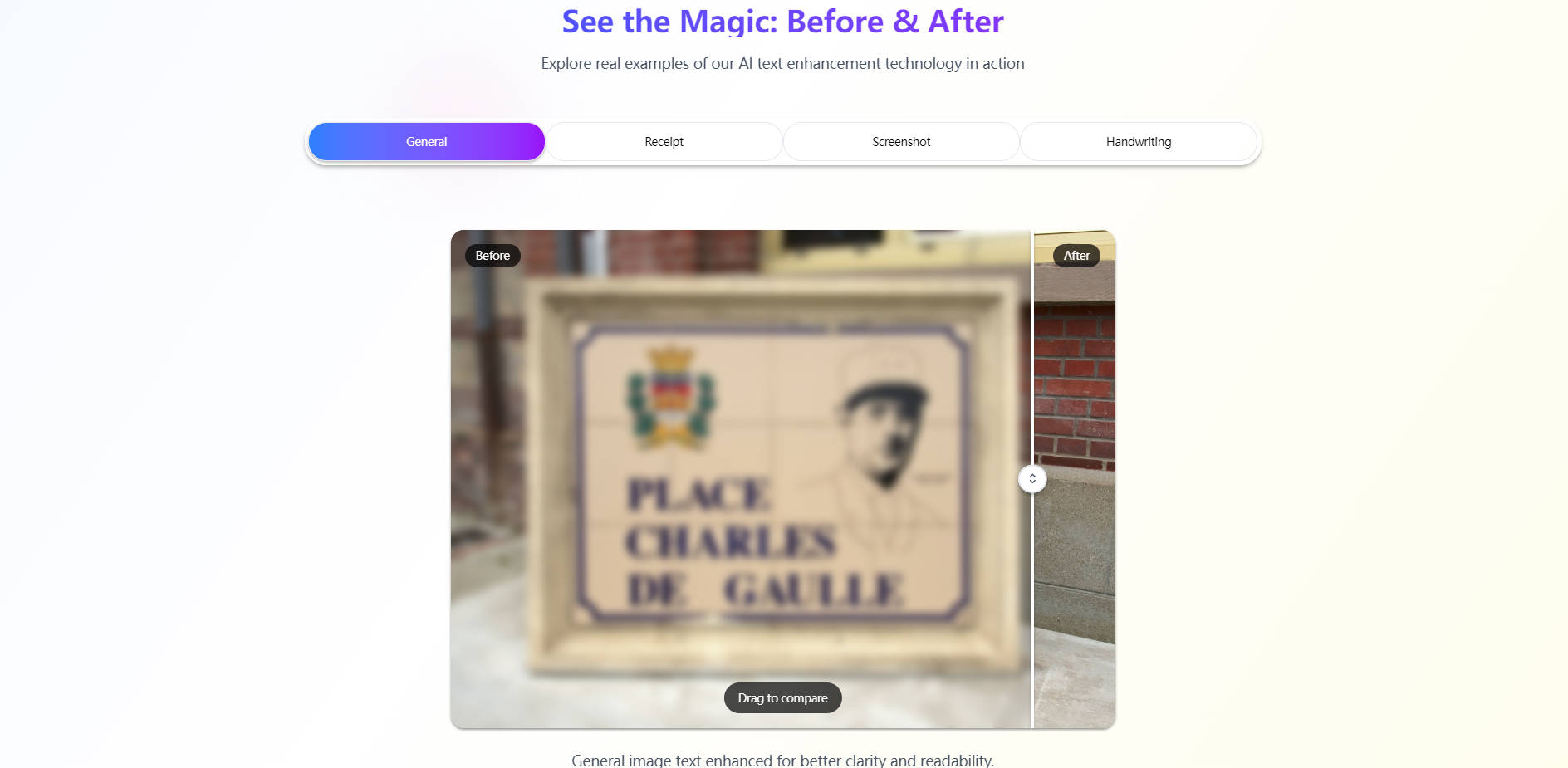
✅ Specialized Workflow Enhancement: Unlike general sharpening tools, TextSharp offers dedicated enhancement modes optimized for specific content types, including Receipts, Documents, Screenshots, and Handwriting. This ensures the AI applies the correct balance of contrast, noise reduction, and edge sharpening to preserve formatting while maximizing visual clarity.
⚡️ Instant Processing Speed: Efficiency is paramount. TextSharp is engineered for speed, delivering enhanced images rapidly. Most text images are processed within a median time of under 5 seconds, allowing you to quickly move through large batches of documents or urgent tasks without significant wait times.
📈 Boosted OCR Accuracy: TextSharp’s core value lies in creating reliable source material. By employing advanced edge-aware algorithms, the tool significantly reduces image noise and sharpens text contours, producing cleaner input that dramatically improves the success rate and precision of subsequent Optical Character Recognition (OCR) tools.
🔒 Guaranteed Privacy and Security: Your sensitive data remains confidential. Images are processed securely, and by default, they are never stored or shared. This privacy-first approach makes TextSharp a trustworthy solution for handling sensitive documents, contracts, and personal notes.
Why Choose TextSharp?
TextSharp stands out by prioritizing measurable performance, specialized capability, and user trust.
- Quantifiable Clarity Gain: Users report an average visual readability improvement of x2 after processing images with TextSharp, confirming the tangible impact of the AI enhancement on text quality.
- Specialized Processing Engine: Instead of a one-size-fits-all approach, TextSharp offers targeted algorithms (General, Receipt, Document, Handwriting) that understand the unique challenges of each image type, delivering superior, context-aware results.
- Speed and Accessibility: With processing times under 5 seconds and support for common formats (JPG, PNG, WEBP up to 50MB), TextSharp provides a fast, efficient solution for users needing immediate, high-quality text enhancement.
Conclusion
TextSharp delivers professional-grade text clarity with unmatched speed and security. By focusing on specialized enhancement and superior OCR preparation, it eliminates the frustration of unreadable text and ensures your digital archives and documents are accurate and accessible.
Explore how TextSharp can transform your image-based text workflows today.
Frequently Asked Questions
Q: How does TextSharp improve text clarity compared to standard image editors?
TextSharp uses proprietary edge-aware AI algorithms specifically trained on text data. Standard editors often apply general sharpening that introduces artifacts or noise. TextSharp, conversely, focuses on reducing noise, improving contrast locally, and defining the text boundaries precisely, which is crucial for achieving truly crystal-clear, readable content without degradation.
Q: Does the enhancement process truly improve OCR accuracy for text extraction?
Yes, significantly. OCR tools rely on clean, defined text boundaries to accurately identify characters. By pre-processing the image to reduce noise, correct skew, and maximize text contrast, TextSharp provides a much cleaner input source. This results in fewer misread characters and substantially higher overall accuracy when extracting text from scanned documents or photos.
Q: What image formats and size limits are supported by TextSharp?
TextSharp supports the most common text-heavy image formats, including PNG, JPG, JPEG, and WEBP. The system is built to handle large files, supporting images up to 50MB in size, accommodating high-resolution scans and detailed documents.
More information on TextSharp
Launched
2025-09
Pricing Model
Freemium
Starting Price
Global Rank
Follow
Month Visit
<5k
Tech used
TextSharp was manually vetted by our editorial team and was first featured on 2025-12-01.
TextSharp Alternatives
Load more Alternatives-

AIEnhancer: Free AI photo enhancer. Instantly unblur, upscale, and transform any image to stunning HD clarity. Restore old photos, boost visuals. No watermarks.
-
With ScanTextAI you effortlessly upload your files and obtain the extracted text in just a few quick steps in PDF format
-

Convert images to editable text effortlessly with our fast and efficient image-to-text converter. Quickly extract text from images, PDFs, and scanned documents, helping you save time and boost productivity.
-

Enhance your image quality online for free with our advanced AI technology. Enlarge your images up to 10x and 12K for significant clarity improvement.
-

Enhance image quality, resize for any format, boost print quality & edit product photos effortlessly. Let's Enhance - the AI-powered solution for stunning images.