

What is Uizard Autodesigner?
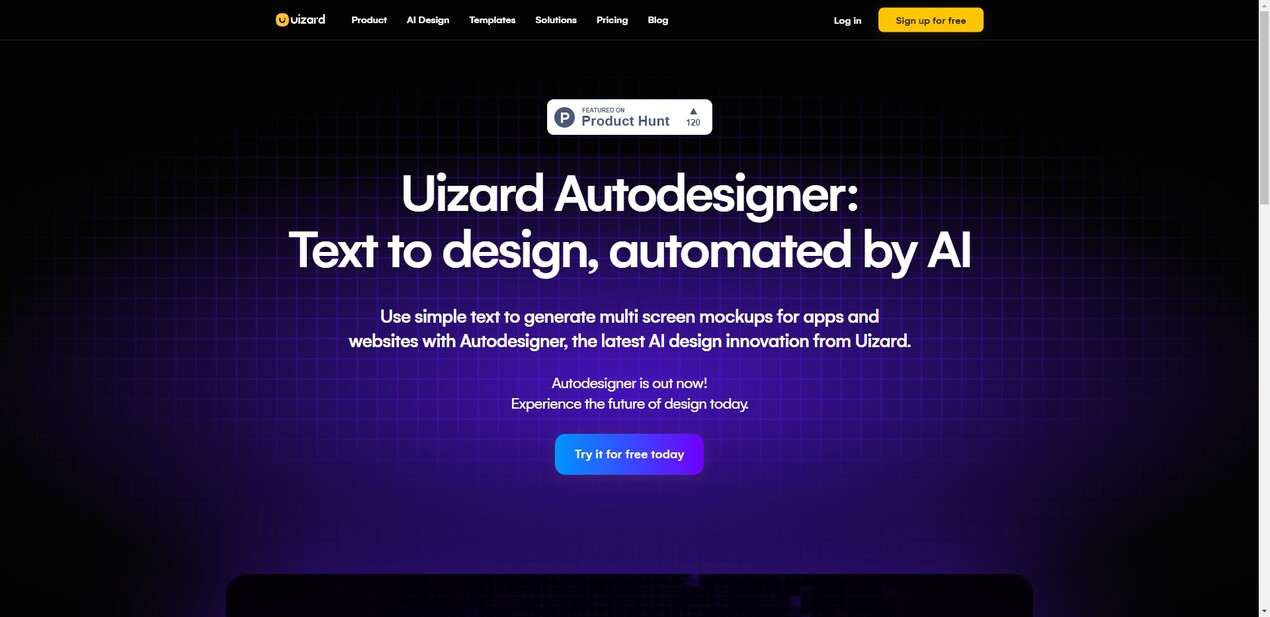
Autodesigner is an AI design feature developed by Uizard that allows users to generate multi-screen mockups by simply typing out project ideas in plain English. It serves as a UI/UX design tool powered by artificial intelligence, enabling users to bring their app visions to life within seconds. The Autodesigner 1.5 update introduces new features such as Screen Generator, Image Generator, and Theme Generator, all accessible through the newly added Autodesigner widget.
Key Features:
1. Screen Generator: With this feature, users can generate screens for existing projects based on text prompts. By entering a few simple phrases, Autodesigner generates the corresponding screens automatically.
2. Image Generator: This feature enables users to incorporate images into their designs effortlessly. Users can input descriptions or keywords related to the desired image and let Autodesigner generate suitable visuals.
3. Theme Generator: Autodesigner also offers a Theme Generator function that allows users to import themes from other design sources easily. This feature provides flexibility in changing styling and customizing designs according to specific preferences.
Use Cases:
- Streamlined Productivity: Whether you are an experienced designer or a beginner, Autodesigner simplifies the process of generating and testing ideas quickly using generative AI technology.
- Project Management: Project managers can utilize Autodesigner's capabilities to visualize concepts rapidly and efficiently communicate with stakeholders during planning stages.
- Marketing Campaigns: Marketers can leverage Autodesigner's intuitive interface and AI-powered features for creating visually appealing mockups for advertising campaigns or website layouts.
- Startup Founders: Entrepreneurs with limited design resources can use Autodesigner as a cost-effective solution for prototyping their app ideas before investing in professional designers.
- Developers Collaboration: Uizard's collaborative environment allows developers and designers to work together seamlessly on projects in real-time.
Conclusion:
Uizard's Autodesigner empowers both technical experts and casual users to generate UI/UX designs effortlessly. With its AI-driven features like Screen Generator, Image Generator, and Theme Generator, Autodesigner streamlines the design process and brings ideas to life in a matter of seconds. Whether you are an individual designer or part of a team, Autodesigner offers flexibility and customization options while maintaining ease-of-use. Uizard's commitment to AI-first design ensures that users can leverage cutting-edge technology for their creative projects without sacrificing control or creativity.
More information on Uizard Autodesigner
Launched
2017-04
Pricing Model
Free Trial
Starting Price
$12 Creator/month
Global Rank
46166
Follow
Month Visit
858.8K
Tech used
Google Tag Manager,HubSpot Analytics,Amazon AWS CloudFront,JSON Schema,OpenGraph,Progressive Web App,Webpack,HSTS,Amazon AWS S3,Google Maps
Top 5 Countries
22.18%
7.02%
3.97%
3.17%
3.05%
India
United States
China
Brazil
Pakistan
Traffic Sources
1.89%
0.53%
0.08%
8.41%
49.66%
39.43%
social
paidReferrals
mail
referrals
search
direct
Source: Similarweb (Sep 24, 2025)
Uizard Autodesigner was manually vetted by our editorial team and was first featured on 2023-06-14.
Related Searches
Uizard Autodesigner Alternatives
Load more Alternatives-
-
-

Udesigner.ai: AI design tool. Transform inspiration into professional visuals. Analyze images, edit precisely, & generate stunning 3x3 Instagram grids instantly.
-

Speed up UX/UI design with UX Pilot AI. Generate wireframes, UI, & code instantly. Seamless Figma integration. Turn weeks into seconds!
-

Creatie is an AI-powered product design tool built to streamline the UI/UX design process, from wireframes to high-fidelity mockups, with features like automatic style guides and instant icon generation.