

Click outside to close
What is U-xer?
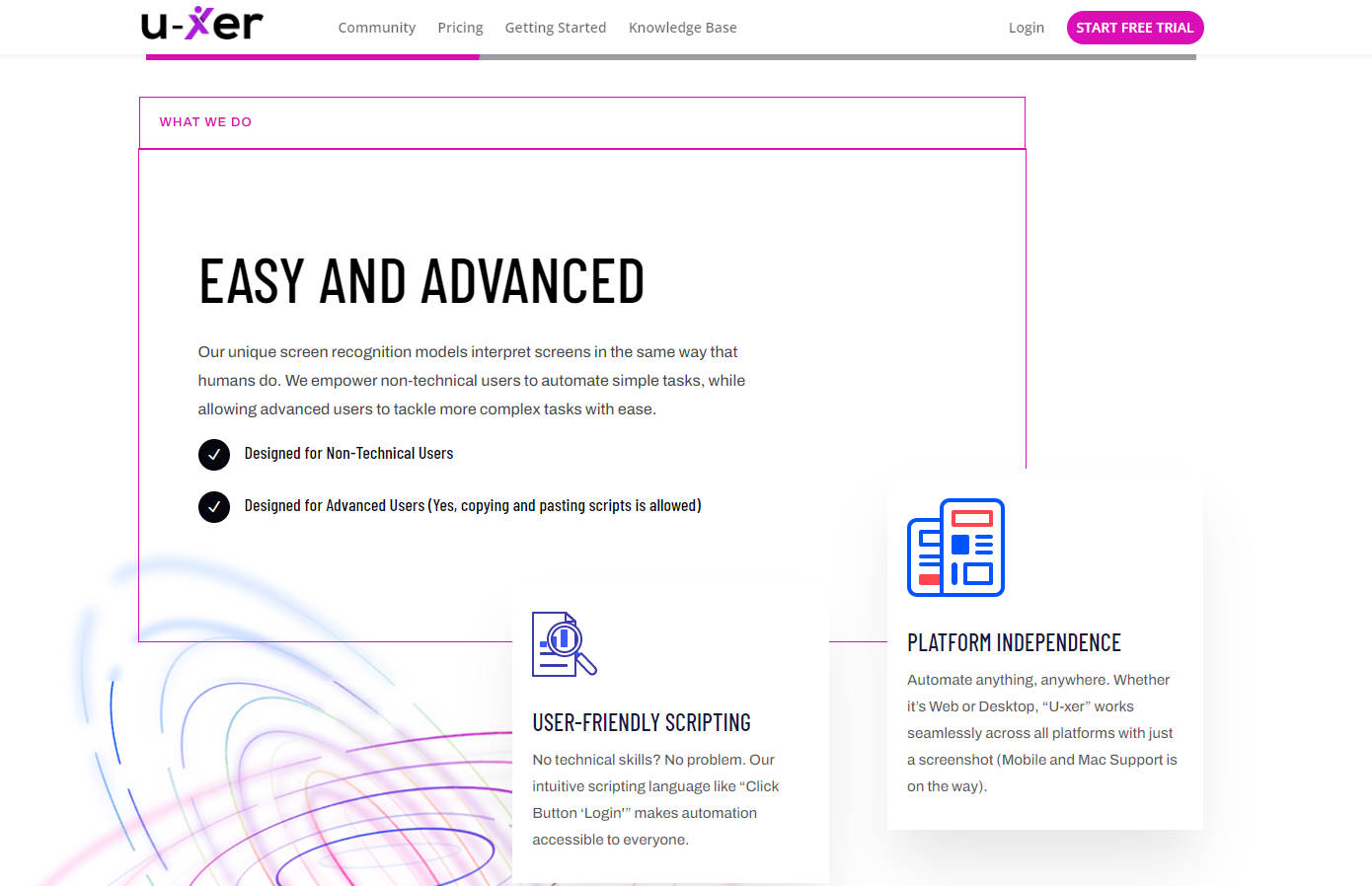
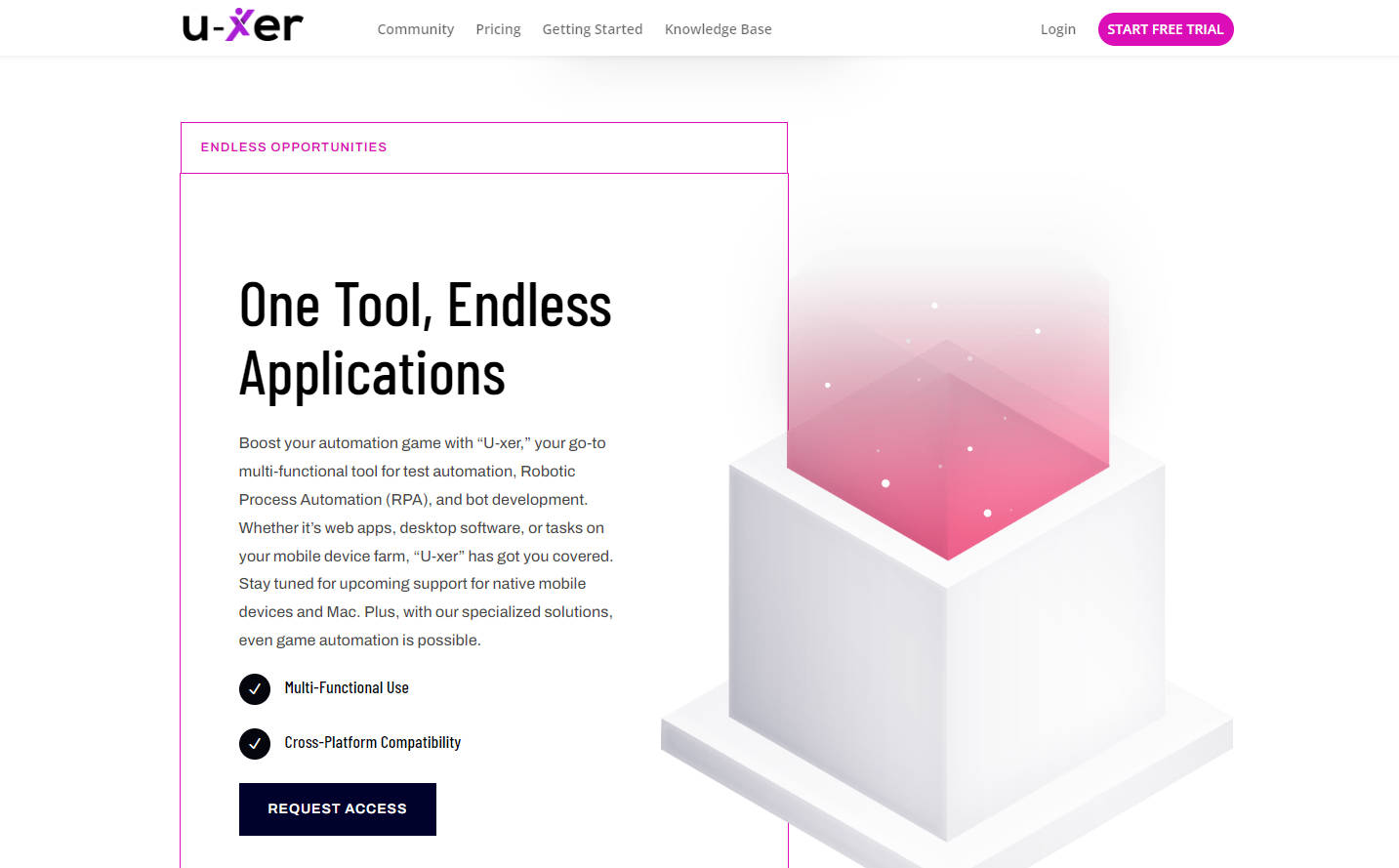
U-xer ComputerVision for Automationrevolutionizes test automation and Robotic Process Automation (RPA) by employing cutting-edge computer vision technology. It offers both simple and advanced automation solutions, making tasks accessible to non-technical users while providing powerful capabilities for experienced users.
Key Features:
👩💻 Intuitive Scripting: With commands like "Click Button 'Login'," users can automate tasks without needing technical expertise.
🖥️ Platform Agnostic: U-xer seamlessly operates across Web and Desktop platforms, enabling automation anywhere.
🤖 Human-like Interpretation: Unlike other tools, U-xer interprets screens like a human, ensuring natural and accurate automation.
Use Cases:
Effortless Automation: Simplify repetitive tasks by automating login processes and data entry, saving time and reducing errors.
Cross-platform Automation: Streamline workflows by automating tasks across various platforms, from web applications to desktop software.
Custom Automation Projects: Tailor automation solutions to specific needs, ensuring efficiency and accuracy in unique scenarios.
Conclusion:
U-xer offers unparalleled ease of use and versatility in automation, catering to both novices and experts. Its intuitive interface and powerful capabilities empower users to streamline processes and boost productivity across diverse applications. Experience the future of automation with U-xer today!
FAQs:
What makes U-xer unique?
U-xer stands out for its human-like screen interpretation, enabling more natural and accurate automation compared to traditional tools. Whether you're a beginner or an expert, U-xer simplifies automation without compromising on sophistication.
Can U-xer automate tasks on different platforms?
Absolutely! U-xer works seamlessly across Web and Desktop platforms, offering a versatile solution for various automation needs. Stay tuned for upcoming support for mobile devices and Mac.
How easy is it to get started with U-xer?
U-xer boasts an almost zero learning curve, ensuring that users can dive into automation without extensive training. Its intuitive scripting language and user-friendly interface make automation as simple as writing a to-do list.
More information on U-xer
Top 5 Countries
79.33%
11.25%
3.39%
Turkey (79.33%)
United States (11.25%)
Indonesia (3.39%)
Thailand (2.87%)
India (2.24%)
Traffic Sources
3.66%
12.27%
46.49%
34.58%
social (3.66%)
paidReferrals (1.13%)
mail (0.25%)
referrals (12.27%)
search (46.49%)
direct (34.58%)
Source: Similarweb (Sep 24, 2025)
U-xer was manually vetted by our editorial team and was first featured on 2024-04-30.
U-xer Alternatives
U-xer Alternatives-

More time, less busywork–ComputerX handles your computer work so you can focus, flow, and get more done.
-

TuriX AI automates complex cross-app workflows. Use natural language to delegate tasks across any application—API-free and robust.
-

AskUI enables AI to control your desktop and mobile devices. We make Windows, MacOS, Linux, Android and iOS accessible for AI agents by finding elements on screen and allowing our Agent OS execute agent commands on operating systems.
-

Uxia offers AI user testing for rapid UX validation. Get unbiased feedback on prototypes & flows in minutes, not days, to build better products faster.
-

Automatio: Your web automation assistant. Build bots to handle repetitive tasks. No coding needed, just point & click! Start automating today.