
Click outside to close
What is Vy?
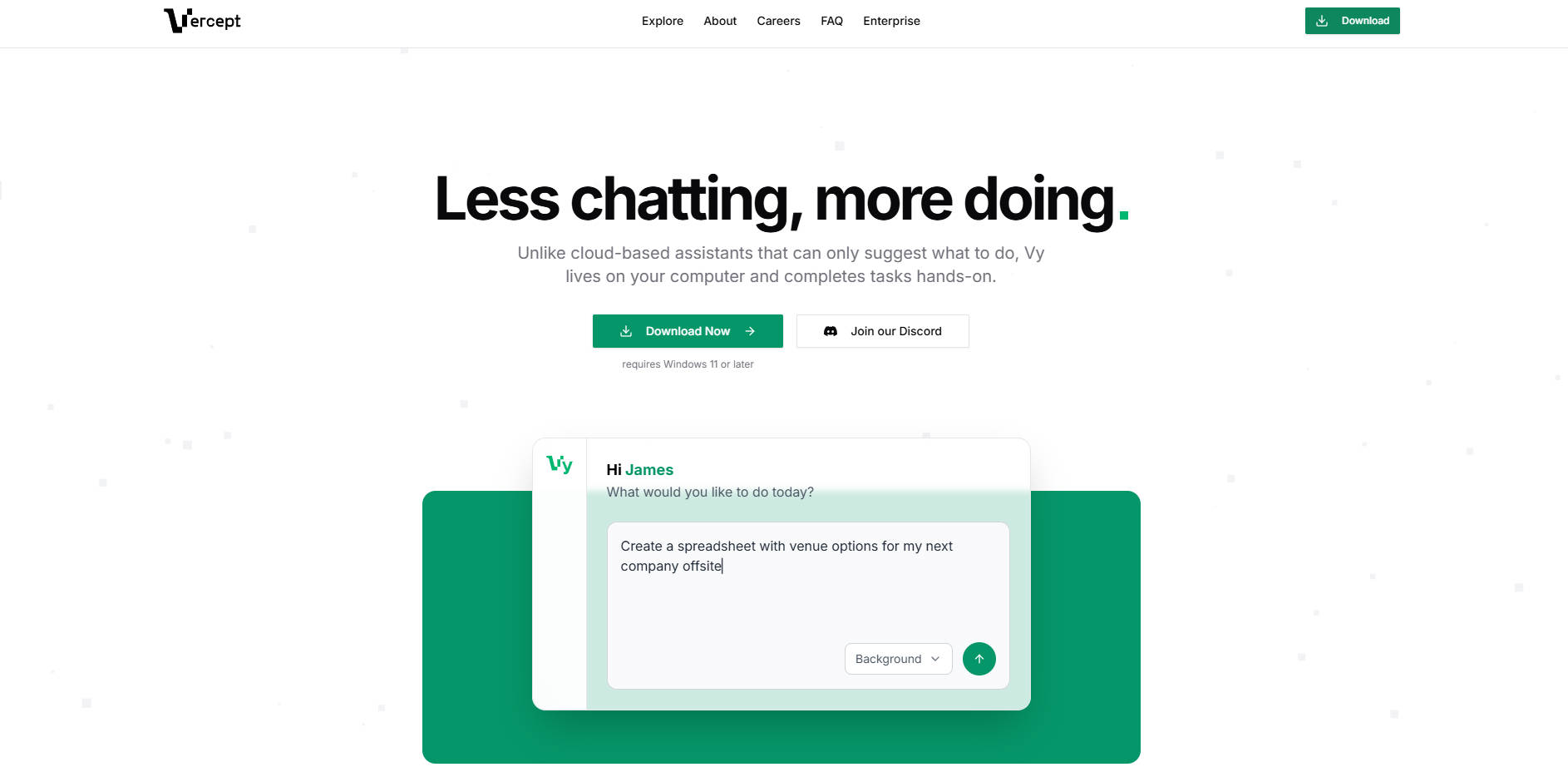
Vy is an AI-powered computer interface designed to move beyond simple conversation and into direct action. Unlike traditional cloud-based assistants that offer suggestions or text-based answers, Vy lives locally on your Windows 11 environment, interacting with your apps, files, and tools just as a human would.
By operating directly on your desktop, Vy bridges the gap between "knowing what to do" and "getting it done." It is built for professionals, students, and small business owners who want to automate repetitive digital tasks without the complexity of coding or managing dozens of third-party API integrations.
Key Features
- 🔄 "Watch and Repeat" Workflow Creation: You can teach Vy new skills by simply recording yourself performing a task. By narrating your actions, you provide the context Vy needs to generalize the behavior, allowing it to apply the same logic to different data sets or similar future scenarios.
- 🧩 Zero-Configuration Operation: Vy eliminates the need for complex setups. Because it interacts with your computer's interface visually and functionally, you don't need to link Slack, authenticate Notion, or connect Google Drive—if you can see it on your screen, Vy can work with it.
- 🕵️ Privacy-Centric Local Execution: Your sensitive files, passwords, and personal data remain under your control. By working directly from your local workspace rather than the cloud, Vy ensures that your information never leaves your machine during task execution.
- ⚡ Background Mode Multitasking: You can delegate tasks to Vy without losing access to your computer. In Background Mode, Vy processes your requests behind the scenes, allowing you to continue browsing or creating while a progress banner keeps you informed of its status.
- 📅 Scheduled Task Automation: Vy allows you to set specific intervals or times for workflows to run automatically. Whether it’s a daily 9:00 AM report or a weekly data backup, Vy manages the execution as long as your device remains awake and the application is open.
Use Cases
- Market Research and Data Extraction: You can instruct Vy to navigate to specific websites, scrape relevant links or product reviews via the command line, and summarize the findings into a local document or spreadsheet.
- Administrative Management: Vy can check your calendar to brief you on upcoming meetings, assist in setting up new workspace environments like Slack, or even find and book flights based on your specific travel preferences.
- Educational Content Creation: Students can automate the creation of study materials by asking Vy to extract key information from PDFs or blog posts and transform them into Anki flashcards automatically.
Why Choose Vy?
Vy represents a fundamental shift in human-computer interaction by focusing on "doing" rather than "chatting." While most AI tools are confined to a browser tab or a specific app's API, Vy operates across your entire operating system.
The primary advantage of Vy is its ability to interact with licensed software and local files that lack modern cloud integrations. It doesn't require you to hand over login credentials to a third-party server; instead, it acts as a digital extension of your own intent, learning from your demonstrations rather than requiring endless written instructions. This makes it a practical solution for automating legacy software or one-off tasks that don't justify a full-scale IT integration.
Conclusion
Vy transforms your computer from a static tool into an active collaborator. By handling the mechanical, repetitive aspects of your digital life—from parsing APIs to planning trips—it allows you to focus your energy on high-level decision-making. As you teach Vy your specific preferences and workflows, it becomes a personalized assistant that adapts to your unique way of working, significantly expanding what you can accomplish on your own.
More information on Vy
Launched
Pricing Model
Freemium
Starting Price
Global Rank
Follow
Month Visit
<5k
Tech used
Vy was manually vetted by our editorial team and was first featured on 2026-01-09.