The Ultimate Guide to Free AI PowerPoint Generators in 2023
In the digital age, creating PowerPoint presentations has transformed remarkably, thanks to AI PowerPoint Generators. These tools use advanced artificial intelligence algorithms to generate professional-looking presentations in minutes, saving time and enhancing creativity. Let's dive into the world of the best free AI PowerPoint generators available in 2023.
Understanding AI PowerPoint Generators
AI PowerPoint generators streamline the process of creating presentations. They analyze input prompts, generate relevant content, suggest layouts and designs, and offer customization options. Some even have capabilities like image and quiz generation from text input and document-to-presentation conversion.
Benefits of AI PowerPoint Generators
- Automated Slide Generation: Based on input text for personalized and interactive presentations.
- Time Efficiency: Significantly faster than manual slide creation.
- Branding and Collaboration: Easy incorporation of branding elements and collaborative features for team editing.
- Design Suggestions: AI-powered design element suggestions, including images, icons, and videos.
- Export Flexibility: Supports various export options like PPT, PDF, and video formats.
Top Free AI PowerPoint Generators
ClassPoint AI
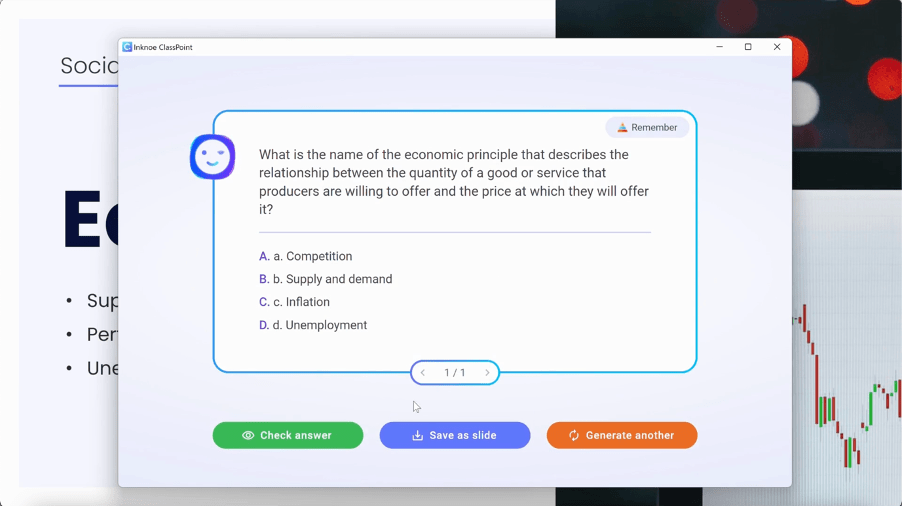
Specializes in interactive quiz slides, integrated with PowerPoint, and offers multi-language support. However, it relies heavily on textual content for quiz generation.
Tome AI
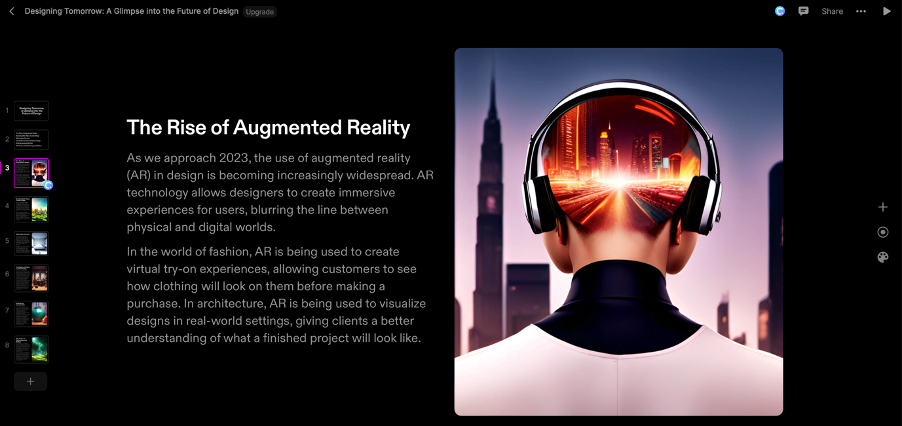
Known for aesthetic slides and seamless integration with platforms like Figma and Airtable. It includes a text-to-image AI generator but has limited slide layout options.
ChatGPT
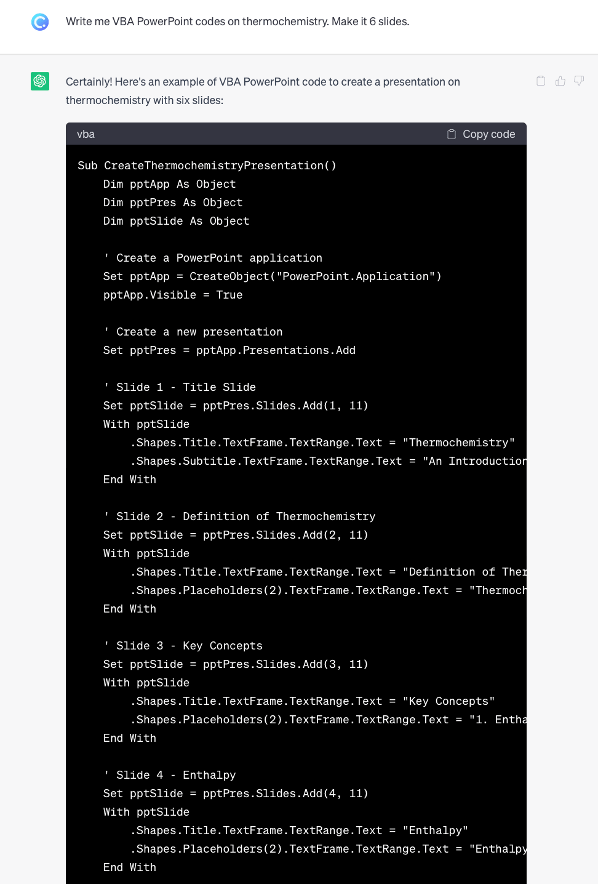
Utilizes VBA codes for slide automation and design suggestions, requiring some coding knowledge.
SlidesAI.io

Generates presentation slides from text and integrates with Google Workspace, but its templates lack customization flexibility.
MagicSlides
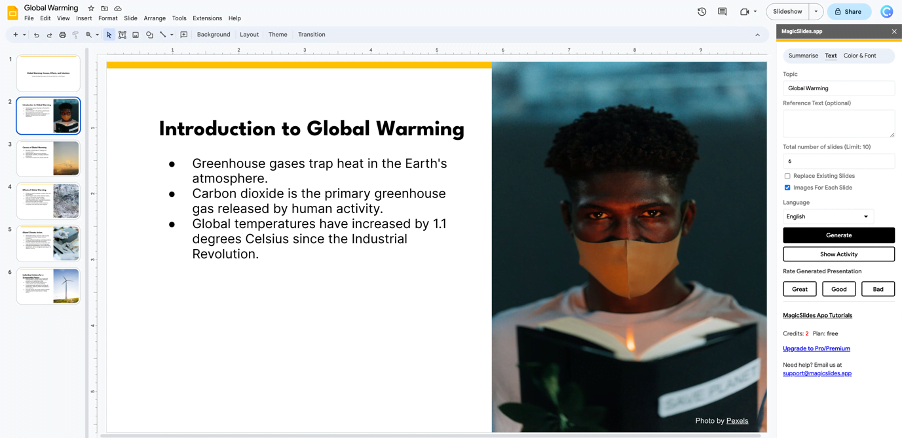
Google Workspace add-on that generates slides from text input and integrates with Pexels for high-quality images, though it has limited templates and design styles.
Decktopus AI
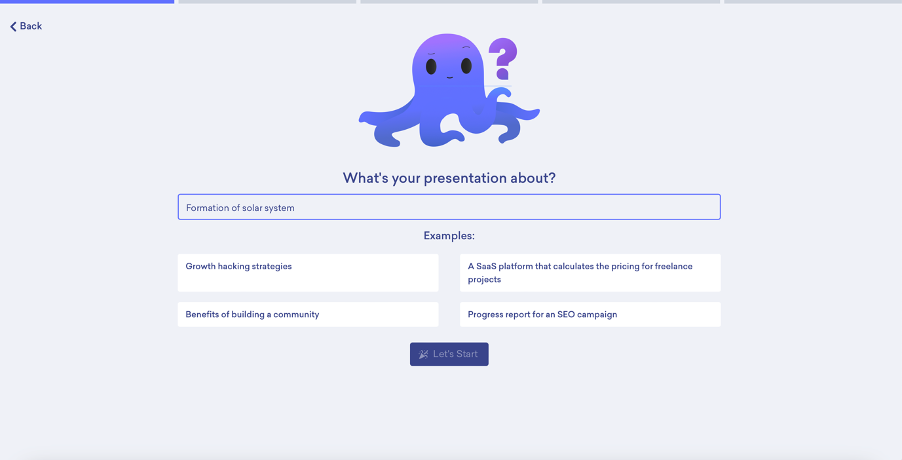
Tailors slides to specific audience and objectives with an AI assistant for design recommendations, but has limited export formats.
Presentations.AI
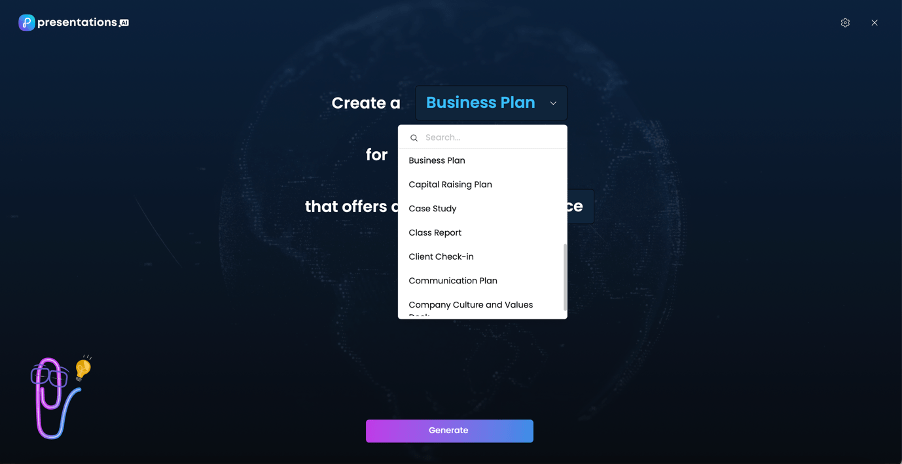
Geared towards businesses, offering advanced customization options and collaboration features. It includes Clip-E, an AI assistant, but has a fee for exporting to certain formats.
Canva Doc to Deck
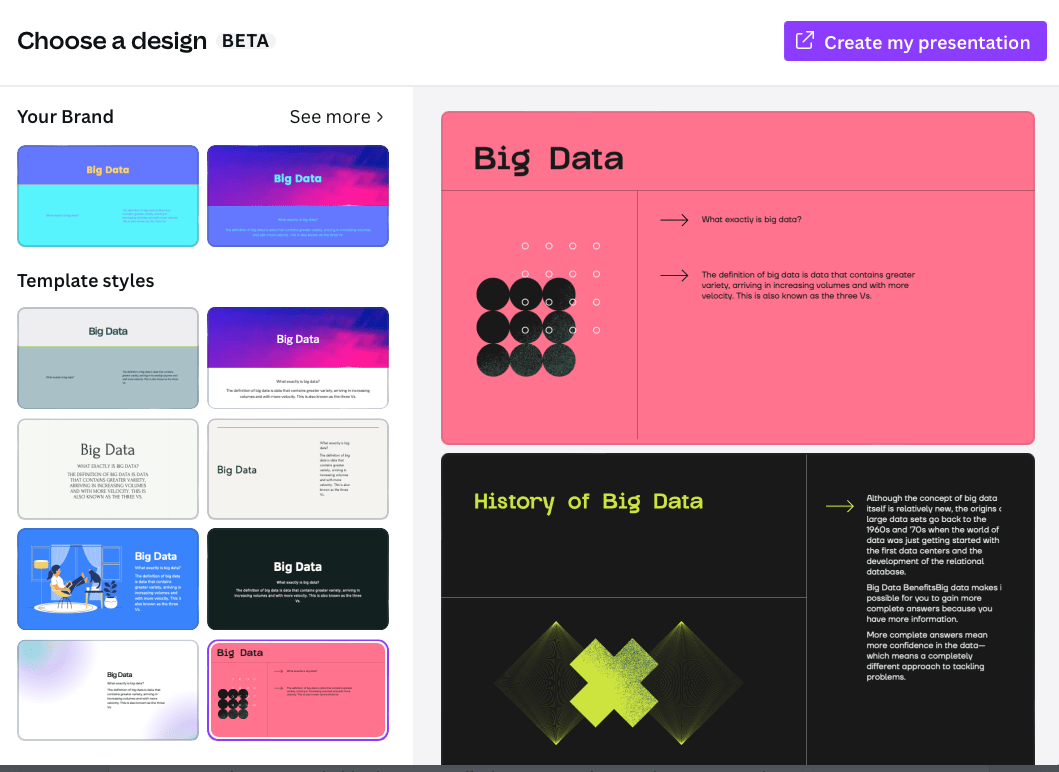
Converts Canva documents into presentations, offering a drag-and-drop interface and extensive design templates. However, advanced features require a Canva Pro subscription.
Simplified
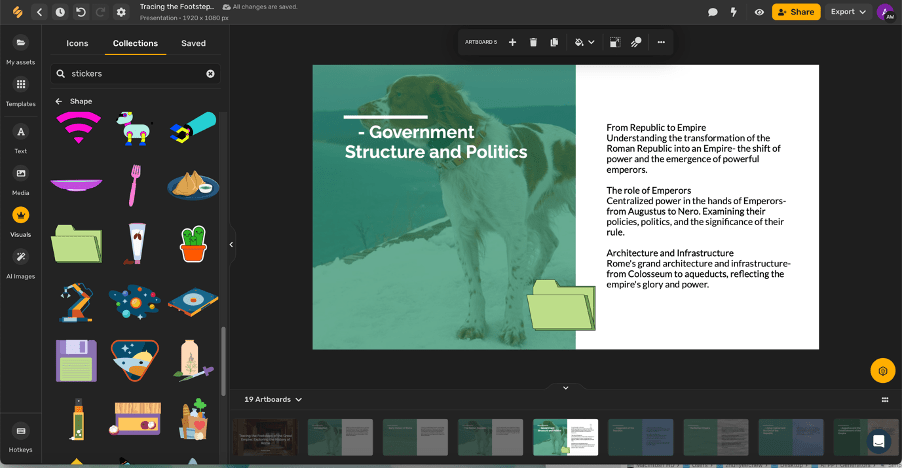
A multifunctional tool with a built-in text-to-image AI generator and a rich template library, but its output is not exportable in PPTX format.
SlidesGo + WePik
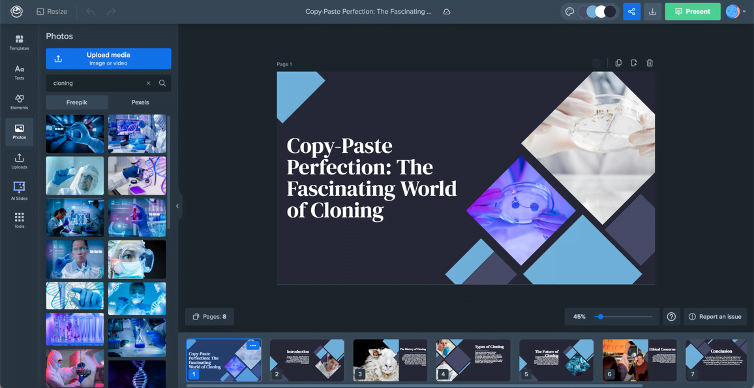
Offers customizable templates and integrates with vector and icon libraries. However, it has limited slide editing options and dependency on templates.
Sendsteps.ai Focuses on interactive slides with diverse templates and the ability to export to PowerPoint. However, the interactive ability is lost once exported to PowerPoint.
Conclusion
AI PowerPoint generators are revolutionizing the way we create presentations, offering a blend of efficiency, creativity, and customization. By choosing the right tool, you can elevate your presentation game to new heights. Whether you need interactive quizzes, aesthetic layouts, or tailored content, there's an AI tool out there to meet your needs. Embrace these innovative solutions and transform your presentation experiences!