 UISnapper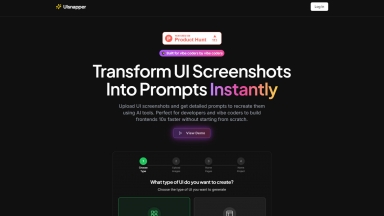
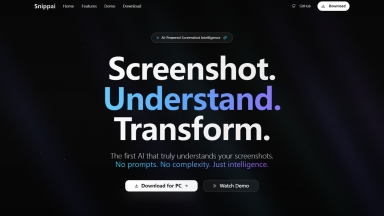
Snippai
| Launched | |
| Pricing Model | Free |
| Starting Price | |
| Tech used | |
| Tag | Image To Text,Document Automation,Data Extraction |
UISnapper
| Launched | 2025-04 |
| Pricing Model | Paid |
| Starting Price | $5 /month |
| Tech used | Vercel,OpenGraph,HSTS |
| Tag | Ui Design,Prompt Generators,Code Generation |
Snippai Rank/Visit
| Global Rank | 7656521 |
| Country | China |
| Month Visit | 2036 |
Top 5 Countries
62.63%
23.12%
14.26%
China
Taiwan
United States
Traffic Sources
2.78%
0.57%
0.29%
4.03%
15.8%
76.52%
social
paidReferrals
mail
referrals
search
direct
UISnapper Rank/Visit
| Global Rank | |
| Country | |
| Month Visit |
Top 5 Countries
Traffic Sources
Estimated traffic data from Similarweb
What are some alternatives?
When comparing Snippai and UISnapper, you can also consider the following products
Mathpix - 迅速且精準地將PDF文件與影像轉換為可搜尋、可匯出,並供機器讀取的文字內容。我們為開發人員提供穩健強大的API,同時也為研究人員提供一款搭載OCR技術的生產力應用程式。
Tablextract - 表格擷取變得輕鬆容易!AI 驅動的 Tablextract 能從 PDF、JPG、PNG 檔案中擷取資料至 Excel、CSV。節省您的時間並減少錯誤!
Snipo - 在觀看影片的同時,直接在 Notion 中做帶時間戳記的筆記,並在瀏覽課程內容時輕鬆與課程內容同步。享受分屏模式、截取螢幕截圖,並擷取影片剪輯。
SnappyAI - 輕鬆解鎖 SnappyAI 的洞察力!簡化 AI 整合流程,只需上傳文件,即可立即查詢資料。非常適合企業、開發人員和 AI 愛好者。