
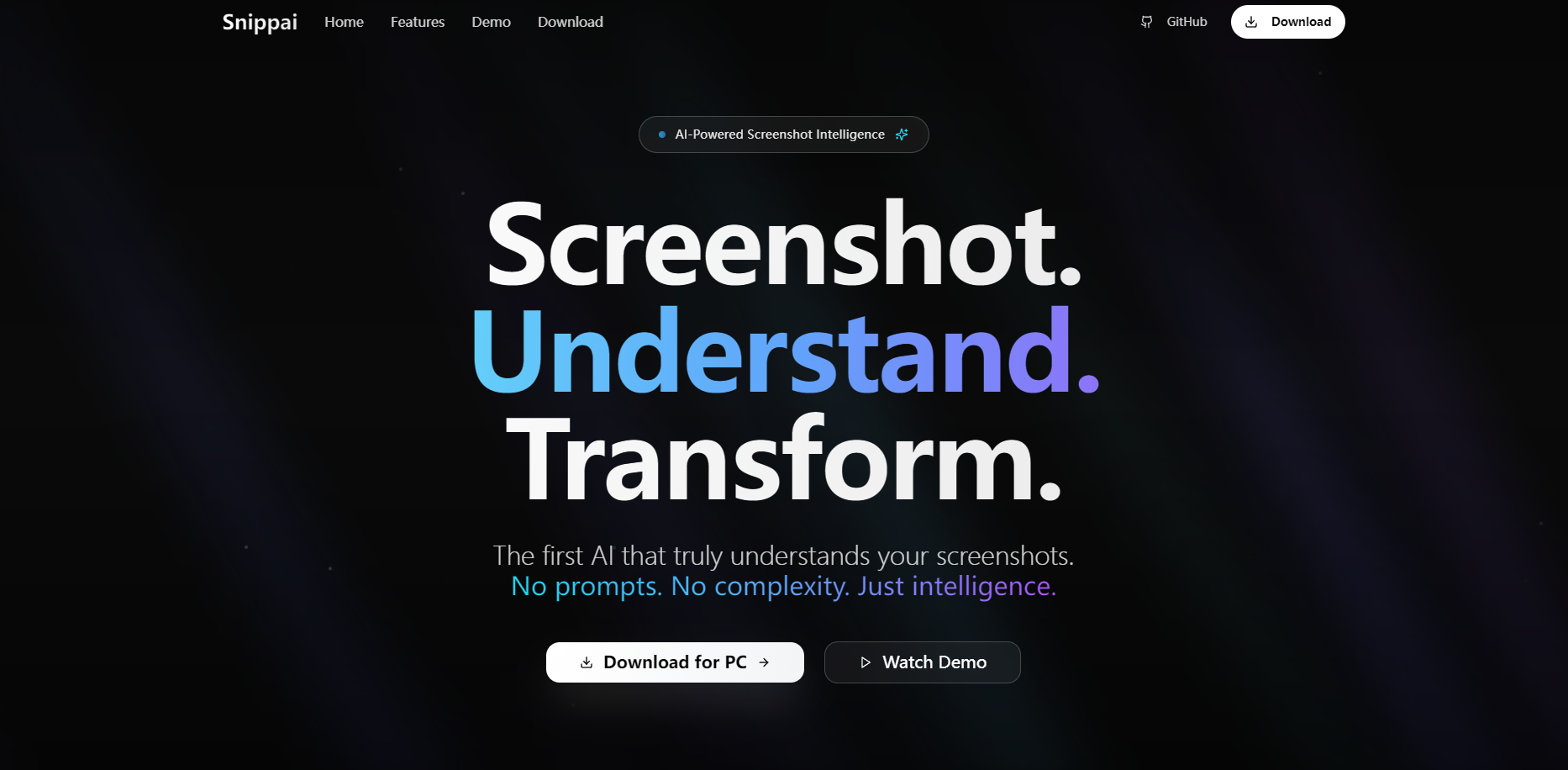
What is Snippai?
Stop treating screenshots as static, dead-end images. Snippai is the first AI tool that truly understands the content you capture, transforming it from a simple picture into structured, actionable information. It's designed for professionals, researchers, developers, and students who need to move information from screen to document with speed and perfect accuracy.
Key Features
Snippai goes far beyond simple screen capture. It analyzes the content within your screenshots to provide intelligent, ready-to-use output.
✍️ Instantly Convert Formulas to LaTeX Capture any handwritten or printed mathematical expression, and Snippai will instantly convert it into clean, editable LaTeX code. This eliminates tedious manual transcription, making it perfect for your research papers, assignments, and technical documentation.
📊 Extract and Structure Tables Effortlessly pull tabular data from any image. Snippai intelligently parses tables and transforms them into perfectly structured formats like Excel, CSV, or Markdown, preserving all rows and columns so your data is immediately ready for analysis.
💻 Analyze and Refactor Code Snippets Capture code from presentations, videos, or articles. Snippai not only extracts the text but also understands the syntax. You can get clear explanations of the code's logic or even receive intelligent refactoring suggestions, with support for all major programming languages.
📄 Go Beyond Basic OCR with Smart Text Capture Leveraging advanced optical character recognition powered by AI, Snippai accurately extracts text from any image. More importantly, it can instantly generate summaries of the captured text or reformat it to suit your needs, dramatically speeding up your research and note-taking.
Use Cases
Here’s how you can integrate Snippai into your daily workflow:
For the Researcher: You're reviewing a critical research paper in PDF format and encounter a complex formula. Instead of struggling to retype it, you take a quick screenshot. Snippai provides the editable LaTeX code, ready to be pasted directly into your work.
For the Developer: During a live-streamed tech talk, a presenter displays a key code block on a slide. You snip it with Snippai, which not only gives you the usable code but also helps you understand its function, allowing you to test and integrate it almost immediately.
For the Business Analyst: You receive a sales report as a flat image file. You use Snippai to capture a dense data table. It’s instantly converted into a structured Excel sheet, ready for you to sort, filter, and build charts without a single moment of manual data entry.
Unique Advantages
Snippai isn't just another screenshot utility; it's an intelligence layer for your screen.
While traditional tools just capture a static image, Snippai uses AI to actively understand the content within it. It distinguishes between different types of information to provide the right output for your needs.
Unlike basic OCR tools that only extract raw text, Snippai recognizes the inherent structure of your content. It correctly identifies and formats complex tables, mathematical formulas, and code blocks, saving you significant editing and cleanup time.
It’s designed to accelerate your workflow, not just capture pixels. By delivering actionable data in formats like LaTeX, Excel, and structured code, Snippai closes the gap between seeing information and using it.
Conclusion
Snippai fundamentally changes how you interact with information on your screen, turning a passive capture process into an active, intelligent one. It’s the essential tool for anyone who needs to capture, understand, and reuse on-screen content with maximum efficiency and accuracy. Stop retyping and start transforming your workflow today!
More information on Snippai
Launched
Pricing Model
Free
Starting Price
Global Rank
7656521
Follow
Month Visit
<5k
Tech used
Top 5 Countries
62.63%
23.12%
14.26%
China
Taiwan
United States
Traffic Sources
2.78%
0.57%
0.29%
4.03%
15.8%
76.52%
social
paidReferrals
mail
referrals
search
direct
Source: Similarweb (Sep 25, 2025)
Snippai was manually vetted by our editorial team and was first featured on 2025-08-11.
Related Searches
Snippai Alternatives
Load more Alternatives-
-

Table Extraction made easy! AI-powered Tablextract extracts data from PDF, JPG, PNG to Excel, CSV. Save time & reduce errors!
-

-

-
