
What is AstrBot?
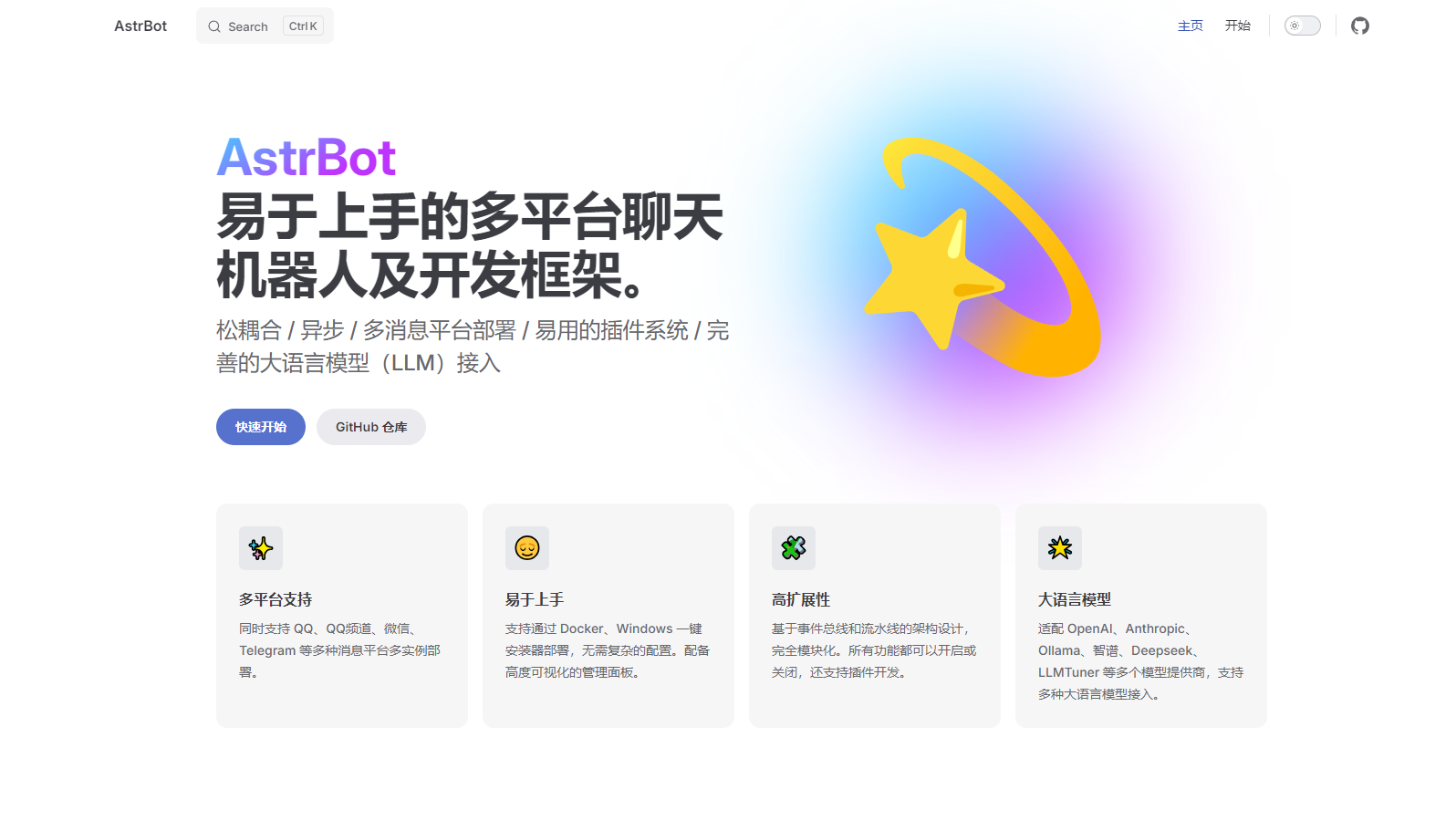
AstrBot is a robust and flexible chatbot development framework designed to simplify the creation and deployment of intelligent chatbots across multiple platforms. If you're looking for a solution that offers extensive Large Language Model (LLM) integration, a user-friendly plugin system, and a high degree of customization, AstrBot provides the tools you need. It addresses the complexities of multi-platform deployment and LLM management, allowing you to focus on building innovative chatbot experiences.
Key Features:
🗣️ Integrate Diverse LLMs: Seamlessly connect to a wide range of LLMs, including OpenAI API, Google Gemini, Llama, Deepseek, ChatGLM, and more. AstrBot also supports local model deployment via Ollama and LLMTuner, giving you full control over your data and infrastructure.
🌐 Deploy Across Multiple Platforms: Reach your users where they are. AstrBot supports QQ (OneBot), QQ Channels, WeChat (Gewechat), Feishu, and Telegram, with planned support for additional platforms like DingTalk and Discord.
🤖 Enable Agent Capabilities: Go beyond simple chat interactions. AstrBot natively supports features like code execution, natural language TODO lists, and web search. Integration with the Dify Platform allows you to easily leverage pre-built Dify assistants, knowledge bases, and workflows.
🔌 Extend Functionality with Plugins: The optimized plugin mechanism makes it easy to add new features and integrations with minimal development effort. AstrBot supports multiple installed plugins, allowing for a highly customized chatbot experience.
🖥️ Manage with a Web Dashboard: Gain complete control over your AstrBot instance through a visual web dashboard. Manage configurations, control plugins, view logs, and even interact directly with LLMs using the integrated WebChat interface.
🛠️ Build on a Stable and Modular Architecture: AstrBot's event bus and pipeline architecture promotes high modularization and loose coupling, ensuring stability and making it easy to extend and maintain your chatbot.
Use Cases:
Multi-Platform Customer Support Automation: Deploy a single AstrBot instance to handle customer inquiries across multiple platforms (e.g., WeChat, QQ, Telegram) simultaneously. Use LLM integration to provide intelligent responses and automate common support tasks.
Internal Tool Integration: Create a chatbot that integrates with internal tools and services via plugins. For example, allow employees to query databases, manage tasks, or trigger workflows through natural language commands.
Rapid Prototyping of LLM-Powered Applications: Leverage AstrBot's LLM support and plugin system to quickly prototype and test new LLM-powered applications. Easily switch between different LLMs or deploy models locally for experimentation.
Conclusion:
AstrBot offers a powerful and flexible solution for developers seeking to build and deploy sophisticated chatbots. Its extensive LLM support, multi-platform capabilities, and modular architecture make it an ideal choice for a wide range of applications, from customer service automation to internal tool integration and rapid prototyping.
FAQ:
What platforms does AstrBot currently support?
AstrBot currently supports QQ (OneBot), QQ Channels, WeChat (Gewechat), Feishu, and Telegram. Future support is planned for DingTalk, Discord, WhatsApp, and Xiaomi Smart Speakers.
Can I use my own LLM with AstrBot?
Yes. AstrBot supports a variety of LLMs, including OpenAI API, Google Gemini, and others. You can also deploy models locally using Ollama or LLMTuner.
How difficult is it to create a plugin for AstrBot?
AstrBot's plugin system is designed for ease of use. The optimized plugin mechanism minimizes development effort, allowing you to quickly add new features and integrations.
What kind of deployment methods are available?
AstrBot offers several deployment options, including Docker, a Windows installer, Replit deployment, CasaOS deployment (community-contributed), and manual deployment from source code. Detailed instructions for each method are available in the documentation.
Is there a demo available to explore the dashboard? Yes, a dashboard demo is accessible at https://demo.astrbot.app/. The username is "astrbot" and the password is "astrbot". Note that the LLM is not configured for the chat page in the demo.
More information on AstrBot
Launched
2025-01
Pricing Model
Free
Starting Price
Global Rank
531511
Follow
Month Visit
46.4K
Tech used
VitePress,HTTP/3,Caddy
Top 5 Countries
86.37%
6.14%
4.19%
2.44%
0.87%
China
United States
Taiwan
Hong Kong
Japan
Traffic Sources
0.68%
0.18%
0.01%
16.79%
17.05%
65.28%
social
paidReferrals
mail
referrals
search
direct
Source: Similarweb (Sep 25, 2025)
AstrBot was manually vetted by our editorial team and was first featured on 2025-03-19.