

What is AutoFlow Studio?
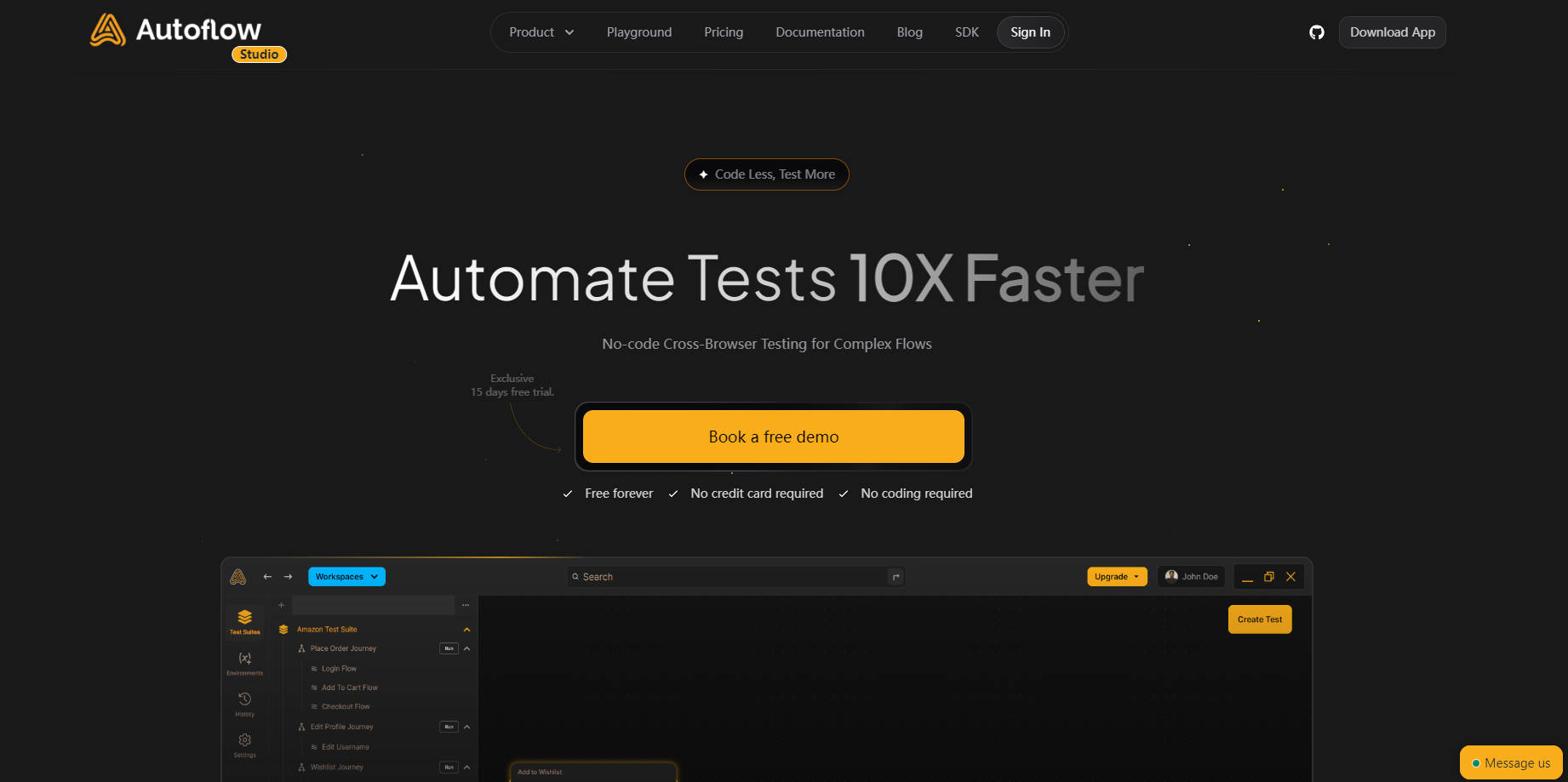
AutoFlow Studio is a comprehensive, AI-powered platform designed to streamline and accelerate software testing for developers, QA teams, and product managers. This no-code tool empowers teams to create, execute, and maintain complex test suites across multiple browsers with ease, significantly reducing testing time and effort. Its intuitive interface, collaborative features, and detailed reporting capabilities ensure faster release cycles and higher quality software.
Key Features:
AI-Driven Test Creation 🤖:Utilize AutoFlow's intuitive recorder and AI-powered suggestions to effortlessly build automated tests, even for intricate user journeys, without writing a single line of code.
Cross-Browser Compatibility 🌐:Execute tests seamlessly across multiple browsers (Chrome, Firefox, Safari, and more) to guarantee consistent functionality and user experience on all platforms.
Collaborative Workspaces 🤝:Foster teamwork and efficiency with shared workspaces, real-time collaboration features, and access-level roles, enabling smoother communication and test management.
Comprehensive Reporting & Analytics 📊:Gain insights into test performance with detailed, shareable reports, real-time alerts, and visualized user journeys, allowing for faster identification and resolution of issues.
Seamless Integrations 🔗:Integrate AutoFlow Studio into your existing workflows using its CLI, API, or pre-built integrations with popular CI/CD tools, further optimizing your testing process.
Use Cases:
A QA team uses AutoFlow Studio to automate regression testing, freeing up time for exploratory testing and ensuring faster release cycles.
Developers leverage AutoFlow Studio to shift-left testing and catch bugs early in the development process, leading to higher quality code and reduced debugging time.
A product manager utilizes AutoFlow Studio to monitor user journeys and identify potential usability issues before a product launch, ensuring a smooth and positive user experience.
Conclusion:
AutoFlow Studio offers a powerful yet user-friendly solution for teams seeking to enhance their software testing process. By simplifying test creation, broadening test coverage, and fostering collaboration, AutoFlow empowers teams to ship faster, test smarter, and ultimately deliver exceptional software experiences.
FAQs:
What level of technical expertise is needed to use AutoFlow Studio?AutoFlow Studio is designed to be accessible to users with varying technical backgrounds, including those without coding experience. Its no-code interface and intuitive features make it easy for anyone to create and execute automated tests.
Does AutoFlow Studio support mobile testing?Yes, AutoFlow Studio supports testing across various devices, including mobile devices, ensuring comprehensive test coverage across all platforms.
What are the pricing options for AutoFlow Studio?AutoFlow Studio offers flexible pricing plans, including a free forever tier and a 15-day free trial for its premium features. Detailed pricing information can be found on the AutoFlow Studio website.
More information on AutoFlow Studio
Launched
2023-09
Pricing Model
Freemium
Starting Price
$99 / month
Global Rank
5289447
Follow
Month Visit
<5k
Tech used
Gzip,Nginx,Ubuntu
Top 5 Countries
83.96%
16.04%
India
United States
Traffic Sources
4.19%
1.63%
0.08%
19.65%
36.57%
37.75%
social
paidReferrals
mail
referrals
search
direct
Source: Similarweb (Sep 24, 2025)
AutoFlow Studio was manually vetted by our editorial team and was first featured on 2024-11-22.
Related Searches
AutoFlow Studio Alternatives
Load more Alternatives-

Flow Studio generates fully-produced, film-quality 3-minute videos with engaging plots, consistent characters, automatically matched background music and sound effects, and no need for post-production editing, all with a single click.
-

-

ActionFlows AI: Build & automate AI workflows code-free. Connect any AI model, API & tool easily with drag-and-drop.
-

-

Build business applications fast without coding expertise. Form Building, Workflow Management and Analytics packaged in one platform.