

What is Ccusage?
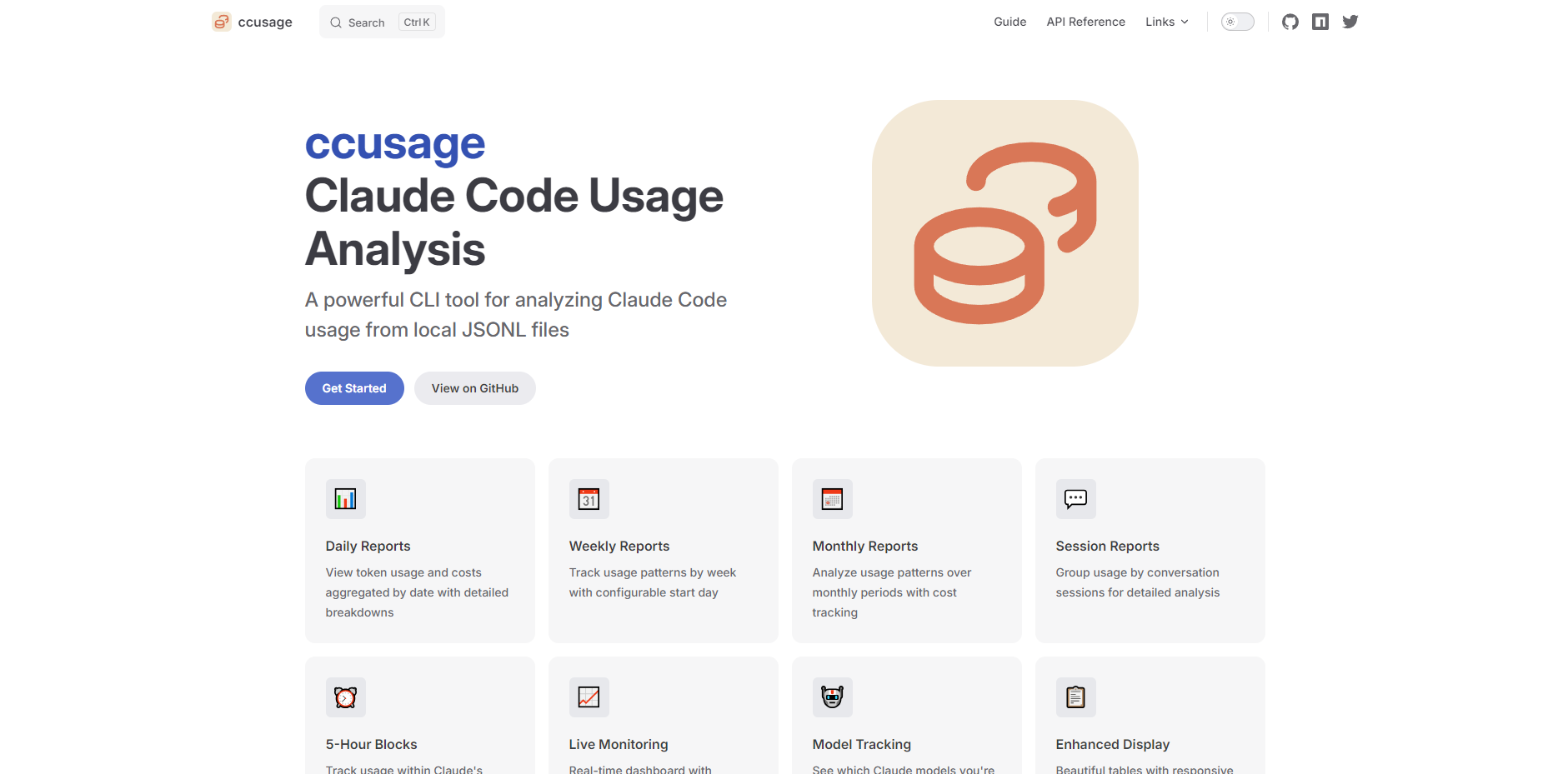
ccusage is a powerful Command Line Interface (CLI) tool designed to bring essential transparency to your Claude Code token consumption. By analyzing the local JSONL usage files generated by Claude Code, ccusage solves the common problem for users on unlimited plans: quantifying their actual usage, identifying cost drivers, and assessing the true value derived from their subscription. It provides detailed, actionable reports for managing and optimizing your AI interactions.
Key Features
We focus on providing granular detail and practical insights, ensuring you have complete visibility into your token usage and expenditures.
📊 Comprehensive Reporting Suite
Access usage aggregated across multiple dimensions, moving beyond simple daily totals. Daily, Weekly, Monthly, and Session Reports allow you to track long-term trends and instantly identify which conversations or time periods drove the highest consumption. This granular view is essential for retrospective usage analysis.
⏰ 5-Hour Block and Live Monitoring
Track consumption within the specific 5-hour billing windows used by Claude's backend systems. This unique Blocks Report provides active monitoring, cost projections, and burn rate calculations in real-time, giving you early warnings and helping you manage usage aligned with the underlying platform mechanics.
💰 Detailed Cost and Model Tracking
ccusage provides estimated costs in USD based on current token usage and model-specific pricing. It automatically tracks usage across different Claude models (Opus, Sonnet, etc.) and offers a Model Breakdown view. Furthermore, it accurately distinguishes between standard tokens and Cache Read/Creation Tokens, providing a truer picture of your net operational costs.
🔒 100% Local and Private Analysis
Your privacy is paramount. ccusage operates entirely in Offline Mode and performs all analysis locally on your machine by reading the Claude Code JSONL files. No data is ever transmitted or leaves your computer, ensuring complete security and data sovereignty over your usage patterns.
🚀 Ultra-Small Footprint and Instant Access
Unlike many complex CLI tools, ccusage is engineered with an incredibly small bundle size. This focus on efficiency means you can often run the tool directly without a full installation (e.g., using bunx ccusage), enabling instant access to critical usage data with minimal setup overhead.
Use Cases
ccusage transforms raw usage data into strategic insights, enabling users to make informed decisions about their AI workflow.
1. Assessing Return on Investment (ROI) for Unlimited Plans
If you are on the Max plan, use the Monthly and Session Reports to calculate what your usage would cost on a pay-per-use plan. This comparison provides a concrete, quantifiable metric for judging whether your current subscription model delivers sufficient value, helping you justify or adjust your plan.
2. Identifying Cost-Intensive Workflows
Utilize the Session Reports to pinpoint specific projects or conversation threads that consume the most tokens. By combining this with the Model Tracking and Breakdown features, you can determine if high-cost sessions relied disproportionately on premium models (like Opus) and evaluate if a lower-cost model could achieve similar results for certain tasks.
3. Integrating Usage Data into Custom Dashboards
The JSON Output feature allows you to export all aggregated analysis in a structured, programmatic format. Developers and power users can pipe this data directly into internal monitoring systems, custom analytics dashboards, or spreadsheet tools for deeper trend analysis and integration with broader project management systems.
Unique Advantages
ccusage provides distinctive value by focusing on granular detail and user control over data.
Granular Reporting Aligned with Platform Logic
We don't just provide calendar summaries; we provide 5-Hour Block Reports. This level of detail is critical because it aligns with Claude's underlying billing windows, giving you a functional understanding of usage that standard calendar reporting misses.
Built-in Support for Developer Ecosystems
The integrated Model Context Protocol (MCP) Server allows ccusage to interact smoothly with other developer tools and systems. This feature positions ccusage not just as a viewer, but as an active component in a larger toolchain, enabling deeper automation and integration.
Flexible Configuration and Timezone Control
ccusage offers extensive configuration options, including JSON Configuration Files with IDE support for validation and autocomplete, and flexible Timezone and Locale Support. This ensures that reports are accurately grouped, displayed, and formatted according to your specific operational environment and geographic location.
Conclusion
ccusage provides the clarity and control you need to master your Claude Code consumption. By transforming opaque usage data into detailed, actionable reports, you gain the confidence to optimize your workflows, track costs accurately, and maximize the value of your AI investment.
Explore how ccusage can help you gain control over your usage today. View the tool and documentation on GitHub.
More information on Ccusage
Launched
Pricing Model
Free
Starting Price
Global Rank
Follow
Month Visit
<5k
Tech used
Ccusage was manually vetted by our editorial team and was first featured on 2025-10-18.
Ccusage Alternatives
Load more Alternatives-

-

-

Desktop Commander MCP is an open-source tool that enables terminal command execution and file editing directly through Claude Desktop app. Enhance your AI workflow with Claude.
-

runCLAUDErun simplifies Claude Code automation on macOS. Schedule AI tasks, ensure local data privacy, and effortlessly wake up to finished work.
-
Experience the future of software development with most powerful AI coding assistance--Claude Sonnet 4.5. Write better code faster, debug intelligently, and transform complex projects into manageable tasks.