

What is Circle Crop?
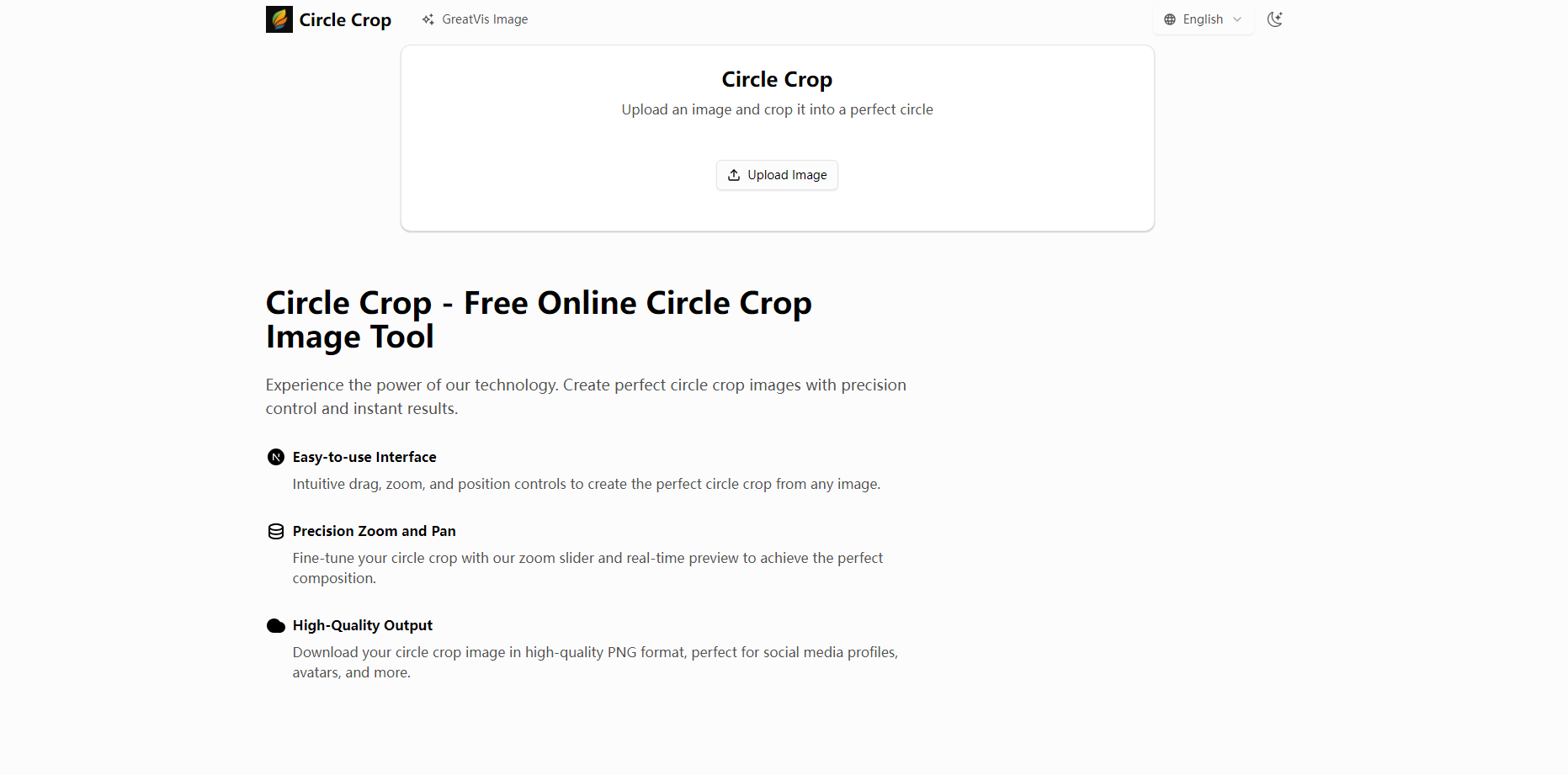
Effortlessly crop any image into a perfect circle. Our advanced Circle Crop Image Tool gives you the precision controls you need to create professional-looking social media avatars, profile pictures, and design elements in seconds, directly in your browser. It’s designed for anyone who needs a high-quality circular image without the complexity of traditional photo editing software.
Key Features
🎯 Precision Zoom and Pan Go beyond basic cropping. Use our intuitive slider to zoom in and drag your image to frame your subject perfectly. The real-time preview ensures you see exactly what you'll get as you make adjustments, eliminating any guesswork for a flawless composition.
✨ High-Quality PNG Output Download your finished image as a high-quality PNG file. This format preserves image clarity and supports transparent backgrounds, making it ideal for web use, branding, and layering in other design projects without unwanted white boxes or compression artifacts.
🔒 Secure In-Browser Processing Your privacy is paramount. All image processing happens directly on your device, within your web browser. Your photos are never uploaded to our servers, which means your data remains completely private and secure on your own computer.
🖥️ Simple, Intuitive Interface Get professional results without the learning curve. Our tool is built for speed and simplicity. You can upload an image (JPG, PNG, WebP, and more), adjust it, and download your circle crop in under a minute.
Why Choose Circle Crop?
In a world of overly complex software, our Circle Crop Image Tool stands out by focusing on doing one thing exceptionally well.
Speed and Efficiency: Why open a heavy desktop application for a simple task? Our tool delivers instant results right in your browser, saving you valuable time.
Guaranteed Privacy: The in-browser processing isn't just a feature; it's a commitment to your data security. You can crop personal or sensitive images with complete peace of mind.
Professional-Grade Results: By providing high-quality, uncompressed PNG output, we ensure your final image looks crisp and clean on any platform, from a LinkedIn profile to a website design.
Conclusion:
Stop wrestling with clunky software for a simple task. Get the clean, professional circle crop you need quickly, securely, and with absolute precision. Whether you're updating your profile picture or designing a new web element, our tool is ready to help.
Stop wrestling with clunky software. Try our tool now and get the clean, professional circle crop you need in seconds. It’s fast, secure, and completely free.
More information on Circle Crop
Launched
2025-07
Pricing Model
Free
Starting Price
Global Rank
Follow
Month Visit
<5k
Tech used
Circle Crop was manually vetted by our editorial team and was first featured on 2025-08-05.
Related Searches
Circle Crop Alternatives
Load more Alternatives-

-

-

Crop.photo: Trusted AI-powered software for image editing. Easily crop, resize, and remove backgrounds. Compare images on Amazon. Save time and boost productivity.
-

Discover how Directory Crop optimizes image quality by swiftly sorting and eliminating undesirable AI-generated images. Effortlessly select the best photos with precision and save time.
-

PhotoCut, the must - have mobile photo editing app! Remove backgrounds, create profile pics, erase objects, customize backgrounds, add text, and enhance photos. Ideal for e - commerce, social media, and personal use.