

Click outside to close
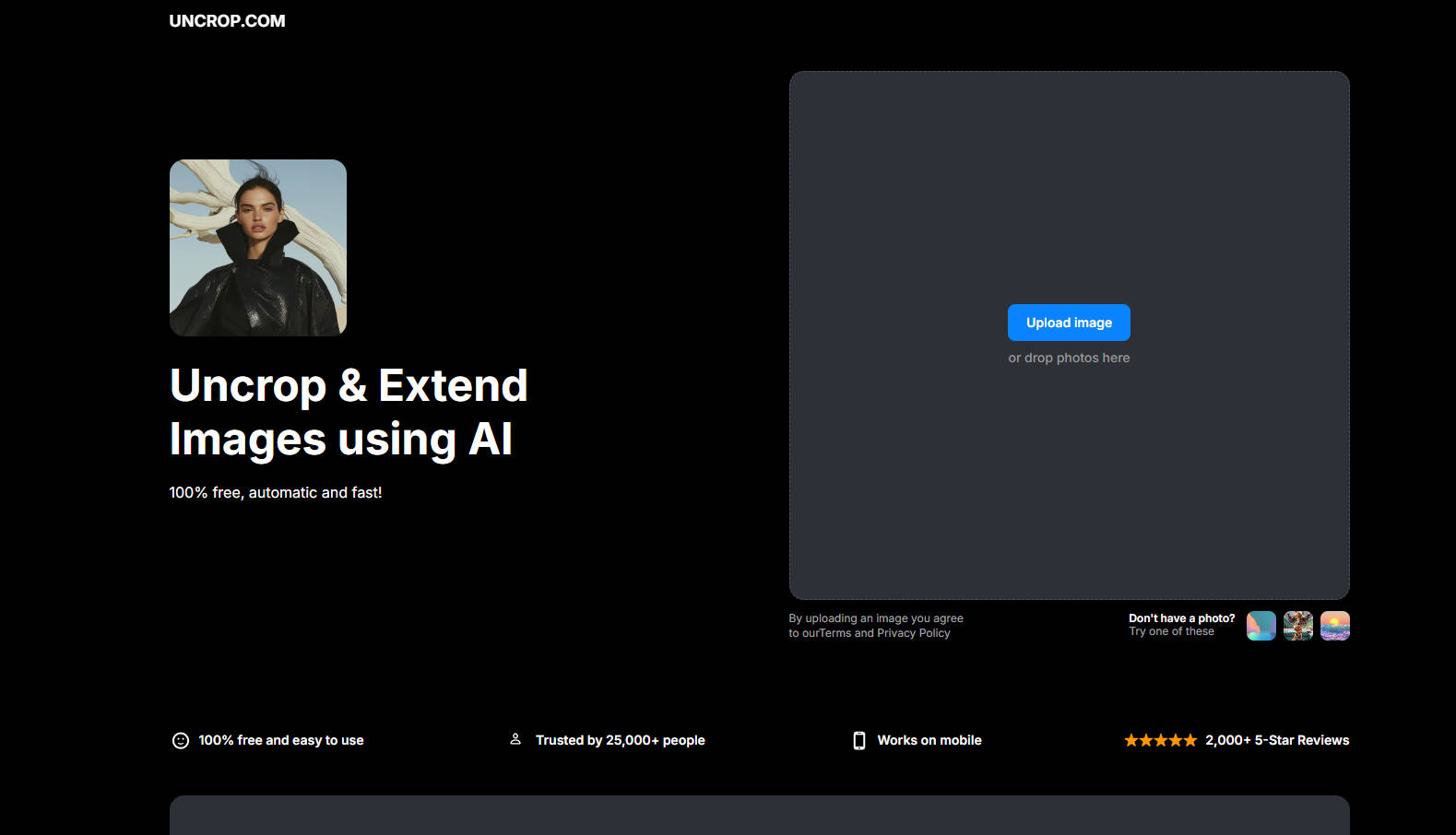
What is Uncrop?
Ever wished you could magically extend the edges of a photo to fit a specific frame or platform? With Uncrop.com, you can do just that—in seconds, for free, and with zero hassle. Whether you're a social media enthusiast, photographer, or designer, this AI-powered tool lets you uncrop, resize, and extend images effortlessly.
Key Features
✨ Extend in Any Direction:Need more space on the left, right, top, or bottom? Uncrop.com lets you expand your image in any direction with just a click.
✨ Preset Dimensions:Choose from a list of preset dimensions to fit platforms like Instagram or Facebook perfectly.
✨ AI-Powered Precision:The AI intelligently fills in the gaps, maintaining image quality and natural-looking details.
✨ Fast and Free:No downloads, no subscriptions—just upload, extend, and download your image in seconds.
✨ Mobile-Friendly:Works seamlessly on your phone or desktop, so you can edit on the go.
How It Works
Upload Your Image:Drag and drop a JPG, PNG, or HEIC file into the tool.
Extend Your Canvas:Choose the direction or preset dimensions to expand your image.
Download and Share:Get your AI-extended image instantly, ready to use anywhere.
Use Cases
📸 Social Media Perfection:Adjust your photos to fit Instagram, Facebook, or other platforms without awkward cropping.
🎨 Design Projects:Add extra space for text, logos, or creative elements in banners, posters, or presentations.
📷 Photography Enhancement:Extend backgrounds or adjust framing without losing image quality.
Why Choose Uncrop.com?
With over 25,000 trusted users and 2,000+ 5-star reviews, Uncrop.com is the go-to tool for hassle-free image editing. It’s fast, free, and designed for anyone who needs to resize or extend images without compromising quality.
FAQ
How does the AI extend images?
The AI analyzes your photo and intelligently generates context-aware details to fill in the extended areas, ensuring a seamless look.
Can I use Uncrop.com on my phone?
Yes! Uncrop.com is mobile-friendly, so you can edit images on the go.
Is it really free?
Absolutely. No hidden fees, no subscriptions—just free, unlimited image editing.
Ready to Unlock Your Images’ Potential?
Visit Uncrop.comtoday and see how easy it is to extend, resize, and perfect your photos in seconds. No editing skills required—just upload, click, and download. Your images, your way.
More information on Uncrop
Top 5 Countries
19.69%
7.35%
5.09%
4.37%
4.04%
India (19.69%)
United States (7.35%)
Mexico (5.09%)
Colombia (4.37%)
Peru (4.04%)
Traffic Sources
67.02%
31.31%
social (0.24%)
paidReferrals (0.08%)
mail (0.01%)
referrals (1.33%)
search (67.02%)
direct (31.31%)
Source: Similarweb (Sep 25, 2025)
Uncrop was manually vetted by our editorial team and was first featured on 2025-01-31.
Uncrop Alternatives
Uncrop Alternatives-

Revolutionize your visual creations with ClipDrop! Remove unwanted objects, extract subjects, relight images, and upscale with AI in seconds.
-
AI Image Extender - Expand images with AI. Adjust aspect ratios, customize canvas size. Get four output options and high-res downloads. Enhance your visuals!
-
Click and drag to expand beyond the edges of your image, to enlarge the background, adjust the aspect ratio, and more.
-
Discover Intelligence Crop, the cutting-edge AI tool that revolutionizes image cropping for social media. Say goodbye to manual adjustments and hello to precise, platform-specific images.
-
Get precise, high-quality circle crops for any image. Create perfect profile pictures & social media avatars instantly, securely in your browser.