

What is DocumentationLab?
Documentation.AI is the specialized AI documentation platform designed to eliminate the persistent challenge of stale technical content. It empowers product teams to effortlessly create, manage, and publish API, software, and knowledge base documentation that remains accurate, drives product adoption, and significantly reduces the burden on support staff. By integrating AI into the core workflow, Documentation.AI ensures your technical knowledge is always current, accessible, and optimized for both human readers and sophisticated AI agents.
Key Features
Documentation.AI leverages an AI-first architecture to deliver documentation that is not only beautiful and fast but fundamentally intelligent. We focus on the capabilities that directly solve the pain points of maintenance and information access.
🤖 AI Documentation Agent for Freshness
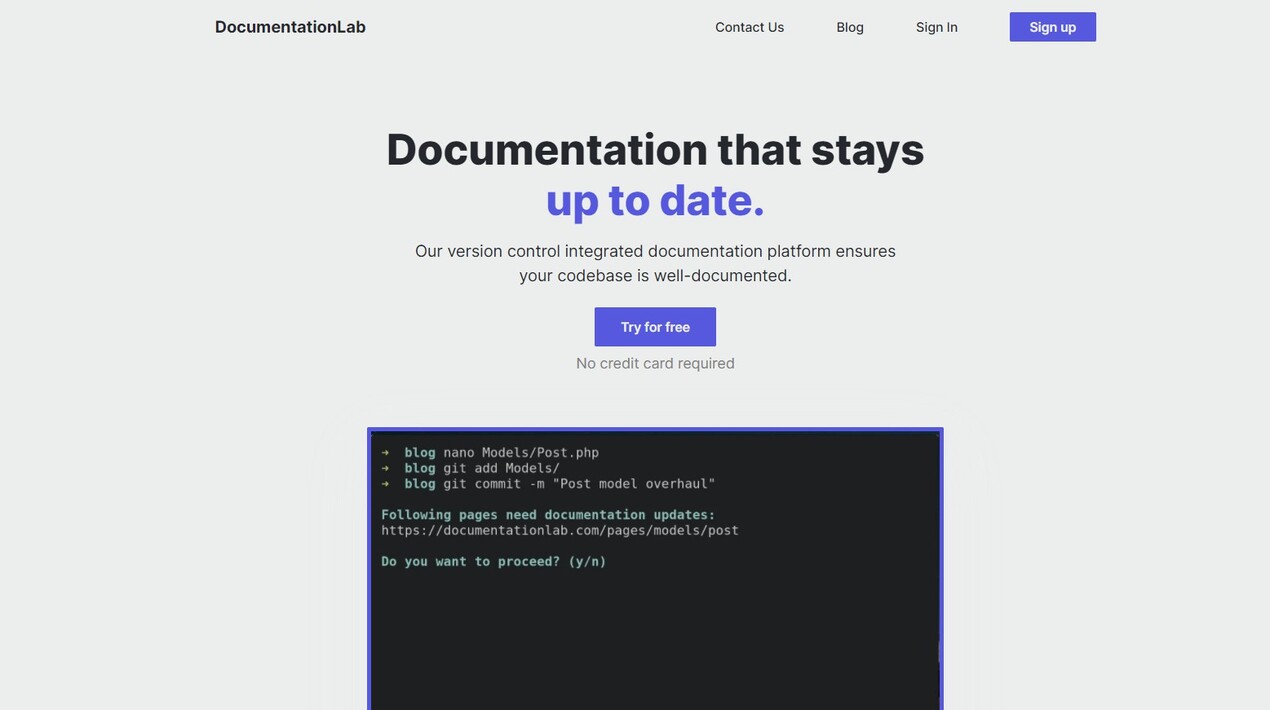
Keeping documentation synchronized with rapid product evolution is notoriously tedious. The AI Documentation Agent actively monitors product signals—such as Git commits, feature releases, and user feedback (coming soon)—to surface when documentation is potentially out of date. It then suggests improvements, rewrites unclear sections, summarizes changes, and generates clean draft updates directly in the web editor, making documentation updates fast and nearly effortless.
🧠 Built for AI-Ready Consumption
Modern users and tools rely heavily on AI-powered search and LLMs. Documentation.AI structures content meticulously, ensuring headings, code blocks, parameters, and examples are optimized for precise LLM chunking and high-quality retrieval. This "AI-ready" approach means your knowledge base is instantly usable by AI agents and search engines, overcoming the limitations of fixed LLM training cutoffs.
🔄 Hybrid Docs-as-Code Workflow
We support the way your team actually works. Documentation.AI facilitates a true hybrid workflow: developers can maintain documentation using Git, Markdown/MDX, and their preferred code editor (like Cursor or VS Code), while non-developers can utilize the intuitive, Notion-style web editor with its drag-and-drop blocks and built-in AI assistant. Both methods use Git as the single source of truth and stay perfectly synchronized.
💬 Agentic AI Assistant Inside Your Docs
Improve user self-service and accelerate onboarding by embedding an intelligent assistant directly into your documentation. Users can ask complex, natural language questions and receive instant, accurate, and context-aware answers that cite specific sections of your documentation. This capability transforms your knowledge base into an interactive resource, dramatically reducing inbound support queries.
🚀 Lightning-Fast Performance
Your documentation doubles as a conversion engine. Every page published through Documentation.AI is designed for maximum speed, accessibility, and responsiveness. We obsess over design and performance, consistently hitting 100/100 Lighthouse scores across performance, accessibility, and SEO metrics right out of the box.
Use Cases
Documentation.AI is built to streamline mission-critical workflows across technical and product teams.
1. Accelerating Feature Launches and API Updates
When engineering deploys a new API endpoint, the AI Documentation Agent monitors the accompanying code changes. It proactively drafts the necessary documentation updates, which can be reviewed and published in minutes. Simultaneously, the Model Context Protocol (MCP) server streams these real-time spec changes to coding agents (like Copilot), ensuring developers across your team always receive accurate code suggestions based on the latest API version, not an outdated snapshot.
2. Reducing Support Load and Improving User Onboarding
Instead of submitting a support ticket for a common configuration question, new users interact directly with the embedded Agentic AI Assistant. By providing instant, cited answers based on the most current documentation, the assistant resolves queries immediately. This shift empowers users to find answers instantly, significantly decreasing the volume of low-level support requests and freeing up your support team to handle complex issues.
3. Maintaining Consistent Documentation Quality Across Teams
Documentation.AI solves the challenge of multiple contributors working in different ways. Whether a developer is updating a code tab via a Git commit or a product marketer is adding a new feature callout via the web editor, the platform ensures all content adheres to structured formats (MDX, components) and remains synchronized. This consistency is vital for maintaining high-quality retrieval for both human readers and AI models.
Why Choose Documentation.AI?
While many legacy documentation tools have recently integrated AI features, Documentation.AI was fundamentally reimagined with an AI-first approach. This difference leads to superior functionality and measurable outcomes.
| Feature Area | Legacy Tools (AI Added Later) | Documentation.AI (AI-First Platform) |
|---|---|---|
| Documentation Freshness | Manual updates; reactive fixes after users complain. | Proactive Agentic Updates: AI agent monitors product signals (Git, support) and drafts updates before users encounter stale information. |
| AI Consumption | Unstructured content; LLM context is often outdated due to training cutoff. | Real-Time Context: Content is strictly structured for precise LLM chunking. MCP server streams live changes, ensuring AI agents work with the latest version. |
| Workflow Flexibility | Requires teams to conform to one workflow (either Git or web editor). | Hybrid Synchronization: Natively supports developers using Git/MDX and non-developers using the web editor, keeping both workflows seamlessly in sync. |
| User Experience | Often slow, heavy sites that require users to navigate extensively. | Performance & Speed: Guaranteed 100/100 Lighthouse scores, ensuring fast, accessible, and responsive documentation that drives adoption. |
Conclusion
Documentation.AI moves your documentation from being a static repository to an active, intelligent asset that evolves alongside your product. By automating maintenance, optimizing for AI consumption, and providing an unparalleled user experience, you free your teams to focus on building features rather than chasing stale information.
More information on DocumentationLab
Launched
2023-01
Pricing Model
Freemium
Starting Price
$39 /month
Global Rank
26013713
Follow
Month Visit
<5k
Tech used
Express,Cowboy
DocumentationLab was manually vetted by our editorial team and was first featured on 2023-05-17.
Related Searches
DocumentationLab Alternatives
Load more Alternatives-

Generate accurate docs automatically with GitDocs AI! AI for developers: sync with Git, save time & keep code perfectly documented.
-

-
-

-
