
What is DebuggAI ?
DebuggAI is an automated end-to-end testing platform that integrates directly into your GitHub workflow to validate every pull request. By replacing brittle scripts with AI agents that understand your application’s UI, it allows developers to catch regressions in real-time without managing complex infrastructure.
Key Features
- 💬 Natural Language Test Creation: Write tests in plain English—such as "Log in and update profile settings"—and let AI agents execute the steps. This eliminates the need to write and maintain complex Playwright or Cypress scripts, allowing you to focus on building features.
- 🐙 Zero-Config GitHub Integration: Connect your repository in seconds to enable fully managed testing. DebuggAI automatically handles cloning, building, and secure tunneling, then posts test results and video recordings directly to your PR comments for immediate review.
- 🤖 Self-Healing AI Agents: Utilizing application knowledge graphs, DebuggAI understands your app’s structure and user flows. Unlike traditional tools that break when a CSS class changes, these agents adapt to UI modifications automatically, significantly reducing test flakiness.
- 🔧 Localhost to CI/CD Workflow: Validate changes instantly on your local dev server using the VS Code extension, or deploy the Debugg CLI to run AI-powered checks within your existing CI/CD pipeline. This ensures consistency from the first line of code to the final merge.
Use Cases
- Automated Regression Testing: When a developer pushes a "new signup flow," DebuggAI automatically detects the PR, builds the environment, and runs a suite of browser tests. The team receives a green checkmark or a failure video in the PR comments before the code is ever merged to main.
- Rapid UI Validation: A solo developer working on a complex React dashboard can use the VS Code extension to describe a specific interaction. The AI agent navigates the local application through a secure tunnel, confirming that all charts and buttons function correctly without the developer having to click through the app manually.
Why Choose DebuggAI?
DebuggAI shifts the burden of browser automation from the developer to an intelligent agent, focusing on functional outcomes rather than selector maintenance.
| Feature | Traditional E2E Testing | DebuggAI |
|---|---|---|
| Setup Time | Hours/Days (Configuring drivers/envs) | 2 Minutes (GitHub App & VS Code) |
| Test Writing | Code-heavy scripts (JS/TS) | Natural Language (Plain English) |
| Maintenance | High (Tests break on UI changes) | Low (AI adapts to UI shifts) |
| Infrastructure | Self-managed or expensive grids | Fully Managed (Serverless browsers) |
Conclusion
DebuggAI provides a reliable, low-friction path to comprehensive browser testing. By automating the entire lifecycle—from repository cloning to PR reporting—it empowers teams to ship faster and with greater confidence.
Start testing for free and see your first PR results in under five minutes.
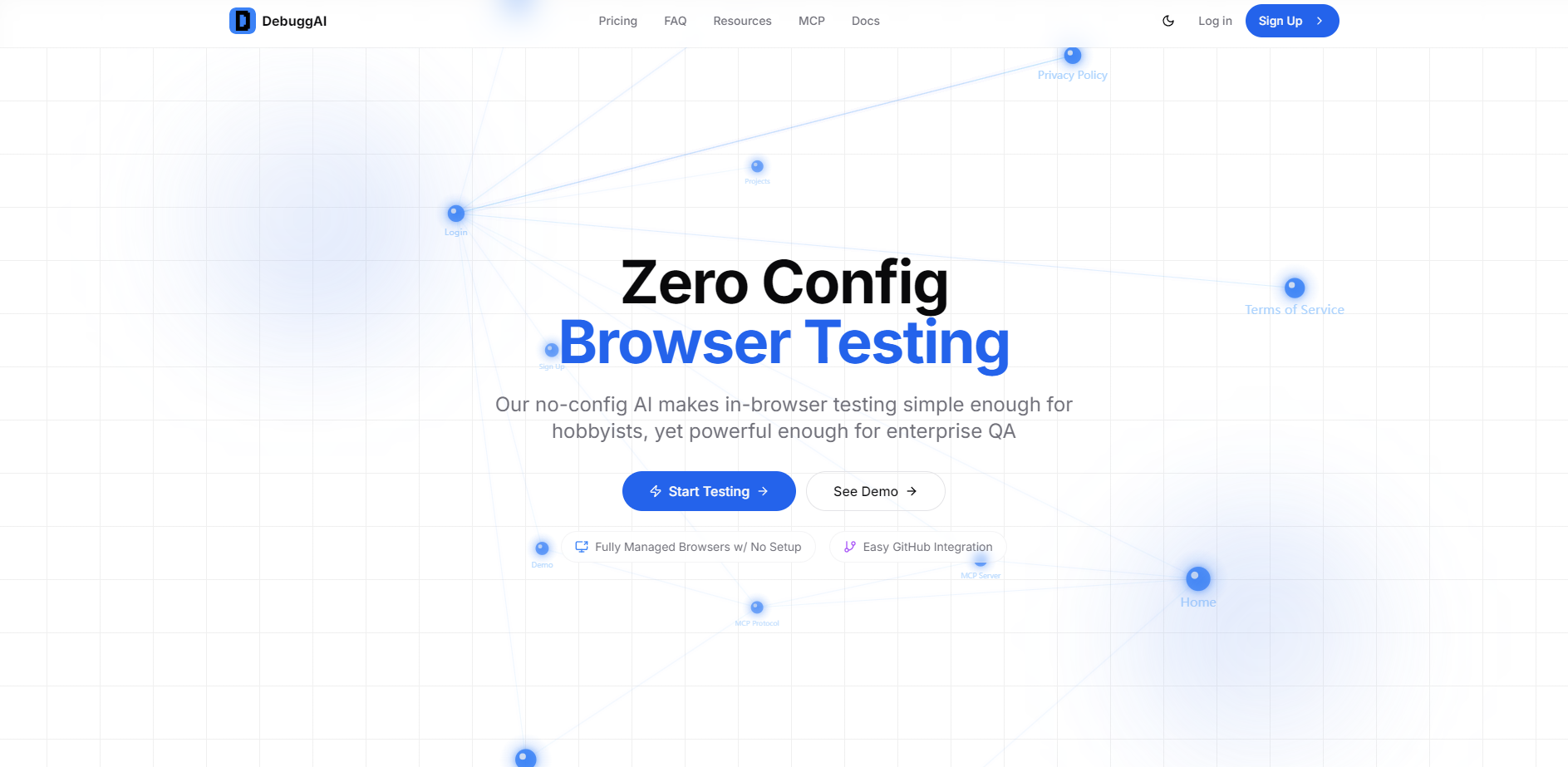
More information on DebuggAI
Launched
Pricing Model
Freemium
Starting Price
$20 /month
Global Rank
Follow
Month Visit
<5k
Tech used
DebuggAI was manually vetted by our editorial team and was first featured on 2025-12-22.
DebuggAI Alternativas
Más Alternativas-
-

-

TestDriver revoluciona las pruebas de software al aprovechar las Pruebas de Usuario Agénticas (AUT) para automatizar y escalar el proceso de control de calidad. A diferencia de los marcos de pruebas tradicionales que dependen de selectores frágiles y navegadores sin interfaz gráfica limitados, TestDriver emplea agentes impulsados por IA que simulan interacciones reales del usuario, proporcionando una cobertura integral y reduciendo los gastos generales de mantenimiento.
-

-
