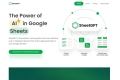

What is GPTExcel?
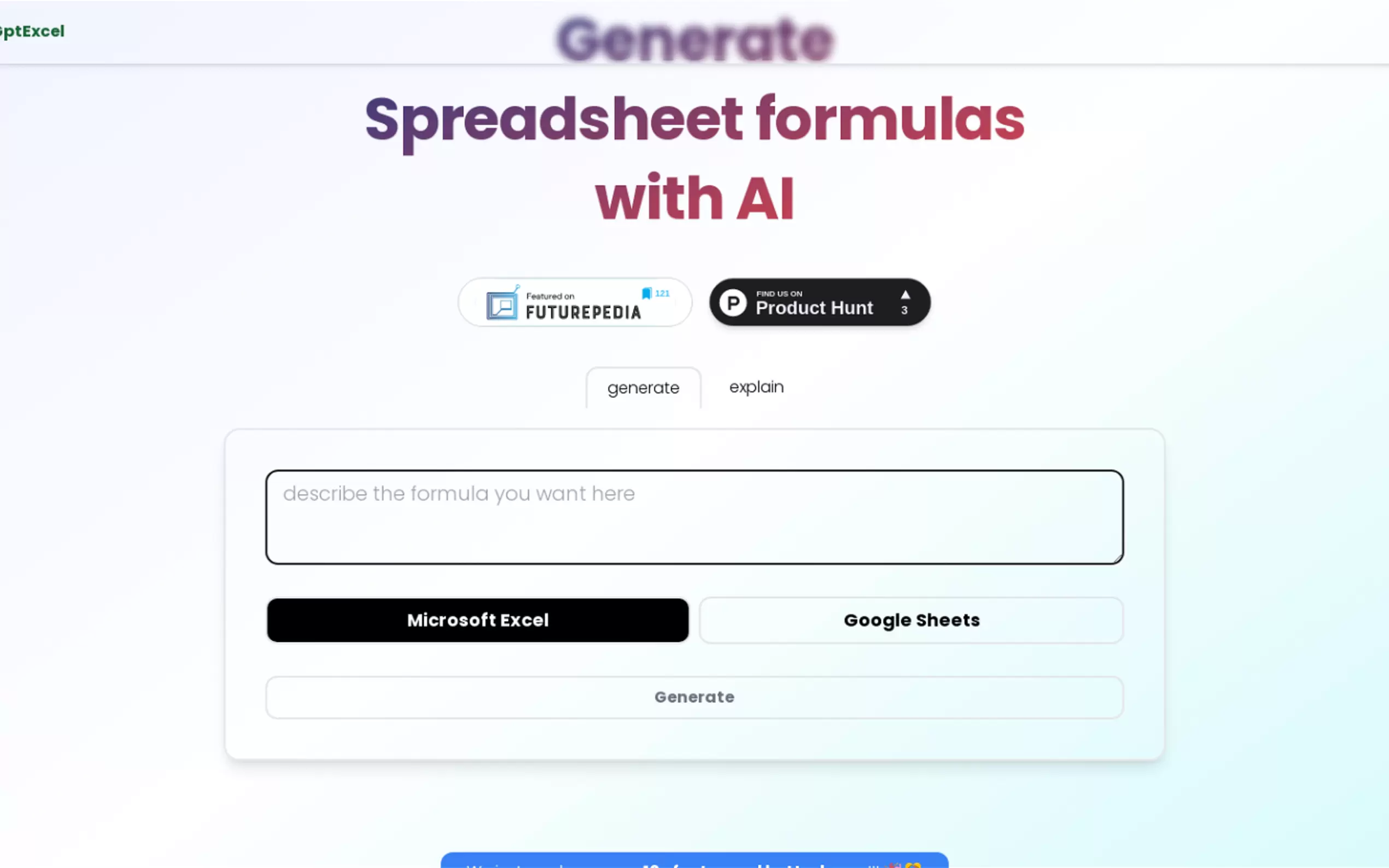
GPT Excel is an AI-driven assistant designed to streamline your workflow by generating formulas, SQL queries, scripts, and regex patterns. Whether you're an accountant, financial analyst, software engineer, or supply chain manager, GPT Excel helps automate and simplify complex tasks in Excel, Google Sheets, Airtable, and more. With both free and pro plans, it’s an ideal solution for individuals and businesses aiming to boost productivity and eliminate manual coding.
Key Features:
📑formula AI: Generate and understand Excel, Sheets, and Airtable formulas effortlessly.
📜 Script AI: Automate tasks with VBA scripts for Excel and Apps Scripts for Google Workspace.
🗄️ SQL Query AI: Simplify SQL query creation and debugging across various database systems.
🔍 Regex AI: Generate and interpret regular expressions for data validation and filtering.
📑 Template AI: Create table templates for Excel and Google Sheets in seconds.
Use Cases:
Accountants: An accountant working on complex financial models can use GPT Excel to automatically generate Excel formulas and VBA scripts, reducing manual entry and errors.
Financial Analysts: Analysts dealing with large datasets can craft precise SQL queries to extract relevant information from databases without manually writing code, saving time and effort.
Software Engineers: Engineers can use the Regex AI to validate and filter data patterns, ensuring clean and accurate code deployments.
Conclusion:
GPT Excel is a versatile, AI-powered tool that caters to a wide range of professionals. By automating and simplifying tasks such as formula generation, script writing, SQL querying, and regex creation, GPT Excel boosts productivity and reduces the likelihood of manual errors. Whether you're an individual or a business, GPT Excel offers a powerful solution to streamline your spreadsheet and coding processes.
FAQs:
What can I use GPT Excel for?
GPT Excel helps generate formulas, SQL queries, scripts, and regex patterns using AI, streamlining tasks in spreadsheets and coding.Which languages does GPT Excel support?
The AI understands over 50 languages, including English, Spanish, Chinese, French, Russian, and Hindi.Can I use GPT Excel without a credit card?
Yes, you can sign up for free and use up to 4 requests per day without a credit card.Will I get an invoice for my purchase?
Yes, you’ll receive an invoice via email after purchase and monthly for subscriptions. You can also download invoices from your account.What AI tools does GPT Excel offer?
GPT Excel includes tools for Excel formula generation, SQL query creation, Apps Script and VBA script automation, regex generation, and table template creation.
More information on GPTExcel
Top 5 Countries
10.5%
9.32%
8.05%
5.26%
5.07%
United States
India
Brazil
Russia
United Kingdom
Traffic Sources
2.04%
0.66%
0.09%
6.65%
56.59%
33.95%
social
paidReferrals
mail
referrals
search
direct
Source: Similarweb (Sep 24, 2025)
GPTExcel was manually vetted by our editorial team and was first featured on 2023-04-15.
Related Searches
GPTExcel Alternatives
Load more Alternatives-
Boost Excel productivity with GPT for Excel. Automate tasks, analyze data, & simplify spreadsheets using powerful AI functions directly in cells.
-

-
Experience the power of AI Excel Bot and supercharge your Excel workflows. Generate complex formulas, understand calculations, and automate tasks effortlessly.
-
Discover the power of GPT For Work, an AI tool that integrates with Google Sheets, Docs, and Excel. Clean lists, generate tags, and create compelling marketing content easily.
-