

What is SheetGPT?
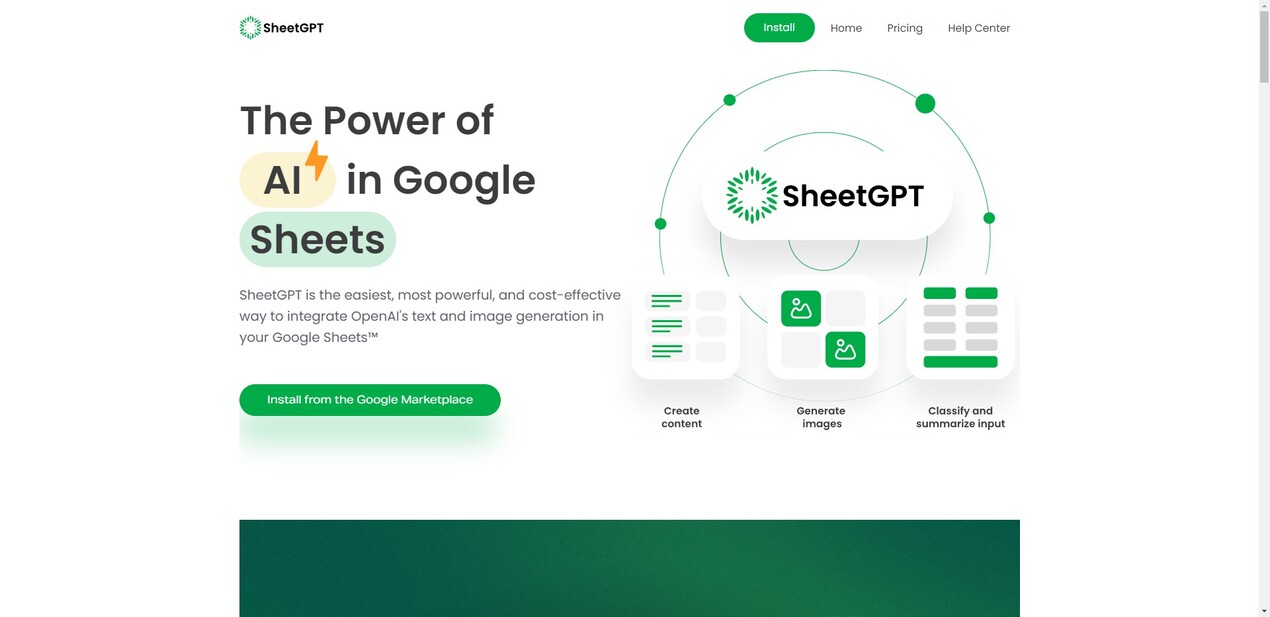
SheetGPT brings the power of OpenAI's advanced AI capabilities directly into your Google Sheets™. It solves the complexity of integrating AI, making sophisticated text and image generation accessible within a familiar, structured, and collaborative spreadsheet environment. Designed for individuals and organizations, SheetGPT enables you to leverage AI for a wide range of tasks, from content creation and marketing to data analysis and AI prototyping, all within the workspace you already use.
Key Features
SheetGPT empowers you to unlock new levels of productivity and creativity within Google Sheets through its core features:
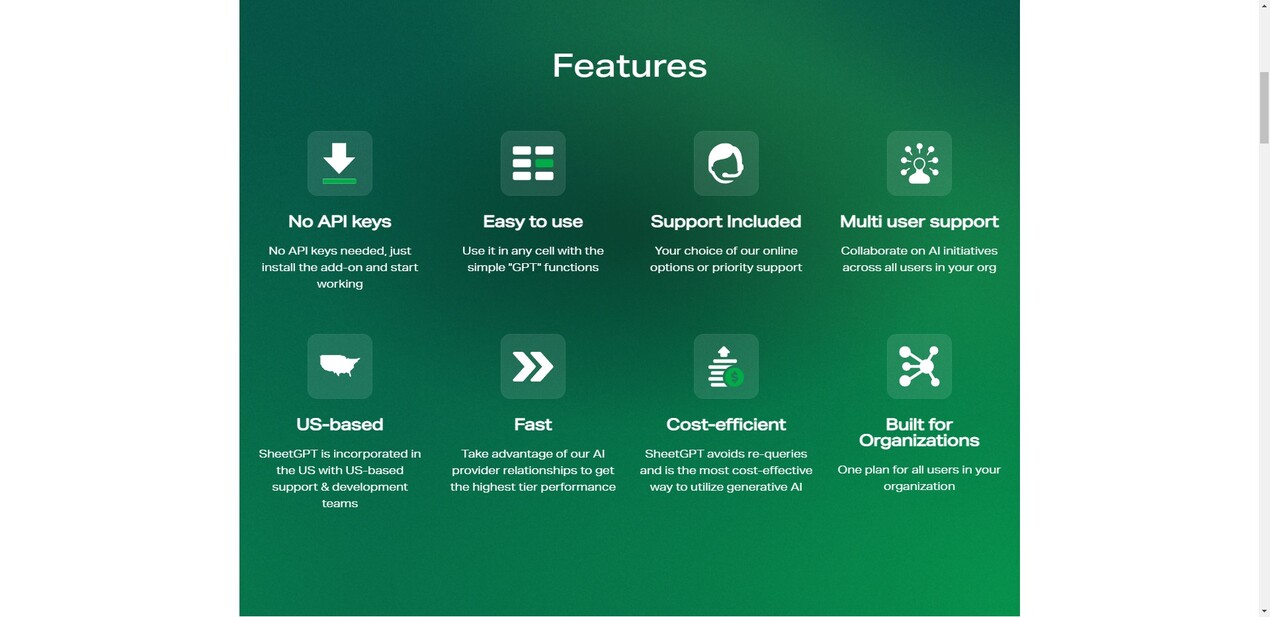
🚀 Instant Access, No API Keys: Get started immediately without technical hurdles. SheetGPT manages the connection to OpenAI for you, eliminating the need to set up or manage your own API keys, billing, or rate limits. Simply install the add-on and begin using powerful AI functions right away.
💡 Simple, Intuitive Functions: Work seamlessly within your existing Sheets workflows. Access AI capabilities using straightforward functions like
=GPT(...)directly in any cell. This familiar interface integrates AI directly with your data and existing formulas, making advanced text and image generation feel like a native spreadsheet feature.🤝 Built for Teams & Collaboration: Facilitate organization-wide AI adoption and teamwork. SheetGPT fully supports multiple users collaborating on AI-driven projects within shared spreadsheets. Organizational plans simplify management and billing, covering all users under a single account to foster team productivity and consistent AI access.
⚡ Optimized Performance & Value: Achieve results quickly and efficiently. SheetGPT leverages strong relationships with AI providers to deliver high-tier performance. By intelligently caching results and avoiding unnecessary re-queries, it provides a highly cost-effective method for utilizing generative AI at scale across your team.
Use Cases
See how SheetGPT can transform your work in Google Sheets:
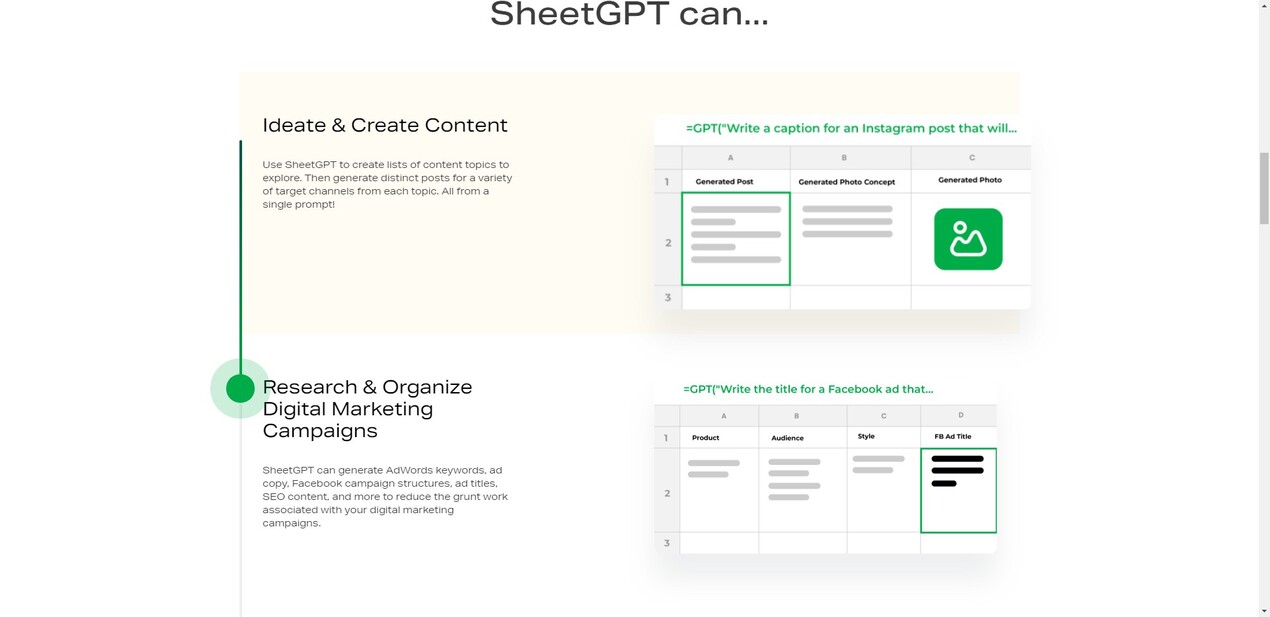
Streamline Content Generation: Quickly brainstorm endless content topics, develop structured content calendars, and generate distinct social media posts or articles tailored for various channels and target audiences – all from a single, well-crafted prompt executed across your sheet.
Accelerate Digital Marketing: Generate essential marketing assets like high-performing Google Ads keywords, compelling ad copy variants, structured Facebook campaign outlines, and SEO content directly in your spreadsheet. This significantly reduces the manual research and writing effort required for effective campaigns.
Analyze & Structure Unstructured Data: Easily process large volumes of open-ended text data from sources like user surveys, articles, or social media. Use SheetGPT to summarize content, categorize and classify responses for insightful analysis, or cleanse and normalize messy user inputs directly within your familiar spreadsheet environment.
Why Choose SheetGPT?
SheetGPT offers a unique combination of ease of use, powerful AI capabilities, and organizational focus:
It integrates powerful AI directly into the familiar, collaborative structure of Google Sheets without requiring any API key setup, making advanced AI accessible and easy to deploy across your team.
It's built specifically for organizational use, simplifying multi-user access and providing a cost-effective solution for leveraging generative AI at scale within a single, manageable plan.
Conclusion
SheetGPT transforms Google Sheets into a powerful, AI-driven workspace, enabling teams and individuals to unlock new levels of productivity and innovation in content creation, marketing, data analysis, AI experimentation, and much more. Experience the ease and power of integrating OpenAI's capabilities directly into your collaborative workflows. Install the add-on today and get started with a generous free trial.
More information on SheetGPT
Top 5 Countries
17.16%
15.49%
12.16%
6.81%
5.69%
United States
India
Vietnam
Russia
Brazil
Traffic Sources
4.37%
0.81%
0.11%
8.74%
48.18%
37.61%
social
paidReferrals
mail
referrals
search
direct
Source: Similarweb (Sep 24, 2025)
SheetGPT was manually vetted by our editorial team and was first featured on 2023-06-10.
Related Searches
SheetGPT Alternatives
Load more Alternatives-

Like ChatGPT, but from Google Sheets. Get help with inspiration, categorization, translation, correction, summarization with the GPT function.
-

-
Unlock the power of AI in Google Sheets with SheetAI. Clean data, generate text, predict values, and more. Boost productivity and decision-making.
-

-

Simplify data analysis and automation with ChatGPT in Google Sheets. Generate automated insights, save time, use advanced analytics, and more.