

Click outside to close
What is Indigo?
Indigo is a unified AI platform designed for high-performance teams and professionals who need AI to work the way they do. It moves beyond generic chatbots by providing a native application layer for Mac and Windows, allowing you to build, automate, and share custom AI workflows that are deeply integrated into your daily tasks.
Key Features
⚙️ Build Custom AI Workflows (No Code Required) With the intuitive Builder, you can design and launch tailored AI automations without writing a single line of code. Define specific behaviors and connect your team's data to create workflows that solve your unique business challenges, ensuring the AI aligns perfectly with your processes.
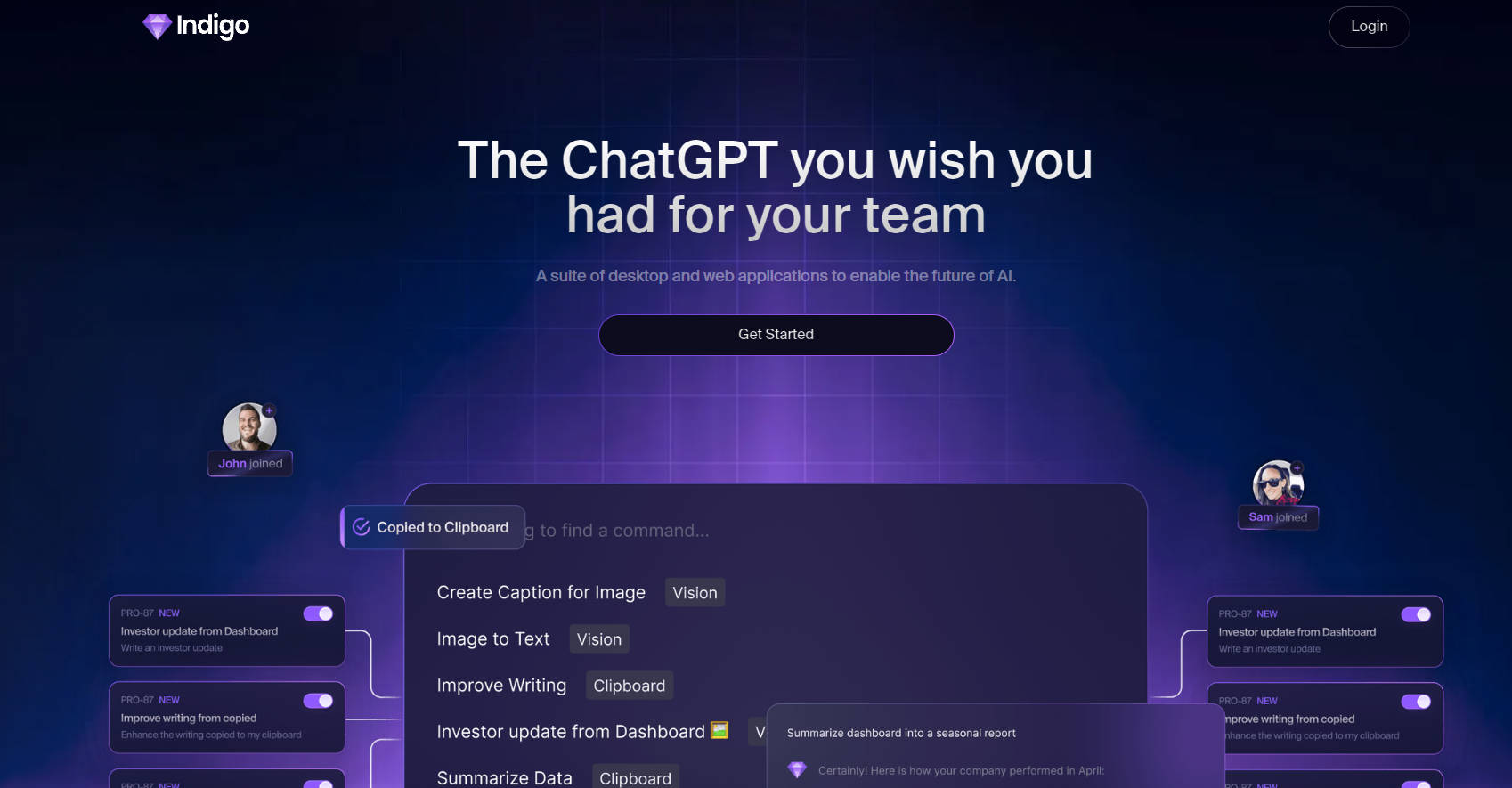
⚡️ Automate Tasks with Context-Aware Commands Save your most effective prompts as reusable "Commands" that your whole team can access. Indigo can pull context directly from your clipboard using a
{copied}tag or even analyze screenshots with its "Vision" feature, allowing you to run complex tasks on your immediate work with a simple shortcut.🎙️ Automated Meeting Intelligence Indigo’s Meeting Bot automatically joins your scheduled calls, providing full transcriptions, concise summaries, and clearly identified action items. This eliminates the need for manual note-taking and ensures that key decisions and responsibilities are captured and shared, driving accountability.
🧠 Create a Centralized Team Brain Connect your scattered data sources, like Google Docs and Sheets, to build a searchable, AI-powered team memory. Indigo uses this context to provide more relevant, personalized responses, transforming your institutional knowledge from a static archive into an active, intelligent resource.
Use Cases
Indigo is designed to be a practical layer on top of your existing work. Here are a few ways you can put it to use:
For Marketing Teams: Create a "Content Repurposing" command that takes a blog post from your clipboard, references your brand voice guidelines from a connected Google Doc, and instantly generates tailored drafts for Twitter, LinkedIn, and a marketing email.
For Sales Professionals: After a client demo, use the Meetings feature to automatically receive a summary highlighting the client's key pain points, questions, and agreed-upon next steps. Share this summary directly with your team to keep everyone aligned.
For Developers and Designers: Use the Vision command (
opt + shift + o) to capture a screenshot of a UI mockup. Run a custom command to analyze the image and generate the corresponding boilerplate HTML and CSS, dramatically speeding up the initial coding process.
Why Choose Indigo?
While many tools offer access to AI models, Indigo is built differently to solve the core challenges of integrating AI into a team environment.
Integrated, Not Isolated: Unlike web-based chatbots that require you to constantly switch contexts, Indigo is a native app that works right where you do. Use a simple shortcut to run commands on text in any application, analyze on-screen data, or access your AI assistants without breaking your focus.
Reusable & Shareable Intelligence: Stop relying on individuals to master complex prompting. With Indigo, you can save and perfect your best prompts as shared team Commands. This democratizes access to powerful AI, ensuring consistent, high-quality output across your entire organization.
Built on Your Team's Context: Indigo’s true power comes from its ability to learn from your team's unique data. By connecting to your documents and communications, it builds a "Team Memory" that delivers personalized, contextually aware results that generic models simply cannot match.
Conclusion
Indigo is more than just an AI assistant; it's a platform for building a smarter, more efficient operational layer for your team. By enabling you to create custom, context-aware AI tools, it closes the gap between powerful technology and practical, everyday productivity.
Explore how Indigo can help you build a more intelligent workflow for your team.
More information on Indigo
Top 5 Countries
100%
United States (100%)
Traffic Sources
9.46%
4.6%
9.98%
74.97%
social (9.46%)
paidReferrals (0.95%)
mail (0.03%)
referrals (4.6%)
search (9.98%)
direct (74.97%)
Source: Similarweb (Sep 24, 2025)
Indigo was manually vetted by our editorial team and was first featured on 2024-07-05.
Indigo Alternatives
Indigo Alternatives-

Illumi enables teams to collaborate more effectively with a context-aware whiteboard that integrates ChatGPT, Claude, Grok, and more.
-

GAIA: The proactive AI assistant that acts. Automate tasks, manage emails & schedules across your apps. Reclaim time. Self-host ready.
-

Teach once and watch our AI seamlessly perform your repetitive browser tasks with expert precision. No code. We're new-age RPA for the web.
-

Tired of copy-pasting? BringYourAI links VSCode to any AI chat. Attach code, debug faster, and generate smarter code. Elevate your dev workflow.
-

Describe your repetitive tasks in plain English. Incredible builds autonomous, self-healing AI agents to execute them reliably.