

Click outside to close
What is Ion?
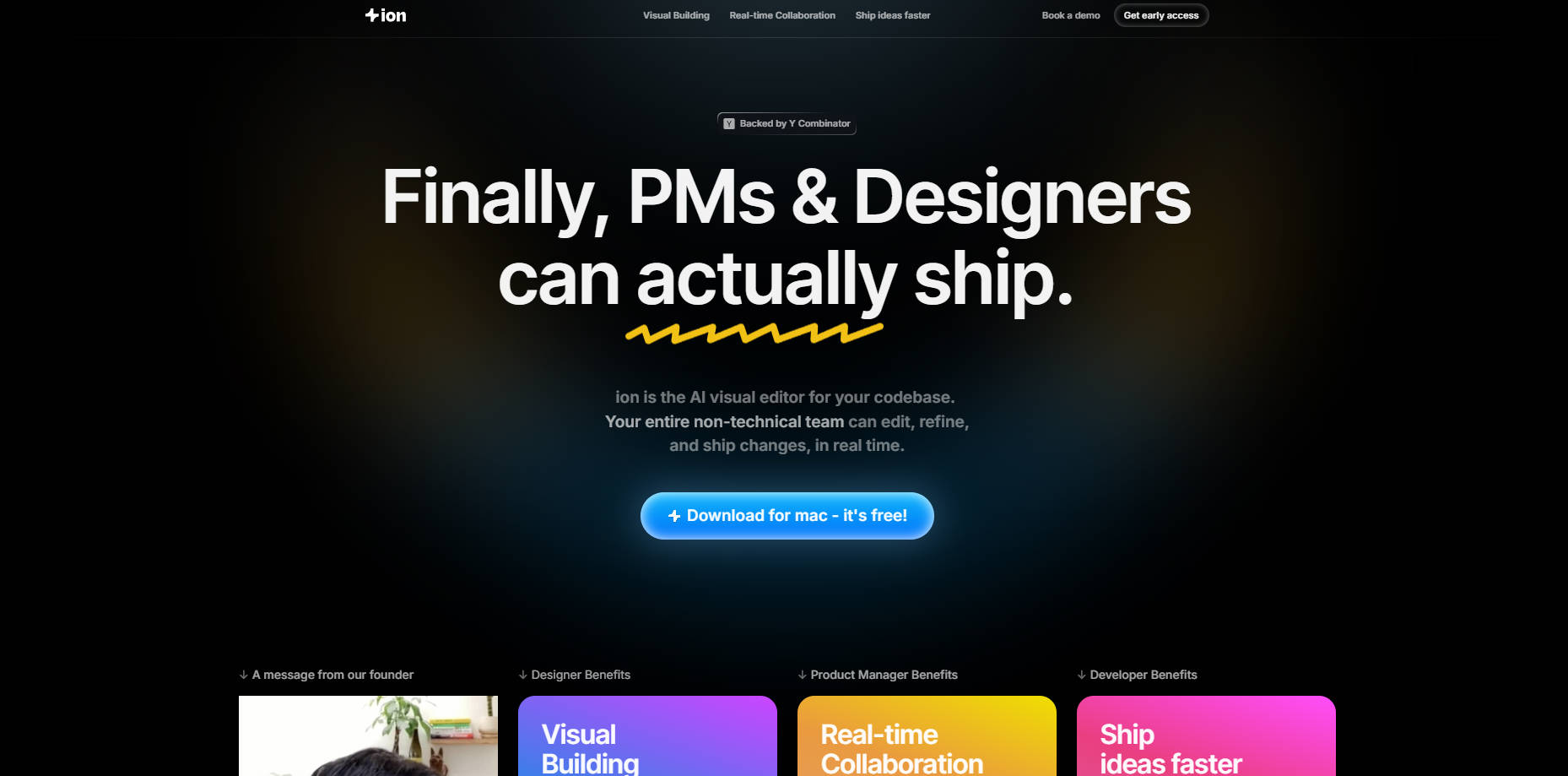
Ever feel like small but important UI updates get stuck in a queue? Changes like tweaking marketing copy, adjusting button placements, or running quick visual experiments often wait behind larger engineering projects. This creates a bottleneck, separating the team members who design and plan from those who can actually implement the changes in code. ion bridges this gap, providing a visual way for your entire team to contribute directly to the product's front end.
ion is a visual editor designed specifically for your codebase. It allows product managers, designers, marketers, and others who don't typically write code to safely make UI edits, refine user experiences, and ship changes faster. Think of it as bringing the intuitive feel of design tools directly to your live codebase, all while respecting your established engineering practices.
Key Features
🔗 Seamless GitHub Integration: ion connects directly to your GitHub repository in seconds. It automatically understands your existing setup – including design systems, tokens, components, and version control – ensuring any changes naturally fit your established architecture and coding patterns.
✨ Intuitive Visual Editor: If you're comfortable with tools like Figma, you'll feel right at home. ion provides a familiar, visual interface where you can select elements directly on the page, make adjustments, and see the results instantly within the context of your actual product.
🗣️ Flexible Editing Options: Choose how you want to work. Visually select and modify elements directly, or simply describe the changes you need using natural language. ion interprets your instructions to adjust the UI.
✅ Built-in Code Safety: ion doesn't bypass your quality controls. Every change made generates a standard GitHub pull request (PR), automatically integrating with your team's existing code review and testing workflows. This maintains code quality and ensures engineers have final oversight.
🚀 Accelerated Iteration: Reduce the back-and-forth communication loops. Instead of static mockups or lengthy descriptions, team members can implement and preview changes directly, significantly speeding up the process for smaller updates and experiments.
How Your Team Can Use ion
Rapid Product Iteration: Imagine a designer noticing an alignment issue during testing or a PM wanting to rephrase a call-to-action. Instead of filing a ticket or sending a Slack message, they can open the relevant branch in ion, make the visual tweak directly, and update the PR in minutes. This keeps momentum high and feedback loops tight.
Direct Design Fixes: Designers can tackle minor visual inconsistencies or styling bugs themselves. Rather than creating detailed bug reports or waiting for developer availability, they can use ion's visual editor to fix spacing, colours, or typography directly, reducing the backlog of small styling tickets. Some teams even find they can skip creating mockups altogether for these minor adjustments.
Faster Growth & Marketing Execution: Need to launch a new landing page variation, update promotional banners, or tweak onboarding text for an experiment? Marketing and growth teams can use ion to implement these changes swiftly, without needing to wait for engineering resources. This agility allows for quicker testing and response to market needs.
Get Started with ion
ion helps your team move faster by empowering more people to contribute directly to the product's interface. It streamlines the process for essential UI changes, freeing up your engineers to concentrate on complex architectural challenges, core business logic, and new feature development. By integrating smoothly with your existing GitHub workflow, ion ensures collaboration happens safely and efficiently.
More information on Ion
Top 5 Countries
74.78%
25.22%
India (74.78%)
United States (25.22%)
Traffic Sources
4.68%
10.71%
49.64%
33.73%
social (4.68%)
paidReferrals (1.19%)
mail (0.06%)
referrals (10.71%)
search (49.64%)
direct (33.73%)
Source: Similarweb (Sep 25, 2025)
Ion was manually vetted by our editorial team and was first featured on 2025-04-09.
Ion Alternatives
Ion Alternatives-

Phion: The zero-setup AI coding environment. Build & deploy apps instantly. Skip configs, fix bugs with AI. Go from idea to live faster.
-

Onlook is a desktop application that provides a visual, Figma-like interface for editing your React code. It allows you to make design changes directly in your running application and writes those changes back to your codebase in real-time.
-
Aura combines the power of AI with intuitive design tools to help you create stunning, responsive websites faster than ever.
-

Bolt AI is an AI-powered platform that turns natural-language descriptions into functional websites, web apps and mobile apps.
-

Subframe is a UI design tool featuring a drag-and-drop visual editor, React + Tailwind code export, and AI-powered design and prototyping features.