

What is JSX Tool?
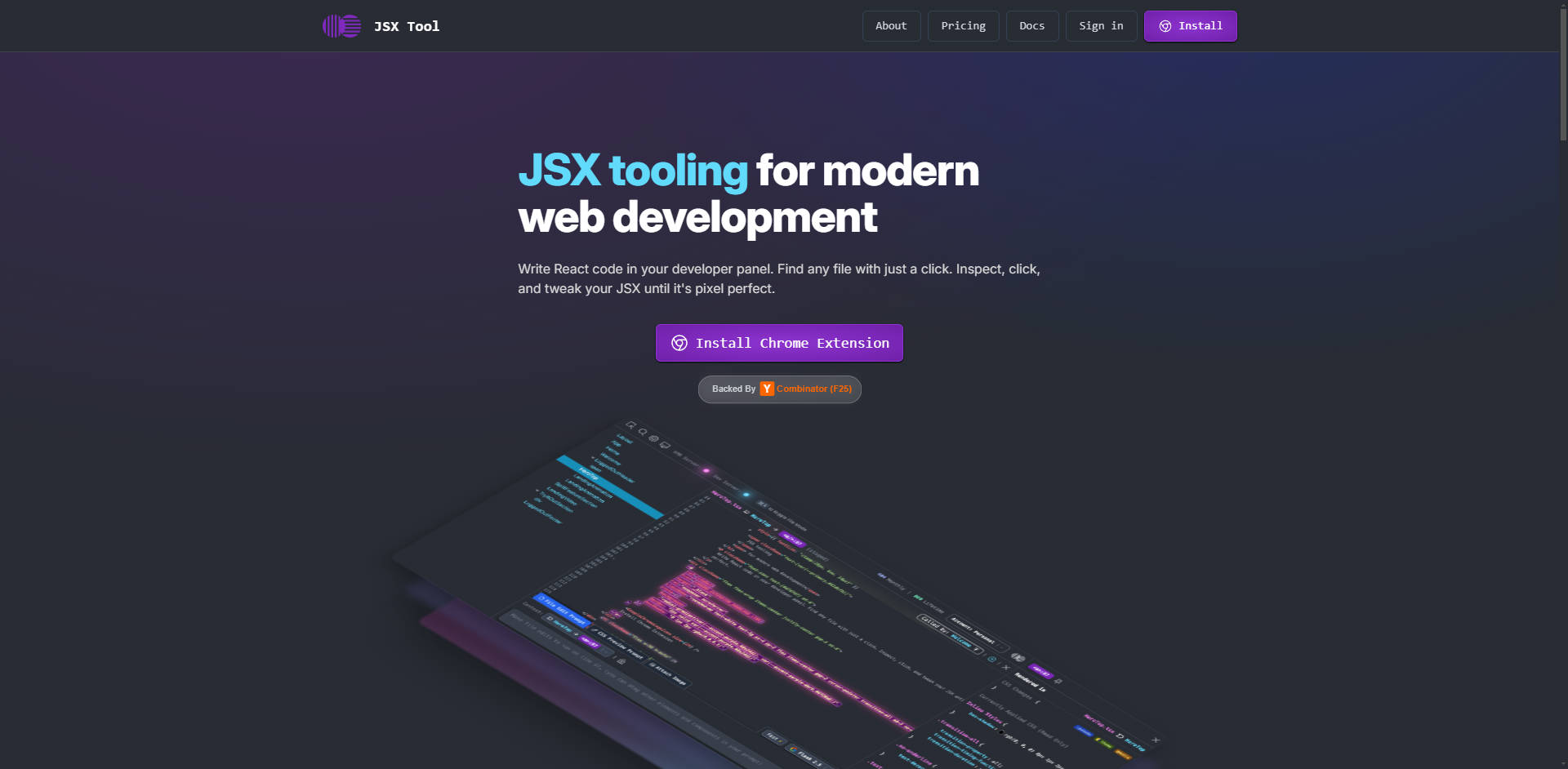
JSX Tool is the essential bridge between the standard React Developer Tools and the native browser Element Inspector. Designed for modern web development, this robust Chrome Extension and Dev Server combination equips developers with a full, live Integrated Development Environment (IDE) directly within their browser panel, specifically optimized for inspecting, styling, and editing live React components with unparalleled efficiency.
The core problem JSX Tool solves is the constant, inefficient context-switching required when styling components: bouncing between the browser inspector (for visual context) and the IDE (to modify the source file). JSX Tool eliminates this friction, allowing you to achieve pixel-perfect results faster by working directly on the live page and saving changes back to your file system seamlessly.
Key Features
JSX Tool elevates your developer workflow by unifying inspection, editing, and styling into a single, cohesive experience.
- 💻 Direct JSX Code Editing in the Browser: Find any line of JSX in your codebase and manually edit it without ever leaving the browser's developer panel. This transforms the inspection process into a live coding environment, significantly reducing the time spent searching for files and copying temporary changes.
- 🎨 In-Memory CSS Tweaking and Preview: Achieve pixel-perfect layouts instantly. You can tweak CSS directly on the JSX element, previewing changes instantly within the current DOM context, before committing the final styles back to your source file. This bypasses the limitations of the generic Element Inspector by linking visual changes directly to your component structure.
- 🔍 One-Click File Navigation and Component Context: Eliminate fuzzy searching and manual file navigation. Simply inspect a live element and immediately jump to the corresponding line of JSX in your codebase. This rapid context switching ensures you are always editing the correct source file, matching the live component you see.
- 🧠 Context-Aware AI Styling Assistance: Leverage Large Language Models (LLMs) with maximum context. JSX Tool allows you to prompt and pass screenshots directly to your AI assistant, providing the LLM with the exact line of code and visual state of the component. This ensures highly accurate, targeted style changes, making AI collaboration genuinely practical for frontend development.
Use Cases
JSX Tool is built to accelerate the most common and often tedious tasks in React component development:
1. Rapid Style Debugging and Refinement
When a component's padding or layout is slightly off on a specific viewport, you no longer need to guess-and-check across multiple files. Use JSX Tool to click the element, view the live JSX, adjust the CSS variables or styles directly in the dev panel, and see the fix applied immediately. Once the visual is correct, save the change directly to your source file, cutting debugging time by half.
2. Streamlining Complex UI Implementations
For large components or deeply nested structures, maintaining awareness of which code corresponds to which visual element is challenging. JSX Tool acts as a visual map: click the visible element on the screen, and the tool instantly opens the correct code in the panel. This unified view is invaluable when integrating new libraries or refactoring complex component trees.
3. Accelerated AI-Driven Feature Implementation
Instead of relying on vague text prompts for style changes, you can use JSX Tool's contextual features to guide your AI assistant. Need to adjust the button's hover state based on the current component's context? Capture the visual state and the relevant JSX code line in one go, feed it to your LLM, and receive precise, actionable code snippets that are guaranteed to apply to the correct location.
Why Choose JSX Tool?
JSX Tool is not simply an overlay; it’s a fundamental shift in how you interact with your live React application code.
- Bridging the Ecosystem Gap: While React DevTools excels at inspecting state and component trees, it is not optimized for styling and layout. JSX Tool fills this void by providing a dedicated, efficient workflow for visual refinement that saves the developer from constant context switching between the browser and the IDE.
- True Source-Code Integration: Unlike tools that only modify the DOM in memory (requiring manual copy/paste back to the source), JSX Tool operates as an IDE in the browser, writing changes directly back to your source files via the Dev Server, ensuring immediate persistence and accuracy.
- Open and Extensible Architecture: The core Dev Server (Headless IDE Daemon) is fully open source and MIT licensed. This robust backend, which handles connecting the extension to the local codebase, Ripgrep, and LSP functionalities, offers transparency and allows advanced users to understand and potentially reappropriate the tooling framework.
Conclusion
JSX Tool delivers the efficiency and precision modern React development demands. By integrating a full IDE experience into your browser panel, it empowers you to style, inspect, and refine your components faster and with greater confidence. Stop the back-and-forth between tools and start working directly on the code that matters.
More information on JSX Tool
Launched
2025-09
Pricing Model
Freemium
Starting Price
$20.00 / month
Global Rank
3928248
Follow
Month Visit
<5k
Tech used
Top 5 Countries
67.67%
31.08%
1.26%
United States
India
Turkey
Traffic Sources
2.31%
0.01%
0%
58.07%
3.03%
36.56%
social
paidReferrals
mail
referrals
search
direct
Source: Similarweb (Dec 10, 2025)
JSX Tool was manually vetted by our editorial team and was first featured on 2025-12-09.
JSX Tool Alternatives
Load more Alternatives-

-

-

-

-

Transform UI screenshots & designs into clean, production-ready HTML & CSS. ScreenCoder accelerates front-end development with accurate, editable code.