
What is Macro Terminal?
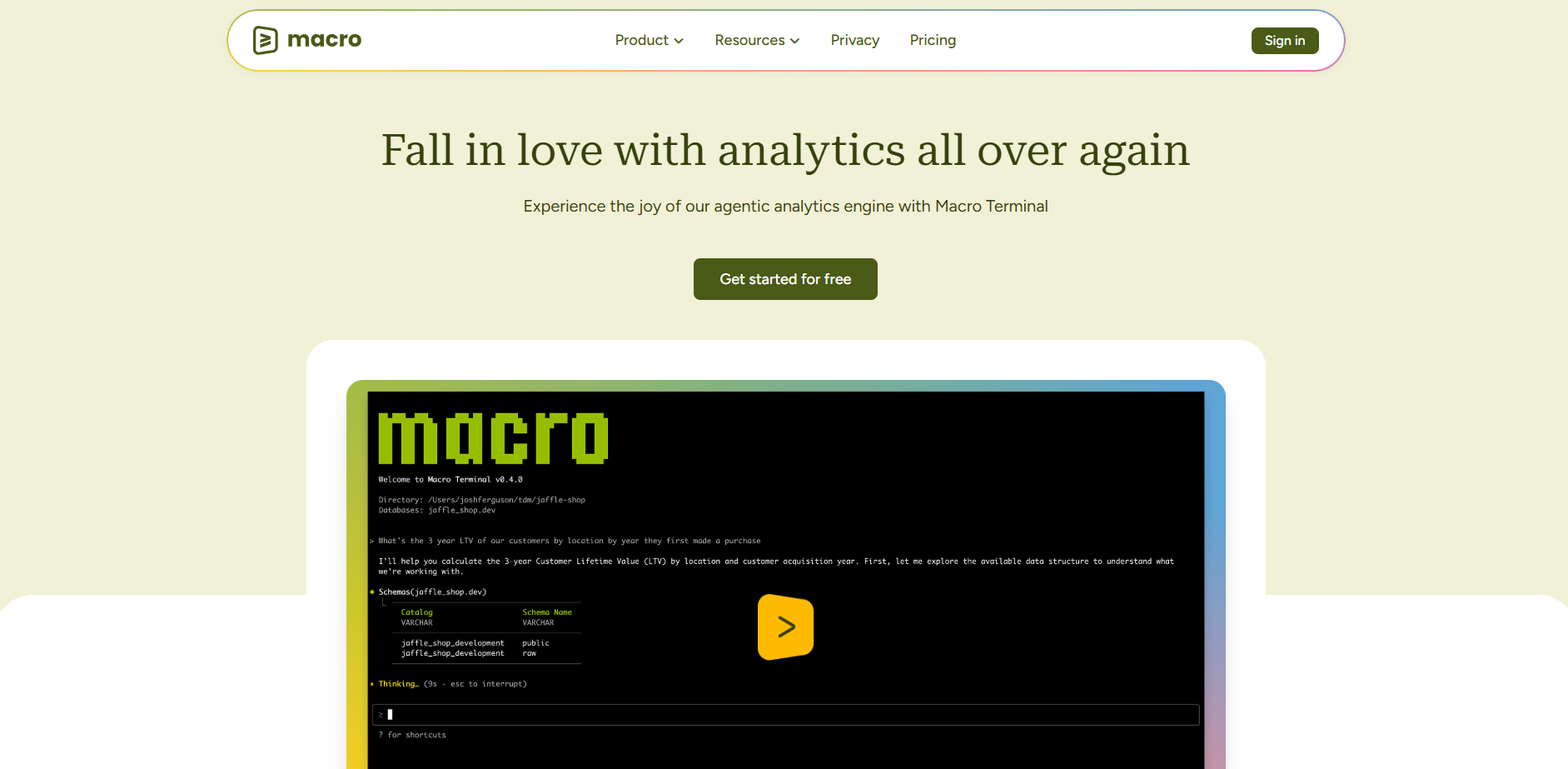
Macro Terminal is an agentic command-line assistant purpose-built for the modern data professional. While traditional AI assistants require you to manually feed them context or manage open files, Macro Terminal actively explores your project, queries your databases, and builds an autonomous understanding of your entire codebase and data environment.
By operating directly in the terminal, this assistant transcends the limitations of standard IDE extensions. It doesn't just suggest code; it runs commands, discovers patterns, and manages complex data workflows independently, allowing you to focus on high-level analysis rather than manual context management.
Key Features
- 🧠 Agentic Analytics Engine: Unlike standard LLM interfaces that struggle with large datasets, this engine runs locally on your machine. It allows the agent to reason about and process tens of millions of rows of data without hitting context window limits or compromising performance.
- 📊 Native Data Integration: You can import and export CSV and XLSX files directly into the terminal environment. The agent handles these formats natively, enabling you to perform complex transformations or pivot table operations through simple conversational prompts.
- 🔌 Universal Database Connectivity: Macro Terminal connects to a vast range of data sources, including Snowflake, BigQuery, PostgreSQL, and Redshift. Using a centralized configuration, the agent can query these databases directly to retrieve or join information for your analysis.
- 🕒 Automatic Lineage & History: Every import, query result, and transformation is automatically saved as a timestamped history table. This ensures you never lose track of your data's evolution and provides a reliable audit trail for your entire session.
- 🛡️ Secure Command Execution: The system operates with a "Confirming" state for any potentially risky actions. It thinks through the necessary steps to solve your problem and asks for your permission before editing files or running shell commands.
Use Cases
Streamlining Exploratory Data Analysis Imagine you have a directory full of scattered CSV files and Excel spreadsheets. You can ask Macro Terminal to "find all sales data from Q3, join it with our user database in Snowflake, and identify the top five growing regions." The agent will explore the files, establish the database connection, perform the join locally, and present the results without you writing a single line of boilerplate code.
Automating Data Model Development When building new data models, you can prompt the agent to "analyze the current schema in our dbt project and suggest a more efficient indexing strategy for the orders table." Macro Terminal will crawl your directory structure, read the relevant SQL and YAML files, and execute test queries to verify its recommendations before you commit the changes.
Why Choose Macro Terminal?
Macro Terminal fills the critical gap between general-purpose coding assistants and specialized data tools.
- Beyond IDE Limitations: Standard extensions like GitHub Copilot or Cursor are restricted to what you have open in your editor. Macro Terminal has full file system and shell access, allowing it to "learn" your project's structure autonomously.
- Data-First Architecture: While tools like Claude Code require complex third-party MCP server setups to be useful for data, Macro Terminal includes built-in DuckDB integration and native database drivers.
- Local Processing Power: By using a high-performance local database for analysis, it avoids the "context bloat" that often causes other AI assistants to become slow or confused when handling large datasets.
Conclusion
Macro Terminal transforms the command line from a static interface into an active collaborator. By combining agentic reasoning with deep data awareness, it removes the friction of manual data movement and environment setup. As you integrate it into your workflow, you'll find yourself spending less time on the mechanics of data retrieval and more time uncovering the insights that drive your business forward.
More information on Macro Terminal
Launched
Pricing Model
Free Trial
Starting Price
Global Rank
Follow
Month Visit
<5k
Tech used
Macro Terminal was manually vetted by our editorial team and was first featured on 2026-01-09.