

What is MCP Shark?
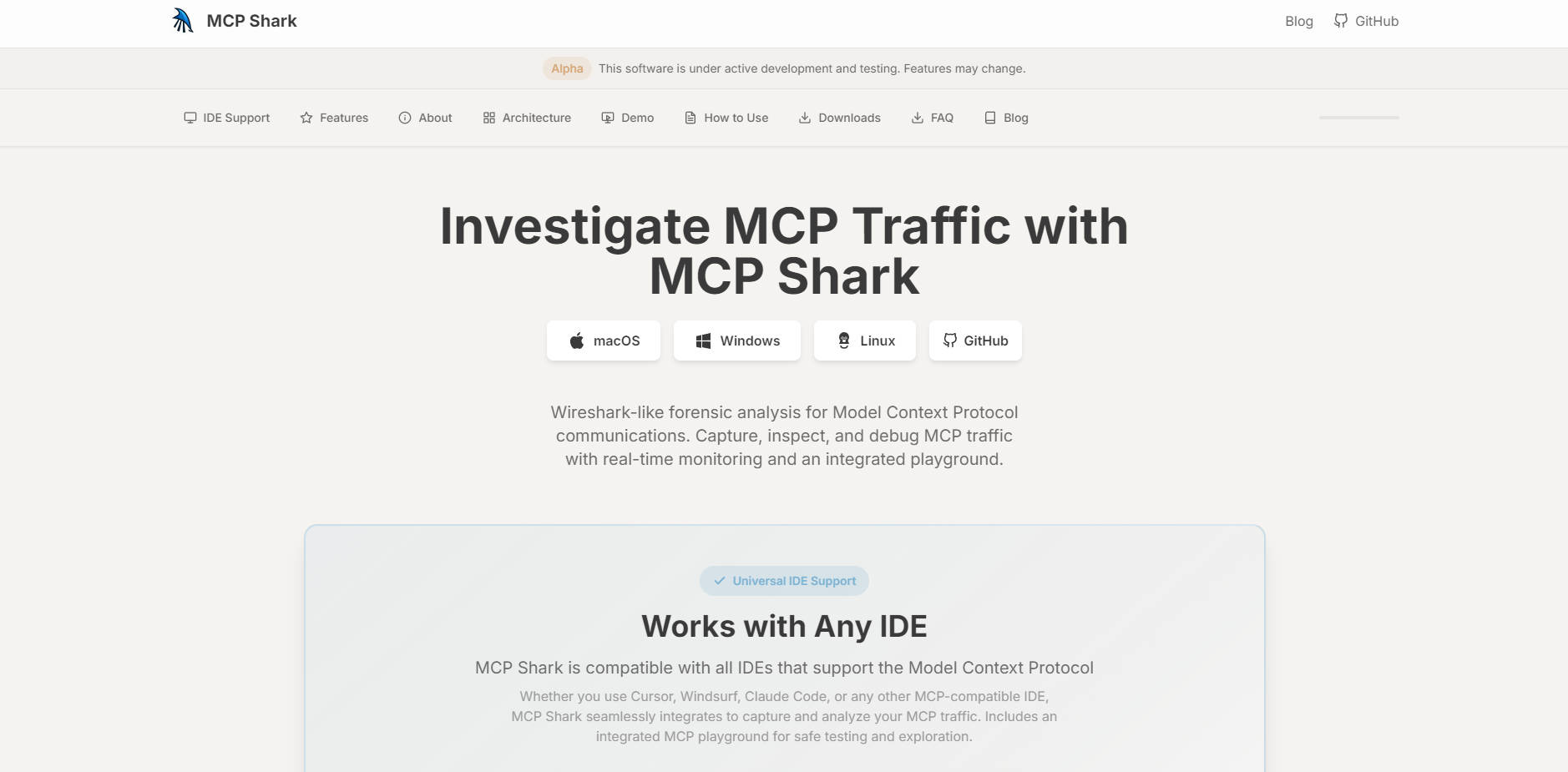
MCP Shark is a powerful traffic monitor and intermediary gateway designed for deep forensic investigation of Model Context Protocol (MCP) communications. Acting as the "Wireshark" for your AI IDE, it provides developers and engineers with essential visibility to capture, inspect, and audit all data flowing between their development environment and MCP servers. This tool is indispensable for debugging complex AI integrations, ensuring data security, and gaining a comprehensive understanding of server behavior within AI-native IDEs like Cursor, Windsurf, and Claude Code.
Key Features
MCP Shark delivers the forensic tools necessary for complete command over your Model Context Protocol communications, ensuring accuracy and debuggability in your AI-powered workflows.
- 🔎 Forensic Traffic Capture & Inspection: Capture all HTTP traffic between your IDE and MCP servers in real-time, offering Wireshark-like capabilities for deep request/response analysis. This detailed inspection allows you to immediately pinpoint failures, validate data payloads, and analyze server latency.
- 🌐 Universal IDE Compatibility: MCP Shark seamlessly integrates with any IDE that adheres to the Model Context Protocol standard, including major platforms like Cursor, Windsurf, and Claude Code. It supports both HTTP and
stdioconnections, ensuring comprehensive analysis regardless of your specific development setup. - ⚙️ Advanced Filtering and Monitoring: Utilize comprehensive filtering options to rapidly isolate specific communications by session, server, method, status code, and more. The live web interface provides real-time monitoring and multiple view modes (e.g., Grouped by Session, Grouped by Server) to accelerate investigation.
- 🧪 Bundled MCP Playground: Included directly within the application, the integrated Playground allows you to safely run commands, call tools, test prompts, and read resources from your connected MCP servers. This is perfect for debugging and exploring server capabilities without impacting your active production or development environment.
Use Cases
MCP Shark is built to transform complex debugging challenges into clear, actionable insights across various development scenarios.
Debugging Failed Tool Calls
When an AI-powered function in your IDE fails silently or returns an unexpected result, use MCP Shark to capture the exact request and response payload. You can forensically inspect the JSON-RPC methods, view the arguments passed to the external tool, and identify whether the failure originated in the IDE, the MCP server, or the external resource itself.
Auditing and Security Analysis
Ensure compliance and security by auditing all interactions between your IDE and external AI services. Because MCP Shark acts as a gateway, capturing and logging every transaction to an SQLite database, you gain a verifiable audit trail. This allows you to monitor for suspicious server behavior, verify resource access, and confirm that data is being handled as expected.
Validating New MCP Integrations
As you integrate new custom MCP servers, resources, or prompt templates, use the MCP Playground to test their functionality in a controlled environment. Call tools and test resource consumption directly within the Playground before deploying them, ensuring that your new server configurations are robust and performant without the risk of contaminating your primary development session.
Why Choose MCP Shark?
MCP Shark is engineered specifically to address the visibility gap inherent in AI-native development protocols, offering functional advantages that streamline the debugging process.
- Unified Multi-Server Aggregation: Unlike standard network monitors, MCP Shark acts as a dedicated proxy gateway, allowing you to aggregate and monitor traffic from multiple MCP servers (via HTTP and
stdio) through a single unified endpoint. This provides a central, consolidated view of all your AI communications. - Deep Forensic Logging: All captured traffic is logged to a local SQLite database, providing persistent, detailed records that go beyond temporary session monitoring. This comprehensive audit log is essential for in-depth, post-mortem analysis and thorough reporting.
- Exportable Data for Collaboration: Easily export captured traffic and logs in standard formats like JSON, CSV, or TXT. This facilitates seamless sharing of findings with teammates, simplifies report generation, and allows for further analysis using external business intelligence or security tools.
Conclusion
MCP Shark provides the essential forensic visibility and control necessary to master complex Model Context Protocol integrations. Gain deep, factual clarity over your AI IDE communications, ensure your tools and prompts perform reliably, and debug issues with unwavering confidence.
More information on MCP Shark
Launched
2025-11
Pricing Model
Free
Starting Price
Global Rank
Follow
Month Visit
<5k
Tech used
MCP Shark was manually vetted by our editorial team and was first featured on 2025-11-21.
MCP Shark Alternatives
Load more Alternatives-

Stop AI threats like prompt injection. MCP Defender is an AI firewall for MCP apps (Claude, VS Code). Real-time security & control.
-

Supercharge your AI! Find MCP servers for Claude & more at mcp.so. Unlock data & tools. Explore the best MCP server directory now.
-

-

-
