

Click outside to close
What is PdfAssistant.ai?
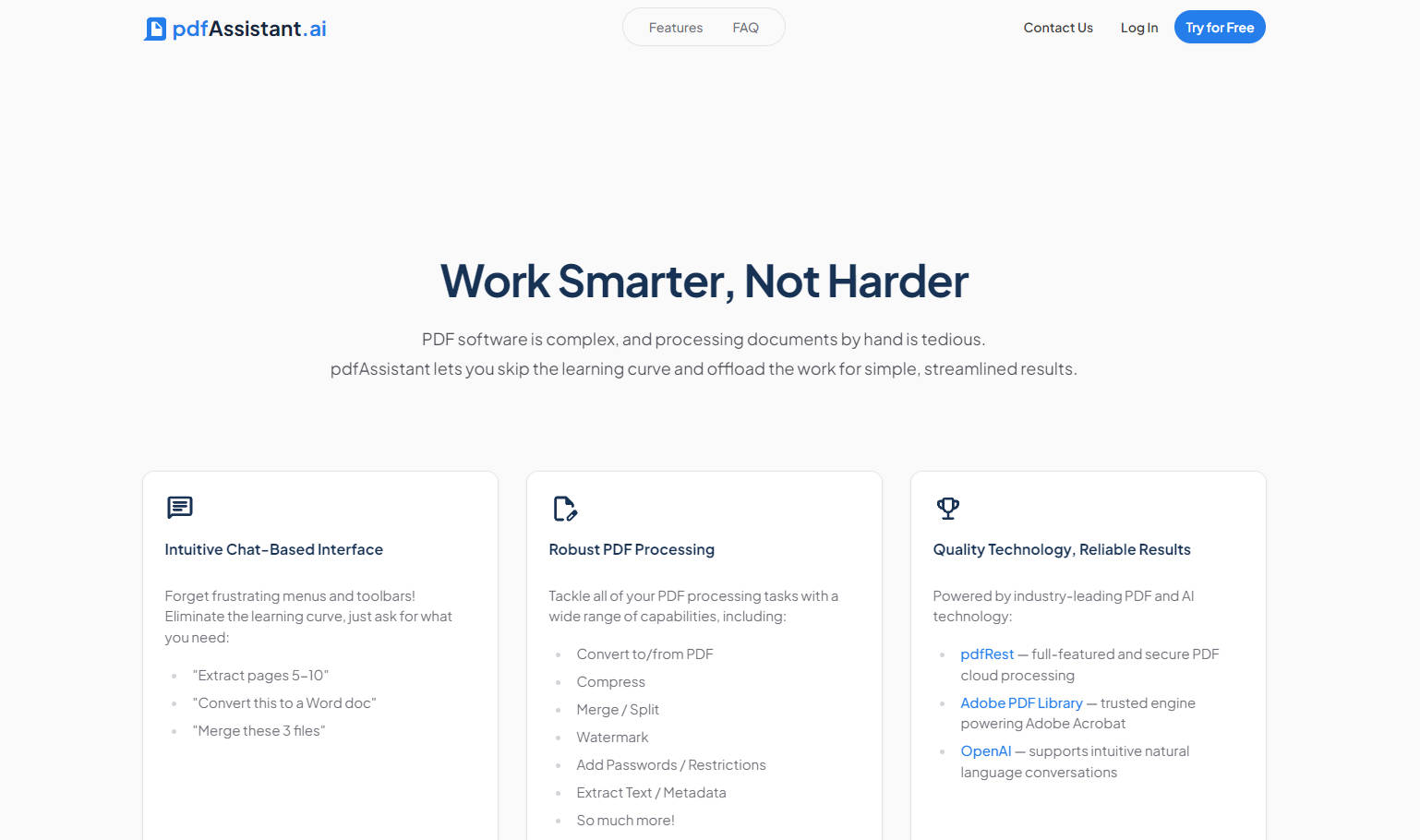
pdfAssistant.ai is your intelligent AI companion designed to eliminate the complexity and tedium of manual document processing. It provides powerful, no-code automation, allowing you to create, process, and gain deep insights from PDFs and other files using simple, natural language commands. This solution is built for professionals, teams, and enterprises across legal, finance, HR, and logistics who require reliable, consistent, and high-volume document management.
Key Features
pdfAssistant moves beyond traditional document editors by integrating a robust processing engine with a conversational AI interface, offering three powerful modes to handle any document challenge.
💬 Intuitive Chat-Based Automation
Delegate document tasks instantly using plain language commands. Simply ask the AI Assistant to convert a file, compress a document, summarize specific sections, or merge multiple files. This interface eliminates the need to navigate complex menus or learn new software, delivering quick, reliable results exactly when you need them.
⚙️ Custom Reusable Workflows
Automate complex, multi-step document processes and save them as reusable workflows. You can build a custom sequence—such as "convert, watermark, compress, then encrypt"—and apply it to any document repeatedly. Workflows ensure unparalleled consistency, save significant operational time, and eliminate repetitive manual effort for recurring tasks.
🚀 High-Volume Batch Processing
Tackle your largest document loads with maximum efficiency. Apply your saved, multi-step Workflows to hundreds or thousands of files simultaneously. This capability transforms complex, large-scale operations—like monthly invoice processing or mass compliance checks—into a fast, effortless, and streamlined experience.
🛡️ Advanced Processing & Security
Beyond basic handling, pdfAssistant integrates crucial professional capabilities like Optical Character Recognition (OCR) to convert scanned files into searchable text, along with tools to secure documents using password protection, encryption, and restriction settings. It also supports conversion to specialized formats like PDF/A for archiving and PDF/X for print readiness.
Use Cases
pdfAssistant helps teams achieve efficiency and compliance by automating common, time-consuming document tasks across various industries.
- Compliance Archiving and Distribution: Instead of manually preparing documents for long-term storage, upload a folder of legacy contracts and instantly run a Workflow that converts them to the mandated PDF/A format, applies an internal watermark, and encrypts the final output for secure distribution.
- High-Volume Data Extraction: For HR or finance departments, upload hundreds of standardized forms and instruct the AI to "extract all form data and export it directly to an editable Excel spreadsheet." This quickly centralizes critical information without requiring tedious copy-pasting.
- Rapid Document Synthesis and Creation: Leverage the platform’s multi-format capabilities to generate professional documents. You can chat with the AI to summarize key findings from a large report, and then instruct it to instantly "create a new PowerPoint presentation summarizing the last five pages of this PDF."
pdfAssistant stands apart from standard file converters and basic AI chat tools by focusing on verifiable action, end-to-end automation, and enterprise-grade security.
- AI-Powered Action Execution: Unlike most "Chat with PDF" services that only allow you to query content, pdfAssistant understands and executes complex processing commands. You can instruct the AI to take real action: redact sensitive information, merge files, convert formats, or flatten forms, all through natural language.
- Enterprise-Grade Security and Privacy: pdfAssistant is rigorously audited for SOC 2 Type 2 compliance, verifying the operating effectiveness of its security controls. Crucially, the platform maintains a strict privacy policy: your uploaded files and chat data are never used to train AI models, ensuring your sensitive information remains private.
- Built for Scale and Consistency: The combination of Workflows and Batch Processing provides a reliable method for applying identical, multi-step processes to thousands of documents. This ensures consistency and reliability whether you are processing one file or a thousand, making it ideal for business-critical operations.
Conclusion
pdfAssistant empowers you to move beyond manual document handling and embrace scalable, intelligent automation. By combining conversational AI with robust workflow and batch processing capabilities, you can achieve unparalleled efficiency, consistency, and control over your document infrastructure.
More information on PdfAssistant.ai
Top 5 Countries
66.35%
7.11%
5.73%
3.95%
3.38%
India (66.35%)
United States (7.11%)
Singapore (5.73%)
Germany (3.95%)
United Kingdom (3.38%)
Traffic Sources
32.32%
43.58%
10.18%
11.94%
mail (0.07%)
direct (32.32%)
search (43.58%)
social (10.18%)
referrals (11.94%)
paidReferrals (1.87%)
Source: Similarweb (Jan 3, 2026)
PdfAssistant.ai was manually vetted by our editorial team and was first featured on 2024-05-03.
PdfAssistant.ai Alternatives
PdfAssistant.ai Alternatives-
PDF.ai: Chat, summarize & analyze any PDF instantly with AI. Get accurate, source-backed answers & deep insights for your documents.
-
LightPDF: The smart AI PDF toolkit. Edit, convert, chat with documents, and generate new ones effortlessly. Master any file.
-

DocAI revolutionizes document management by turning static text into engaging, interactive conversations.
-

xPDF AI: Your AI assistant for PDFs. Chat, analyze, & understand documents instantly. Get key insights from text, tables, & figures.
-

PDF Pilot is an innovative AI writing tool that revolutionizes document management. With features like next-gen information processing, contextual editing, and bulk upload, it's your intelligent assistant for enhanced productivity.