

What is Pokecut?
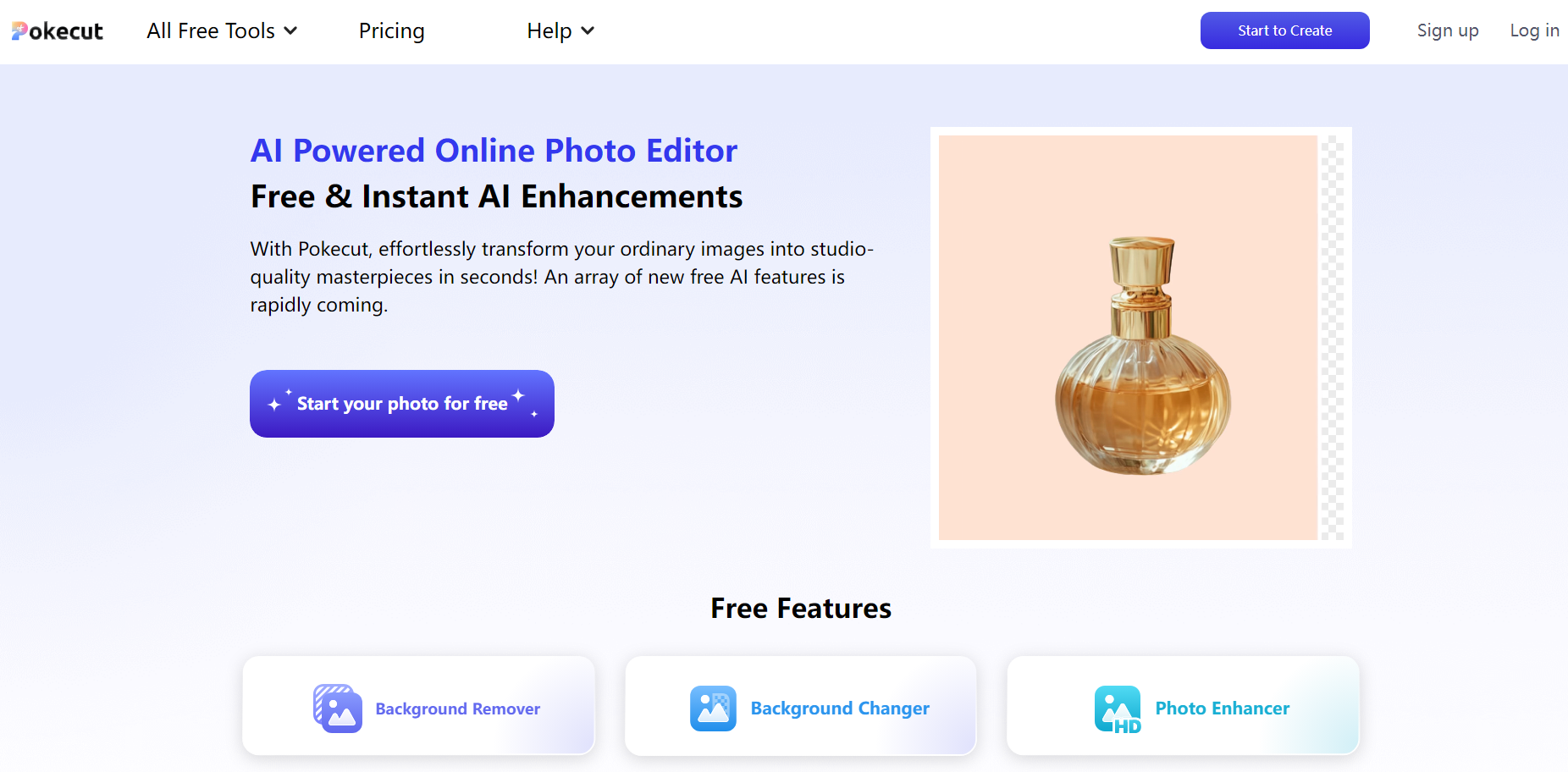
Pokecut is an online photo editing tool powered by artificial intelligence (AI). This platform empowers users to produce professional, studio-quality images. With industry-leading AI, Pokecut offers free functionalities such as background removal, background modification, and photo enhancement. A wide selection of background templates and design materials facilitates the creation of superior photos. Additional AI capabilities are set to roll out, providing users with more robust editing choices.
Key Features:
📸 Background Remover:
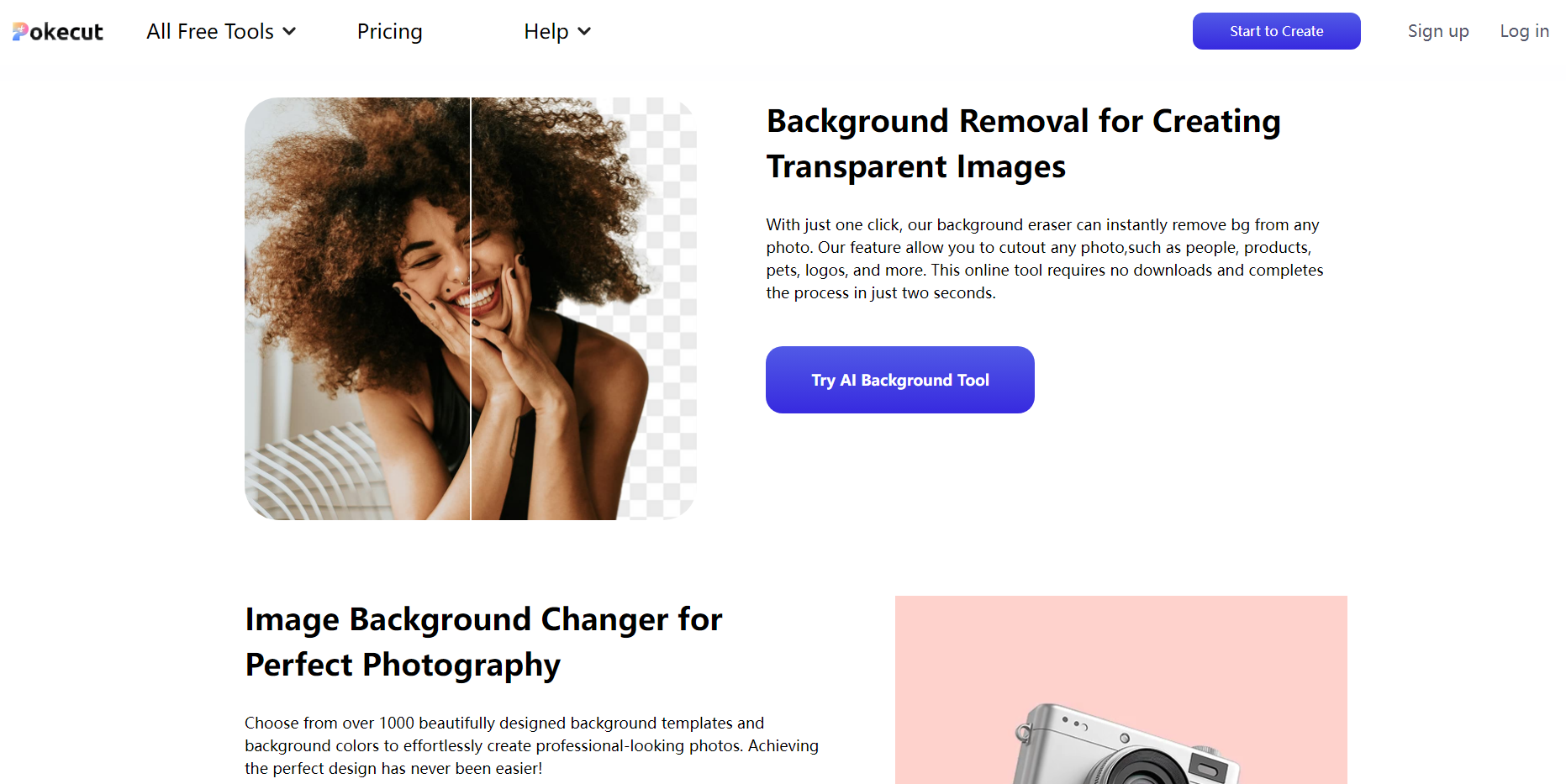
Eliminate backgrounds from images to produce transparent visuals with a single click. This feature works precisely on various subjects, including people, products, pets, and logos.
🌈 Background Changer:
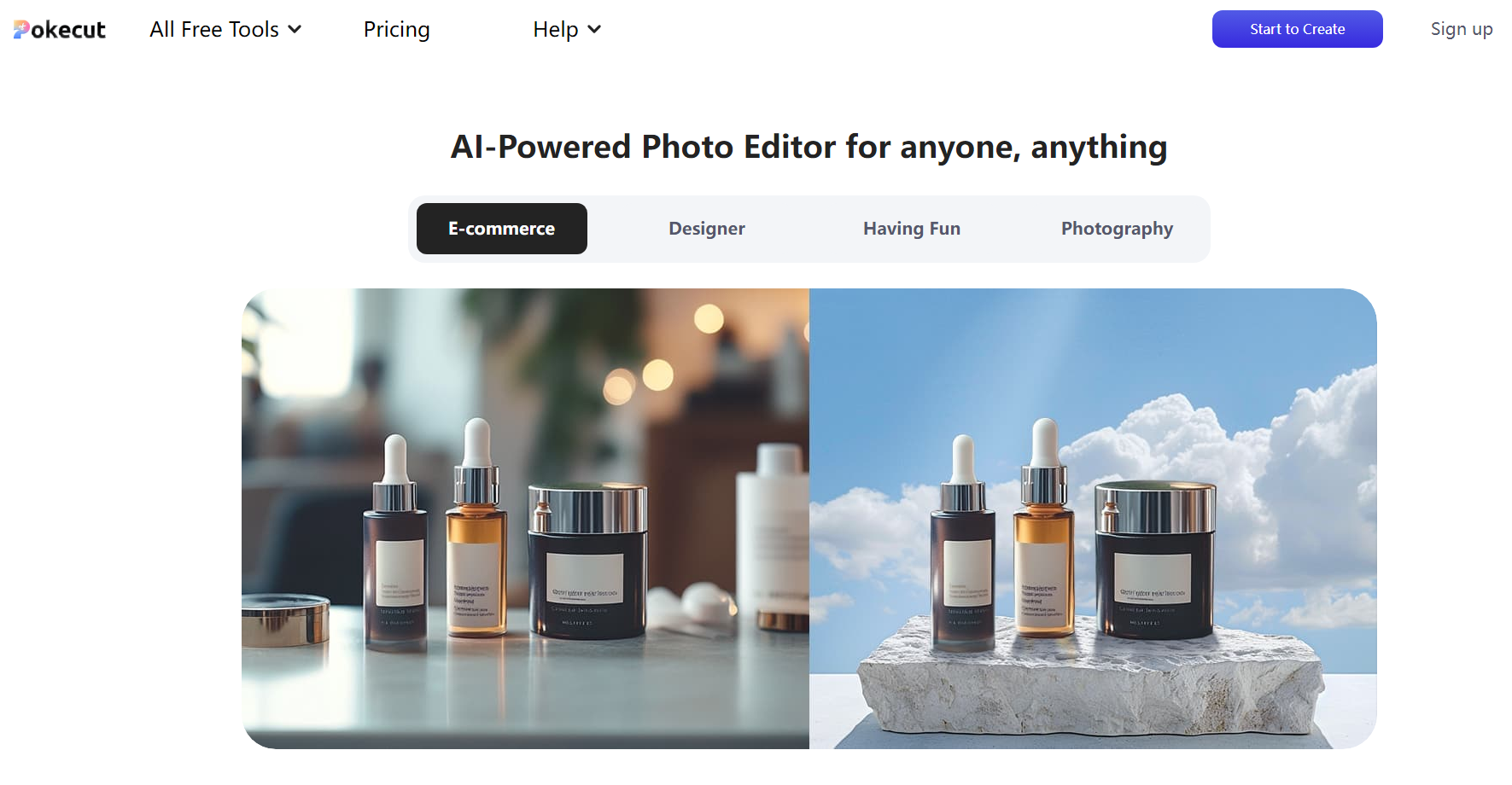
Swap backgrounds in photos effortlessly. Users select from over 1,000 design templates and colors to achieve a polished, professional aesthetic.
🔍 Photo Enhancer:
Convert blurry, low-resolution photos into high-definition images. This enhancement improves pixel quality, sharpens details, and is ideal for portraits, product photos, text, and landscapes.
🎨 Design Resource Library:
Access a wealth of design resources. These resources, such as background templates and creative elements, enable users to craft visually engaging images.
🤖 Advanced AI Algorithms:
This tool uses powerful AI algorithms. These algorithms make sophisticated photo editing tasks quick and accessible.
Use Cases:
E-commerce Product Listings:
An online retailer utilizes Pokecut to enhance product images. They remove distracting backgrounds from photos of clothing items, creating clean, transparent images that highlight the product. Using the photo enhancer, they upscale low-resolution images to high-definition, providing customers with clear, detailed views that boost buyer confidence and sales.
Professional Designer Workflow:
A graphic designer integrates Pokecut into their creative process. They use the background changer to experiment with various background templates for a client's promotional materials. By adding text and stickers with Pokecut, they deliver visually appealing designs. Photo enhancer then ensures their final outputs are sharp and high-quality, even when using lower-resolution source images.
Social Media Content Creation:
A social media influencer uses Pokecut to elevate their personal brand. They remove backgrounds from selfies and replace them with artistic backdrops from the platform's library, making their posts more eye-catching. The photo enhancer ensures each image is crisp and vibrant, increasing engagement from followers.
Conclusion:
Pokecut offers a powerful suite of AI-driven tools that make advanced photo editing accessible to everyone. Whether a user is an e-commerce seller aiming to improve product visuals, a professional designer creating compelling content, or an individual looking to add flair to their photos, Pokecut delivers results. The platform's free features and intuitive design ensure users achieve professional-quality outcomes without complex software or extensive editing experience.
More information on Pokecut
Launched
2023-08
Pricing Model
Free Trial
Starting Price
$4.58 /month
Global Rank
80681
Follow
Month Visit
691.3K
Tech used
Nuxt.js,Gzip,JSON Schema,OpenGraph,Nginx
Top 5 Countries
18.85%
8.61%
5.65%
4.32%
3.27%
Russia
India
United States
France
Rwanda
Traffic Sources
2.81%
0.88%
0.13%
12.03%
48.53%
35.58%
social
paidReferrals
mail
referrals
search
direct
Source: Similarweb (Sep 25, 2025)
Pokecut was manually vetted by our editorial team and was first featured on 2024-12-19.
Related Searches
Pokecut Alternatives
Load more Alternatives-

PhotoCut, the must - have mobile photo editing app! Remove backgrounds, create profile pics, erase objects, customize backgrounds, add text, and enhance photos. Ideal for e - commerce, social media, and personal use.
-

Cutout.Pro: AI photo & video editor. Automate background removal, image enhancement, restoration, and create stunning visuals with ease.
-

Pixelcut: Your AI creative design suite. Create stunning photos, videos & graphics instantly with AI editing, generation & collaboration.
-

Remove background from image free online automatically in seconds with PixCut bg remover. Newbies can make background transparent with just a few clicks soon!
-

Pixelcut's free online AI tool creates stunning product photos in seconds. Choose from styles, add shadows & lighting. Ideal for e-commerce & social media. Used by 30M+.