

Click outside to close
What is Poml?
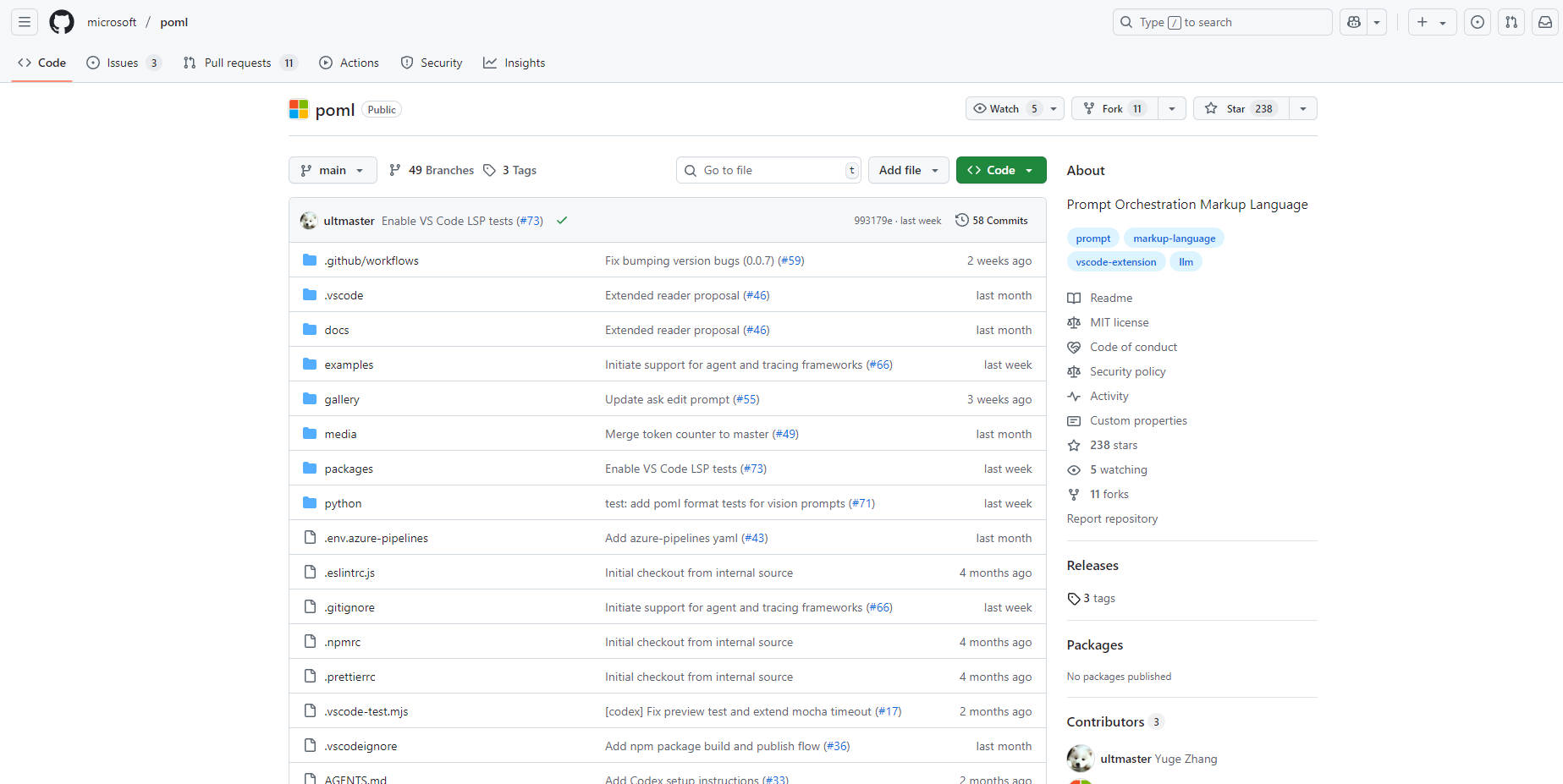
POML (Prompt Orchestration Markup Language) introduces a structured, declarative approach to building sophisticated prompts for Large Language Models (LLMs). If you've ever struggled with managing complex prompts as messy, hard-to-maintain blocks of text and code, POML provides a clear solution. It's designed for developers and prompt engineers who need to create reliable, scalable, and versatile LLM applications.
Key Features
✍️ Structured and Modular Prompts POML uses a clear, HTML-like syntax with components like
<role>,<task>, and<example>. This encourages you to break down complex prompts into logical, reusable parts, making them far easier to read, debug, and maintain over time.🎨 Decoupled Presentation Styling Leveraging a CSS-like system, POML separates your core prompt logic from its final presentation. This allows you to experiment with different output formats (e.g., JSON vs. plain text) or adjust verbosity by simply changing a stylesheet, all without touching the underlying prompt content. This directly mitigates an LLM's sensitivity to formatting changes.
🔗 Seamless Data Integration Effortlessly embed or reference external data sources directly within your prompts. With dedicated components like
<img>,<table>, and<document>, you can integrate images, CSV data, or text files without clumsy manual formatting, ensuring your prompts are both powerful and clean.⚙️ Integrated Templating and Tooling POML includes a built-in templating engine for creating dynamic, data-driven prompts using variables, loops, and conditionals. Combined with a full-featured VS Code extension and SDKs for Python and Node.js, you get a complete, professional development environment with syntax highlighting, auto-completion, and integrated testing.
Use Cases:
Dynamic, Data-Driven Content Generation Imagine you need to generate a weekly sales summary. With POML, you can create a single prompt template that accepts a sales spreadsheet via the
<table>component. The prompt can then use the templating engine to loop through the data, perform calculations, and generate a perfectly formatted narrative report, turning a manual task into an automated workflow.A/B Testing Prompt Formats Suppose you want to determine whether an LLM provides better results with a bulleted list or a JSON object. Instead of writing two separate, hardcoded prompts, you can use a single POML file for your core logic and two different stylesheets. This allows you to rapidly test and compare output formats to find the most effective structure for your specific task.
Complex, Multi-Modal Instructions For a task like creating educational material, you can combine multiple inputs with ease. A POML prompt could define a persona (
<role>You are a patient teacher...</role>), set a goal (<task>Explain this diagram...</task>), and include a visual reference (<img src="diagram.png" />) all in one structured, human-readable file.
Why Choose POML?
Clarity Over Concatenation: While traditional prompt engineering often involves messy string manipulation directly in your application code, POML provides a clean, declarative markup language. This separates your prompt logic from your application logic, resulting in code that is significantly easier to read and maintain.
Resilience Through Decoupling: Unlike simple templating libraries, POML uniquely decouples prompt content from its presentation. This means you can adapt to the "format sensitivity" of different LLMs by modifying a stylesheet, not by rewriting your core prompt logic—a crucial advantage for building robust, model-agnostic applications.
An Integrated Workflow, Not Just a Syntax: Instead of a fragmented process of writing prompts in one place and testing them in another, POML provides a unified development experience. The VS Code extension offers real-time previews, error checking, and interactive testing, creating a seamless and efficient workflow from creation to deployment.
Conclusion:
POML transforms prompt engineering from a craft of string manipulation into a structured, scalable discipline. By providing the tools to build, test, and maintain complex prompts with clarity and confidence, it empowers you to create more robust and sophisticated AI applications.
Explore the official documentation or watch the demo video to get started!
FAQ
1. How do I get started with POML? The easiest way to begin is by installing the POML extension directly from the Visual Studio Code Marketplace. This provides syntax highlighting, auto-completion, and integrated testing. You can also install the SDKs for Python (pip install poml) or Node.js to integrate POML into your applications.
2. Do I need an LLM API key to use the VS Code extension? For features like syntax highlighting and auto-completion, you do not need an API key. However, to use the integrated prompt testing and real-time preview features, you must configure your LLM provider (e.g., OpenAI, Azure, Google), API key, and endpoint in the VS Code settings.
3. Is POML an open-source project? Yes, POML is an open-source project released under the Microsoft Open Source Code of Conduct. The project welcomes contributions and has been evaluated to comply with the Microsoft Responsible AI Standard.
More information on Poml
Poml was manually vetted by our editorial team and was first featured on 2025-08-11.
Poml Alternatives
Poml Alternatives-

Write AI prompts as structured, versionable code with PromptML. Bring engineering discipline to your prompt workflow for scalable, consistent AI apps.
-

The premier platform for crafting, testing, and deploying tasks and APIs powered by Large Language Models. Elevate your AI-driven solutions today.
-
Boost Language Model performance with promptfoo. Iterate faster, measure quality improvements, detect regressions, and more. Perfect for researchers and developers.
-

PromptTools is an open-source platform that helps developers build, monitor, and improve LLM applications through experimentation, evaluation, and feedback.
-

Streamline LLM prompt engineering. PromptLayer offers management, evaluation, & observability in one platform. Build better AI, faster.