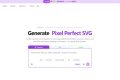

What is SvgTrace ?
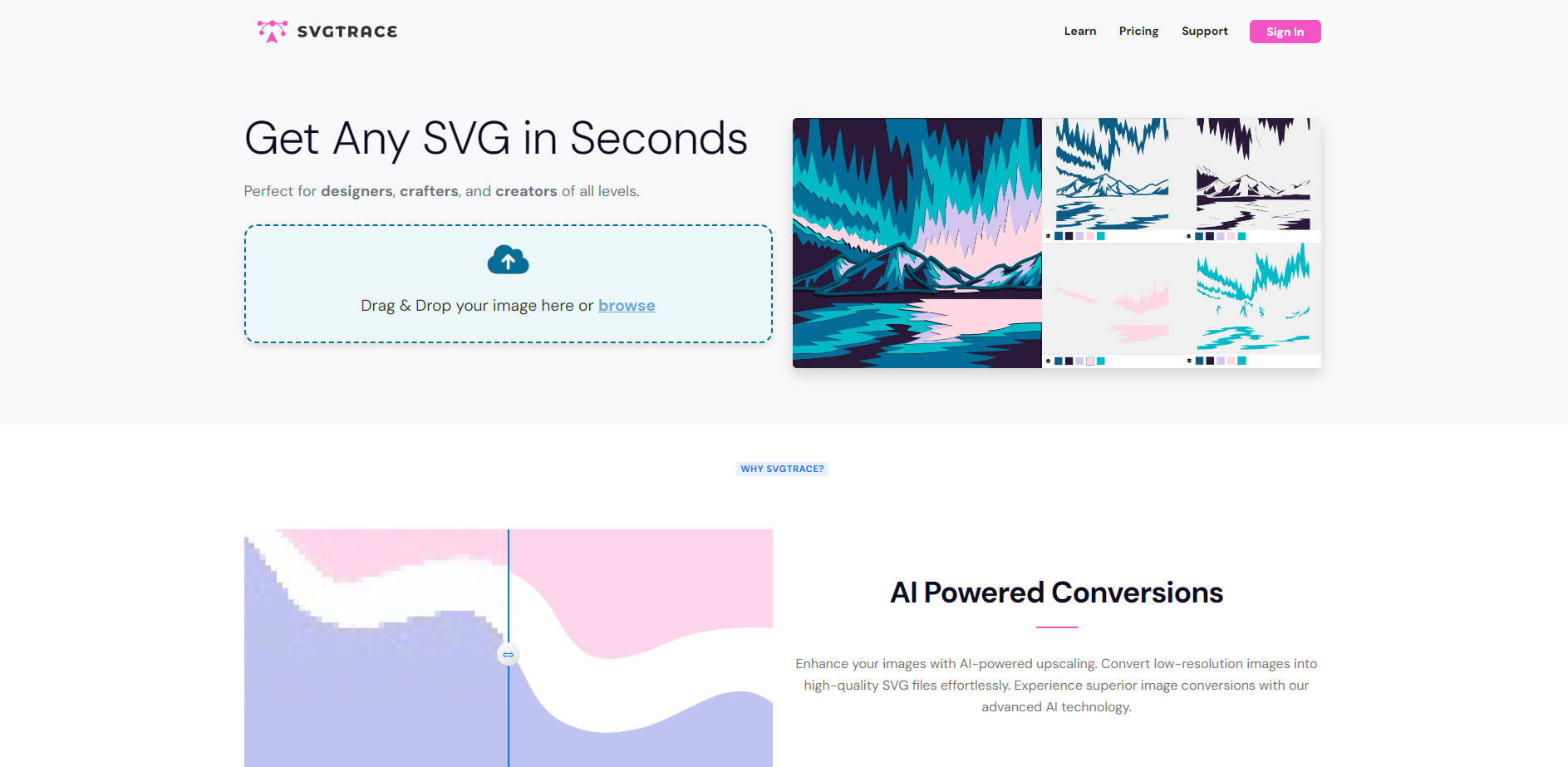
SvgTrace is a powerful, web-based image conversion tool designed to transform raster files (JPG, PNG) into high-quality, scalable vector graphics (SVG). Whether you are a professional designer or a dedicated crafter, SvgTrace addresses the common challenge of vectorizing complex raster images, providing a fast, precise solution for creating intricate cut files, layered artwork, and professional-grade designs.
Key Features
SvgTrace leverages specialized technology to deliver precise vector outputs tailored for modern creative workflows, ensuring your designs are ready for cutting, printing, and scaling without loss of quality.
🤖 AI-Powered High-Fidelity Conversions
Stop worrying about low-resolution source images. SvgTrace employs advanced AI upscaling during the conversion process, ensuring that even lower-quality source files are translated into crisp, high-definition SVG vectors. This capability provides superior accuracy and detail, minimizing the manual cleanup typically required after standard tracing.
🎨 Precise Color-Layered SVG Creation
This feature is essential for creators using cutting machines or building complex layered projects. SvgTrace automatically recognizes and separates distinct color areas, generating perfectly indexed color-layered SVG files. This crucial function eliminates the need to manually import and align layers, saving substantial time when preparing multi-material designs, 3D mandalas, paper cutting templates, or intricate plywood projects.
✂️ Intuitive Manual SVG Editing Control
While the conversion is automatic, you retain complete creative control. Our built-in manual editor allows you to fine-tune the resulting SVG layers after conversion. Easily adjust, modify, or refine specific elements using intuitive tools for cutting, erasing, and copying layers, ensuring the final output precisely matches your vision and functional requirements.
Use Cases
SvgTrace is built for efficiency, allowing you to move quickly from concept to creation across several design disciplines:
Creating Complex Cut Files for Crafting: Quickly convert hand-drawn sketches, company logos, or detailed images into clean, precise SVG cut files for vinyl cutters (like Cricut or Silhouette). The automatic color layering means your designs are instantly ready for multi-color, multi-material projects without hours of prep work.
Rapid Vector Asset Generation: Accelerate your graphic design workflow by instantly vectorizing raster assets for web use, print collateral, or app development. Since SVGs are infinitely scalable, you can ensure your assets look sharp on any screen size or print resolution.
Designing 3D Layered Artwork: Utilize the precise layering functionality to design files for laser cutters or woodworkers creating complex, stacked projects (such as 3D plywood mandalas or shadow boxes). SvgTrace provides the structural integrity needed for materials assembly.
Why Choose SvgTrace?
SvgTrace offers a compelling blend of professional functionality and accessibility, trusted by thousands of creators for its efficiency and quality output.
Significant Time Savings: As creative professionals have noted, SvgTrace eliminates the tedious, manual process of separating layers in external design software. Its ability to automatically create perfectly aligned, indexed color layers dramatically reduces preparation time for crafting projects.
Accessibility for All Skill Levels: SvgTrace is designed to be simple and easy to use. No prior design experience is required to achieve professional vector results, making high-quality vectorization accessible to hobbyists and beginners.
Flexible Pricing Tiers: You can start creating vector graphics immediately with the SvgTrace Free online converter, which provides unlimited color conversions and file sharing. For users requiring advanced workflow features, SvgTrace Pro adds the powerful built-in editor and expanded export file type options.
Conclusion
SvgTrace provides the speed, precision, and control necessary to confidently convert complex images into usable vector graphics. By merging AI-powered upscaling with specialized color layering, SvgTrace ensures your designs are precise, scalable, and ready for your most ambitious projects.
More information on SvgTrace
Launched
2021-12
Pricing Model
Freemium
Starting Price
$ 12 .99 /month
Global Rank
251094
Follow
Month Visit
163.2K
Tech used
Top 5 Countries
20.86%
8.35%
5.35%
3.64%
3.01%
United States
Brazil
India
United Kingdom
Germany
Traffic Sources
3.03%
0.77%
0.11%
7.04%
51.36%
37.64%
social
paidReferrals
mail
referrals
search
direct
Source: Similarweb (Oct 25, 2025)
SvgTrace was manually vetted by our editorial team and was first featured on 2025-10-25.
SvgTrace Alternatives
Load more Alternatives-
-

Get perfect, scalable SVGs fast! SVGVerseAI uses AI to turn your text or images into crisp vector graphics, no drawing needed.
-
Vector Magic is the AI-powered image to vector converter that quickly turns your JPG, PNG, and GIF files into print-ready PDF, SVG, and EPS vector images.
-

-