

What is Web to MCP?
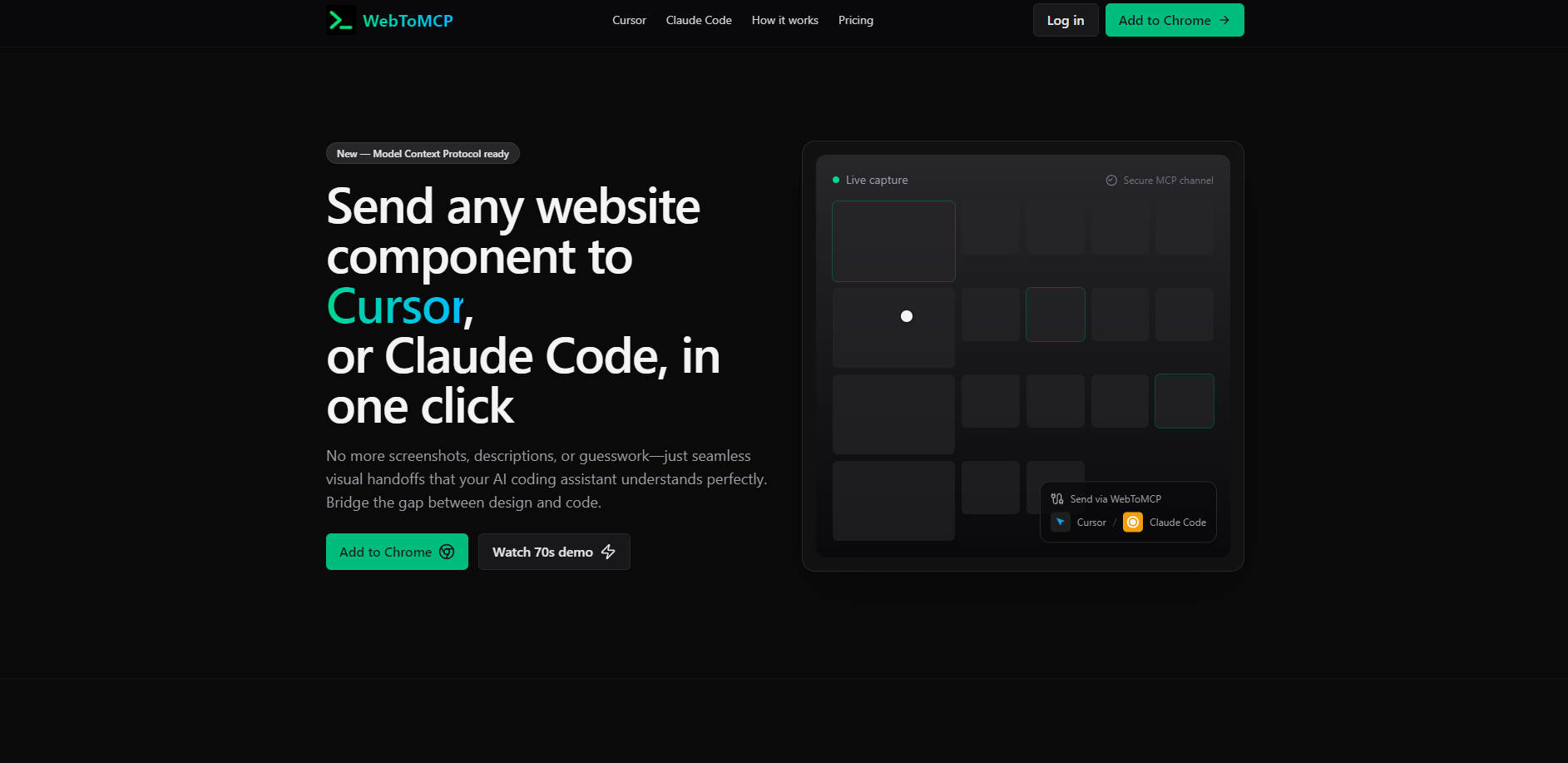
Web to MCP is an essential bridge for developers, transforming how you translate design inspiration into production-ready code. It eliminates the tedious process of describing UI elements to AI coding assistants by enabling you to send live website components directly to tools like Cursor and Claude Code, ensuring unparalleled accuracy and speed.
Key Features
Live Component Capture: 📸 Select any web element, and Web to MCP captures its exact DOM structure and full styling context. This provides your AI assistant with comprehensive visual and structural data, eliminating guesswork and ensuring a precise understanding of the component.
Direct AI Integration (MCP): 🔗 Leverage the Model Context Protocol (MCP) to send captured components directly to Cursor and Claude Code. This native integration ensures a seamless workflow, allowing your AI to "see" the UI component as it's rendered in the browser.
Framework Agnostic Compatibility: 🌐 Capture components from any website, regardless of its underlying technology—be it React, Vue, Angular, or vanilla HTML/CSS. This flexibility means you can draw inspiration and context from any live web application or design system.
Pixel-Perfect Context Delivery: ✨ Transmit the precise visual and structural details of any UI component. Your AI assistant receives an exact reference, significantly reducing iterations and ensuring the generated code matches the original design with high fidelity.
Use Cases
Rapid UI Replication: Quickly replicate an inspiring button, card, or navigation menu from any website directly within your AI coding assistant. Get the exact styling and structure generated in seconds, accelerating your development cycles.
Consistent Design System Implementation: Ensure new code adheres to existing design patterns by capturing components from your own production site or a style guide. This provides your AI with an authoritative visual reference for consistent and on-brand output.
Efficient Bug Fixing & Refinement: When debugging UI issues or refining existing components, use Web to MCP to send the live element to your AI assistant. This gives the AI immediate, accurate context to suggest fixes or improvements, saving you valuable time.
Why Choose Web to MCP?
10x Faster Development Cycles: Dramatically cut down the time spent describing UI components. What used to take 30 minutes of explanation and iteration now takes just 30 seconds for a precise handoff to your AI assistant.
Unmatched Accuracy & Fidelity: Unlike screenshots, Web to MCP captures the actual DOM structure, CSS properties, and visual context. This means your AI assistant receives semantic HTML and exact styling values, leading to pixel-perfect code generation on the first attempt.
Seamless, Native AI Workflow: Purpose-built for integration with Cursor and Claude Code via the Model Context Protocol (MCP). This direct channel eliminates context switching, manual copy-pasting, and ensures your AI tools are fully empowered with real-time visual data.
Universal Compatibility: Works across any website, framework, or design system. Whether you're pulling from a React app, a Vue component library, or a vanilla HTML page, Web to MCP provides consistent, reliable capture capabilities.
Conclusion
Web to MCP transforms your design-to-code workflow by providing AI coding assistants with the precise visual context they need. By eliminating guesswork and accelerating development, you can achieve pixel-perfect UI implementation with unprecedented speed and accuracy. Explore how Web to MCP can supercharge your coding productivity today.
More information on Web to MCP
Launched
2025-08
Pricing Model
Freemium
Starting Price
Global Rank
Follow
Month Visit
<5k
Tech used
Web to MCP was manually vetted by our editorial team and was first featured on 2025-09-05.
Related Searches
Web to MCP Alternatives
Load more Alternatives-

Automate web tasks with AI! Browser MCP connects AI apps (Cursor, Claude & more) to your browser. Data collection, testing & more!
-

Noteit MCP: Instant, contextual AI experts & auto-generated visual documentation for developers, right in your IDE. Boost clarity & dev efficiency.
-

-

Integrate 40k+ Icons8 icons directly into your AI coding assistant (Claude, Cursor). Speed up UI design with natural language prompts.
-
Transform UI screenshots & designs into clean, production-ready HTML & CSS. ScreenCoder accelerates front-end development with accurate, editable code.