

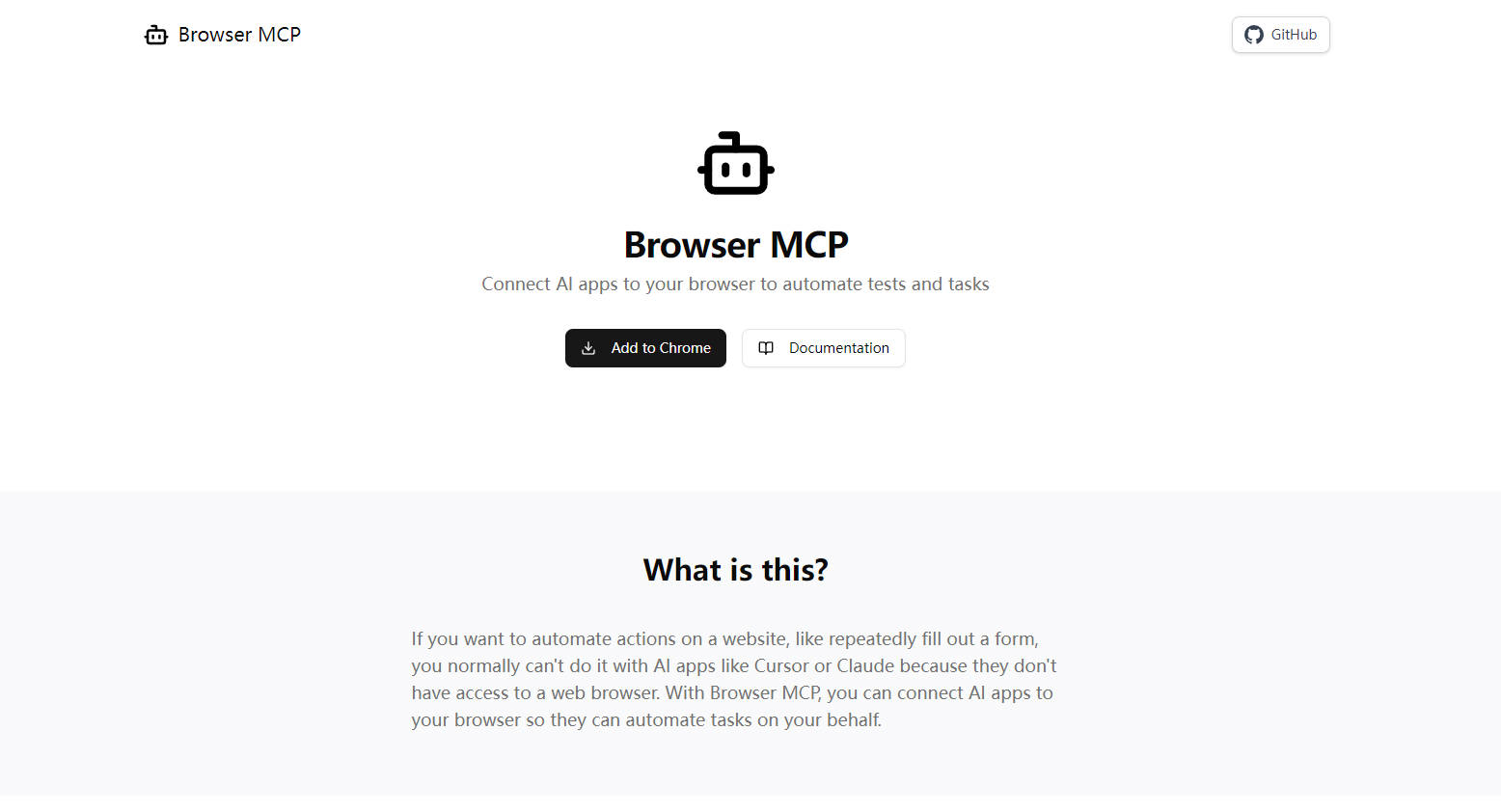
What is Browser MCP?
Ever wished your AI coding assistant or chatbot could interact directly with websites on your behalf? Many powerful AI tools lack the ability to control a web browser, limiting their capacity for tasks like automated testing or data gathering. Browser MCP provides the connection, acting as a local Model Context Protocol (MCP) server that lets applications like VS Code, Claude, Cursor, and Windsurf securely drive your browser.
Imagine instructing your AI to fill out complex forms, test user journeys on your web application, or extract specific information from a site – Browser MCP makes this possible by giving your AI tools controlled access to your browser environment.
Key Features
🌐 Navigate: Directs your browser to open any specified URL.
⬅️ Go Back: Moves to the previously visited page in your browser history.
➡️ Go Forward: Advances to the next page in your browser history.
⏱️ Wait: Pauses execution for a set duration, allowing pages or elements to load.
⌨️ Press Key: Simulates keyboard key presses within the browser context.
📸 Snapshot: Captures the current page's accessibility tree, useful for validation or data extraction.
👆 Click: Performs a click action on specified web page elements.
✋ Drag & Drop: Simulates dragging an element and dropping it onto another.
👋 Hover: Moves the mouse cursor over a specific element to trigger hover effects or tooltips.
🔤 Type Text: Inputs text into form fields or other editable areas on a webpage.
📝 Select Option: Chooses a specific option from a dropdown menu (select element).
🖥️ Get Console Logs: Retrieves logs from the browser's developer console for debugging or verification.
Practical Use Cases
See how Browser MCP can streamline your workflows:
End-to-End Testing: You're developing a new e-commerce checkout flow. Instead of manually clicking through each step after every code change, you can instruct your AI editor (via Browser MCP) to navigate to the product page, add an item to the cart, proceed to checkout, fill in test address and payment details, and verify the order confirmation message. This automates a crucial testing loop directly from your development environment.
Automated Data Collection: You need to gather contact information from multiple online directories. You can set up your AI application to use Browser MCP to navigate to each directory page, identify the relevant contact fields (using snapshot or element selectors), extract the email addresses and phone numbers, and compile them into a list – all without manual copy-pasting.
Repetitive Task Handling: Part of your daily routine involves logging into a project management tool and updating the status of several tasks based on recent activity. With Browser MCP, your AI assistant can handle this: navigating to the login page, using your saved credentials (since it uses your profile), finding the relevant tasks, and updating their statuses according to your instructions.
Why Choose Browser MCP?
Browser MCP offers a distinct approach to browser automation:
Speed: Because the automation runs directly on your machine using your installed browser, there's no cloud-based latency. Actions execute quickly.
Privacy: Your browsing activity and data remain on your local device. Browser MCP facilitates local communication between your AI app and browser, without sending browsing data to external servers.
Authenticity: It leverages your existing browser profile, meaning you stay logged into your accounts. This also helps avoid basic bot detection measures as it uses your real browser fingerprint.
Getting Started
Integrating Browser MCP takes just a few steps:
Install: Add the Browser MCP extension to your compatible web browser.
Connect: Configure your preferred MCP-enabled AI application (like Cursor, Claude, VSCode, or Windsurf) to use the Browser MCP server.
Automate: Start defining tasks and letting your AI tools interact with the web through your browser.
More information on Browser MCP
Launched
2025-04
Pricing Model
Free
Starting Price
Global Rank
194173
Follow
Month Visit
205K
Tech used
Next.js,Vercel,Gzip,Webpack,HSTS
Top 5 Countries
19.33%
7.93%
6.64%
5.97%
5.49%
United States
China
United Kingdom
Korea, Republic of
India
Traffic Sources
4.75%
0.94%
0.27%
19.26%
21.28%
53.48%
social
paidReferrals
mail
referrals
search
direct
Source: Similarweb (Sep 25, 2025)
Browser MCP was manually vetted by our editorial team and was first featured on 2025-04-09.
Related Searches
Browser MCP Alternatives
Load more Alternatives-

Browser Use is a must - have for developers and AI enthusiasts. It combines AI with browser automation, offering features like vision extraction and multi - tab management. Ideal for web scraping, task automation, and training AI models.
-

Windows-MCP: Open-source bridge for AI agents to natively control Windows. Empower LLMs to interact directly with desktop UI for powerful automation.
-
Web to MCP: Developers, generate pixel-perfect UI code 10x faster. Send live web components directly to AI assistants for unmatched accuracy.
-

AutoBrowser is a Chrome extension that uses AI to automate browser tasks based on natural language descriptions.
-

Browserfly: Your AI agent for browser automation. Automate complex tasks, research, & data entry with plain language, directly in your browser.