

Click outside to close
What is AutoPod?
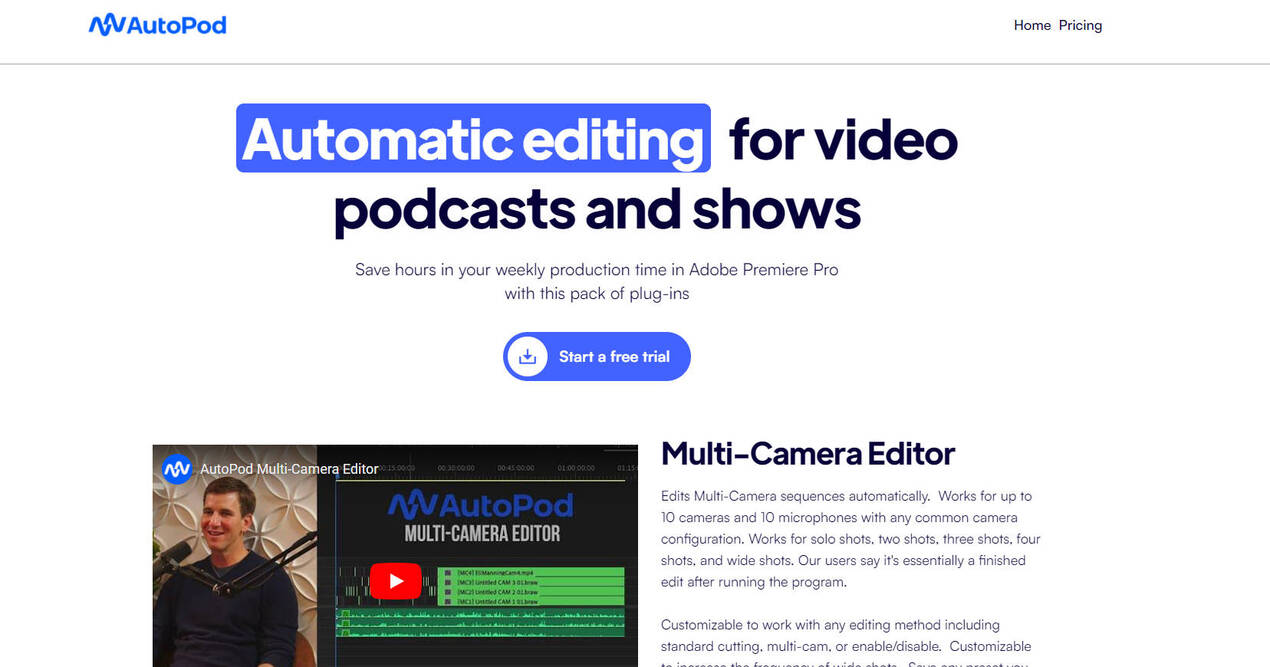
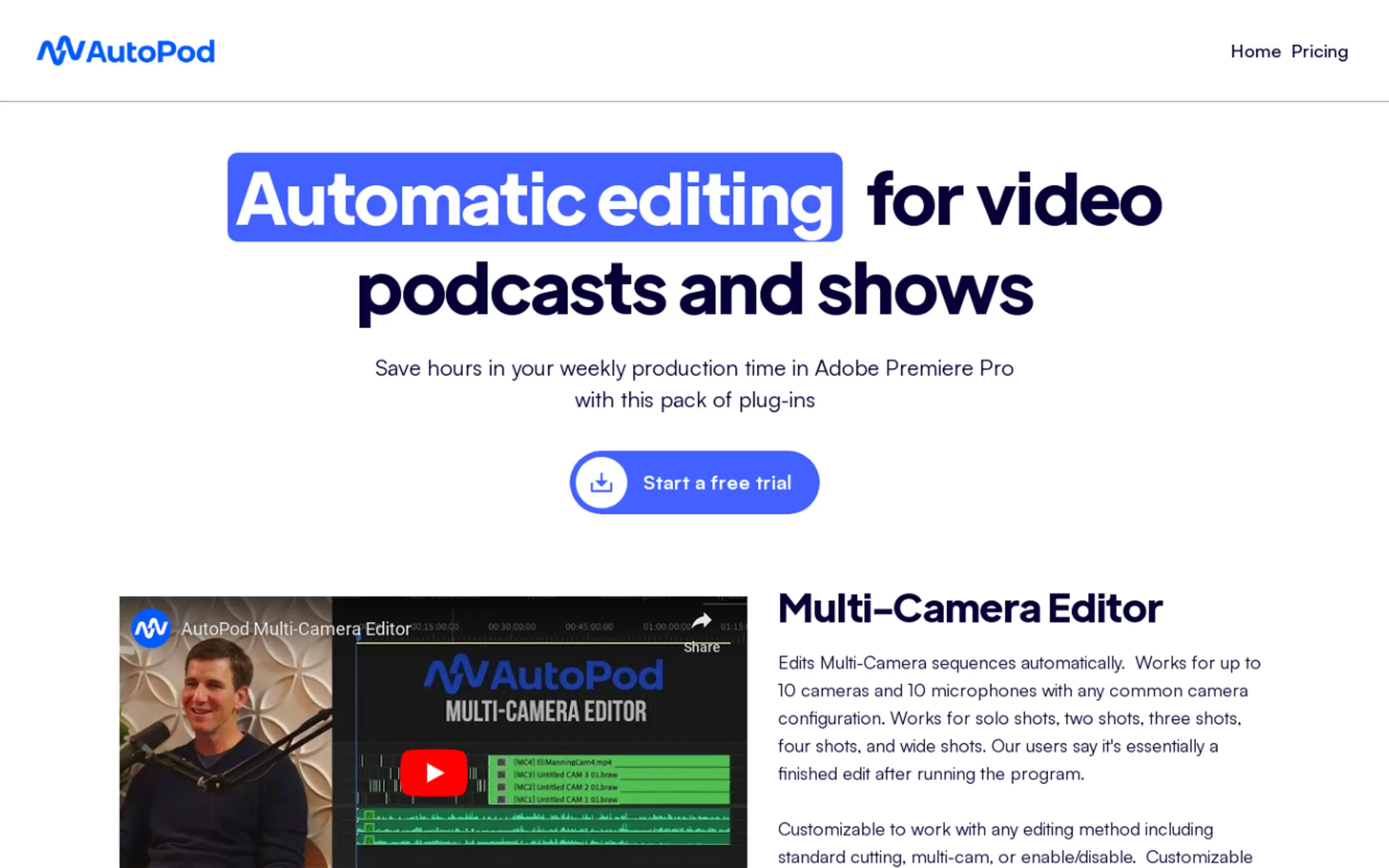
AutoPod is a set of Adobe Premiere Pro plug-ins that are specifically designed for video podcast and video show editors. It offers automatic editing for video podcasts and shows, saving users hours of production time. The plug-ins include a Multi-Camera Editor, Social Clip Creator, and Jump Cut Editor, each with their own unique features and advantages. AutoPod is a time-saving tool that automates various editing processes, making it a valuable asset for editors.
Key Features:
1. Multi-Camera Editor:
- Automatically edits Multi-Camera sequences, supporting up to 10 cameras and 10 microphones.
- Works for different camera configurations, including solo shots, two shots, three shots, four shots, and wide shots.
- Customizable to fit any editing method, such as standard cutting or multi-cam.
- Allows users to save presets for consistent use.
2. Social Clip Creator:
- Automatically creates clips for social media platforms in different aspect ratios (1920x1080, 1080x1350, and 1080x1920).
- Resizes sequence settings and footage sizes based on the selected aspect ratio.
- Offers options for auto-reframe, watermarks, and endpages.
- Clips can be stored in a folder and batch exported with a single click.
3. Jump Cut Editor:
- Automatically creates jump cuts in footage based on silence.
- Particularly useful for social clips that require engaging jump cuts.
- Users can input a decibel cutoff for their specific microphones to determine where cuts should be made.
Use Cases:
- Video Podcast Editing: AutoPod streamlines the editing process for video podcasts, allowing editors to automatically edit multi-camera sequences and create jump cuts during silent portions. This saves significant time and effort in post-production.
- Video Show Editing: For video show editors, AutoPod offers the convenience of automatically editing multi-camera sequences and creating social clips for different aspect ratios. This helps in creating engaging content for social media platforms.
- Social Media Content Creation: AutoPod's Social Clip Creator is a valuable tool for content creators who need to create clips for social media. It automatically resizes footage and adds desired elements like auto-reframe, watermarks, and endpages, making it easy to create professional-looking clips.
Conclusion:
AutoPod is a powerful set of plug-ins for Adobe Premiere Pro that caters specifically to video podcast and video show editors. With its Multi-Camera Editor, Social Clip Creator, and Jump Cut Editor, AutoPod offers a range of features that automate various editing processes, saving users time and effort. Whether it's editing multi-camera sequences, creating social media clips, or adding jump cuts, AutoPod is a valuable tool for editors looking to streamline their workflow and produce high-quality content.
More information on AutoPod
Top 5 Countries
21.92%
18.83%
5.57%
4.98%
3.84%
United States (21.92%)
India (18.83%)
United Kingdom (5.57%)
Indonesia (4.98%)
Colombia (3.84%)
Traffic Sources
3.52%
6.95%
50.92%
37.41%
social (3.52%)
paidReferrals (1.03%)
mail (0.1%)
referrals (6.95%)
search (50.92%)
direct (37.41%)
Source: Similarweb (Jan 3, 2026)
AutoPod was manually vetted by our editorial team and was first featured on 2023-04-25.
AutoPod Alternatives
AutoPod Alternatives-

Automate viral video clips for your podcast. PodClips uses AI to find compelling moments, add pro styling, and generate ready-to-post shorts.
-

AutoCut AI plugin for Premiere Pro & DaVinci Resolve. Dramatically reduce manual video editing tasks: remove silences, add captions, zoom & B-rolls. Save time, create more.
-

Adobe Podcast: Create professional podcasts & voiceovers easily with AI. Record, edit via text, enhance sound for studio quality anywhere.
-

Create extraordinary short videos with AI-powered captions, B-Rolls and effects for free.
-

Get podcast transcripts, summaries, clips & content fast with AI. Automate production, save hours, and grow your show effortlessly.