

What is Comet Browser?
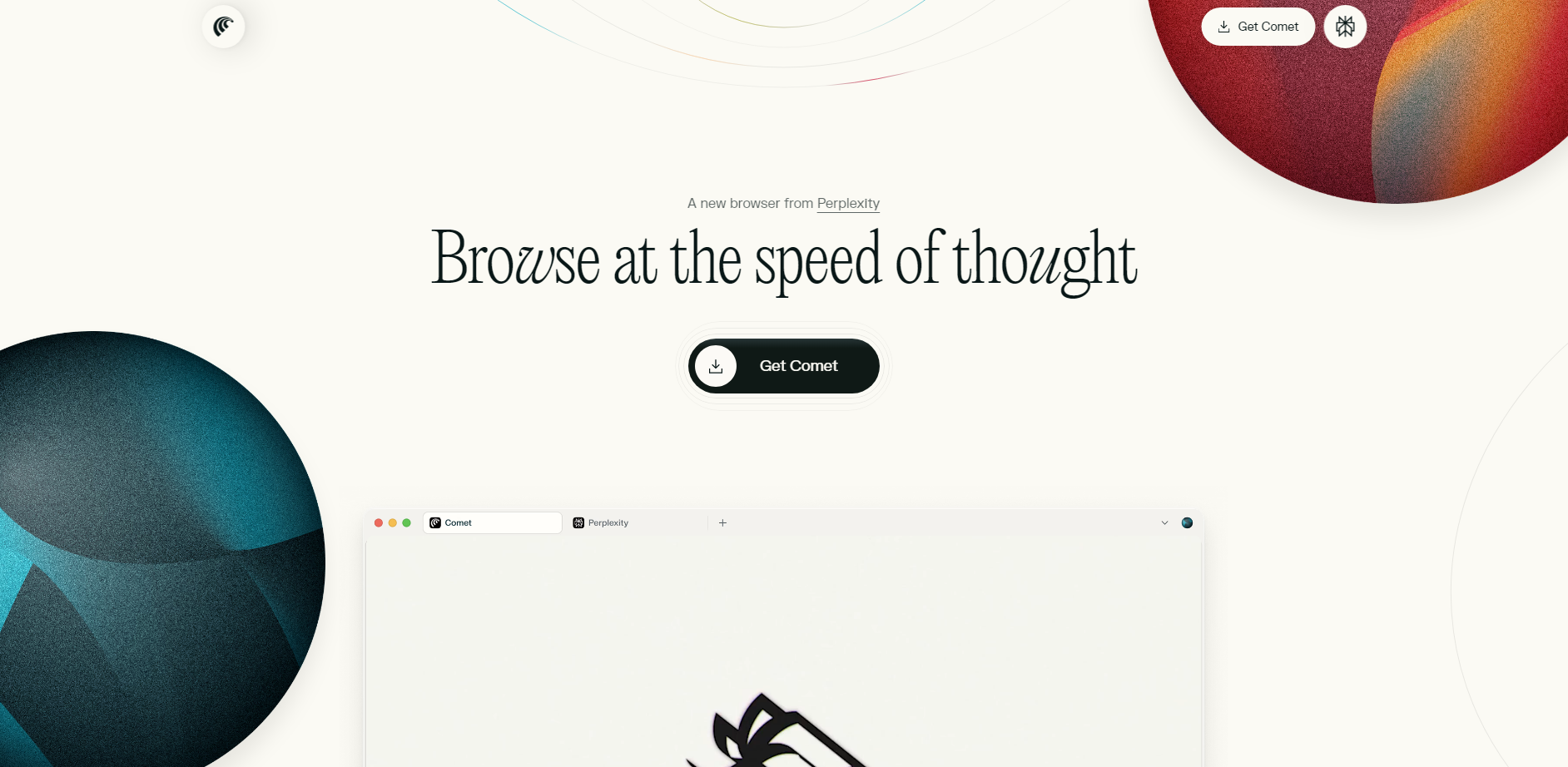
Comet is the AI-native browser from Perplexity, meticulously engineered to save you time and sharpen your focus. It moves beyond simple search to become a proactive partner that automates tedious tasks, synthesizes information, and manages your digital life. If you're looking to turn browser time into productive time, Comet is built for you.
Key Features
🤖 Intelligent Task Automation Go beyond just asking questions. Comet Assistant can actively click, type, fill out forms, and navigate websites on your behalf. It handles complex, multi-step tasks, from comparing products and adding them to your cart to completing the checkout process, freeing you from manual, repetitive work.
🧠 Personal Search & Contextual Answers Comet searches more than just the web; it searches your world. Instantly find information across your open tabs, browsing history, documents, and even connected email accounts. Use the @tab feature to ask specific questions about a page you're viewing, ensuring the AI's answers are always relevant to your immediate context.
💬 Integrated Assistant Sidecar Access AI assistance without ever leaving your current page or breaking your concentration. The Sidecar is a persistent panel that lets you summarize articles, translate text, or ask follow-up questions while your primary content remains in view. It’s true multitasking, designed to keep you in the flow.
⚡️ Customizable AI Shortcuts Automate your most common workflows with reusable prompts. By simply typing /, you can trigger a custom Shortcut to perform a specific action, like closing stale tabs, fact-checking an article, or generating a daily briefing from your calendar. It's a powerful way to make the AI work exactly how you do.
Use Cases
Comet transforms how you approach everyday online activities:
Efficient Research and Analysis: Open a dozen research tabs for a project. Instead of manually sifting through them, ask Comet:
"@tabs summarize the key findings from my research on Q3 market trends and list the top three action items."Comet will read across all relevant tabs and deliver a synthesized report directly in the Sidecar.Streamlined Shopping and Comparisons: You're looking for a new camera. Open tabs for three different models. Ask Comet:
"@tabs compare the price, sensor size, and user reviews for these cameras and present the results in a table."Comet will extract the key data and can even proceed to add your choice to the cart.Automated Daily Briefings: Start your day with complete clarity. With your Gmail and Calendar connected, you can ask:
"Who am I meeting with today and what are the key discussion points from our recent emails?"Comet will scan your schedule and inbox to give you a concise, actionable briefing.
Why Choose Comet?
Comet is built on the familiar and reliable Chromium engine, ensuring full compatibility with your favorite websites and extensions. However, its AI capabilities offer a fundamentally different browsing experience.
Beyond a Search Bar: While other browsers integrate AI as a search function, Comet's Assistant actively performs tasks for you. It doesn't just find information; it clicks buttons, completes forms, and executes multi-step workflows, acting as a true digital agent.
Unified Personal Context: Unlike browsers with siloed history and search functions, Comet unifies your digital activity into a searchable personal database. You can ask a single question that draws context from your open tabs, past browsing, and even your emails to deliver a uniquely relevant answer.
Native, Workflow-Integrated AI: Instead of relying on third-party extensions that feel bolted on, Comet builds AI directly into the browser's core. Features like the Sidecar and Shortcuts are native, context-aware elements designed for a seamless and powerful user experience, not an afterthought.
Conclusion
Comet Browser redefines what a browser can be. It's not just a window to the web; it's an intelligent tool designed to understand your intent, manage your information, and execute your tasks. By eliminating digital friction and automating routine work, Comet empowers you to stay focused, curious, and remarkably productive.
Explore how Comet can transform your daily workflow!
Frequently Asked Questions
1. What makes Comet different from other Chromium browsers like Chrome or Edge? While Comet is built on Chromium for a familiar interface, web compatibility, and extension support, its key difference is the deep, native integration of Perplexity's AI. This allows for unique features like the Comet Assistant that automates tasks, Personal Search across your own activity, and integrated tools like the Sidecar and Shortcuts, which are not available in standard browsers.
2. Is my personal search data private? Yes. Privacy is a core commitment. Your personal search activity, including browsing history and indexed content from your accounts, remains private and local to you. Comet does not share this data with advertisers or third parties. You have full control in the settings to manage, pause, or clear your personal search index at any time.
3. How easy is it to switch to Comet? Switching is designed to be seamless. With a single click during installation, you can import all of your bookmarks, settings, passwords, and extensions from your previous browser. Simply set Comet as your default browser to get started immediately without losing your setup.
More information on Comet Browser
Launched
2022-07
Pricing Model
Freemium
Starting Price
Global Rank
300
Follow
Month Visit
148.2M
Tech used
Top 5 Countries
23.37%
18.46%
4.38%
4.13%
3.73%
India
United States
Korea, Republic of
Germany
Japan
Traffic Sources
0.48%
0.15%
0.08%
1.78%
24.15%
73.36%
social
paidReferrals
mail
referrals
search
direct
Source: Similarweb (Sep 25, 2025)
Comet Browser was manually vetted by our editorial team and was first featured on 2025-08-14.
Related Searches
Comet Browser Alternatives
Load more Alternatives-

Perplexity Comet: The AI browser that organizes your research & learning. Built for productivity with integrated AI on every page.
-
-

-

-

Tired of tabs? Norton Neo is your AI-native browser & intelligent co-pilot. Enjoy effortless browsing, instant AI summaries, and a cleaner, focused web.