

Click outside to close
What is LM Studio?
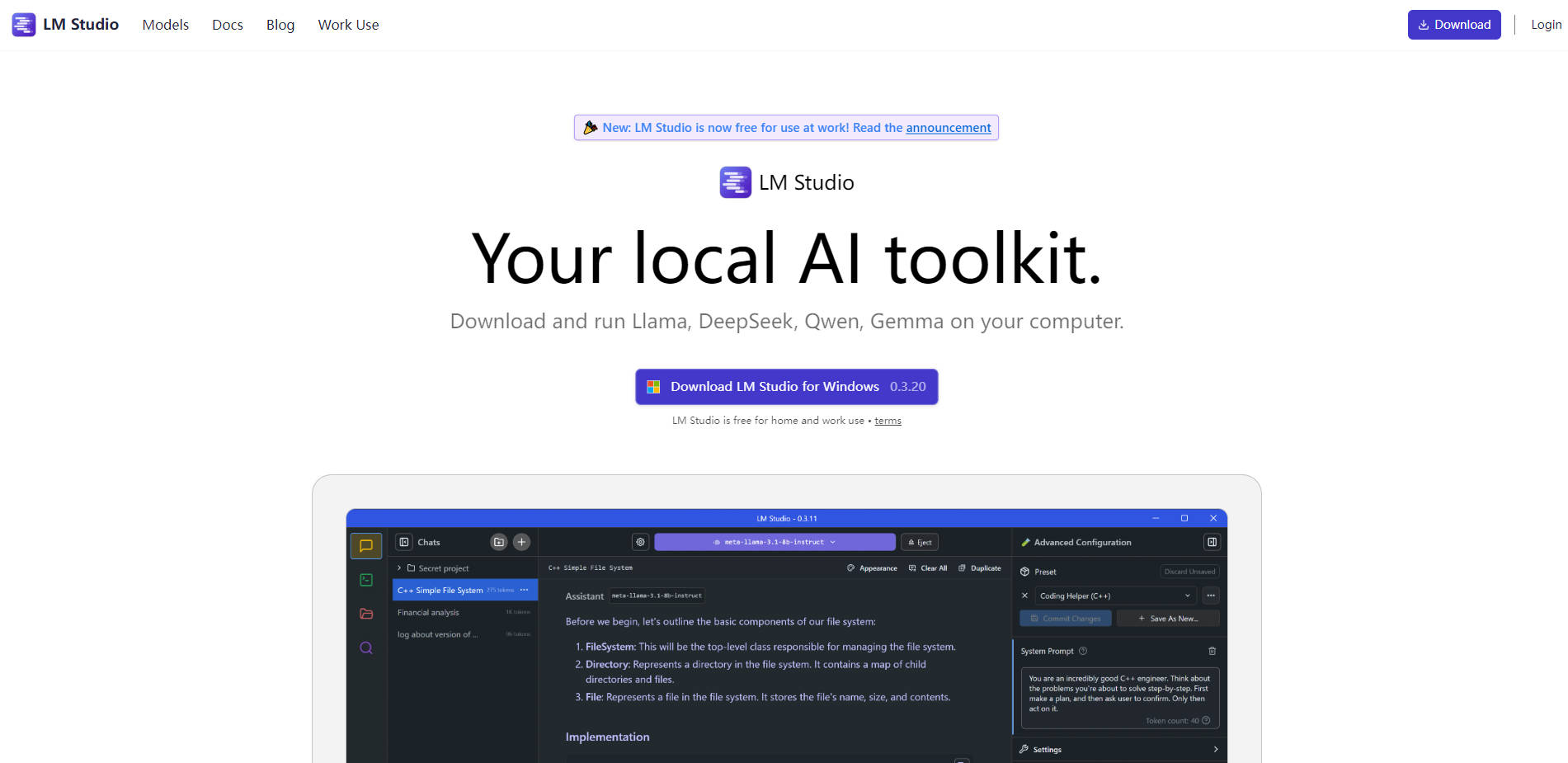
Are you looking to experiment with powerful Large Language Models (LLMs) without relying on cloud services? LM Studio is a comprehensive desktop application that gives you the power to discover, download, and run open-source models like Llama, Gemma, and DeepSeek directly on your own computer. It's designed for everyone from curious beginners to expert developers, putting you in complete control of your AI experience while ensuring your data remains completely private.
Key Features
🔎 Discover and Download Models Instantly Find the perfect LLM for your needs directly within the app. LM Studio provides a curated list of noteworthy models and a powerful search function connected to Hugging Face, allowing you to download any compatible GGUF or MLX model file with just a few clicks. This eliminates the hassle of manually searching and managing model files.
💬 Engage with a Familiar Chat Interface Interact with your chosen LLM through an intuitive and responsive chat window. You can easily switch between different models, tweak inference parameters like temperature and token limits, and save your configurations as presets. This makes it simple to test model responses, brainstorm ideas, or perform complex reasoning tasks.
🔌 Power Your Apps with a Local API Server Turn your computer into a local AI development server. LM Studio can serve any loaded model through an OpenAI-compatible API endpoint. This allows you to prototype and build applications using popular tools and libraries—or our dedicated Python and TypeScript SDKs—without incurring API costs or sending data to third parties.
📚 Chat with Your Documents, Completely Offline Leverage the power of Retrieval-Augmented Generation (RAG) by simply attaching your local documents to a chat. You can ask questions, summarize text, and extract information from your own files with absolute privacy. Your documents and conversations never leave your machine, making it ideal for working with sensitive or proprietary information.
How LM Studio Solves Your Problems:
For the Privacy-Conscious Professional: Need to analyze a sensitive business report or a confidential draft? With LM Studio, you can use a powerful LLM to get insights from your documents, knowing that all processing happens locally. There is zero data collection, so your proprietary information stays yours.
For the Developer and Hobbyist: Want to build a custom AI-powered application? Use the built-in server to quickly prototype a new feature. You can test different models to see which performs best for your use case—all without complex setup or dependencies. The OpenAI-compatible API ensures a smooth transition if you later decide to deploy with a cloud service.
For the AI Explorer: Curious about the latest open-source models but intimidated by the technical setup? LM Studio handles all the complexity for you. You can download and chat with a new model like Phi-3 or Qwen in minutes, allowing you to focus on exploring its capabilities, not on compiling code or managing environments.
Unique Advantages
Privacy by Design: LM Studio is built on the core principle of local-first operation. The application does not collect any data on your usage or your chats. Your interactions and files remain on your machine, period.
Simplified Power, Expert Control: We handle the complex technical backend for you. LM Studio intelligently leverages powerful libraries like
llama.cppand Apple'sMLXframework to ensure efficient performance on your hardware. While it's simple to get started, you still have access to advanced configuration presets to fine-tune model performance to your exact specifications.Free for Personal and Commercial Use: You can use LM Studio at home or within your organization for free. This makes it an accessible and powerful tool for teams to experiment with and integrate local LLMs into their workflows without requiring special licensing.
Conclusion:
LM Studio bridges the gap between powerful open-source AI and practical, everyday use. It provides a secure, versatile, and user-friendly environment for you to explore, build, and innovate with LLMs on your own terms.
Download LM Studio today and take full control of your local AI journey!
More information on LM Studio
Top 5 Countries
16.27%
9.17%
7.71%
5.4%
3.71%
United States (16.27%)
Russia (9.17%)
China (7.71%)
India (5.4%)
Japan (3.71%)
Traffic Sources
8.92%
49.41%
38.8%
social (2.43%)
paidReferrals (0.39%)
mail (0.06%)
referrals (8.92%)
search (49.41%)
direct (38.8%)
Source: Similarweb (Sep 24, 2025)
LM Studio was manually vetted by our editorial team and was first featured on 2023-09-10.
LM Studio Alternatives
LM Studio Alternatives-

ManyLLM: Unify & secure your local LLM workflows. A privacy-first workspace for developers, researchers, with OpenAI API compatibility & local RAG.
-

AnythingLLM is the enterprise-ready "chat with your documents" solution that is safe, secure, and your whole company can use to make everyone an expert in your business, overnight.
-

LazyLLM: Low-code for multi-agent LLM apps. Build, iterate & deploy complex AI solutions fast, from prototype to production. Focus on algorithms, not engineering.
-

The LlamaEdge project makes it easy for you to run LLM inference apps and create OpenAI-compatible API services for the Llama2 series of LLMs locally.
-

Transformer Lab: An open - source platform for building, tuning, and running LLMs locally without coding. Download 100s of models, finetune across hardware, chat, evaluate, and more.