

Click outside to close
What is Cua?
Developing or running AI agents that interact with desktop applications presents unique challenges, particularly around security and performance. You need an environment that allows your agent to see and control applications just like a human would, but without granting potentially risky access to your primary system. Cua provides a robust solution specifically designed for Apple Silicon Macs.
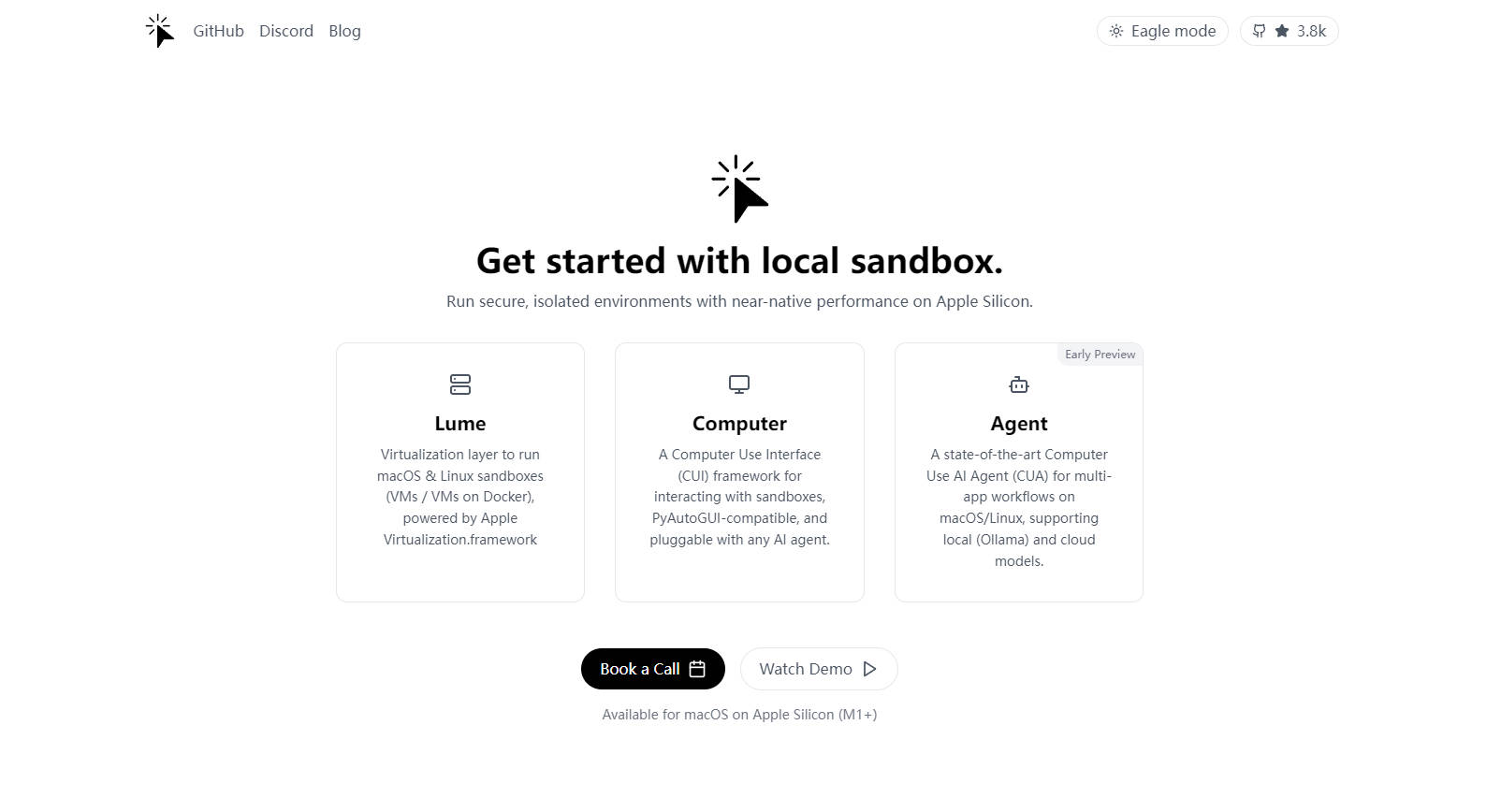
Cua (pronounced "koo-ah") is an open-source framework delivering two powerful capabilities in one integrated package. It allows you to create and manage highly efficient macOS and Linux virtual machines (VMs) locally, achieving near-native speeds. Crucially, it also provides the interface for AI agents to operate within these secure, sandboxed environments, enabling complex automation across desktop applications. If you're working with AI that needs to interact with GUIs, browse the web, or use development tools within a controlled space, Cua is built for you.
Key Features
🚀 High-Performance Virtualization (Lume): Create and run macOS or Linux virtual machines directly on your Apple Silicon Mac. Leveraging Apple's
Virtualization.Framework, these VMs achieve impressive performance, reaching up to 90% of native speed, providing a smooth and responsive experience for demanding tasks.🤖 Computer-Use Interface & Agent (CUI/CUA): Equip your AI systems with the ability to observe the VM's screen and control its keyboard and mouse. This allows agents to interact naturally with standard desktop applications – browsing websites, writing code in an IDE, using terminal commands, and managing files – all within the isolated VM.
🔒 Secure & Isolated Execution: Run AI agents within dedicated sandboxes, completely separated from your main macOS environment. This isolation is fundamental for safely testing and deploying agents that interact with potentially unpredictable applications or external websites.
🧩 Flexible LLM Integration: Connect your preferred Large Language Models (LLMs) easily. Cua includes built-in support for various providers like OpenAI and Anthropic, allowing you to leverage the intelligence of different models for your agent's decision-making process.
📂 Open-Source & Modular: Cua is released under the permissive MIT license. Its components (Lume CLI for VM management,
cua-computerfor the interface,cua-agentfor agent logic) are available as separate libraries, offering flexibility in how you integrate them into your projects.
Use Cases
Develop and Test Desktop Automation Agents Safely: Imagine you're building an AI agent designed to automatically find and fix bugs reported in GitHub issues. Using Cua, you can let the agent operate within a dedicated macOS VM. It can open a browser to view the issue, launch an IDE like Cursor or VS Code to modify the code, use the terminal for Git commands, and test the fix – all without touching your primary development setup. The provided "Notebook: Fix GitHub issue in Cursor" demo showcases a similar scenario.
Execute Complex Multi-App Workflows: Your AI agent might need to perform research across multiple sources. Within a Cua VM, it could open a web browser to search for information, copy findings into a text editor or document, perhaps use a specific application to analyze data it found, and then summarize the results – seamlessly switching between applications as needed. The "AI-Gradio" demo illustrates such multi-app interaction involving a browser, VS Code, and a terminal.
Create Reproducible AI Research Environments: When researching AI interactions with graphical interfaces, ensuring consistent environments is key. Cua allows you to define and spin up identical macOS or Linux VMs repeatedly. This ensures that experiments involving GUI interaction, application testing, or workflow automation can be reliably reproduced by you or collaborators.
Conclusion
Cua offers a unique and powerful combination for anyone working at the intersection of AI and desktop interaction on Apple Silicon. It pairs the speed of near-native virtualization with a secure, capable framework for AI agents to perceive and control applications within that virtualized space. By providing isolation, performance, and flexibility, Cua empowers developers and researchers to build and run sophisticated AI agents that can tackle complex, real-world tasks across the desktop environment safely and effectively.
More information on Cua
Top 5 Countries
29.54%
15.99%
13.76%
9.02%
6.52%
United States (29.54%)
Vietnam (15.99%)
Brazil (13.76%)
Germany (9.02%)
India (6.52%)
Traffic Sources
13.59%
8.64%
15.97%
60.48%
social (13.59%)
paidReferrals (1.08%)
mail (0.07%)
referrals (8.64%)
search (15.97%)
direct (60.48%)
Source: Similarweb (Sep 25, 2025)
Cua was manually vetted by our editorial team and was first featured on 2025-04-09.
Cua Alternatives
Cua Alternatives-

Open-source infrastructure for Computer-Use Agents. Sandboxes, SDKs, and benchmarks to train and evaluate AI agents that can control full desktops (macOS, Linux, Windows).
-

Bridge the gap! Peekaboo enables AI agents to see & understand your macOS screen, unlocking powerful automation, debugging, and content extraction.
-

A2UI is an open-source project, complete with a format optimized for representing updateable agent-generated UIs and an initial set of renderers, that allows agents to generate or populate rich user interfaces.
-

Automate GUIs like a human with Agent S, the open-source framework for intelligent UI automation. Learn from experience!
-

AionUi: A modern, intuitive desktop GUI for Google Gemini CLI. Enjoy persistent AI chats, visual file management, & a streamlined developer workflow.