

Click outside to close
What is DocuTranslate?
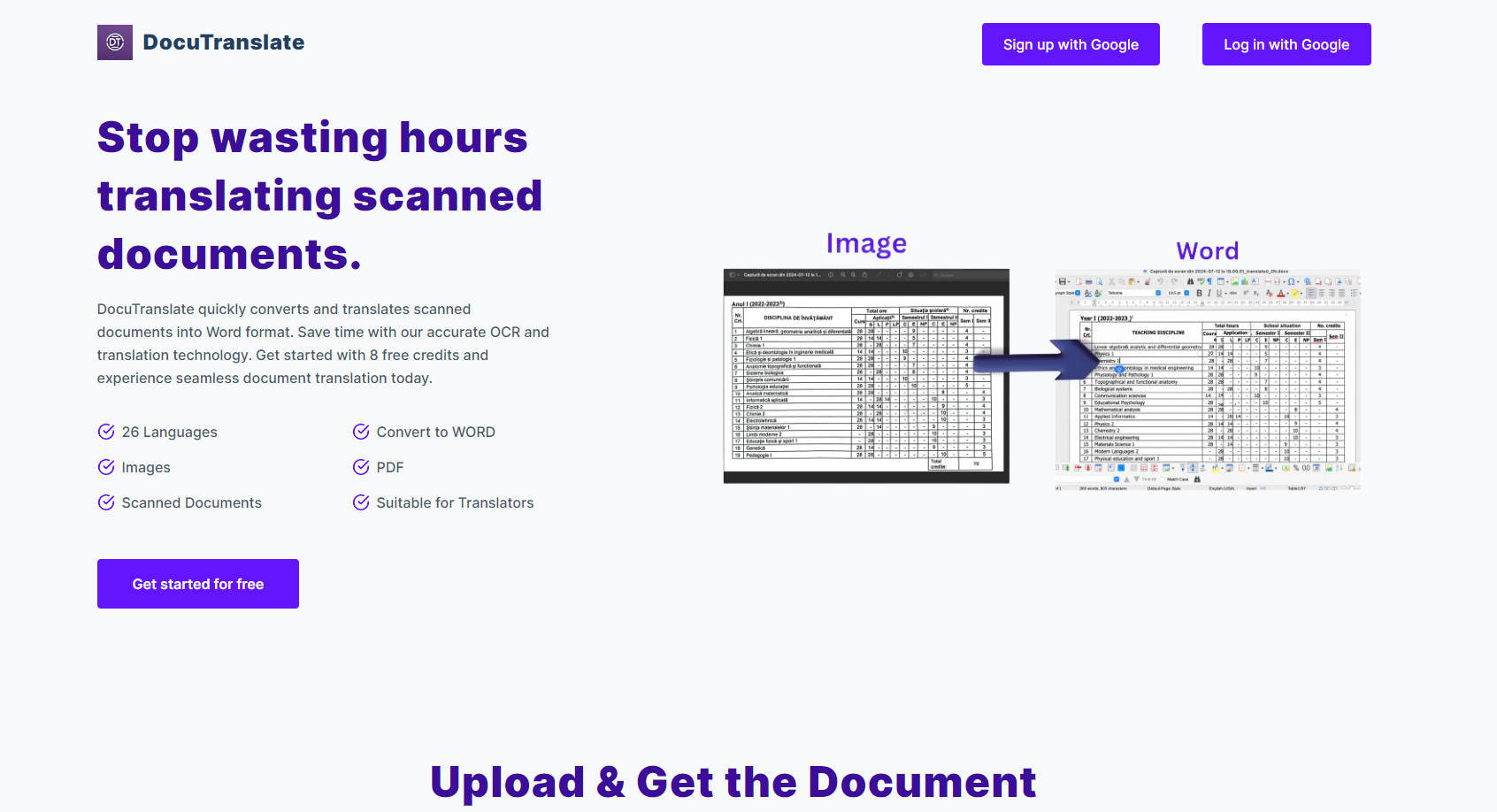
Imagine a world where translating complex documents is as simple as clicking a button. That dream becomes reality with DocuTranslate, the advanced AI-powered tool that transforms your scanning and translation tasks. Packed with cutting-edge OCR technology and boasting support for 26 languages, DocuTranslate swiftly converts scanned documents, PDFs, images, and more into editable Word formats. Say goodbye to manual translations and hello to precision and efficiency.
Three Main Features of DocuTranslate:
- 26 Languages Support: Seamlessly translate your documents between a wide range of 26 languages, ensuring global communication is smooth and effortless.
- Convert to Word and Retain Format: Convert your scanned documents, PDFs, or images into fully editable Word files, maintaining their original layout and design integrity.
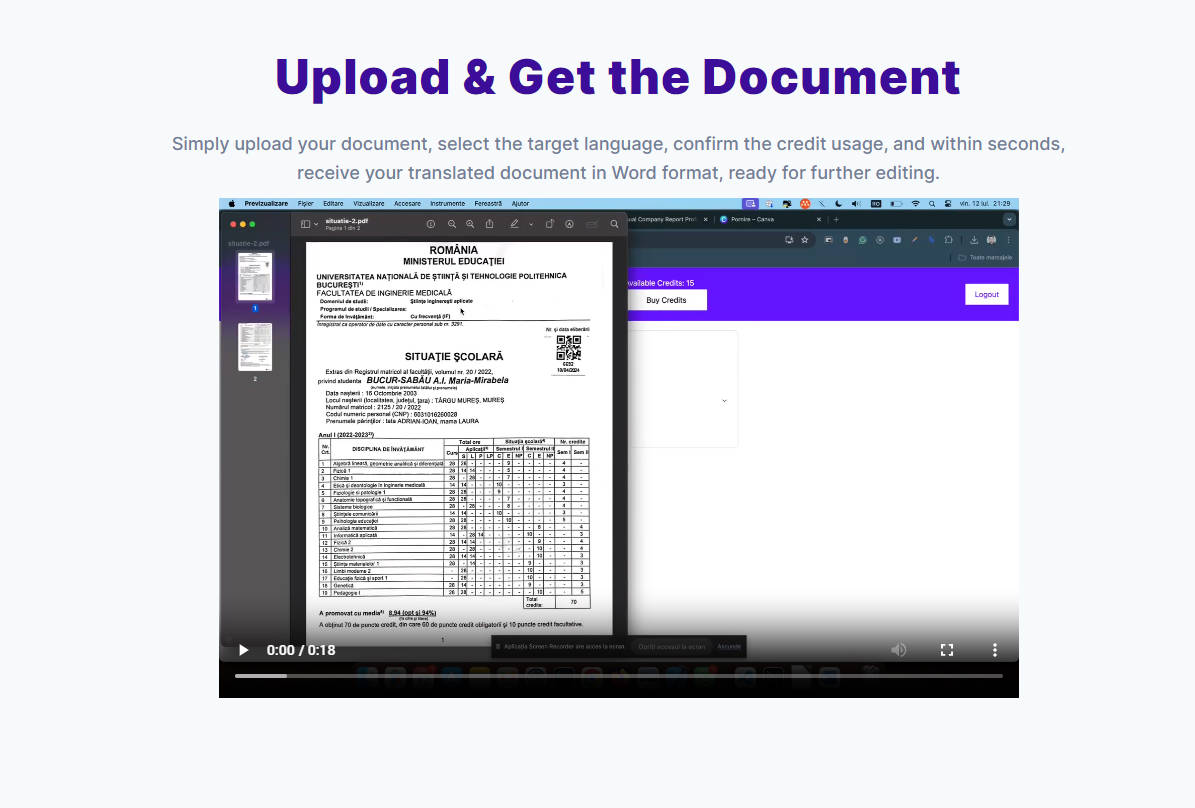
- Incredibly Simple Process: Upload your file, select the target language, confirm credit usage—easy as 1, 2, 3—and receive your translated document in mere seconds.
Use Cases for DocuTranslate:
- Translating legal contracts for clients in countries where English isn't the native language.
- Quickly converting and translating academic journals from foreign languages for academic research.
- Streamlining the translation of health records for multilingual hospitals or clinics.
Conclusion: Revolutionize How You Communicate
DocuTranslate offers a swift, accurate, and user-friendly method to translate complex documents, thereby revolutionizing global communication. Whether for business, legal, or personal needs, DocuTranslate saves you time and offers unparalleled convenience. Sign up now to experience seamless document translation like never before.
FAQ Section:
-
Q: How many languages does DocuTranslate support? A: DocuTranslate supports translation in 26 different languages, covering a wide range of global communication needs. Whether it's Spanish, French, German, or less common languages, we've got you covered.
-
Q: Can DocuTranslate handle PDF and image files? A: Yes, DocuTranslate can expertly translate and convert PDFs, images, and scanned documents into editable Word formats, ensuring that the original layout is preserved.
-
Q: How does the OCR technology work in DocuTranslate? A: Our Optical Character Recognition (OCR) technology accurately converts scanned or image-based text into a digitized, editable format before translation, ensuring your document remains fully functional and readable after translation.
More information on DocuTranslate
Launched
2025-10
Pricing Model
Freemium
Starting Price
Global Rank
Follow
Month Visit
<5k
Tech used
Google Analytics,Google Tag Manager,Vercel,Stripe
DocuTranslate was manually vetted by our editorial team and was first featured on 2024-07-19.
Related Searches
DocuTranslate Alternatives
Load more Alternatives-

Doc Translator: AI translation for 300+ languages. Keep your formatting, save time, and get accurate results. Start translating today!
-

Save time and effort with Doc Translator, an AI-powered tool that offers accurate and cost-effective document translation in 100+ languages. Try it now!
-

-
Delivering precise AI translation for a wide array of docs - PDF, Word, Excel, Powerpoint and more...
-
