

What is FileNeat AI?
FileNeat AI is a cutting-edge software designed to tackle the universal problem of digital clutter. Leveraging advanced AI technology, FileNeat AI automatically analyzes and categorizes files, streamlining your workflow and freeing you from tedious manual organization. It offers features like intelligent file classification, bulk renaming, and desktop organization, making it ideal for both individuals and businesses dealing with large volumes of files.
Key Features:
📂 Intelligent File Classification:FileNeat AI analyzes file content, including text and images, to automatically categorize them into relevant folders. This eliminates the need for manual sorting, saving you valuable time and effort.
🔄 Bulk File Renaming:Simply drag and drop files into FileNeat AI, and it will suggest intelligent, consistent filenames based on the content. Choose the best options and rename multiple files instantly.
🖥️ Desktop Organization:FileNeat AI analyzes your desktop shortcuts and folders to intelligently organize them, creating a clean and efficient workspace.
Use Cases:
Researchers can automatically categorize research papers and data files.
Businesses can efficiently organize client documents and project files.
Students can manage their study materials and assignments with ease.
Conclusion:
FileNeat AI is your essential tool for conquering digital chaos and achieving a streamlined file system. Its intuitive interface and powerful AI capabilities empower you to manage your files more efficiently, boosting productivity and reducing stress. Embrace the future of file organization with FileNeat AI!
FAQs:
What file types does FileNeat AI support?FileNeat AI supports a wide range of file types, including common document formats (e.g., .doc, .pdf, .txt), image formats (e.g., .jpg, .png), and more.
Is FileNeat AI available for both Windows and Mac?Yes, FileNeat AI is available for both Windows and MacOS operating systems, including Intel and ARM-based Macs.
What is the difference between the free and paid versions?The free version allows you to organize up to 15 files and uses the GPT-3.5 AI model. The paid version offers organization for 100+ files, utilizes the more advanced GPT-4 model, provides prioritized network speed, and includes personalized support.
More information on FileNeat AI
Launched
2024-06
Pricing Model
Free Trial
Starting Price
Global Rank
4628231
Follow
Month Visit
<5k
Tech used
jQuery,Gzip,HSTS,Nginx
Top 5 Countries
100%
China
Traffic Sources
1.42%
0.7%
0.35%
28.72%
26.64%
42.16%
social
paidReferrals
mail
referrals
search
direct
Source: Similarweb (Sep 24, 2025)
FileNeat AI was manually vetted by our editorial team and was first featured on 2024-10-28.
FileNeat AI Alternatives
Load more Alternatives-

File Renamer AI uses advanced AI to instantly organize your files. Get descriptive, consistent, searchable names for all assets, saving hours of manual work.
-

Say goodbye to file chaos! Renamer.ai organizes PDFs, images, docs & more with AI-powered renaming, bulk processing, and multilingual support.
-

Organize files instantly with AI Renamer! Intelligently rename images & docs by content. Bulk rename & get organized fast!
-

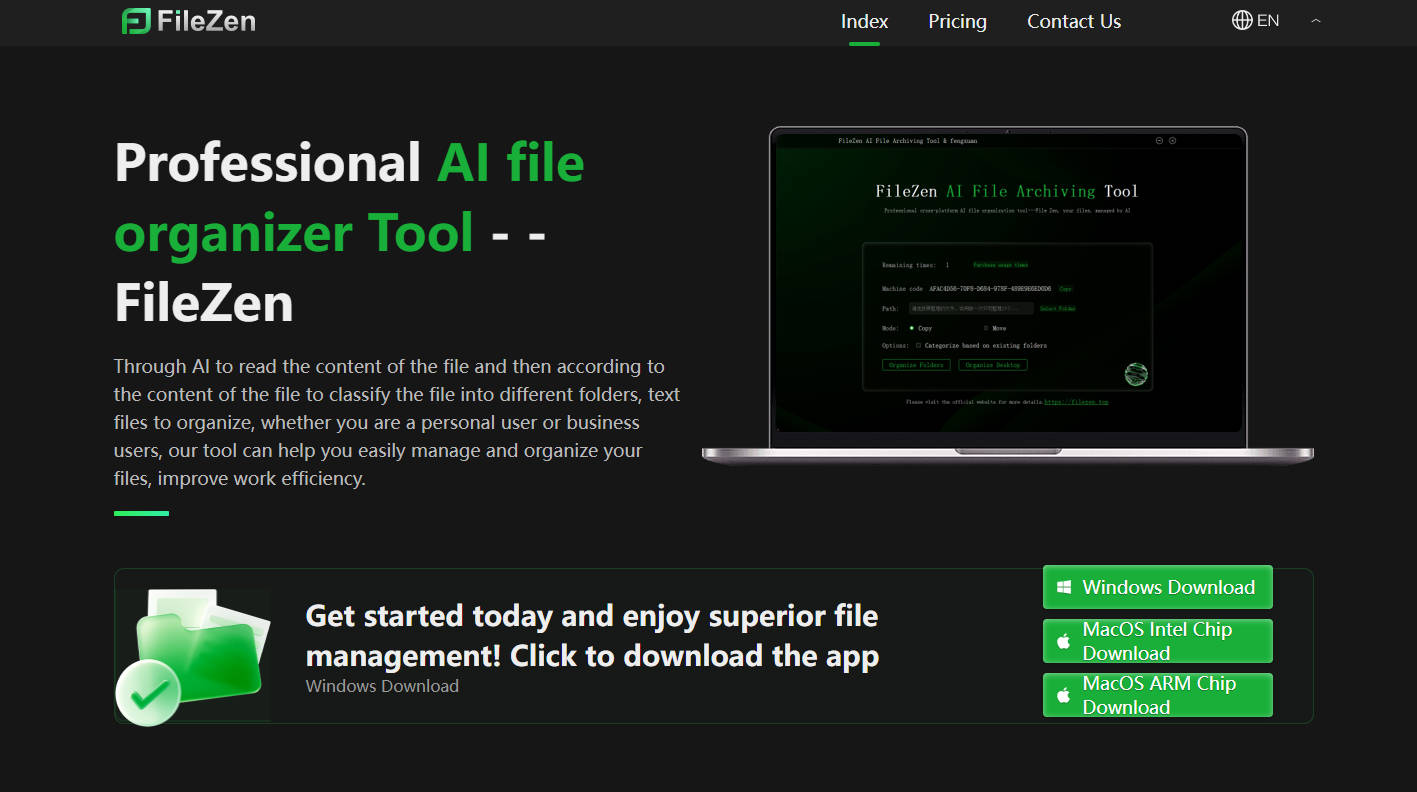
Through AI to read the content of the file and then according to the content of the file to classify the file into different folders, text files to organize, whether you are a personal user or business users, our tool can help you easily manage and organize your files, improve work efficiency.
-