
What is Komandi?
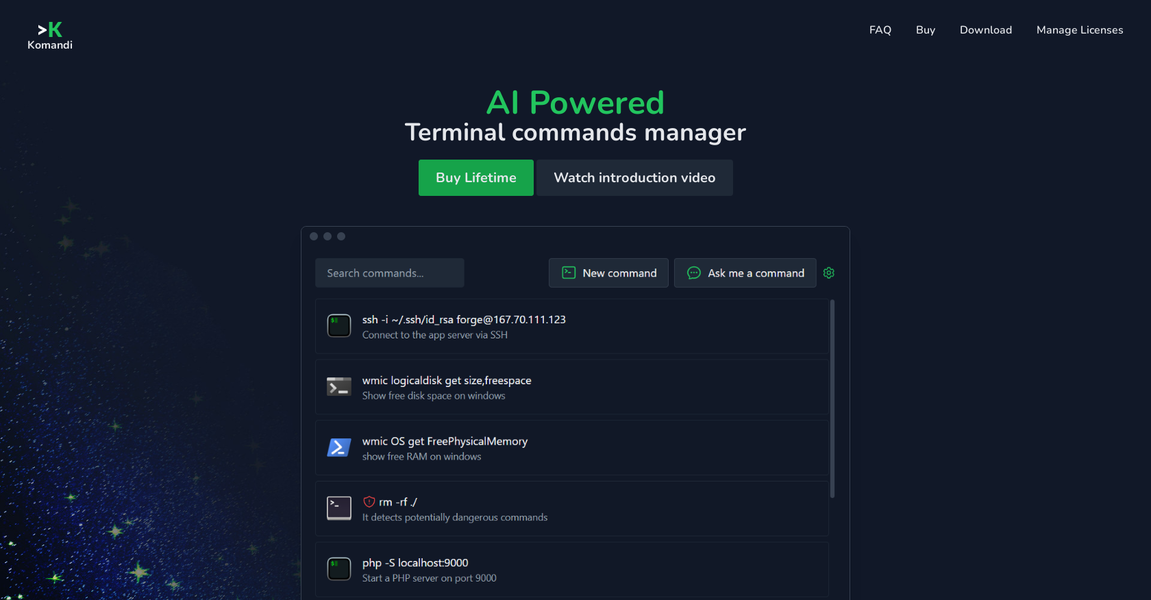
In the fast-paced world of software development and system administration, efficiency is key. Komandi, an AI-powered terminal commands manager, is designed to streamline the process of managing and executing CLI (Command Line Interface) commands, making life easier for developers and system administrators alike.
Key Features:
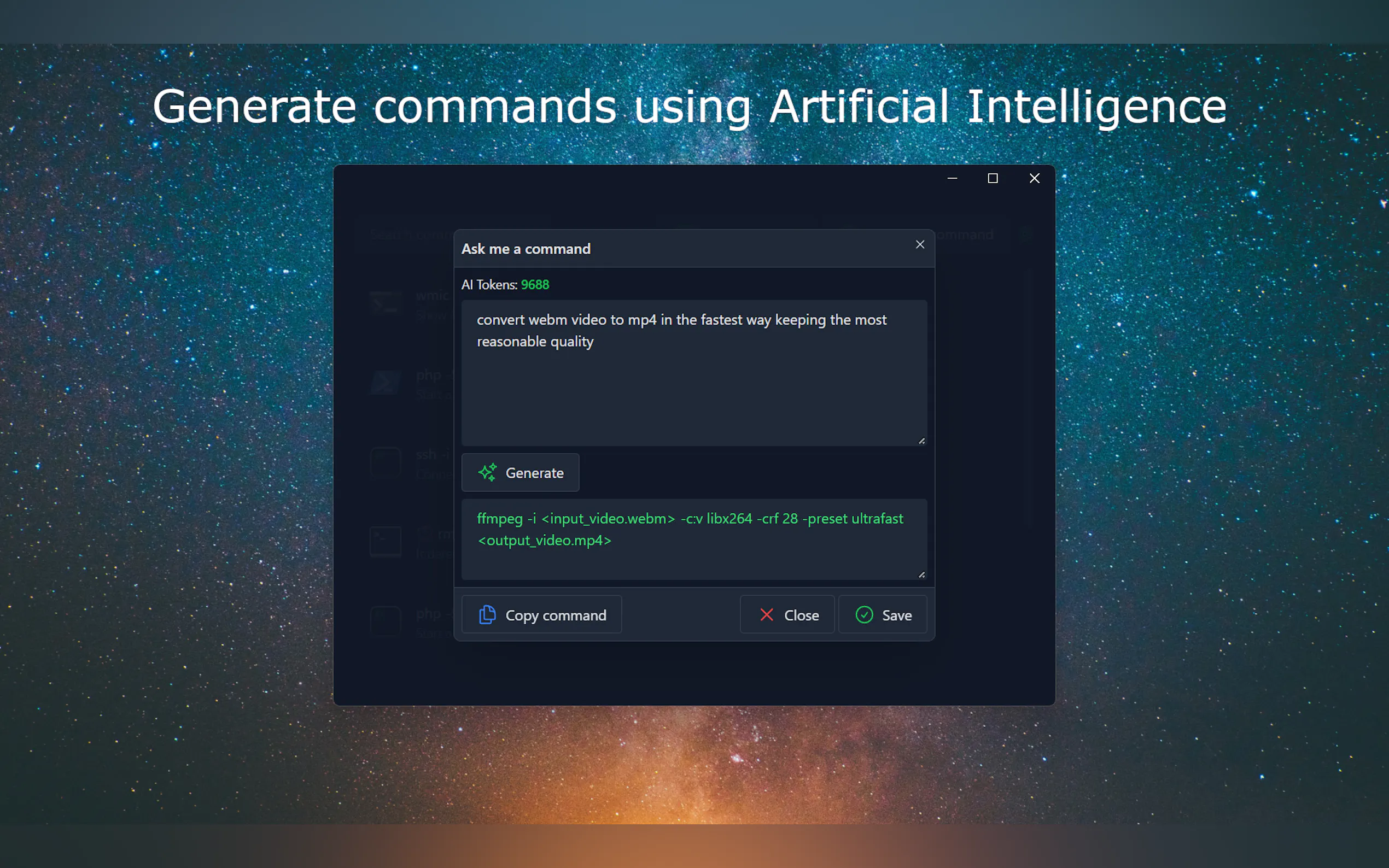
🌟 AI-Generated Commands: Komandi’s standout feature is its ability to generate terminal commands from natural language prompts using AI. This means you can simply type what you want to do in plain English, and Komandi will translate it into the appropriate command.
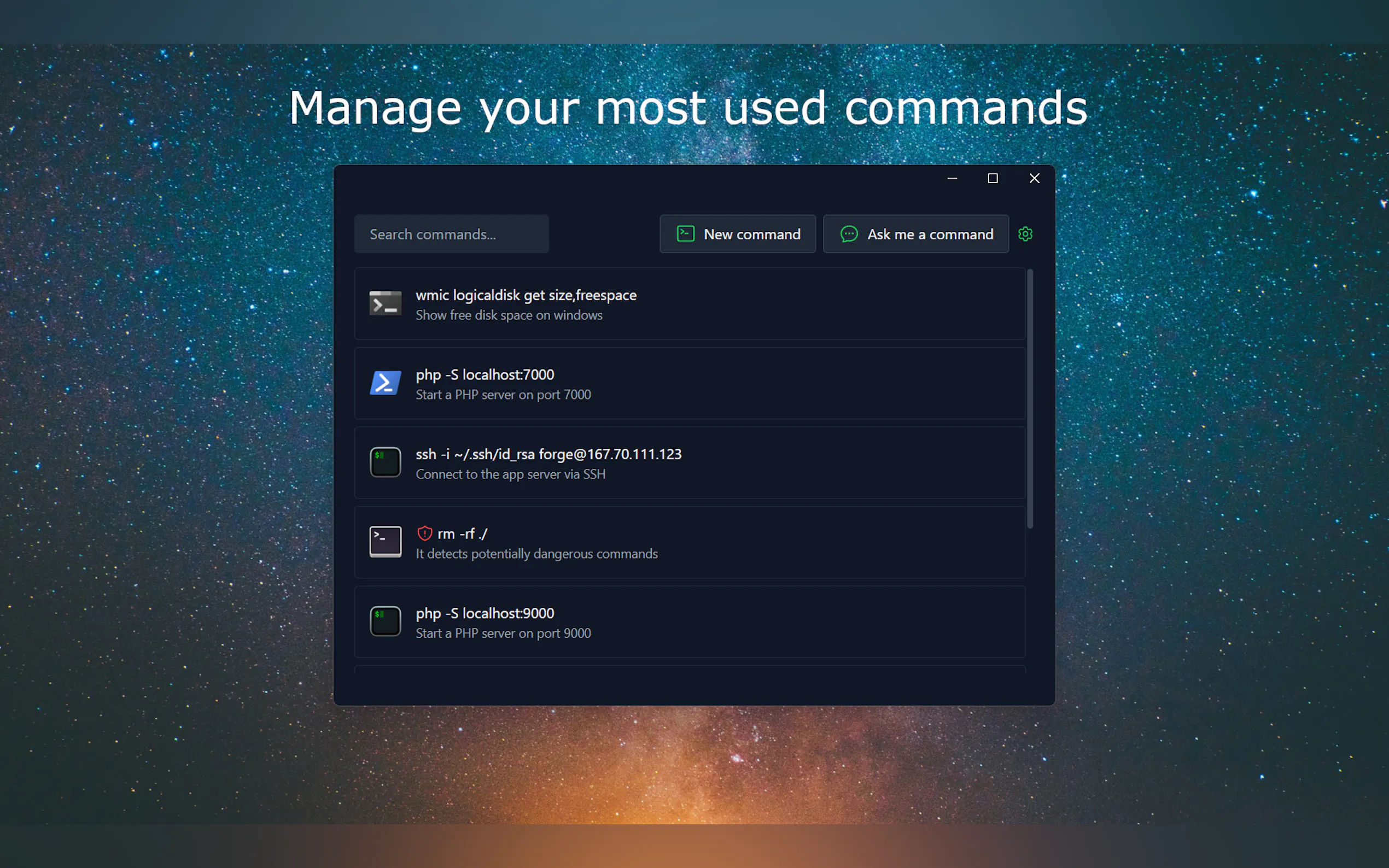
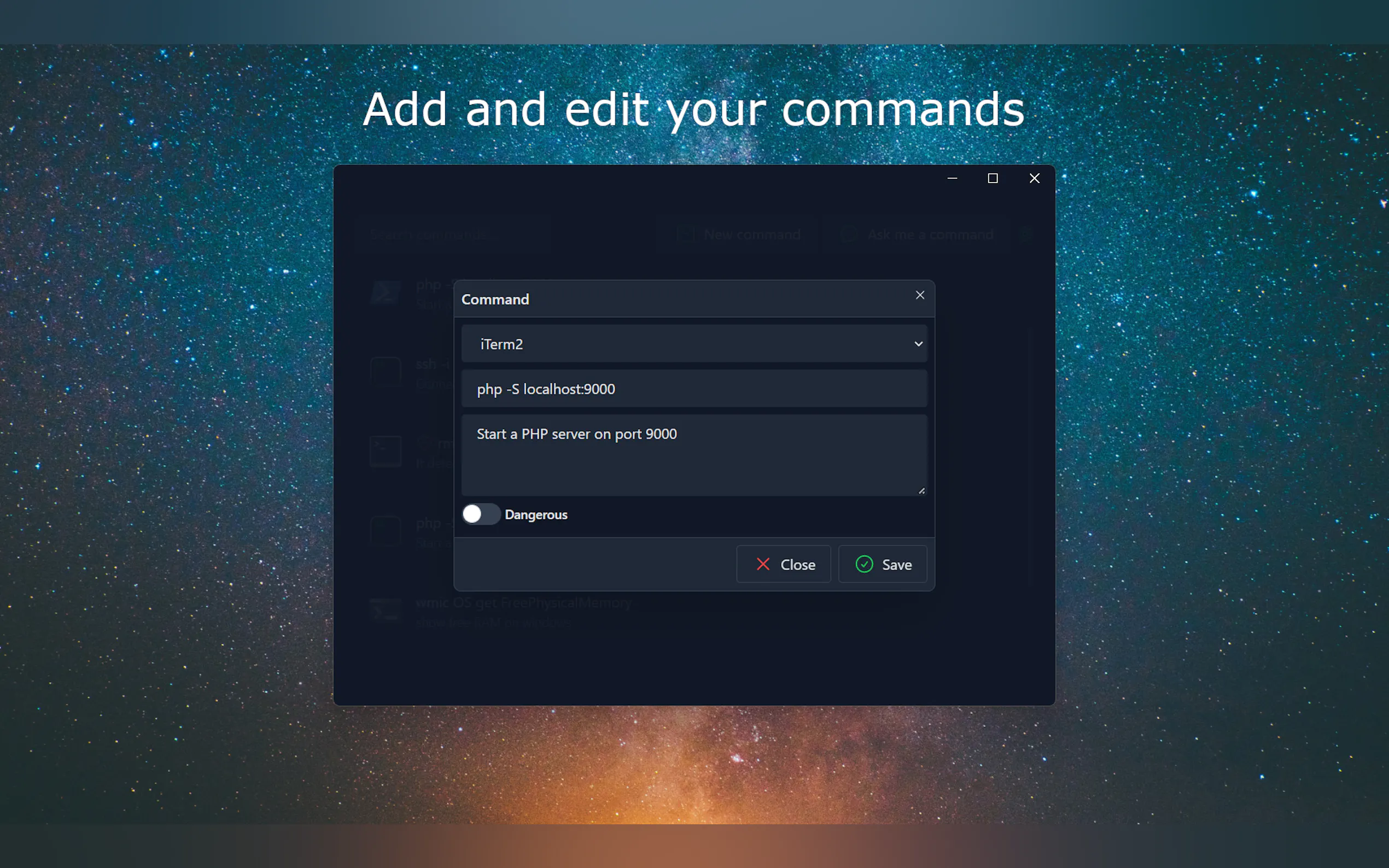
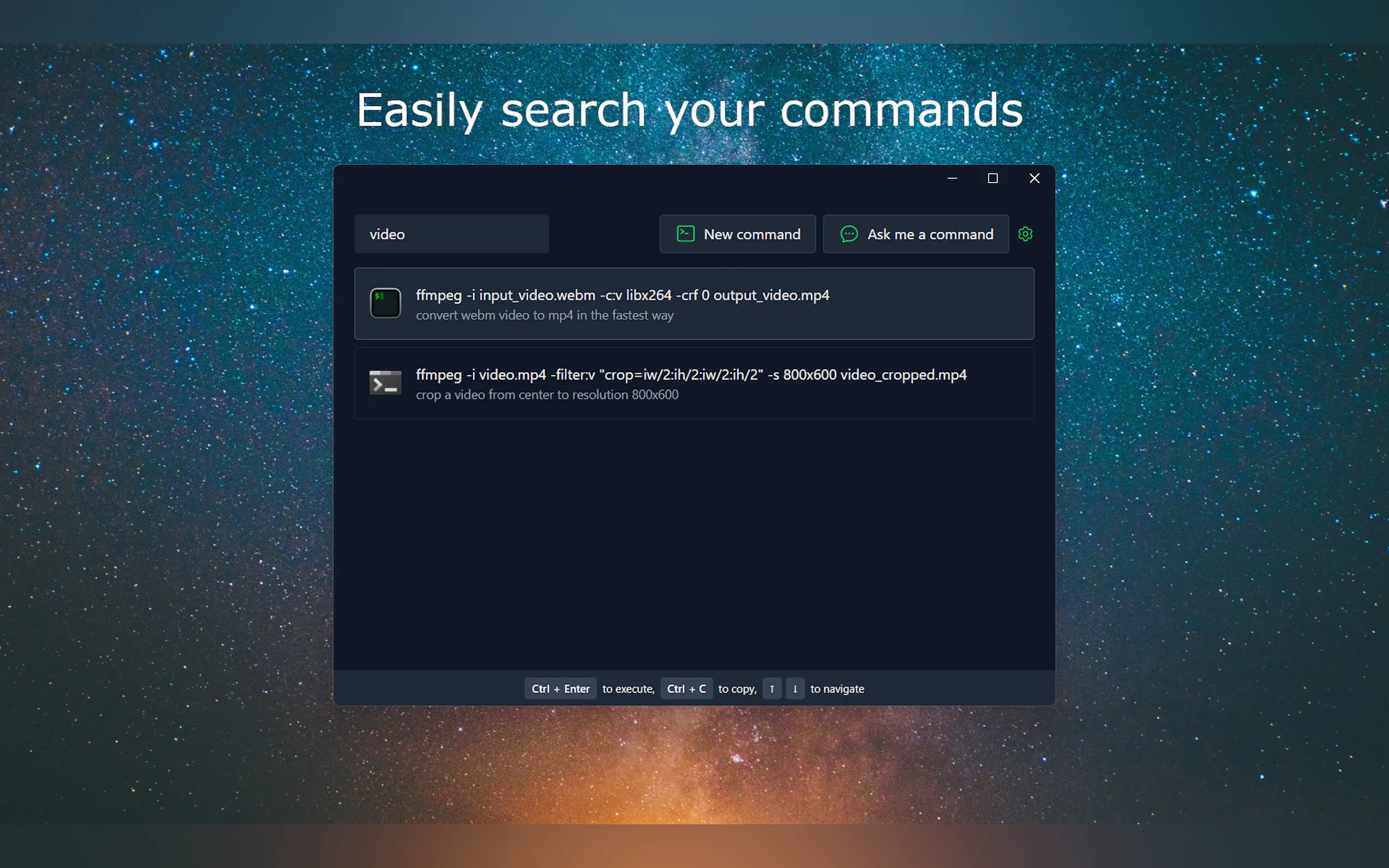
📋 Command Management: Organize your most used commands with ease. Komandi allows you to insert, favorite, copy, and execute commands, whether they’re AI-generated or manually entered.
🛡️ Safety First: Komandi detects and marks potentially dangerous commands, preventing accidental execution and keeping your system safe.
🚀 Cross-Platform Compatibility: Available for macOS, Windows, and Linux, Komandi ensures that you can manage your commands seamlessly across different operating systems.
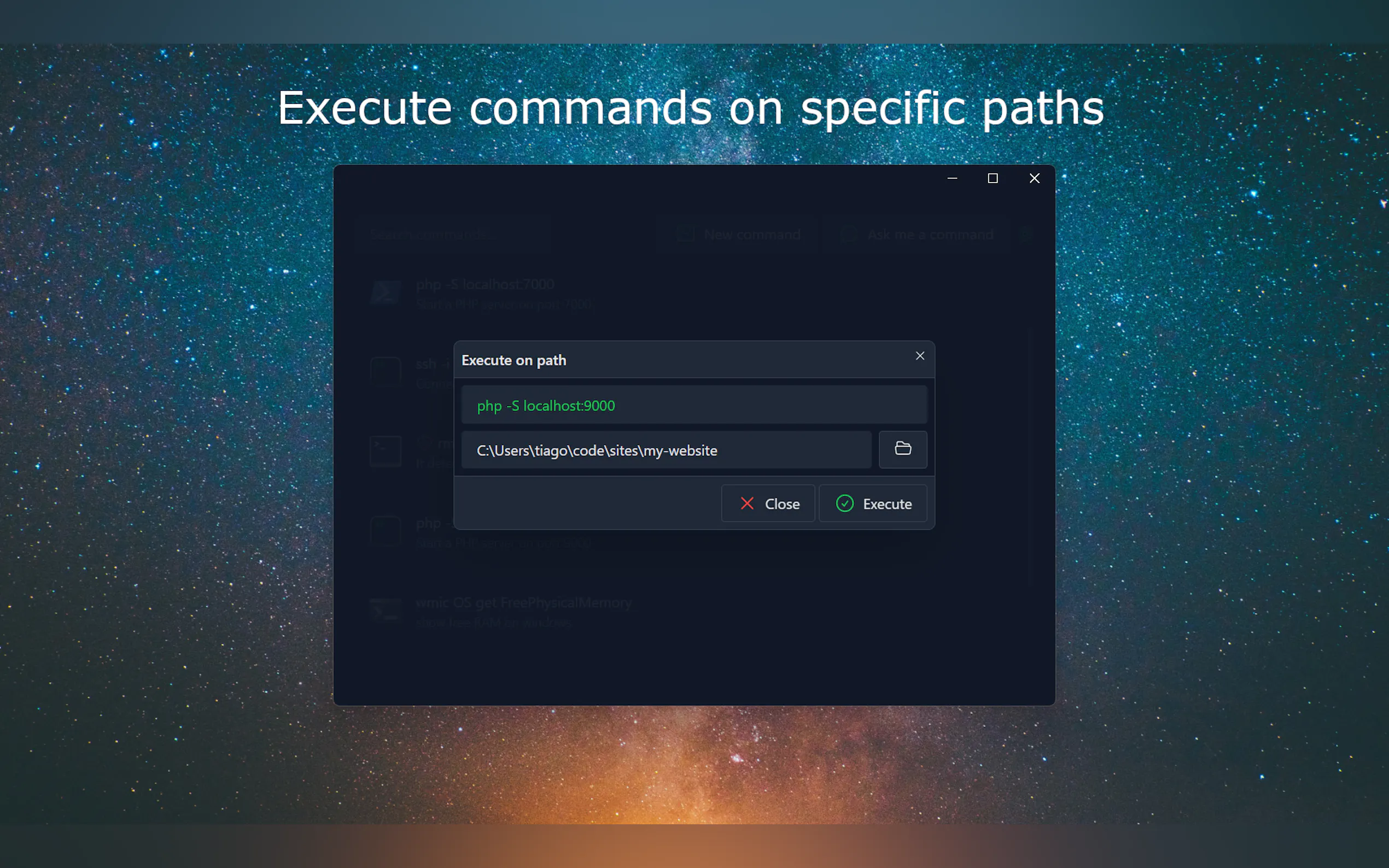
💻 Execute Commands Anywhere: Komandi supports execution of commands on various environments like Windows Terminal, PowerShell, iTerm2, Gnome Terminal, and more.
Use Cases:
For Developers: Simplify the process of writing and executing repetitive or complex commands, allowing more time for coding and less for command hunting.
For System Administrators: Streamline daily tasks and ensure the security of command execution, reducing the risk of errors.
For Beginners: Learn and understand terminal commands better through AI-generated examples and suggestions.
Conclusion:
Komandi is more than just a tool; it’s a productivity enhancer for anyone who spends time in the terminal. With its AI-powered command generation, comprehensive management features, and a strong focus on safety and compatibility, Komandi is set to become an indispensable asset in the toolkit of developers and system administrators worldwide.
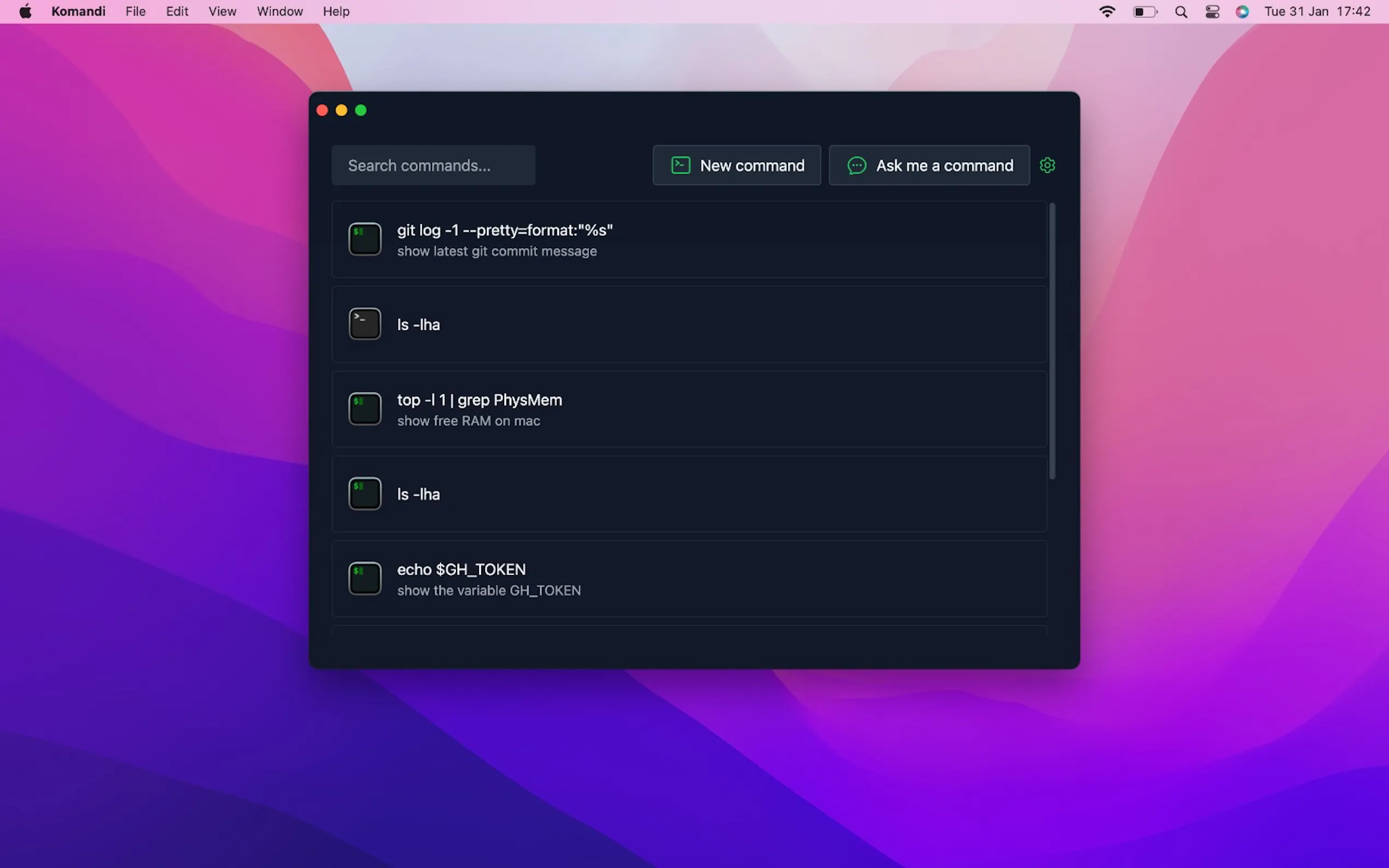
More information on Komandi
Top 5 Countries
100%
United States
Traffic Sources
25.26%
0.64%
0.04%
4.99%
21.2%
47.87%
social
paidReferrals
mail
referrals
search
direct
Source: Similarweb (Sep 24, 2025)
Komandi was manually vetted by our editorial team and was first featured on 2023-03-07.
Related Searches
Komandi Alternatives
Load more Alternatives-
-

Codex CLI: AI-powered code generation, refactoring, & testing directly in your terminal. Safe, controlled, & open source!
-

-
-