

What is Marker?
Dealing with diverse document formats (PDFs, images, PPTX, DOCX, and more) can be a real headache, especially when you need to extract data, reformat content, or integrate it into different systems. Marker is designed to eliminate this pain point. It's a powerful tool that accurately converts a wide range of documents into Markdown, JSON, and HTML formats, saving you valuable time and effort.
Key Features:
🔄 Broad Format Support: Convert PDF, image, PPTX, DOCX, XLSX, HTML, and EPUB files in any language.
📝 Precise Formatting: Preserves crucial document elements like tables, forms, equations, inline math, links, references, and code blocks.
🖼️ Image Extraction: Automatically extracts and saves images from your documents.
🧹 Artifact Removal: Intelligently removes headers, footers, and other unwanted elements for clean output.
🛠️ Extensibility: Customize formatting and logic using your own code to tailor Marker to your specific needs.
🚀 LLM-Powered Accuracy (Optional): Boost conversion accuracy with optional integration of Large Language Models (LLMs) like Gemini or Ollama models. This is particularly effective for complex layouts, tables, and inline math.
⚡ High Performance: Optimized for speed, Marker can run on GPU, CPU, or MPS. It offers significantly faster processing compared to many cloud services, especially in batch mode. (Projected throughput of 122 pages/second on an H100).
Use Cases:
Data Extraction for Analysis: Imagine you receive a complex financial report in PDF format. With Marker, you can quickly convert it to JSON, preserving the table structures. This allows you to easily import the data into your analysis tools or databases, without manual data entry or complex scripting.
Content Repurposing: You have a presentation (PPTX) that you want to share as a blog post. Marker converts the presentation to Markdown, preserving formatting and extracting images. You can then easily publish the content on your website or blog, saving you the effort of manually recreating the content.
Archiving and Standardization: Your organization has a vast archive of documents in various formats. Marker can help you standardize these documents into a consistent format (like HTML or Markdown), making them easier to search, index, and manage long-term.
FAQ:
Q: What if my PDF has garbled text?
A: Marker has a
force_ocrflag that ensures your PDF runs through Optical Character Recognition (OCR), even if it has some digital text. This helps to correct errors and improve accuracy.Q: Can I process multiple files at once?
A: Yes! Marker excels at batch processing. You can convert an entire folder of documents with a single command, using the
--workersflag to specify the number of parallel processes for faster conversion.Q: Can Marker be used commercially?
A: Marker is free for research and personal use. For commercial use, it's free for organizations with under $5M USD in gross revenue in the most recent 12-month period AND under $5M in lifetime VC/angel funding raised, and that are not competitive with the Datalab API. A dual-license option is available for larger organizations or those requiring removal of GPL license requirements.
Q: Can I try Marker interactively before using the command line?
A: Yes, Marker includes a Streamlit app (
marker_gui) that lets you experiment with basic options in an interactive environment.Q: How can I improve the accuracy of table extraction?
A: Use the
--use_llmflag. Benchmarks show a significant improvement in table recognition accuracy (from 81.6% to 90.7% in one test) when using an LLM.Q: How does Marker compare to cloud services like Llamaparse and Mathpix?
A: Benchmarking shows Marker performs favorably, often outperforming cloud services in both speed and accuracy, particularly when running in batch mode. It is also considerably more affordable than leading cloud-based competitors (the hosted API is 1/4th the price).
Conclusion:
Marker offers a powerful, flexible, and efficient solution for document conversion. Whether you're a researcher, developer, or business professional, Marker streamlines your workflow by accurately transforming documents into the formats you need. Its high performance, extensibility, and optional LLM integration make it a valuable tool for anyone working with diverse document types.
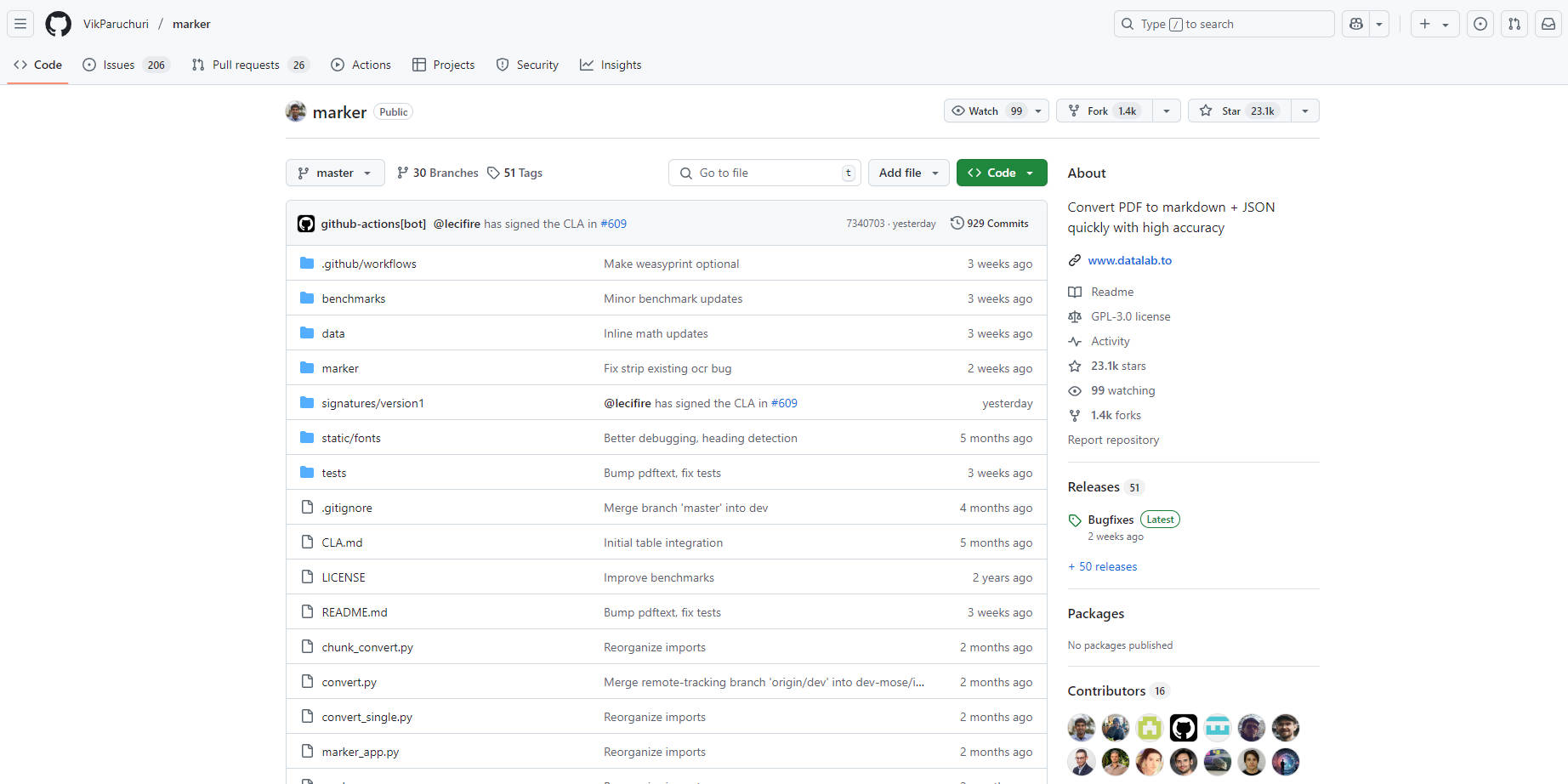
More information on Marker
Launched
Pricing Model
Free
Starting Price
Global Rank
Follow
Month Visit
<5k
Tech used
Marker was manually vetted by our editorial team and was first featured on 2025-03-20.
Related Searches
Marker Alternatives
Load more Alternatives-

Ship structured Markdown that trims token usage by up to 70%, keeps semantic structure intact, and drops straight into your RAG or agent workflows. No installs, no friction—just upload and get AI-optimized output instantly.
-

MarkItDown is a lightweight Python utility for converting various files to Markdown for use with LLMs and related text analysis pipelines.
-

-

LlamaParse is the solution for feeding LLMs with data from complex documents. It handles tables, charts, and more, offers custom parsing, multi - language support, easy API integration, and is SOC 2 compliant.
-
