
What is Monica?
Imagine having a brilliant assistant who's always available, ready to help you tackle any task, from answering complex questions to drafting professional emails. Meet Monica, your new AI-powered partner designed to streamline your workflow and boost your productivity. Monica integrates the most advanced AI models like GPT-4o, Claude 3.5, and Gemini 1.5, all accessible through a simple browser extension or app. With Monica, you gain access to a comprehensive suite of tools that enhance your ability to chat, search, write, and even analyze data.
Key Features:
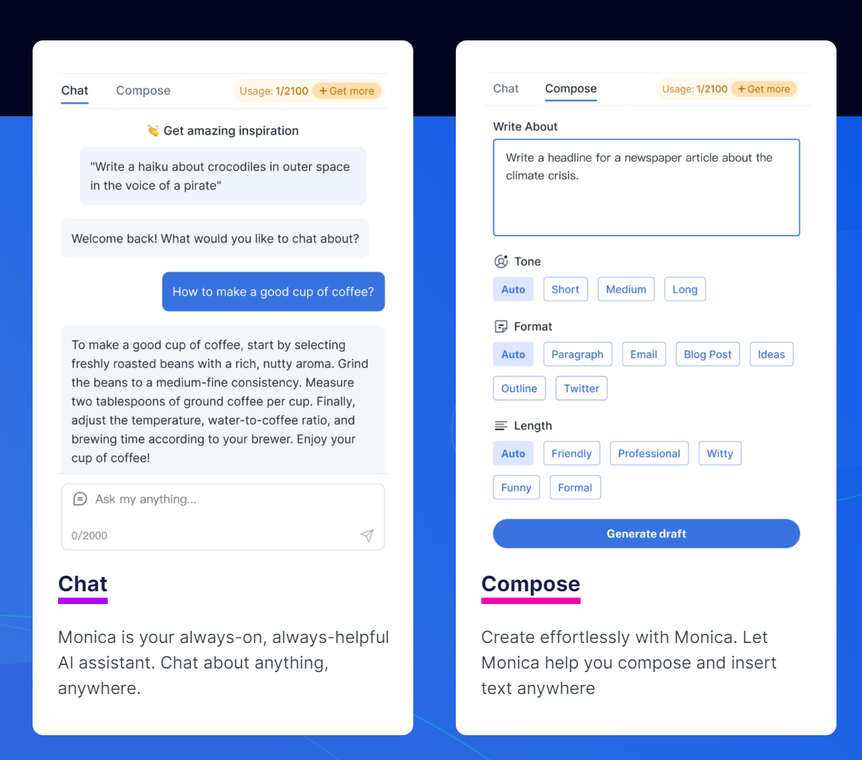
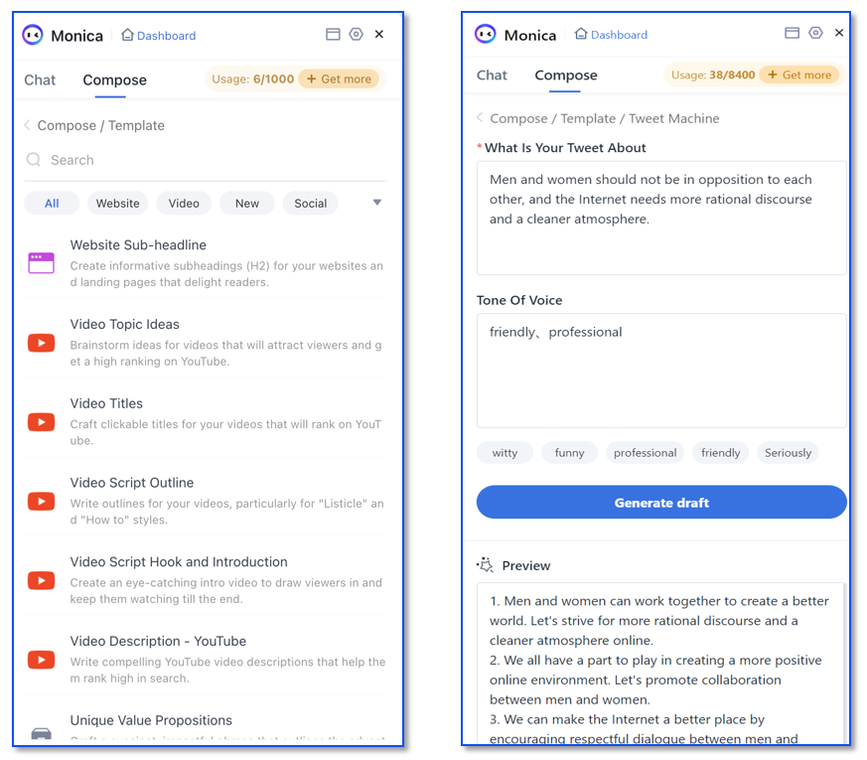
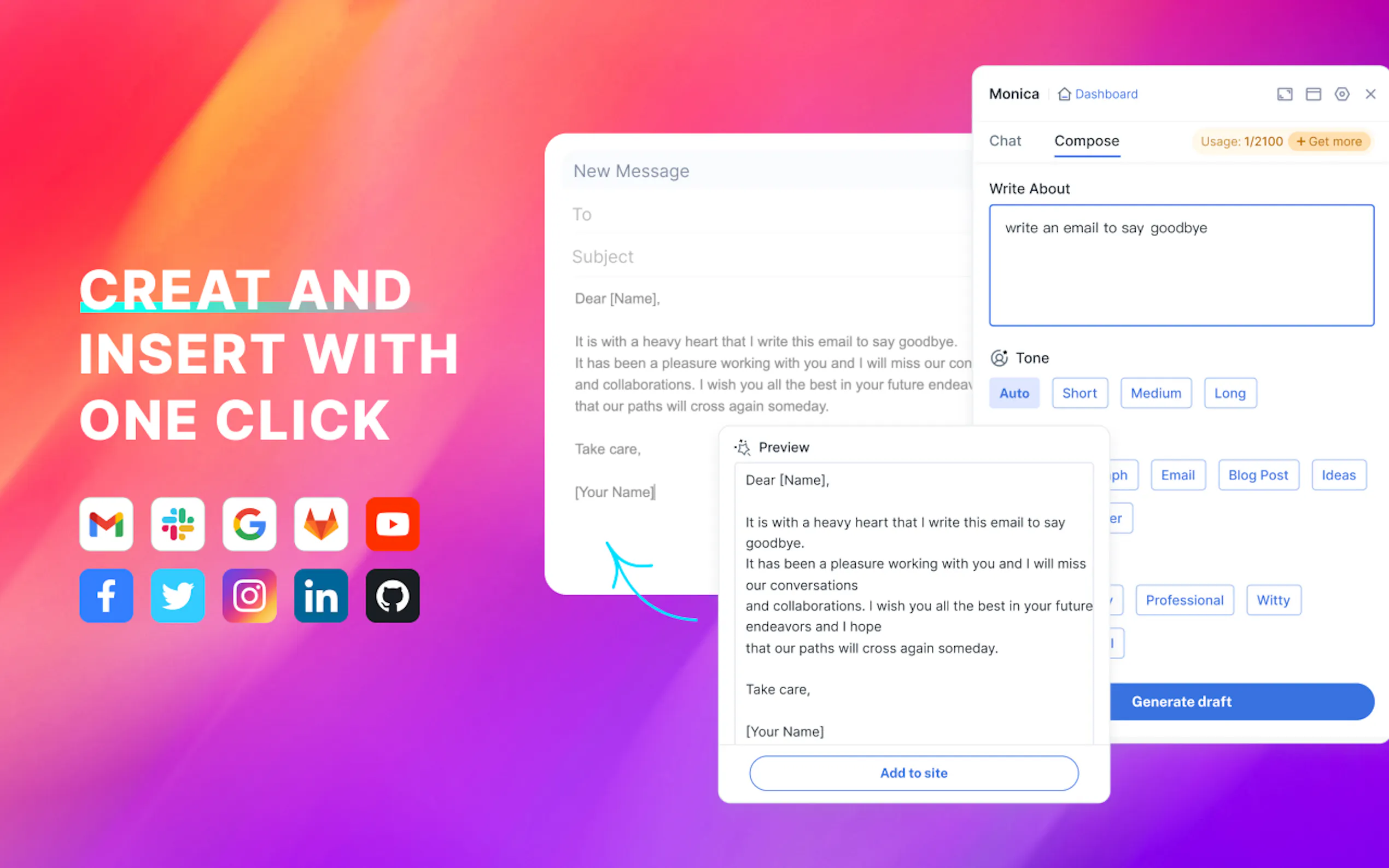
✍️ Compose Content with Ease:Generate custom content like articles, reports, or email responses with adjustable length, style, and tone. You can even let Monica write or expand your content based on a simple topic, complete with outline and references.
🔍 Enhance Your Web Search:Get concise answers to your questions directly alongside your search results in Google or New Bing, without any extra clicks. You can also ask Monica to analyze multiple keywords in order to find the best answer.
🗣️ Chat with Multiple Advanced AI Models:Access and compare responses from leading AI models like GPT-4o, Claude 3.5, and Gemini 1.5 in one place.
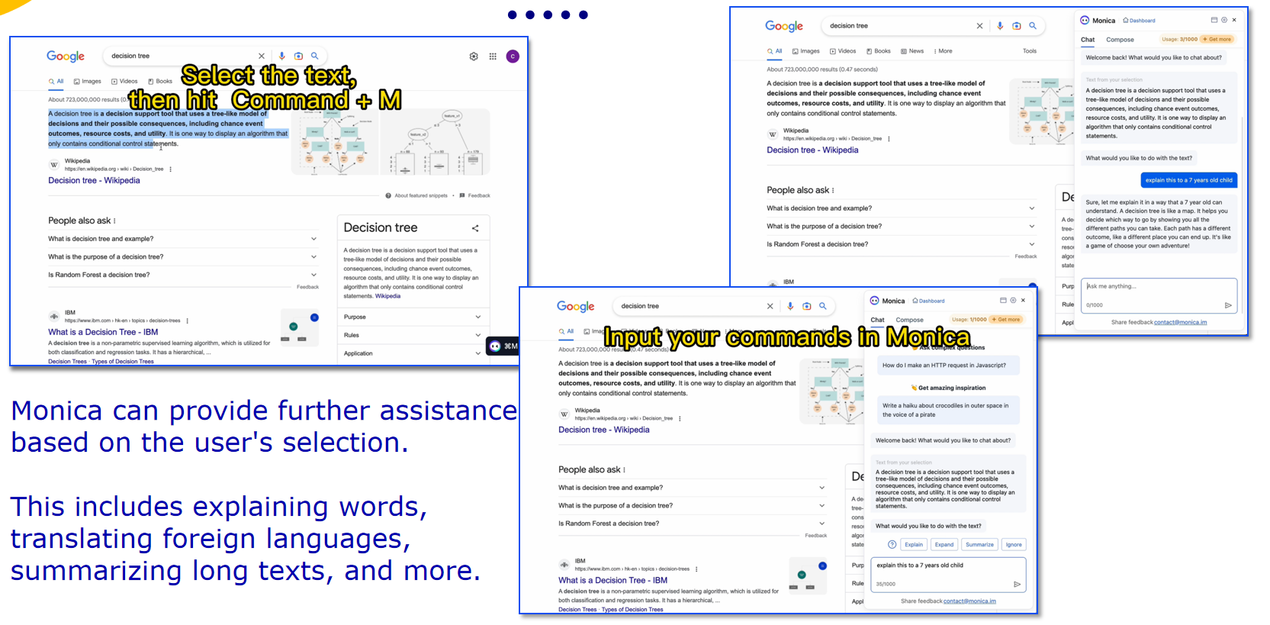
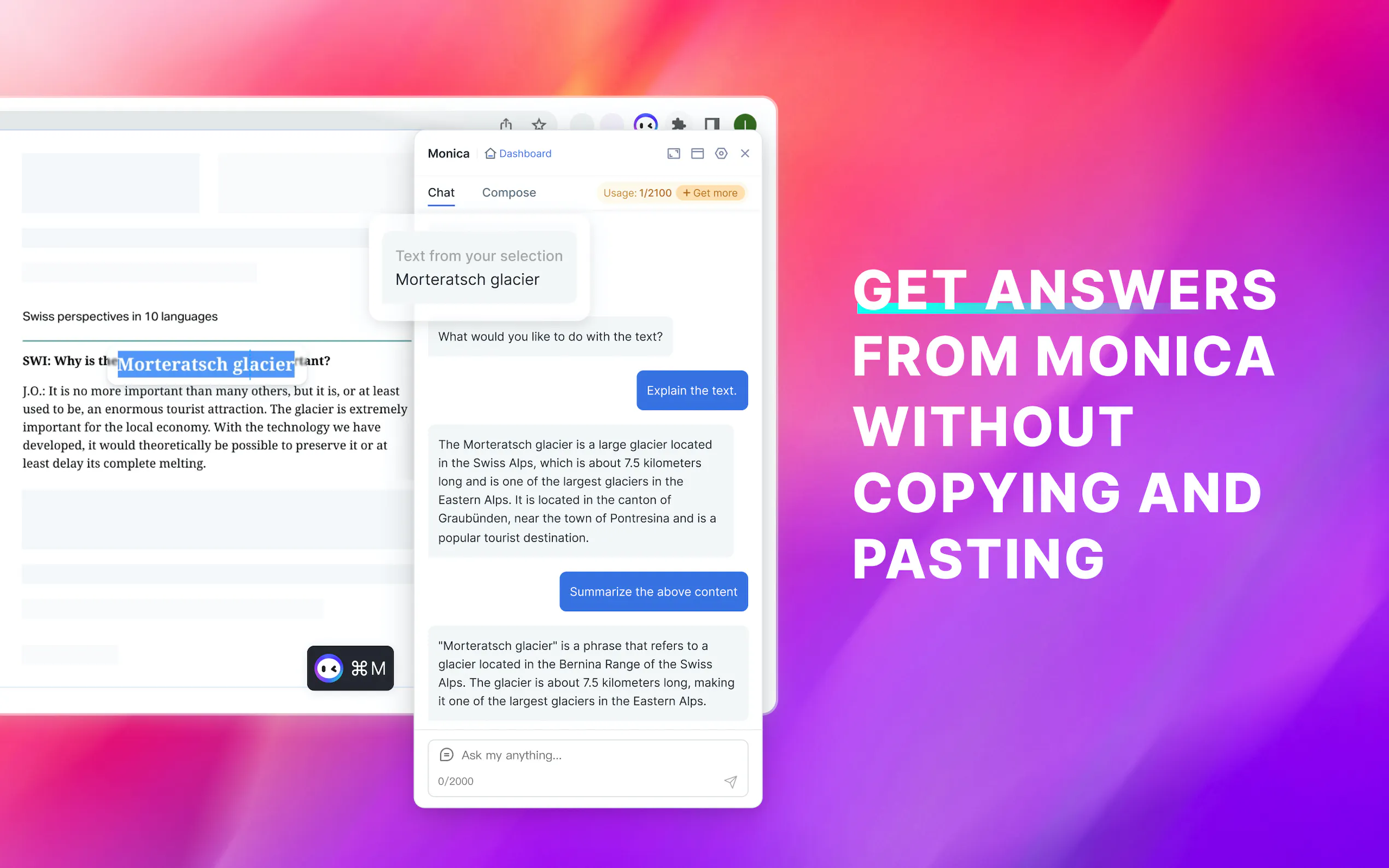
🛠️ Work Smarter, Not Harder, with Smart Toolbar:Explain complex topics, translate languages, or summarize lengthy texts directly on any webpage with a simple selection.
📺 Summarize YouTube Videos:Get a quick overview of video content with key timestamps, without having to watch the entire video.
📝 AI Memo:Save webpage, chats, images and PDFs into an AI-powered database. You can then ask Monica questions about the information stored in your memo.
🎨 Unleash Your Creativity:Generate text to images, create text to videos, and edit images using advanced AI image editor.
🌐 Translate with Precision:Translate web pages, PDFs, and selected text with high accuracy. Offers side-by-side original and translated text for easy comparison. You can also compare translations from multiple AI models.
📑 Interact with Documents:Upload a PDF and chat with Monica to analyze and understand its contents in-depth.
Use Cases:
For the Busy Professional:You have a critical report due. Use Monica to analyze market trends, compile data, and even draft sections of the report. Then, ask Monica to summarize the key findings for your executive presentation.
For the Student:You're researching a complex topic for a term paper. Use Monica to search for relevant articles, get quick summaries of each one, and then have it help you outline your paper. Later, use Monica to refine your draft and ensure grammatical correctness.
For the Content Creator:You need fresh ideas for your blog. Ask Monica to generate topic suggestions and help you write engaging content. Then, use its image generation capabilities to create eye-catching visuals to accompany your posts.
Conclusion:
Monica isn't just another AI tool; it's your all-in-one productivity partner. By seamlessly integrating powerful AI capabilities into your daily workflow, Monica empowers you to accomplish more, learn faster, and work smarter. With its wide range of features and user-friendly interface, Monica is a valuable asset for anyone looking to boost their efficiency and unlock their full potential.
FAQ:
What exactly is Monica?
Monica is an AI assistant that works as a browser extension, powered by advanced models like ChatGPT. It's designed to help you with various tasks like chatting, writing, and summarizing content.
Is Monica really free to use?
Yes, you can start using Monica for free. There's a daily limit for free users. If you need more advanced features or want to use it more extensively, there's an option to upgrade to a paid version.
How do I use Monica?
It's simple! Just press Cmd+M (or Ctrl+M on Windows) and start chatting with Monica. You can also use it to help you write or insert text on any webpage. Plus, it has over 80 templates to help you create marketing content quickly. You can even select text on a webpage and ask Monica to explain, translate, or rewrite it for you.
How does Monica actually work?
Monica uses cutting-edge artificial intelligence from the ChatGPT API. This means it can understand and respond to your messages, create content based on provided templates, and even translate or explain text on any webpage.
More information on Monica
Top 5 Countries
7.18%
6.29%
5.97%
5.27%
4.72%
United States
Brazil
China
Vietnam
Korea, Republic of
Traffic Sources
1.09%
0.26%
0.03%
6.36%
36.99%
55.27%
social
paidReferrals
mail
referrals
search
direct
Source: Similarweb (Sep 24, 2025)
Monica was manually vetted by our editorial team and was first featured on 2023-03-12.
Related Searches