

Click outside to close
What is Numerous.ai?
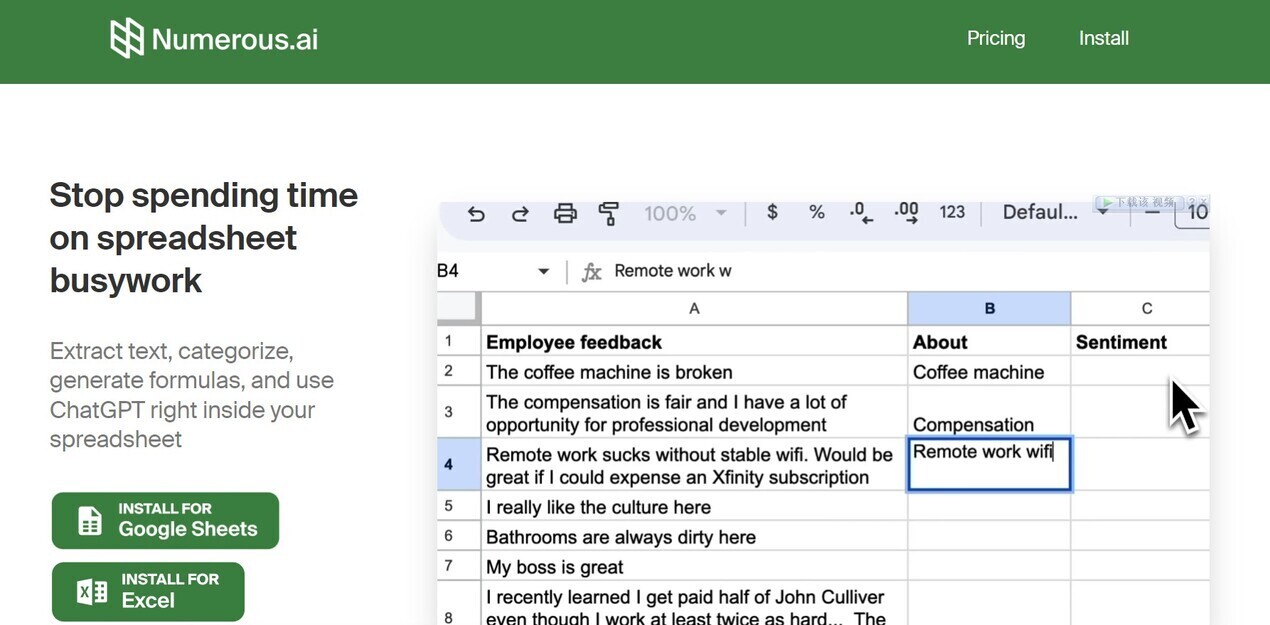
Spreadsheets are powerful tools, but what if you could supercharge them with AI? Numerous.ai seamlessly integrates the capabilities of ChatGPT into Google Sheets and Excel, eliminating tedious tasks and unlocking new levels of productivity. If you find yourself spending hours on repetitive writing, data organization, or research, Numerous.ai offers a streamlined solution, directly within the familiar spreadsheet environment.
Key Features:
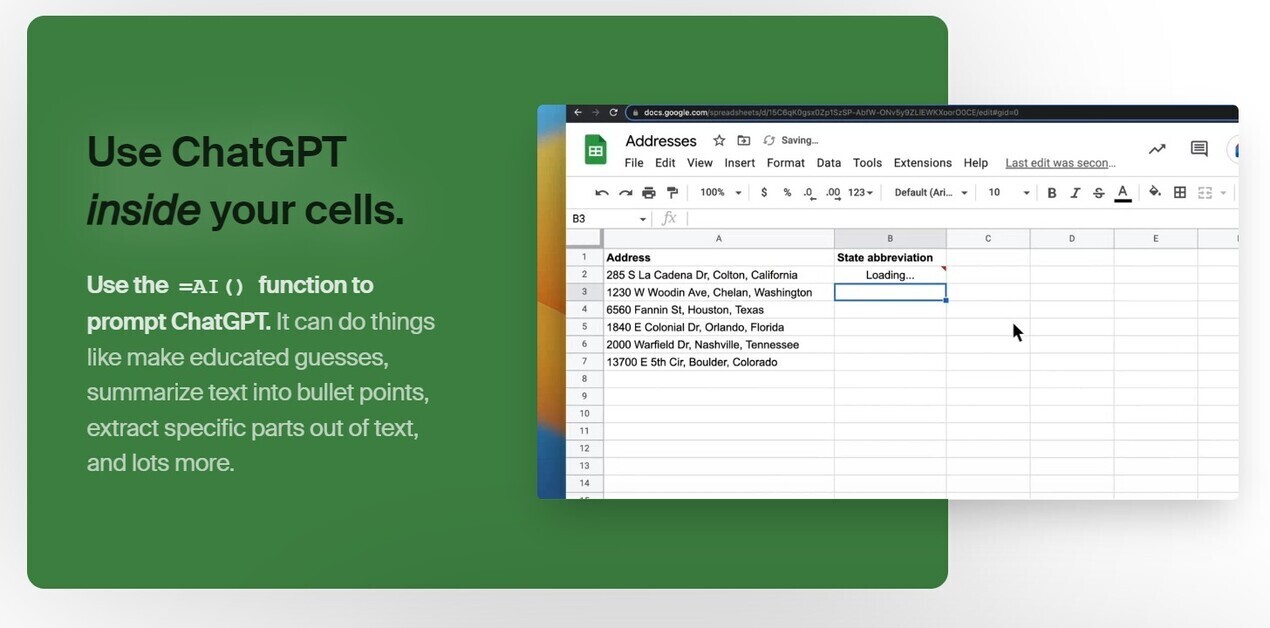
⚡️ Integrate AI Instantly: Use the simple
=AIfunction within any cell to access ChatGPT's capabilities. No complex setup or API keys required.🤝 Collaborate Seamlessly: Share your AI-powered spreadsheets with your entire team, fostering collaboration on AI initiatives, all under one unified plan.
💰 Optimize Costs: Numerous.ai intelligently avoids duplicate queries, ensuring you get the most value from your AI usage, making it a cost-effective solution.
🚀 Experience Blazing-Fast Performance: Benefit from our partnerships with leading AI providers, guaranteeing top-tier speed and responsiveness.
📧 Receive Dedicated Support: Access personalized assistance through your choice of email support options, ensuring you're never stuck.
🇺🇸 Rely on US-Based Expertise: Our San Francisco-based team is dedicated to providing reliable and innovative AI solutions.
Use Cases:
Content Creation Boost: Imagine you're planning a social media campaign. Instead of manually brainstorming topics and writing individual posts, you can use
=AI("Generate 5 engaging social media post ideas about [your topic]")in a cell. Numerous.ai will instantly provide options, saving you valuable time and effort. You can then expand on these, creating variations for different platforms, all within your spreadsheet.Streamlined Digital Marketing: A marketing agency needs to generate Google Ads keywords and ad copy for a new client. Using Numerous.ai, an employee can simply input
=AI("Generate 10 relevant keywords and corresponding ad copy for a [client's product/service]"). The spreadsheet instantly populates with targeted keywords and compelling ad copy, ready for review and implementation.Efficient Data Analysis: A researcher has collected hundreds of open-ended survey responses. Instead of manually reading and categorizing each response, they can use Numerous.ai. A simple command like
=AI("Summarize the following text and identify the main theme:", A2)(where A2 contains a survey response) will provide concise summaries and identify key themes, drastically accelerating the analysis process.
Conclusion:
Numerous.ai empowers you to leverage the full potential of AI directly within your familiar spreadsheet environment. It streamlines workflows, enhances collaboration, and unlocks new levels of productivity for content creators, digital marketers, researchers, and anyone seeking to optimize their work with the power of AI.
More information on Numerous.ai
Top 5 Countries
25.08%
20.73%
4.42%
India (25.08%)
United States (20.73%)
United Kingdom (4.42%)
Nigeria (2.38%)
Zambia (1.95%)
Traffic Sources
34.99%
54.01%
3.52%
6.72%
mail (0.08%)
direct (34.99%)
search (54.01%)
social (3.52%)
referrals (6.72%)
paidReferrals (0.68%)
Source: Similarweb (Jan 3, 2026)
Numerous.ai was manually vetted by our editorial team and was first featured on 2023-04-16.
Numerous.ai Alternatives
Numerous.ai Alternatives-

Unlock the power of AI in Google Sheets with SheetAI. Clean data, generate text, predict values, and more. Boost productivity and decision-making.
-

SheetGPT: Use OpenAI's AI in Google Sheets! Generate text & images easily, no API keys required. Simple functions for content, marketing & more.
-

Transform Google Sheets with AI & data enrichment. Automate lead generation, analyze data, and streamline workflows. Maximize savings & efficiency.
-

Websheet AI seamlessly integrates ChatGPT into Google Sheets, enhancing productivity with smart functions, AI chat, ready templates, and user-friendly interface. Transform your spreadsheet experience
-

Simplify data analysis and automation with ChatGPT in Google Sheets. Generate automated insights, save time, use advanced analytics, and more.