

What is Ollama?
Ollama is a software that allows users to run large language models locally. It is available for macOS, Windows (via WSL2), and Linux & WSL2. Users can also install Ollama through Docker. The software supports a list of open-source models that can be downloaded and customized. It requires a minimum amount of RAM to run different models. Ollama also provides a CLI reference, REST API, and community integrations for easy usage.
Key Features:
1. Local Installation: Ollama allows users to run large language models locally on their machines, providing convenience and accessibility.
2. Model Library: The software supports a variety of open-source models that can be downloaded and utilized for different purposes. Users can choose from models like Llama 2, Mistral, Dolphin Phi, Neural Chat, and more.
3. Customization: Users can customize the models by importing GGUF models, modifying prompts, and setting parameters like temperature and system messages.
Use Cases:
1. Natural Language Processing: Ollama can be effectively used in natural language processing tasks, such as text generation, summarization, and sentiment analysis. The software's ability to run large language models locally allows for faster and more efficient processing.
2. Chatbot Development: With Ollama's model library and customization options, developers can create and train chatbot models for various applications, including customer support, virtual assistants, and interactive conversational interfaces.
3. Research and Development: Ollama provides a platform for researchers and developers to experiment with and improve language models. The software's flexibility and extensive model library enable the exploration of different approaches and techniques in the field of natural language processing.
Conclusion:
Ollama is a powerful tool for running large language models locally. With its easy installation process, extensive model library, and customization options, users can efficiently perform natural language processing tasks, develop chatbots, and conduct research in the field. The software's user-friendly interface and integration capabilities make it a valuable asset for professionals in various industries.
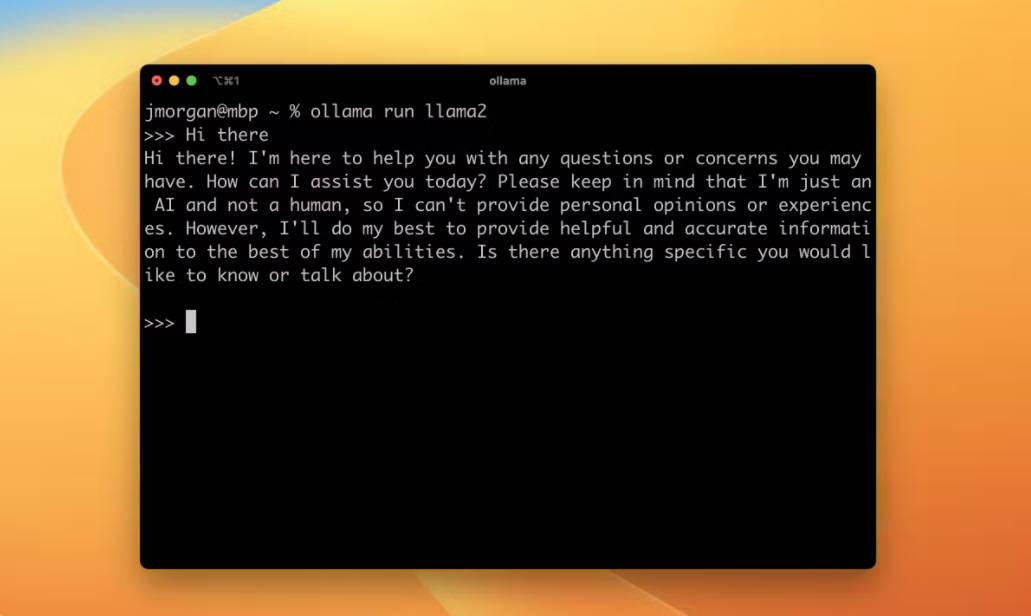
More information on Ollama
Launched
2023
Pricing Model
Free
Starting Price
Global Rank
7881
Follow
Month Visit
6.5M
Tech used
Tailwind CSS,Google Cloud Platform,HTTP/3,JSON Schema,OpenGraph,Webpack
Top 5 Countries
20.55%
16.83%
7.49%
4.67%
3.05%
China
United States
India
Germany
Russia
Traffic Sources
1.57%
0.23%
0.03%
8.26%
44.51%
45.4%
social
paidReferrals
mail
referrals
search
direct
Source: Similarweb (Sep 24, 2025)
Ollama was manually vetted by our editorial team and was first featured on 2023-08-22.
Related Searches
Ollama Alternatives
Load more Alternatives-

-

Streamline your Ollama deployments using Docker Compose. Dive into a containerized environment designed for simplicity and efficiency.
-

-

-

OLMo 2 32B: Open-source LLM rivals GPT-3.5! Free code, data & weights. Research, customize, & build smarter AI.