

What is PhonePi MCP?
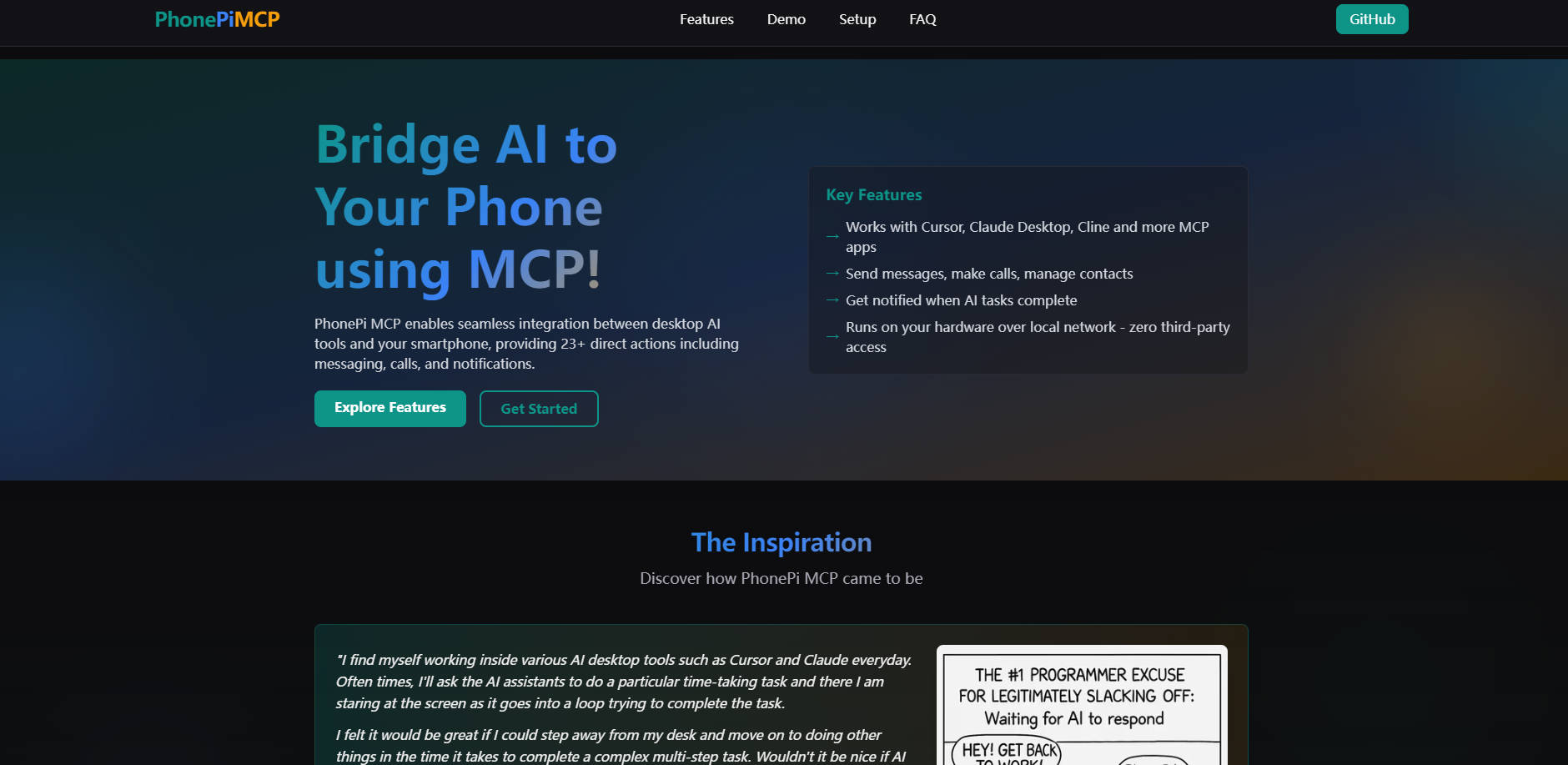
Working with powerful desktop AI tools like Cursor or Claude often means waiting for complex tasks to finish, keeping you tethered to your screen. Or perhaps you need to act on information generated by your AI, like sending a message or saving a contact, requiring manual steps on your phone. PhonePi MCP creates a direct, private link between these AI assistants and your smartphone using the standardized Model Context Protocol (MCP). By running a simple server on your local network, you gain the ability to automate phone actions and receive notifications directly from your AI – all without your data ever leaving your control or passing through third-party servers.
Key Features You'll Use
🔔 Receive Task Notifications: Get instant alerts on your phone when long-running AI tasks (like code generation or data analysis) are completed in apps like Cursor or Claude Desktop. No more screen-watching.
💬 Send Messages & Initiate Calls: Instruct your AI assistant to send SMS messages or start phone calls directly, using information generated or processed during your AI session.
👥 Organize Contacts via AI: Let your AI manage your phone contacts. Add new contacts, update details, or search your address book using natural language commands.
📝 Manage Snippets Seamlessly: Capture notes, to-dos, code snippets, or bookmarks generated by your AI and save them directly to your phone for easy access, searching, and sharing.
🔒 Operate Locally & Privately: PhonePi MCP runs entirely on your hardware over your local network (or securely via Tailscale). Your phone interactions remain private, with no external server access required.
🔌 Integrate with MCP Apps: Works out-of-the-box with any AI application supporting the Model Context Protocol, including Cursor, Claude Desktop, Cline, and a growing list of others.
How PhonePi MCP Works for You
Stay Informed While Away: Imagine you've asked your AI assistant in Cursor to perform a complex code refactoring across multiple files. Instead of waiting, you can step away. PhonePi MCP allows the AI to send a notification directly to your phone the moment the task is finished, letting you know it's ready for review.
Streamline Communication: You're using Claude Desktop to draft follow-up points after a meeting. You decide a quick text message is needed for one action item. Simply instruct Claude: "Send an SMS to John Doe saying 'Meeting follow-up: Please send the report by EOD tomorrow.'" PhonePi MCP handles sending the message directly from your phone number.
Effortless Information Capture: While brainstorming project ideas with an AI, you generate a brilliant code snippet or a list of key requirements. Instead of manually copying and pasting between devices, tell your AI: "Save this code as a snippet named 'Project Phoenix Auth Logic'" or "Add these requirements to my phone notes." PhonePi MCP instantly transfers and stores the information on your phone for later use.
Take Control of Your AI-Phone Interaction
PhonePi MCP offers a practical way to connect your AI workflows with the device you always have with you. It's about enhancing your productivity by automating simple tasks and keeping you informed, all while prioritizing your data privacy through local operation. If you're using desktop AI tools and want a more integrated, efficient experience with your phone, PhonePi MCP provides that bridge.
More information on PhonePi MCP
Launched
2025-03
Pricing Model
Free
Starting Price
Global Rank
Follow
Month Visit
<5k
Tech used
Next.js,Vercel,Gzip,Progressive Web App,Webpack,HSTS,YouTube
PhonePi MCP was manually vetted by our editorial team and was first featured on 2025-04-14.
Related Searches
PhonePi MCP Alternatives
Load more Alternatives-

-

Connect your AI to 8000+ apps instantly with Zapier MCP! Automate tasks & unlock powerful workflows. No coding needed.
-

Automate web tasks with AI! Browser MCP connects AI apps (Cursor, Claude & more) to your browser. Data collection, testing & more!
-

Windows-MCP: Open-source bridge for AI agents to natively control Windows. Empower LLMs to interact directly with desktop UI for powerful automation.
-

Supercharge your AI! Find MCP servers for Claude & more at mcp.so. Unlock data & tools. Explore the best MCP server directory now.