

Click outside to close
What is Picture Picker?
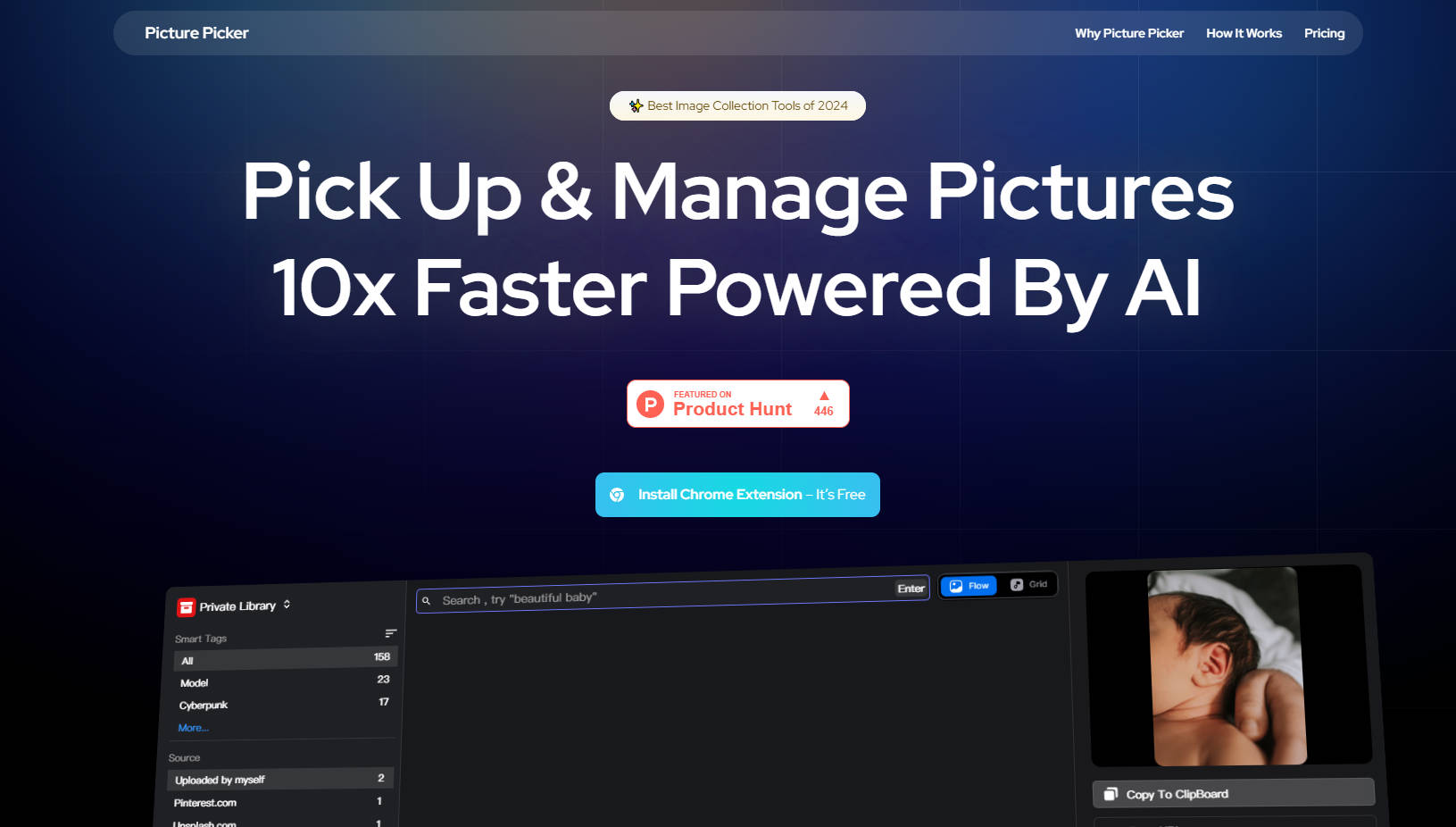
Picture Picker is an innovative image management tool that leverages AI technology to simplify image collection, categorization, and retrieval. This Chrome extension allows users to save images directly from the web with a single click. Images are automatically organized and made searchable through natural language processing. Picture Picker streamlines workflows for designers, illustrators, product managers, and anyone who frequently works with images.
Key Features:
🖼️ One-Click Image Capture:
Save any online image to a personal library instantly by clicking the "Pick Up" button associated with the image.
🗂️ Automated Image Organization:
The AI engine analyzes and categorizes saved images based on their content, making image management effortless.
🎨 Color Palette Generation:
Extract and save color palettes from collected images, aiding in design projects and creative inspiration.
🔍 Natural Language Image Search:
Locate specific images using natural language queries, eliminating the need for manual tagging or complex search terms.
🌐 Universal Access:
Access and manage the image library from any device with an internet connection, ensuring availability wherever work takes place.
✨ Elegant User Experience:
The interface offers a visually pleasing and intuitive design, enhancing the overall user experience for creative professionals.
Use Cases:
Design Inspiration Management:
Designers can quickly save visual inspiration from various online sources. For instance, a graphic designer can capture website layouts, typography styles, and color schemes with a single click, building a curated library of design ideas. AI automatically categorizes these images, and designers can later retrieve specific styles using natural language search, like "minimalist website layouts."
Illustration Reference Library:
Illustrators can create a categorized library of reference images. An illustrator working on a character design can save images of different poses, expressions, and styles. Using natural language search, they can easily find a specific reference, like "dynamic action poses" or "smiling face expressions," streamlining their workflow.
Product Management Resource Collection:
Product managers can gather competitive analysis, UI designs, and market research visuals. A product manager researching new mobile app interfaces can save various UI designs from competitors. Picture Picker's AI categorizes these, and the manager can later search for "innovative mobile UI" or "user-friendly app designs" to quickly access relevant examples.
Conclusion:
Picture Picker offers a powerful solution for individuals and teams who regularly collect and manage images. Its AI-driven features, including automatic categorization and natural language search, greatly enhance efficiency and productivity. By streamlining image collection and organization, Picture Picker allows users to focus on creative work rather than getting bogged down by manual file management. Users will find Picture Picker an indispensable tool for managing visual assets.
More information on Picture Picker
Top 5 Countries
35.59%
24.87%
21.58%
12.79%
5.17%
Hong Kong (35.59%)
China (24.87%)
Korea, Republic of (21.58%)
United States (12.79%)
Japan (5.17%)
Traffic Sources
7.61%
14.36%
20.88%
56.76%
social (7.61%)
paidReferrals (0.36%)
mail (0.04%)
referrals (14.36%)
search (20.88%)
direct (56.76%)
Source: Similarweb (Jun 2, 2025)
Picture Picker was manually vetted by our editorial team and was first featured on 2024-12-22.
Picture Picker Alternatives
Picture Picker Alternatives-

Generate stunning images in seconds! PicFinder.AI is a user-friendly web-based AI software for text-to-image generation. Try it now!
-

Pincel is an online web application offering a growing collection of over 40 AI-powered tools specifically designed for image manipulation and editing. Each tool focuses on simplifying specific tasks, from basic retouching to advanced creative effects.
-

PICPIK.AI: Professional AI art generation integrated directly into Photoshop. Access specialized models and rapid fine-tuning for production-ready designs.
-

AI Image Tools by PicPicAI is a powerful and innovative suite of applications designed to revolutionize the way you edit and enhance your photos.
-

PicMagix - AI-powered image tool. Scene recog., obj. detect., color analysis & more. Ideal for creators, marketers. Get insights, enhance images!