

What is Sheet Copilot?
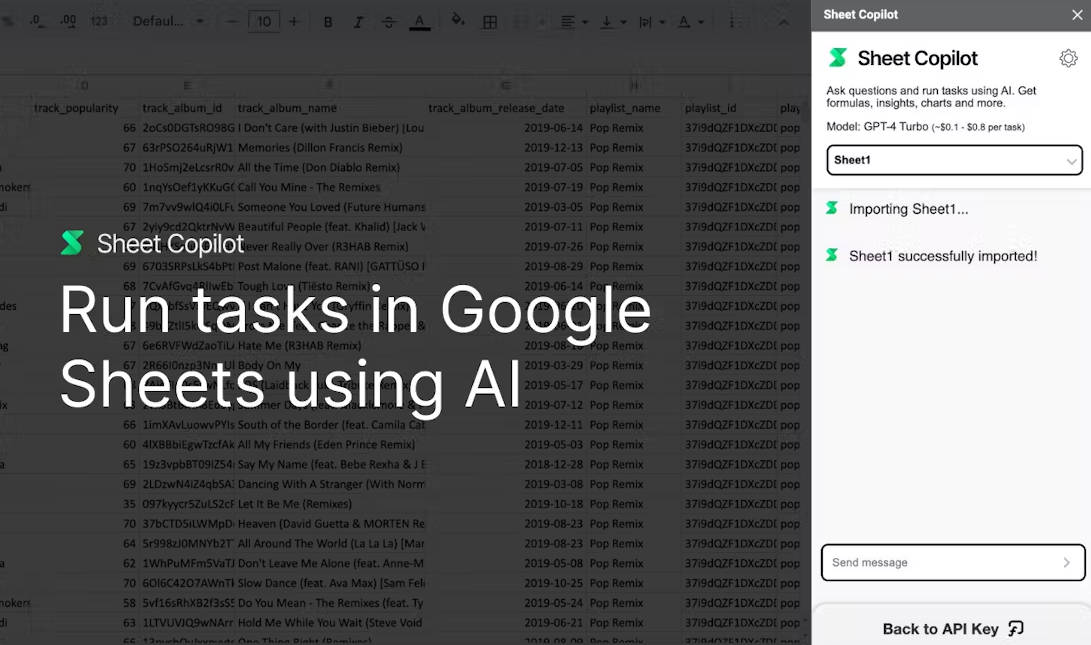
Sheet Copilot revolutionizes Google Sheets by offering real-time assistance and automation. Users can leverage smart formulas, data visualization tools, and formatting capabilities seamlessly, enhancing productivity and efficiency.
Key Features:
1️⃣ Smart Formulas: Sheet Copilot empowers users to tackle intricate problems effortlessly using intelligent formulas, simplifying complex data processing tasks.
2️⃣ Data Visualization: Effortlessly visualize data with dynamic charts, including line, bar, and pie charts, enhancing the interpretation and presentation of information within Sheets.
3️⃣ Real-time Updates: Stay informed with step-by-step updates as Sheet Copilot executes tasks, providing transparency and peace of mind throughout the automation process.
Use Cases:
Financial Analysis: Streamline financial modeling tasks by utilizing Sheet Copilot's smart formulas to crunch numbers and visualize trends, enabling faster decision-making processes.
Project Management: Simplify project tracking and reporting by automating data formatting and chart generation with Sheet Copilot, saving valuable time and ensuring data accuracy.
Sales Reporting: Expedite sales reporting workflows by leveraging Sheet Copilot to generate dynamic charts and automate formula-driven calculations, enabling sales teams to focus on strategy and execution.
Conclusion:
Sheet Copilot represents a groundbreaking solution for enhancing productivity within Google Sheets. With its intuitive interface and powerful features, users can streamline tasks, from complex data analysis to dynamic visualization, all backed by real-time assistance. As it continues to evolve with user feedback and integration of advanced AI models like GPT-4 Turbo, Sheet Copilot promises to redefine the way users interact with spreadsheet software, ushering in a new era of efficiency and innovation.
More information on Sheet Copilot
Launched
2023-12
Pricing Model
Free
Starting Price
Global Rank
11099024
Follow
Month Visit
<5k
Tech used
Wix,Google Cloud Platform,Polyfill.io,Gzip,HTTP/3,JSON Schema,OpenGraph,HSTS
Top 5 Countries
50.79%
30.94%
18.27%
Nigeria
Taiwan
Argentina
Traffic Sources
5.11%
1.14%
0.39%
14.06%
43.95%
34.53%
social
paidReferrals
mail
referrals
search
direct
Source: Similarweb (Sep 24, 2025)
Sheet Copilot was manually vetted by our editorial team and was first featured on 2024-02-16.
Related Searches
Sheet Copilot Alternatives
Load more Alternatives-

Introducing GS Copilot Stop wasting time writing repetitive code. GS Copilot brings the power of AI-powered suggestions directly to your Google Apps Script development.
-

Unlock the power of AI in Google Sheets with SheetAI. Clean data, generate text, predict values, and more. Boost productivity and decision-making.
-

Meet your AI agent for spreadsheets! Ideal for students and analysts. Build models, research, visualize data, attach external sources — all with a single prompt. Take control of your spreadsheet tasks.
-

The best tutorial library for Google Sheets. Not just one Google Sheets course but an entire platform of Templates, Tools, and Tutorials. Learn Apps Script too!
-

Use AI to save hours on repetitive tasks, like categorizing, extracting, writing text, data cleaning, and more!