

What is ChatGPT in Google Sheets?
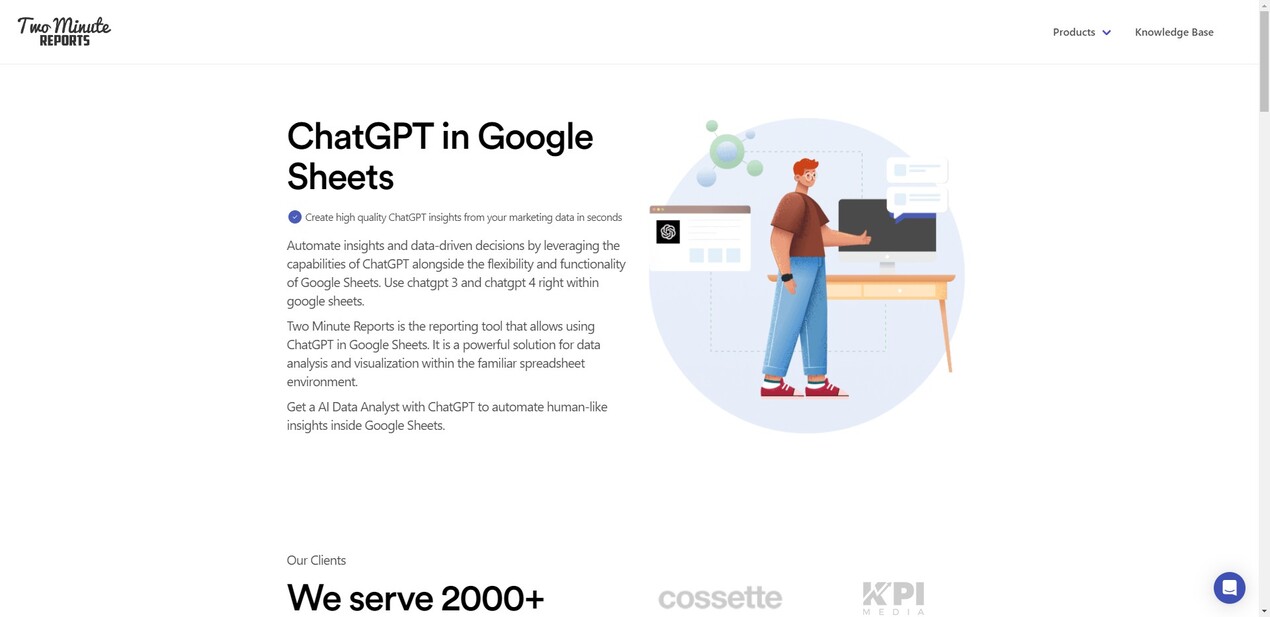
Unlock the power of AI in your data analysis with ChatGPT for Google Sheets. This tool allows you to seamlessly integrate advanced AI capabilities into your spreadsheets, automating insights and streamlining reporting processes. With features like automated reporting, predictive analytics, and sentiment analysis, you can elevate your data game and make informed decisions faster. Trusted by over 4000 brands and agencies, it's the reporting solution you've been waiting for.
Key Features:
🤖 AI Sidekick
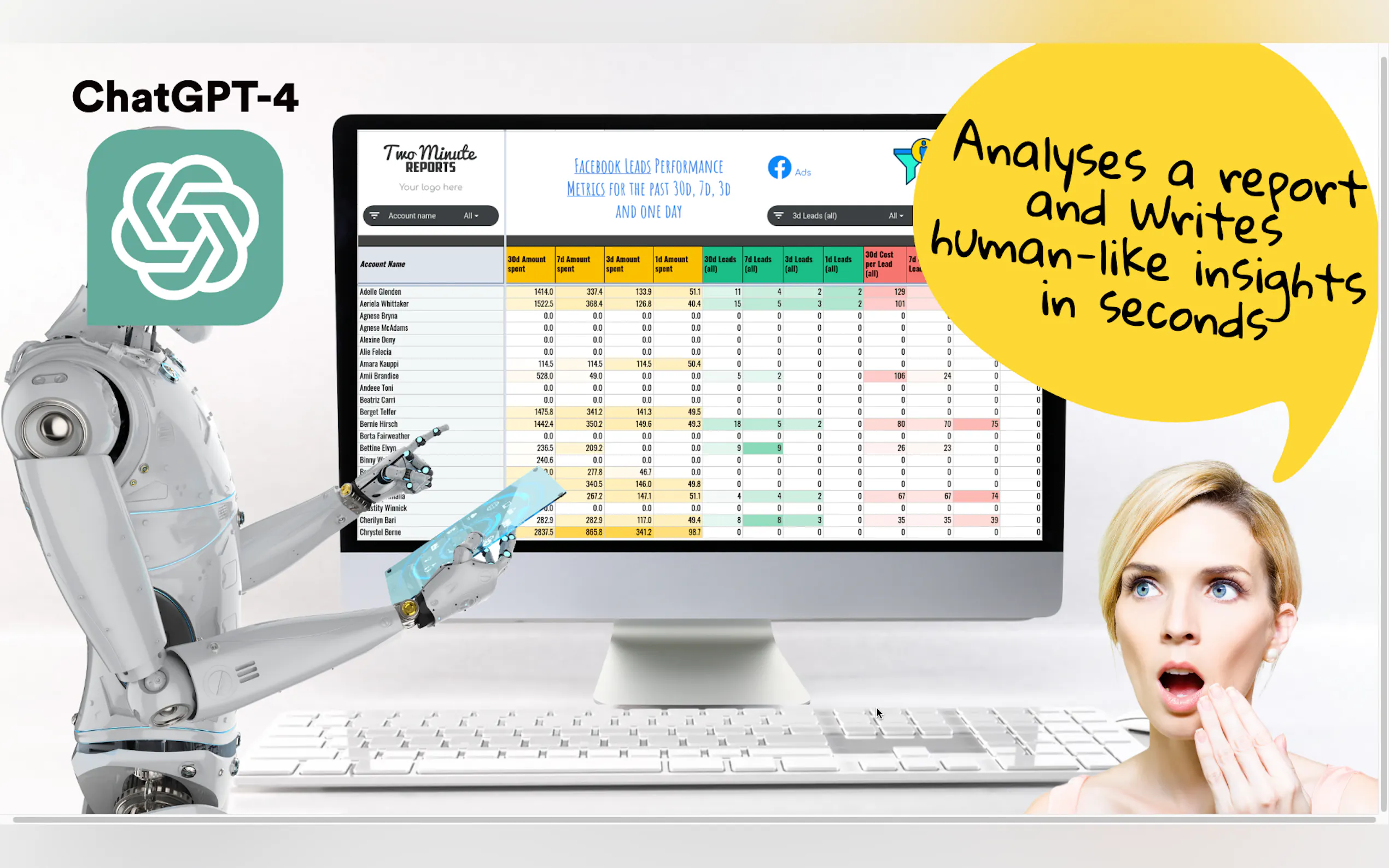
Automate human-like summaries, recommendations, and next best actions with ChatGPT's analysis.🚀 Accelerated Insights
Get advanced predictive analytics and uncover hidden patterns in your data for better decision-making.📊 Sentiment Analysis
Understand the emotional tone behind client feedback and social media interactions to fine-tune your strategies.⚠️ Anomaly Detection
Identify unusual patterns or outliers in your data that could indicate issues or opportunities.
Use Cases:
Marketing Performance Analysis
A digital marketing agency uses ChatGPT for Google Sheets to analyze performance data from multiple channels. They quickly uncover insights that help optimize their client's marketing strategies, leading to a 20% increase in ROI.Client Reporting Automation
A marketing consultant sets up automated email reporting with ChatGPT-generated summaries. This not only saves time but also enhances client transparency, resulting in stronger relationships and trust.E-Commerce Data Insights
An e-commerce business integrates ChatGPT with Google Sheets to pull data from various sources like Shopify, Google Analytics, and social media. The insights gained help them identify best-selling products and underperforming ads, leading to more targeted marketing efforts.
Conclusion:
ChatGPT for Google Sheets is a game-changer for anyone looking to elevate their data analysis and reporting. With its powerful AI features, you can automate tedious tasks, gain deeper insights, and make data-driven decisions with confidence. Trusted by thousands of brands, it's the tool you need to streamline your reporting processes and maximize client insights.
More information on ChatGPT in Google Sheets
Launched
2018-03
Pricing Model
Free Trial
Starting Price
Global Rank
709777
Follow
Month Visit
38.9K
Tech used
Google Analytics,Google Tag Manager,Next.js,Webpack,Nginx,Ubuntu,Intercom
Top 5 Countries
11.31%
10.16%
7.21%
4.78%
4.76%
India
United States
Brazil
Vietnam
Thailand
Traffic Sources
4.97%
0.83%
0.12%
8.67%
51.35%
33.54%
social
paidReferrals
mail
referrals
search
direct
Source: Similarweb (Sep 24, 2025)
ChatGPT in Google Sheets was manually vetted by our editorial team and was first featured on 2023-05-20.
Related Searches
ChatGPT in Google Sheets Alternatives
Load more Alternatives-

Like ChatGPT, but from Google Sheets. Get help with inspiration, categorization, translation, correction, summarization with the GPT function.
-

-

Boost productivity with ChatGPT in Google Workspace. Seamlessly integrated into Docs, Sheets, Slides, Drive, and Gmail. AI-powered assistance at its best!
-

-

Websheet AI seamlessly integrates ChatGPT into Google Sheets, enhancing productivity with smart functions, AI chat, ready templates, and user-friendly interface. Transform your spreadsheet experience