

What is TalkTastic for macOS?
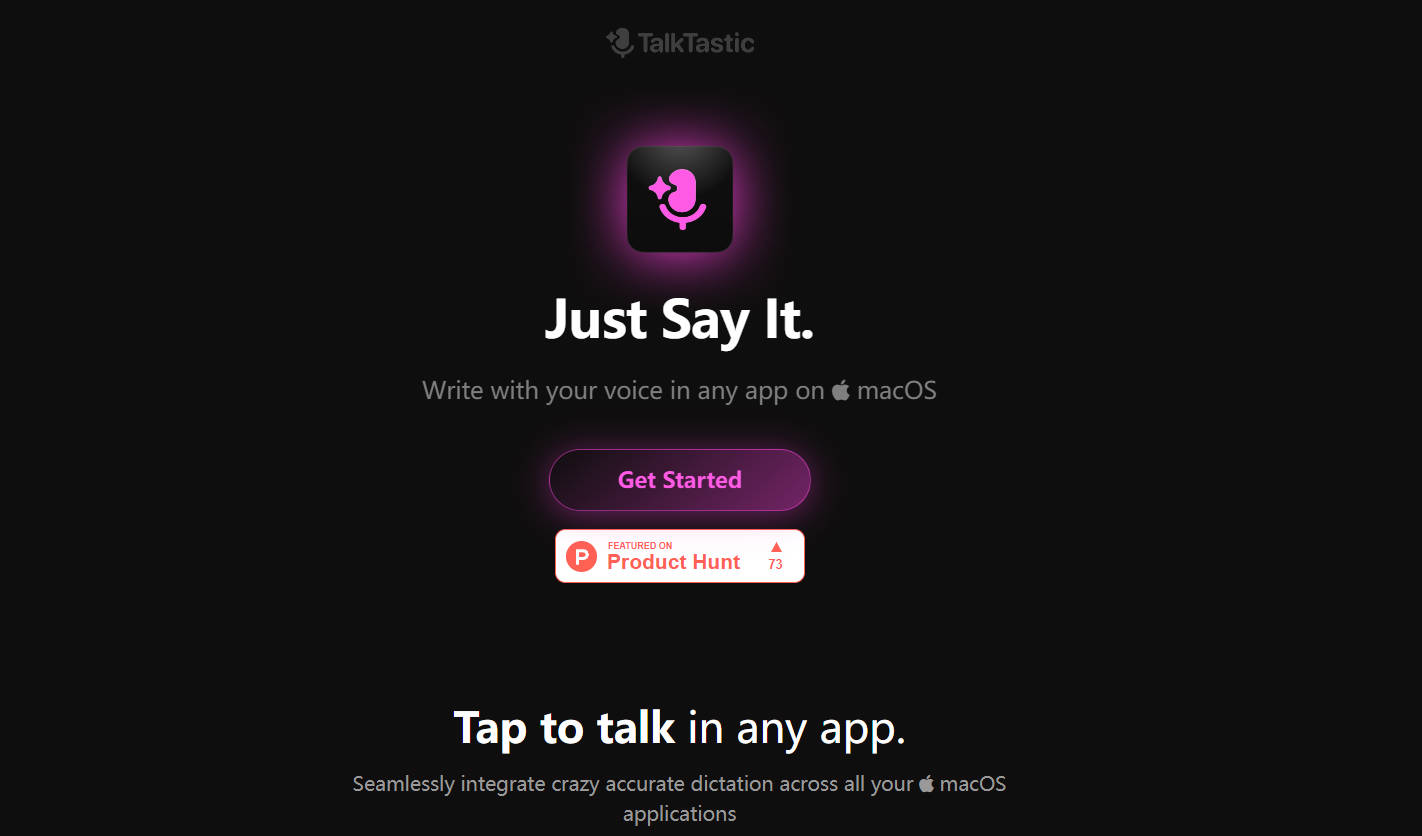
TalkTastic revolutionizes the way you interact with your macOS applications. This innovative voice keyboard understands your personal context, offering smart rewrites and AI transcripts with superhuman accuracy. It’s not just about dictation; it’s about seamlessly integrating your voice into your workflow, enhancing productivity while maintaining your privacy.
Key Features:
🌐 Seamless Integration: Dictate in any macOS app effortlessly.
Experience the freedom of voice typing across all your favorite applications.
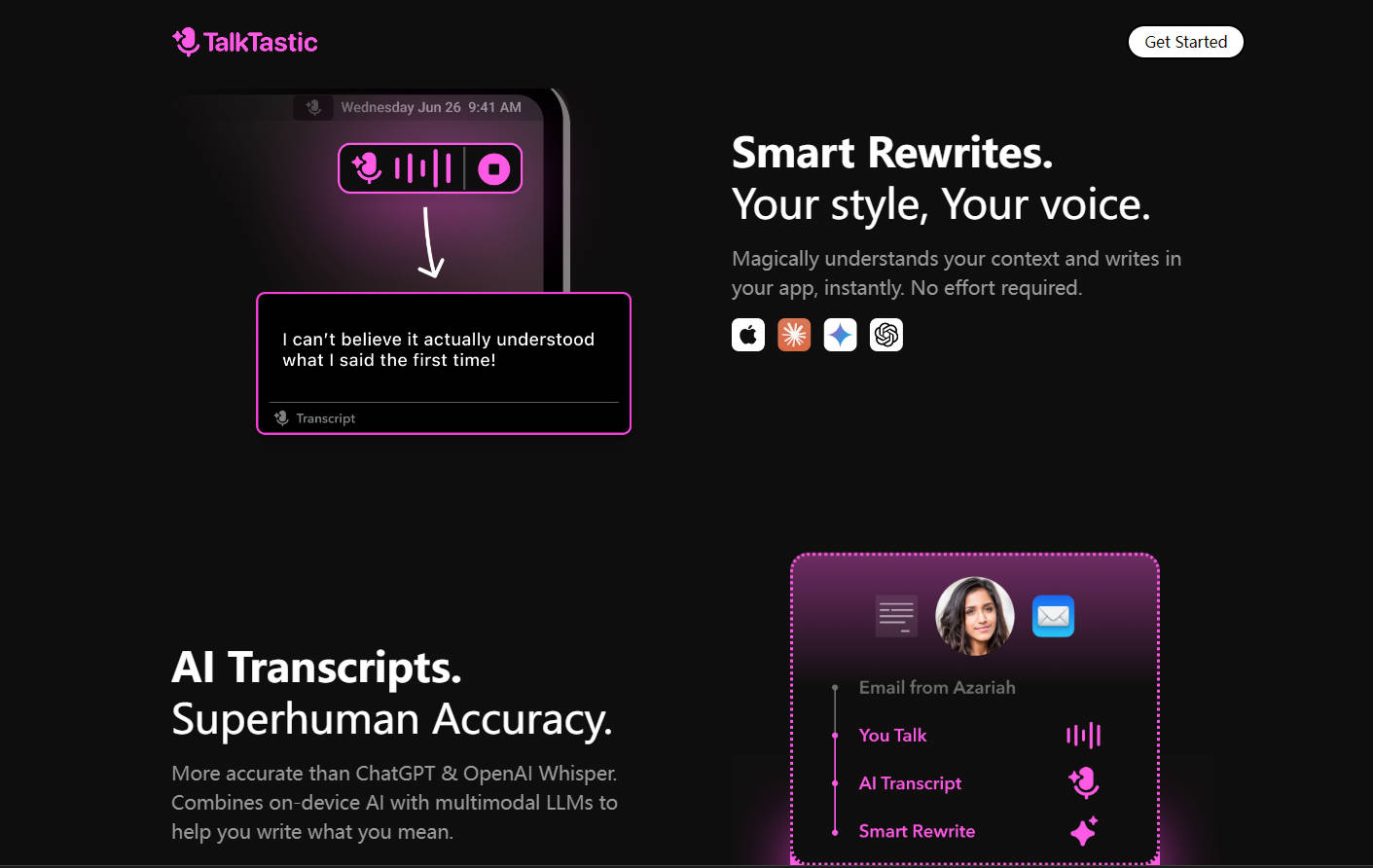
📝 Smart Rewrites: Your style, your voice, instantly transformed into text.
TalkTastic adapts to your writing style, ensuring your voice is accurately reflected in your documents.
🎤 AI Transcripts: Superhuman accuracy for error-free dictation.
Leveraging advanced AI, TalkTastic outperforms traditional speech recognition tools in accuracy.
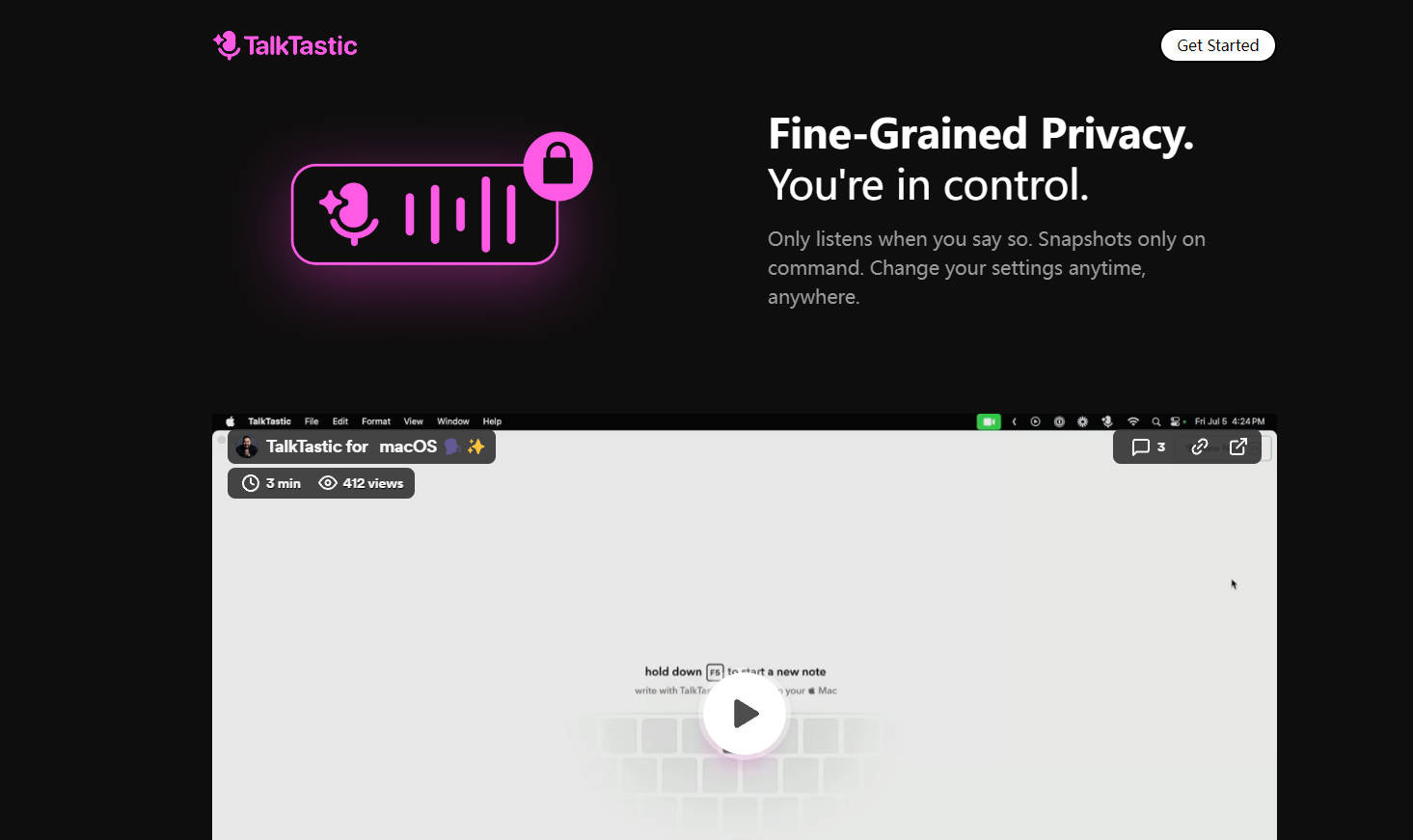
🔒 Fine-Grained Privacy: You’re in control of your data.
Only active when you speak, with the option to snapshot on command and adjust settings at any time.
Use Cases:
Professional Efficiency: A busy lawyer dictating case notes directly into their legal software, with TalkTastic accurately transcribing legal terms and client names.
Creative Flow: A writer using TalkTastic to draft a novel, benefiting from the software’s ability to adapt to the narrative tone and character dialogue.
Accessibility: An individual with motor difficulties using TalkTastic to navigate and communicate on their computer, enjoying the ease of voice control and accurate transcription.
Conclusion:
TalkTastic is more than just a voice-to-text tool; it’s a productivity enhancer that respects your privacy. With its ability to integrate into any macOS app and understand your personal context, it’s a must-try for anyone looking to streamline their digital workflow. Experience the future of voice dictation – Get started with TalkTastic today!
More information on TalkTastic for macOS
Launched
2014-09
Pricing Model
Free
Starting Price
Global Rank
4175374
Follow
Month Visit
<5k
Tech used
Google Analytics,Google Tag Manager,cdnjs,Cloudflare CDN,Vercel,Gzip,OpenGraph,HSTS,Intercom
Top 5 Countries
63.81%
16.18%
9.26%
5.87%
2.31%
United States
Vietnam
Israel
Indonesia
United Kingdom
Traffic Sources
10.44%
1.08%
0.37%
6.79%
39.61%
41.71%
social
paidReferrals
mail
referrals
search
direct
Source: Similarweb (Sep 24, 2025)
TalkTastic for macOS was manually vetted by our editorial team and was first featured on 2024-07-16.
Related Searches
TalkTastic for macOS Alternatives
Load more Alternatives-

-

-
-

-

Superwhisper: Dictate on Mac & iPhone in 100+ languages. Offline & private. Customize vocabulary. Transcribe audio (Pro).